Combine Multiple Word Documents Into One Pdf Mac How To Combine Multiple Word Documents Into One PDF The Complete How To Combine Multiple Word Documents Into One Single Document In Ms Combining Multiple Pdfs Into A Single Pdf Gambaran How To Combine Word Documents Into One PDF EaseUS Merge Multiple PDF Files Into A Single PDF Combine All PDFs Yes you can combine PDF files on a Mac using Adobe Reader This is one of the most common methods for combining two or more PDF files into a single document To merge PDF files follow these steps Open the Adobe Reader app on your Mac computer device
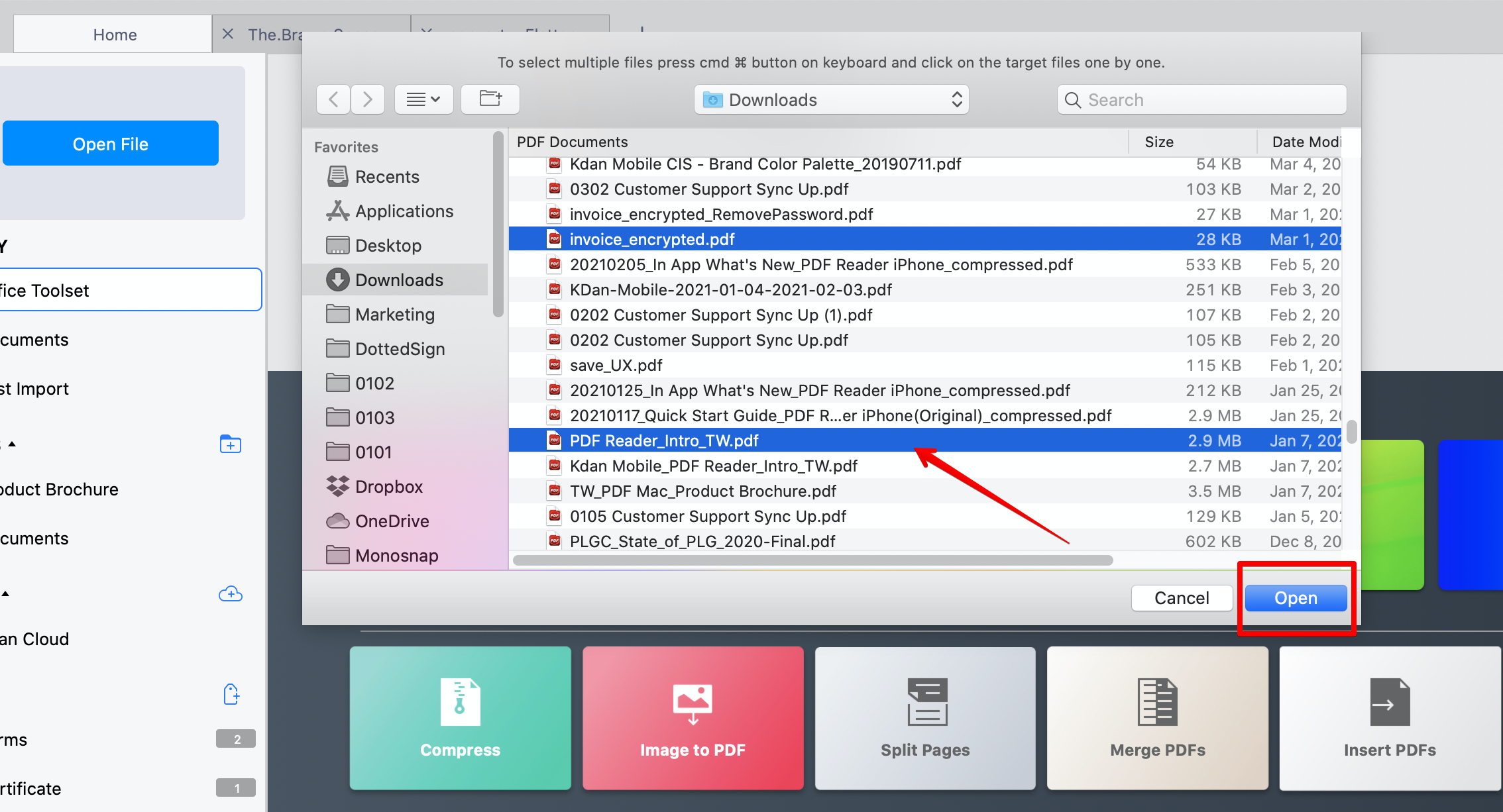
Hold the Command key and click on the files to select the ones you want to combine Next right click or Control click to access various options Here select Quick Actions which is located at the bottom Now click on Create PDF to Or drop files here Combine PDF files to create a single document online for free It s easy to merge PDFs with our PDF combiner No watermarks and no file size limits Merge multiple PDFs into one in seconds Drag drop your PDFs to start easy Works on Mac Windows Android and iOS
Merge Multiple PDF Files Into A Single PDF Combine All PDFs Download Combine Word Documents 4dots For Windows 11 10 7 8 8 1 64 How To Combine Merge Multiple Word Documents Into One How To Combine Or Merge Word And PDF Documents Together YouTube How To Combine PDF Files Into One Document How To Combine PDFs Into One YouTube How To Merge Multiple Microsoft Word Documents Bank2home How To Combine Multiple Documents Into One PDF File In Word How To Combine Multiple Word Documents Into One PDF Simul Docs
Combine Multiple Word Documents Into One Pdf Mac
 Combine Multiple Word Documents Into One Pdf Mac
https://i.ytimg.com/vi/vOk24MS-qno/maxresdefault.jpg
How to Combine PDF Files on a MacBook Online for Free Open up the Merge PDF tool Upload as many PDF documents as you d like Arrange the files order on the preview window Hit Merge PDF and download your file Merge PDF files on your MacBook or any other OS using Smallpdf
Pre-crafted templates offer a time-saving solution for developing a diverse series of documents and files. These pre-designed formats and designs can be used for numerous individual and expert tasks, including resumes, invites, leaflets, newsletters, reports, discussions, and more, streamlining the content development procedure.
Combine Multiple Word Documents Into One Pdf Mac
How To Combine Multiple Microsoft Word Files Into A One Document
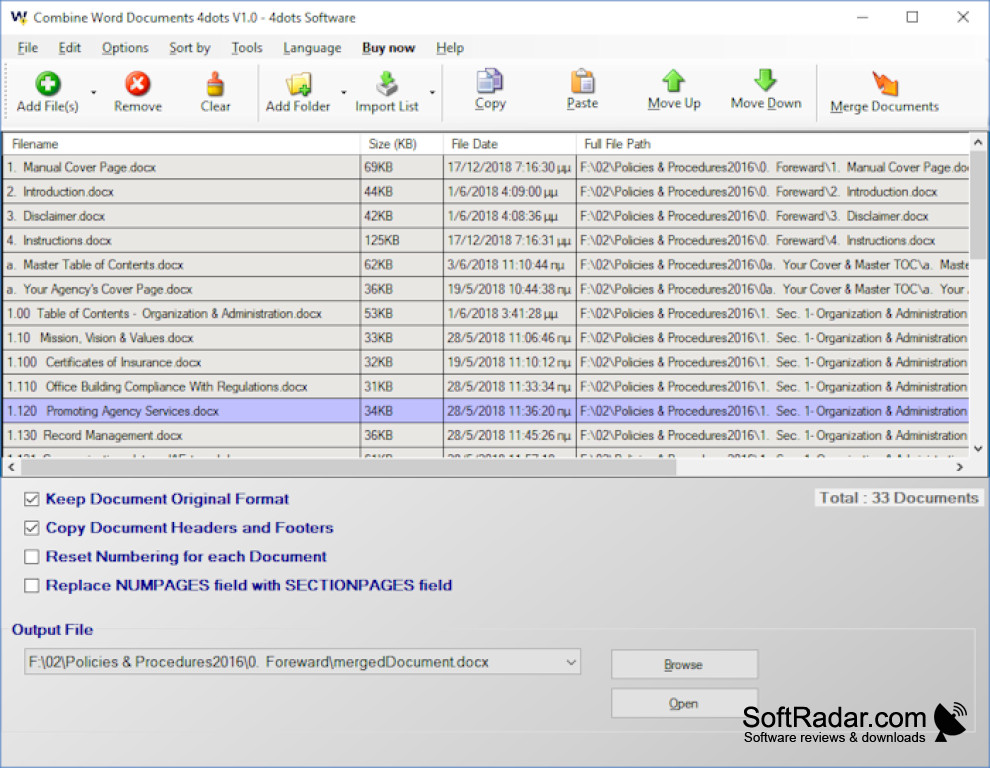
Download Combine Word Documents 4dots For Windows 11 10 7 8 8 1 64

How To Combine Merge Multiple Word Documents Into One
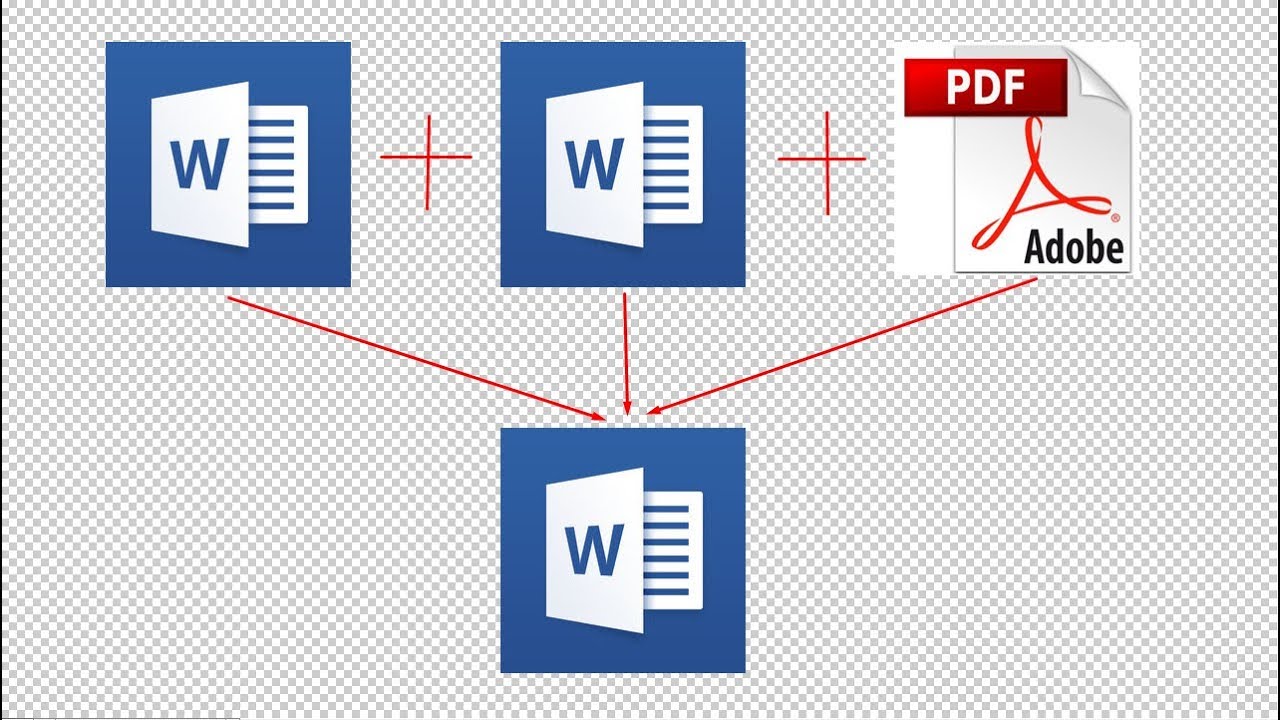
How To Combine Or Merge Word And PDF Documents Together YouTube
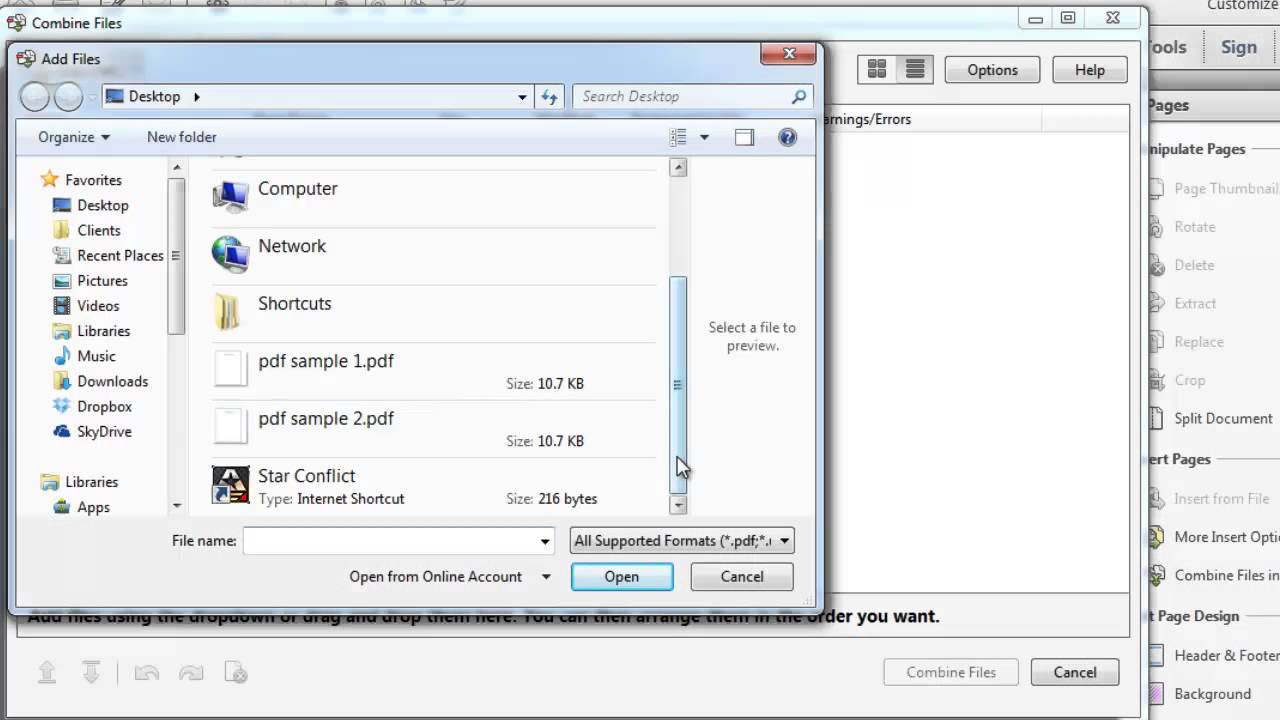
How To Combine PDFs Into One YouTube
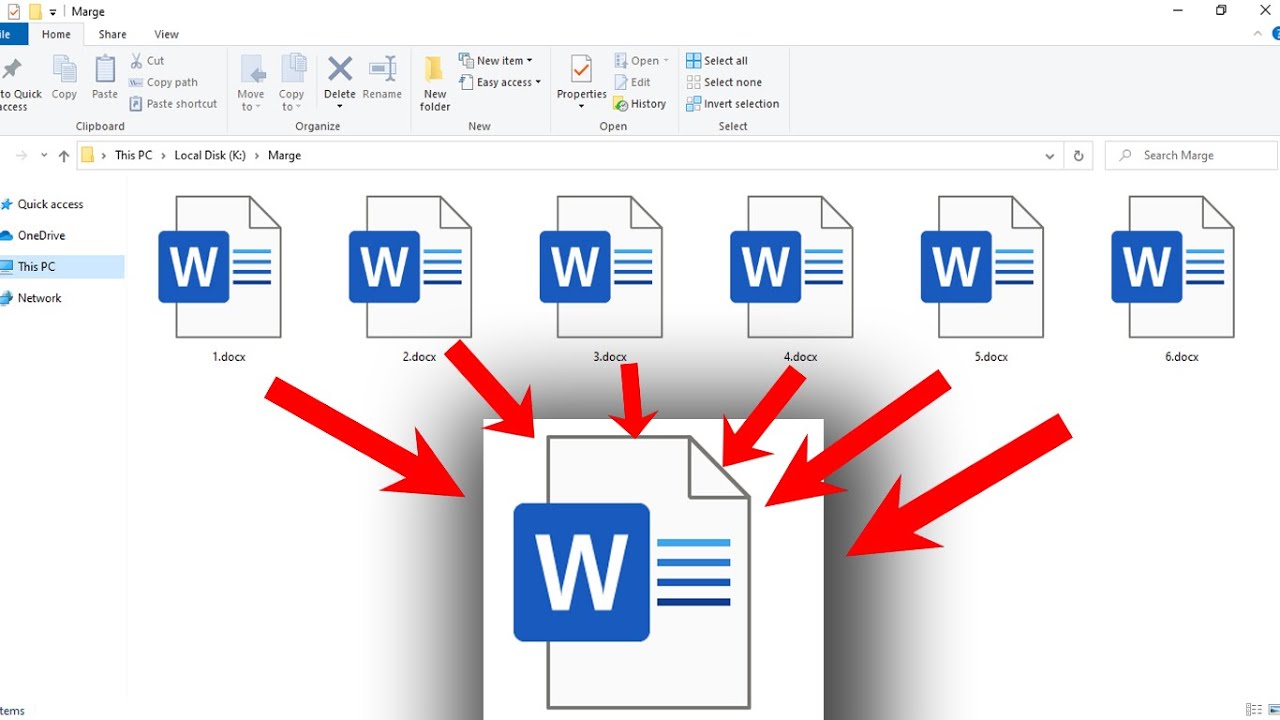
How To Merge Multiple Microsoft Word Documents Bank2home
Open the PDFs that you want to combine in Preview In each document choose View Thumbnails to show page thumbnails in the sidebar Press and hold the Command key select the page thumbnails that you want to add to the other document then release the key
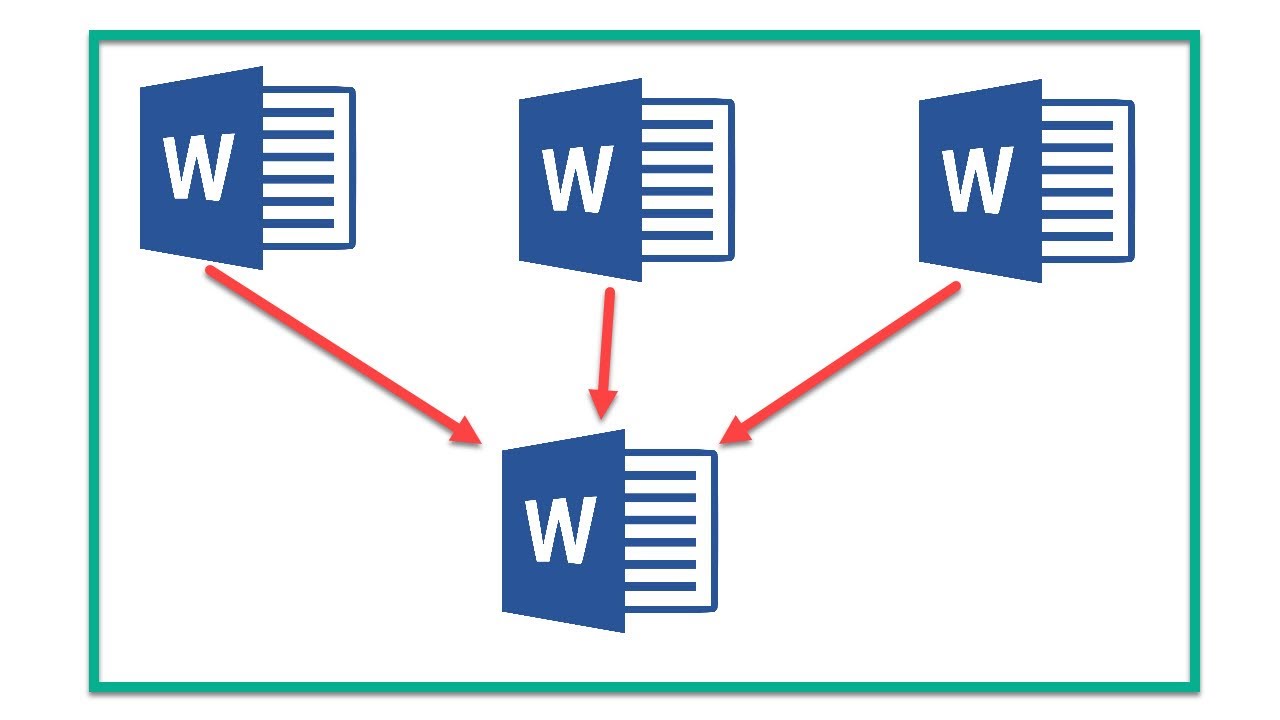
Use the Combine Files tool to merge Word Excel PowerPoint audio or video files web pages or existing PDFs Acrobat lets you preview and arrange the documents and pages before creating the file You can delete unwanted pages and move individual pages from a document anywhere among the combined pages
How to Merge PDFs Using Smallpdf There are times when life doesn t hand you a complete PDF If you re left with multiple pages or a PDF document in multiple parts you ll want to merge it into a single file on your Mac before sending it out Here s how to do that using built in tools and online
1 How to combine PDF files on a Mac for free with Acrobat online tools The Merge tool makes it simple to combine PDF files whether you re working on a Mac a PC or a mobile device like an iPhone or iPad Drag and drop the files you want to merge into the drop zone Reorder the files if needed Click Merge files Download the merged PDF 2

Merge Word to PDF files in order you want Modern free online conversion tool is created to fast join multiple files into a single document This Word to PDF convert app responds to a request to make documents easier to send share print and review
This free and easy to use online tool allows combining multiple PDF or images files into a single PDF document without having to install any software Select up to 20 PDF files and images from your computer or drag them to the drop area The Acrobat Merge PDFs tool lets you create a merged single PDF document of up to 1 500 pages You can combine up to 100 files with each individual file limited to 500 pages
All you need to do is go into the app enter the Choose Files page select the PDFs you want to merge and click Next From there all you need to do is tap Merge PDFs and you re done You can choose the order of the PDFs you want to merge if you wish to do so beforehand too