Collect Data From Multiple Excel Files Into One Combine Multiple Excel Files Into One Using C Collect Data From Multiple Excel Files YouTube Combine Data From Multiple Excel Files With Inconsistent Column Names 9 Steps To Combine Multiple Excel Files In 1 Minute Excel Tips Vba Code To Open Excel File And Copy Sheet Ikariyube Combine files Click on Get Data in the Data Ribbon then choose From File and Folder Paste the path you copied in the previous step into the
1 Move all of the files you want to combine into one folder 2 In Excel go to the Data tab 3 Press Get Data From File From Folder Just click on Merge Files on the Professor Excel ribbon select your files Just click on Merge Files on the Professor Excel ribbon select
Vba Code To Open Excel File And Copy Sheet Ikariyube Sorting Data In MS Excel 2013 And 2016 YouTube VBA How To Merge Multiple Excel Files Into One But Different Sheets Combine Excel Worksheets Into One How To Combine Multiple Excel Files Into One Whilst Merging Row Data Import Multiple Excel Files With Multiple Sheets In Excel YouTube How To Merge Combine Multiple Excel FILES Into ONE WORKBOOK Pull Specific Data From Multiple Excel For Mac Files Into One Zoompinoy How To Combine Data From Multiple Worksheets In Excel 2010 Free Printable
Collect Data From Multiple Excel Files Into One
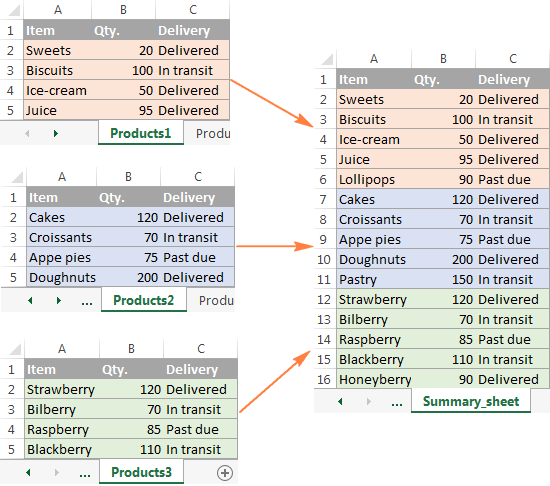 Collect Data From Multiple Excel Files Into One
https://blog.conholdate.com/total/combine-multiple-excel-files-into-one-using-csharp/images/merge-sheets-excel.png#center
In the Combine Files dialog box that opens select Data in the left pane Note that Power Query shows you the worksheet name from the first file This file
Pre-crafted templates use a time-saving option for developing a varied series of files and files. These pre-designed formats and designs can be used for numerous personal and expert jobs, consisting of resumes, invitations, leaflets, newsletters, reports, presentations, and more, simplifying the material production process.
Collect Data From Multiple Excel Files Into One

Merge Multiple Excel Files Into One Single File By Shantoalfahad Fiverr
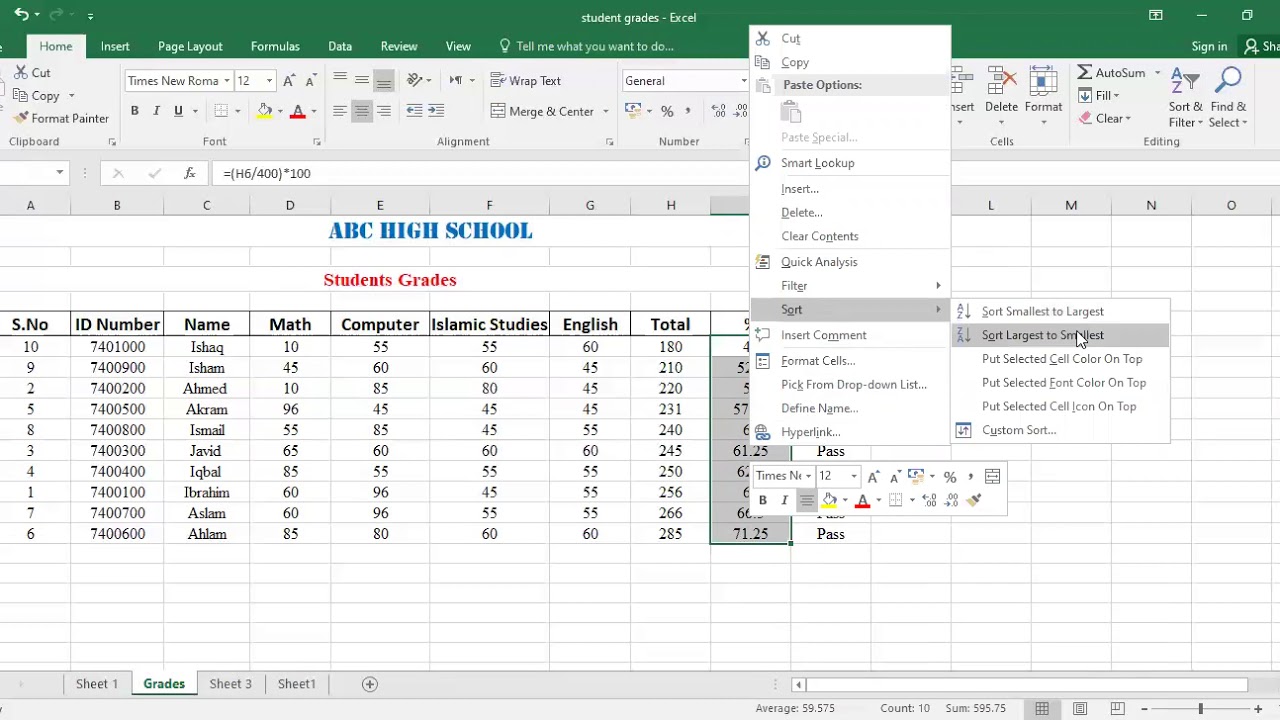
Sorting Data In MS Excel 2013 And 2016 YouTube
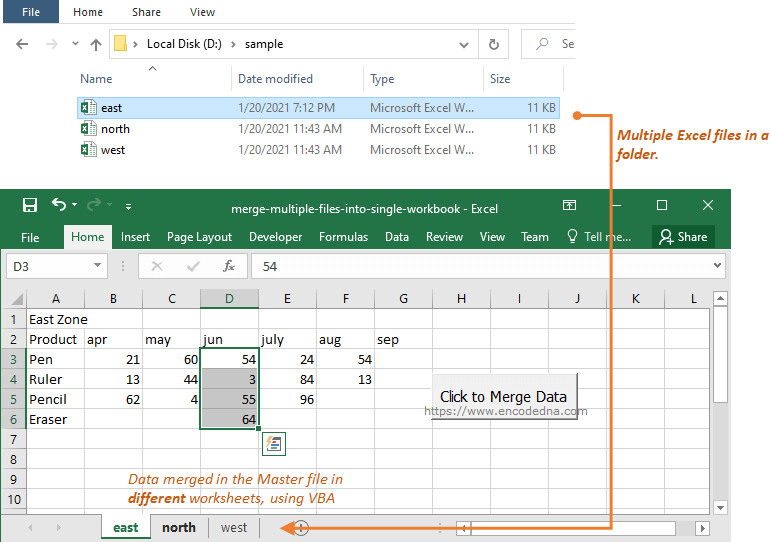
VBA How To Merge Multiple Excel Files Into One But Different Sheets
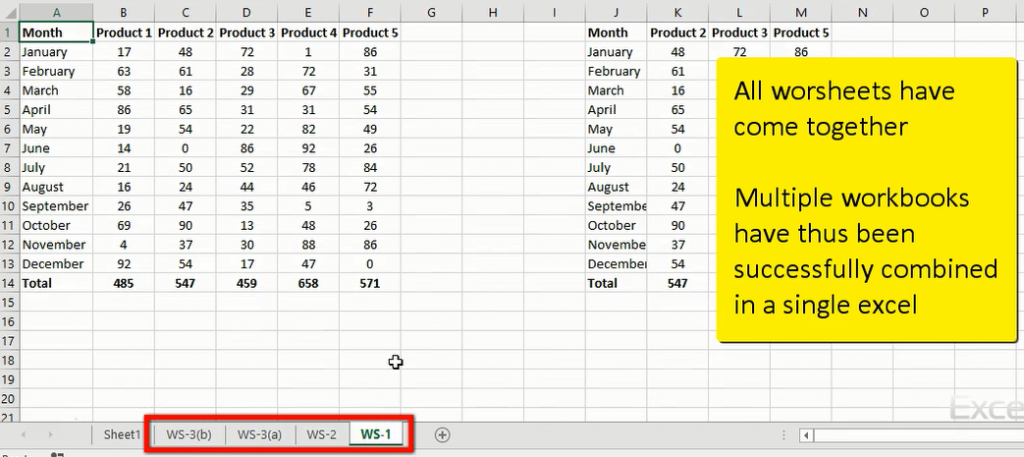
Combine Excel Worksheets Into One

Import Multiple Excel Files With Multiple Sheets In Excel YouTube

How To Merge Combine Multiple Excel FILES Into ONE WORKBOOK
Power Query is the best way to merge or combine data from multiple Excel files in a single file You need to store all the files in a single folder and then

How to Merge Excel Files Without Using VBA 4 Easy Ways Combine Multiple Excel Files
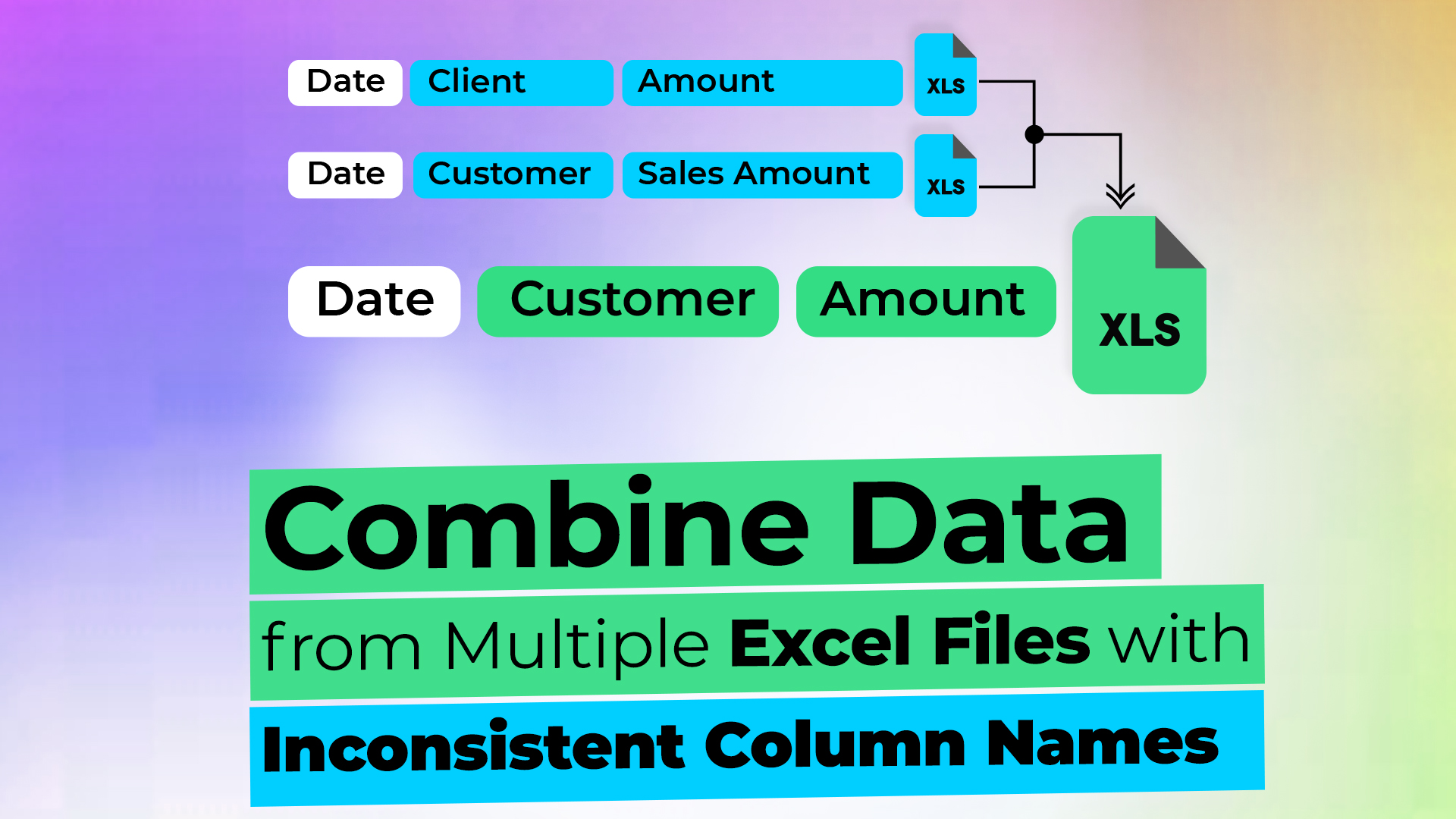
Consolidate Data from Multiple Excel Files Consolidate Data from Multiple Excel Files

Need to automatically combine all files in a folder to One Excel workbook You are going to
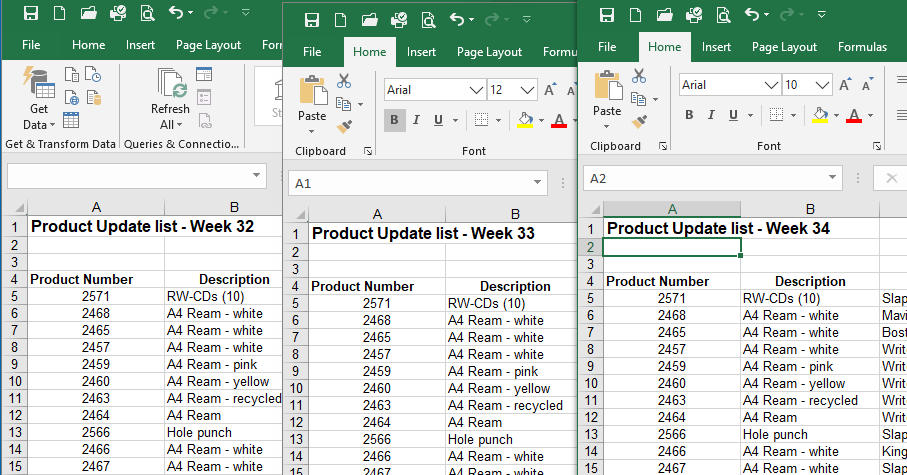
Move every file you want to merge into a single folder or organized in subfolders Select the Data tab Click Get Data then From File and
Sheetgo enables you to combine data from an unlimited amount of source files into one Instead of selecting each file manually you can save time and automate Click the Consolidate in the data tab Select the function to combine multiple files Pull data from multiple excel files by clicking the
First go to the data ribbon under Get data go to from file and then click on from both then