Civil 3d Settings Tab User Guide Mastering Civil 3D Templates Managing Civil 3D Settings Pt 2 Of 3 Assigning Default Styles Autocad Civil 3D Skills 5 2 Toolspace Survey Tab YouTube Civil 3D Settings API Land XML Autodesk Community 05 Civil 3D Settings Hierarchy YouTube Tabs and panels can be customized in the Ribbon according to what you want to see Below is the basic Ribbon with a few extra tabs Right click on the Ribbon to
This video shows you the purpose of the Settings tab This will enable you to begin configuring the many settings within Civil 3D that Watch this video and more on CIVIL3D TV 05 Exploring the Toolspace Settings Tab Civil
05 Civil 3D Settings Hierarchy YouTube About Drawing Settings Civil 3D 2020 Autodesk Knowledge Network Exploring The Toolspace Settings Tab In Civil 3D 2023 CIVIL3D TV How To Set PhysX Configuration In Nvidia Control Panel On Windows 10 Managing Civil 3D Assemblies Using The Prospector Tab YouTube Settings In AutoCAD Civil 3D AutoCAD Civil 3D In Hindi Urdu PART Review Grading Settings In Civil 3D 2021 Autocad Civil 3D Training Civil 3d Tutorial Beginner Guide On Basic Settings Part 1 YouTube Civil 3D Drawing Settings YouTube
Civil 3d Settings Tab
 Civil 3d Settings Tab
https://s3.amazonaws.com/thinkific/file_uploads/182280/images/05a/e5e/ee9/1578635169617.png
Have you ever found tabs missing from Toolspace Well there is an easy solution to get them to show up again On the Home Tab of the ribbon
Templates are pre-designed documents or files that can be used for various purposes. They can save time and effort by offering a ready-made format and design for producing different sort of material. Templates can be used for personal or professional jobs, such as resumes, invites, leaflets, newsletters, reports, presentations, and more.
Civil 3d Settings Tab

About AutoCAD Civil 3D Settings Civil 3D 2018 Autodesk Knowledge

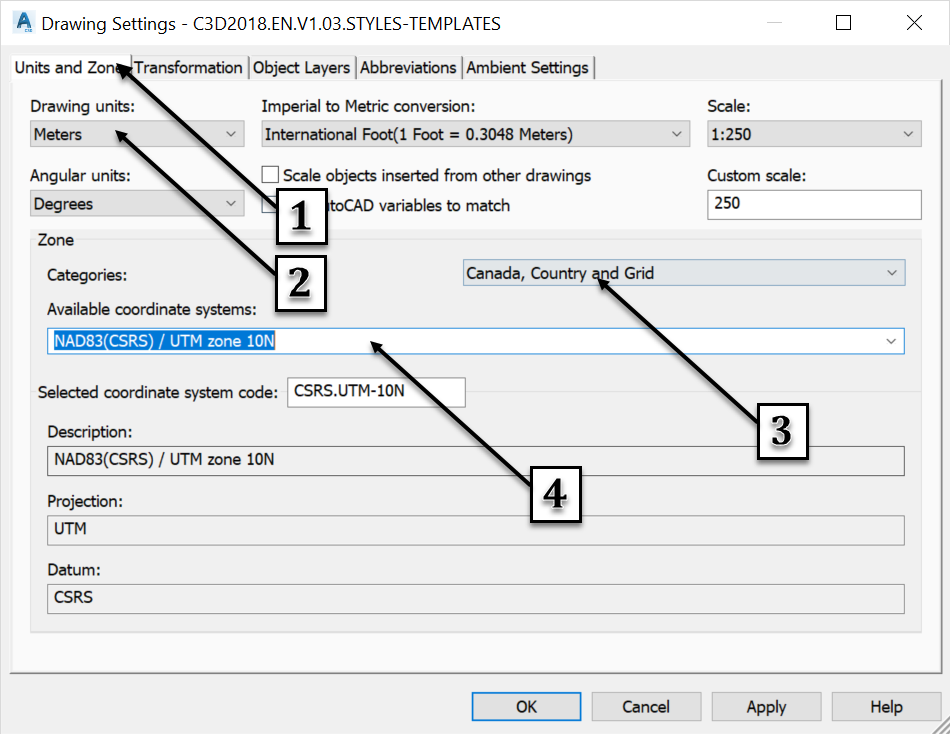
About Drawing Settings Civil 3D 2020 Autodesk Knowledge Network

Exploring The Toolspace Settings Tab In Civil 3D 2023 CIVIL3D TV
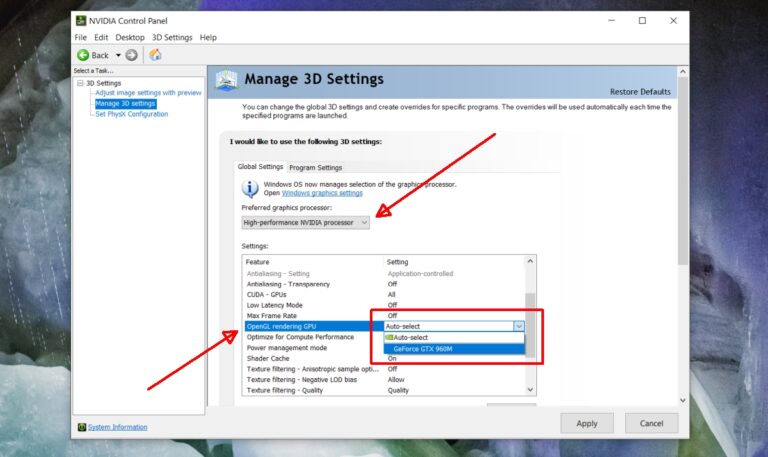
How To Set PhysX Configuration In Nvidia Control Panel On Windows 10

Settings In AutoCAD Civil 3D AutoCAD Civil 3D In Hindi Urdu PART

Review Grading Settings In Civil 3D 2021 Autocad Civil 3D Training
Overview of the Prospector s Settings tab in Civil 3D

In this video we ll cover the Prospector Settings Survey and Toolbox tabs under the

05 Exploring the Toolspace Settings Tab in Civil 3D 2023 CIVIL3D CIVIL3D IMPORT FIELD BOOK FILE AND EDIT Create Section Views and Section Sheets in Civil 3D

Civil 3D can be customized to match most any workflow or CAD standard For that reason it
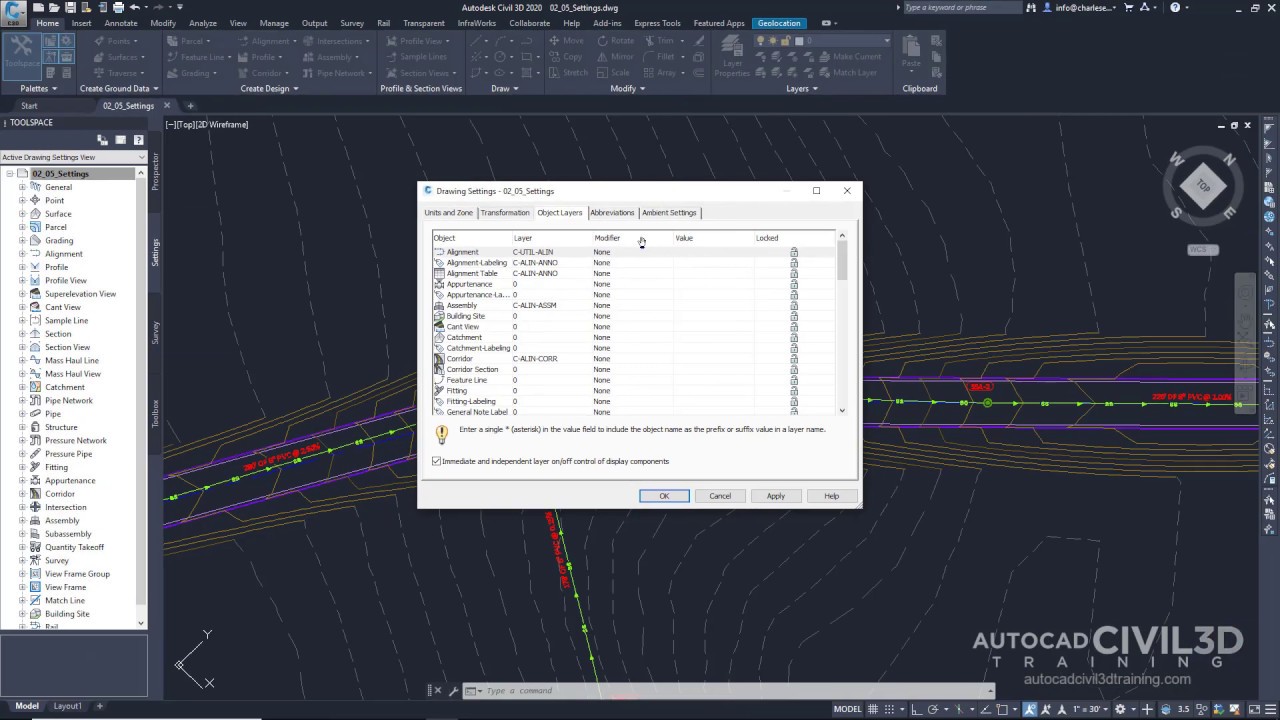
The Civil 3D Toolspace is the main window for managing data settings and styles in Civil 3D It is accessible from the Ribbon on the Palettes panel
Toolspace Settings Tab Get AutoCAD Civil 3D 2014 now with the O Reilly learning platform O Reilly members experience books live events courses curated by The Toolspace can house four tabs Prospector Settings Survey and Toolbox prospector tab Prospector is arguably the most important part of the Civil 3D
Civil 3D 2021 1 Known Defect with Prospector and Settings buttons Uninstall the 2020 1 Update and then you have to reset the settings back to