Cisco Ise Reset Cli Password From Gui Ise Gui Password Reset Lasopafest Ise Gui Password Reset Lasopafest How To Recover Password For Cisco ISE GUI Networkhunt AD Integration For Cisco ISE GUI And CLI Login Cisco AD Integration For Cisco ISE GUI And CLI Login Cisco If your password is different for CLI and GUI and just want to reset the password for Cisco GUI then you don t need to reset the password for Cisco CLI Reset or recover admin password for Cisco ISE SNS 3695 3655 3615 Appliance cli To reset or recover password for Cisco ISE GUI
Step 1 Log in to the Cisco ISE CLI admin account using SSH or console Remember that the console admin account is different than the web UI admin account They have the same username but can have different passwords Step 2 From the command prompt use the application reset passwd ise admin command to set a new web UI admin password Reset CLI Password First of all you need to login to the CLI with the old password and it will prompt you to change the password for a new one if done using SSH Otherwise use the password command at the prompt 1 2 3 4 DKVIB02ISE02 admin password Enter old password Enter new password Confirm new password Reset GUI Password
AD Integration For Cisco ISE GUI And CLI Login Cisco Recover Admin Password For Cisco ISE CLI Networkhunt VMWare VSphere Managing Password Expiration Settings Windows OS Hub IBM Guardium V11 2 Collector Installation Notes Info Security Memo How To Recover Password For Cisco ISE GUI Networkhunt Pwdlyser Python based CLI Password Analyser Reporting Tool Password Cracking Hacking Cisco ISE Reset Locked Out Admin Password YouTube Resetting Cisco Switch Weekendqlero Pe iak Skrutka Povode How To Reset Router In Gns3 Prehliadnu Dobrovo n k Pol cia
Cisco Ise Reset Cli Password From Gui
 Cisco Ise Reset Cli Password From Gui
https://lasopafest571.weebly.com/uploads/1/2/9/3/129370292/460364750.png
Reset the Admin CLI password node by node Unmount ISO file Verify successful password change Change the GUI admin password Optional Disable Admin password expiry Optional Request a change window if required
Pre-crafted templates use a time-saving service for producing a diverse variety of files and files. These pre-designed formats and designs can be used for numerous individual and professional tasks, including resumes, invites, flyers, newsletters, reports, discussions, and more, enhancing the content creation procedure.
Cisco Ise Reset Cli Password From Gui

Cisco ISE CLI ADE OS Show Running config Grandmetric

Recover Admin Password For Cisco ISE CLI Networkhunt

VMWare VSphere Managing Password Expiration Settings Windows OS Hub

IBM Guardium V11 2 Collector Installation Notes Info Security Memo

Pwdlyser Python based CLI Password Analyser Reporting Tool Password Cracking Hacking
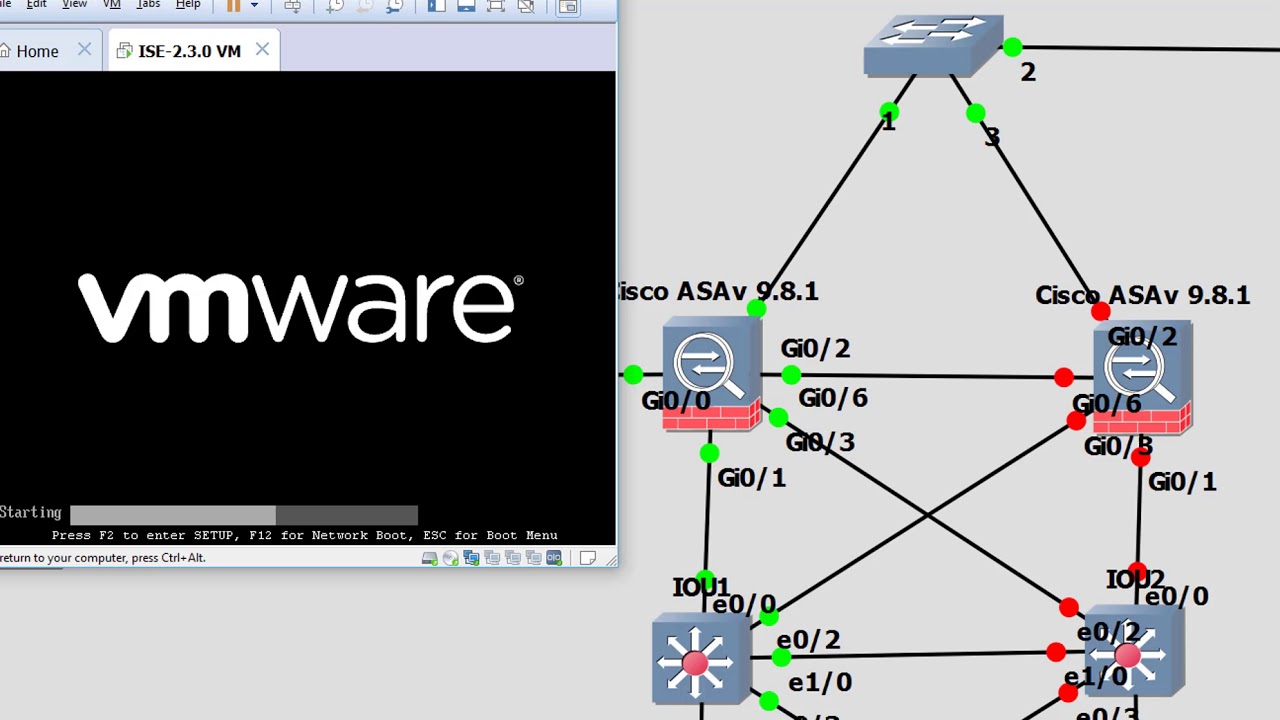
Cisco ISE Reset Locked Out Admin Password YouTube

Cisco Identity Services Engine ISE is an identity based network access control and policy enforcement system It functions as a common policy engine that enables endpoint access control and network device administration for enterprises

Reset a Disabled Password Due to Administrator Lockout Differences Between CLI Admin and Web Based Admin Users Tasks The username and password that you configure when using the Cisco ISE setup program are intended to be used for administrative access to the Cisco ISE CLI and the Cisco ISE web interface

Reset a Lost Forgotten or Compromised Password Using a DVD Reset a Disabled Password Due to Administrator Lockout Return Material Authorization Change the IP Address of a Cisco ISE Appliance View Installation and Upgrade History Perform a System Erase Bond Ethernet Interfaces for High Availability
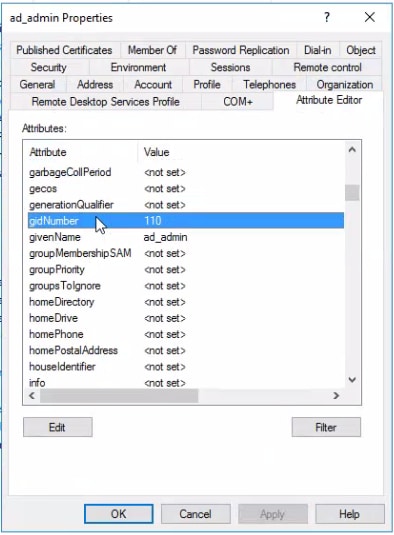
Product Support Security Cisco Identity Services Engine Command References Cisco Identity Services Engine CLI Reference Guide Release 1 0 4 Bias Free Language Bias Free Language The documentation set for this product strives to use bias free language
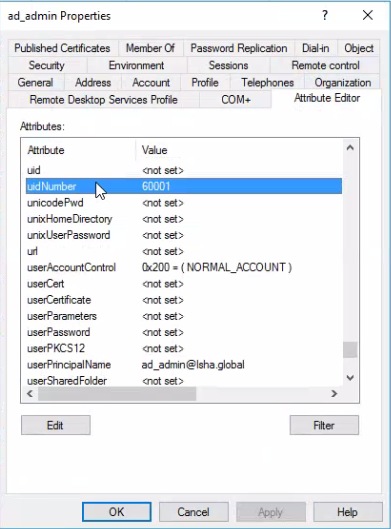
Step 1 After the Cisco ISE appliance reboot has completed launch a supported product such as PuTTY for establishing a Secure Shell SSH connection to a Cisco ISE appliance Step 2 In the Host Name or IP Address field enter the hostname or the IP address in dotted decimal format of the Cisco ISE appliance and click Open Step 3
Step 4 Enter exit in sequence at the command prompt to exit both Configuration and EXEC modes When you enter exit Cisco ISE backs you out one level and returns you to the previous level When you enter exit again Cisco ISE backs you out to the EXEC level ise admin config exit ise admin exit ISE Boot Menu If the appliance is a VM or is a physical appliance with a keyboard mouse attached choose 3 If the appliance is accessed via a serial console choose 4 The recovery menu now appears and asks which admin account to recover ISE Password Recovery Screen Choose the account and enter a new password
Reset a Disabled Password Due to Administrator Lockout Differences Between CLI Admin and Web Based Admin Users Tasks The username and password that you configure when using the Cisco ISE setup program are intended to be used for administrative access to the Cisco ISE CLI and the Cisco ISE web interface