Chrome Command Line Switches List Solved What Are The Chrome Command Line Switches 9to5Answer 10 Best Chrome Command Line Switches ChromeFixes Google Chrome Command Line Options YouTube How To Use Chrome Command Line Switches In Windows How To Use Chrome Command Line Switches In Windows Switches Chrome Chromium Chrome support command line arguments or flags also called switches They allow you to run Chrome with special options that can help you troubleshoot or enable particular
Type chrome exe followed by the space key and then the command line switches you want to run Note that they always begin with two dashes This is great for testing purposes but if you like a certain command and want to run it at all times you may want to make those changes permanent so that they are automatically used whenever you load Chrome 1 Answer Sorted by 18 Yes here they are Run Chromium with flags http www chromium developers how tos run chromium with flags List of Chromium Command Line Switches http peter sh experiments chromium command line switches Share Improve this answer Follow answered Feb 1 2013 at 14 09 sharp12345 791 1 6 15
How To Use Chrome Command Line Switches In Windows Switches Chrome List Of Google Chrome Command Line Switches GHacks Tech News List Of Google Chrome Command Line Switches GHacks Tech News List Of Google Chrome Command Line Switches GHacks Tech News 10 Best Chrome Command Line Switches ChromeFixes List Of Google Chrome Command Line Switches GHacks Tech News Google Chrome Command Line Switches YouTube List Of Google Chrome Command Line Switches GHacks Tech News List Of Google Chrome Command Line Switches GHacks Tech News
Chrome Command Line Switches List
 Chrome Command Line Switches List
https://sgp1.digitaloceanspaces.com/ffh-space-01/9to5answer/uploads/post/avatar/550212/template_what-are-the-chrome-command-line-switches-parameters20220607-436923-175mqxh.jpg
Chrome common chrome switches cc Disables the menu on the NTP for accessing sessions from other devices revealing plaintext passwords in the password manager Enables searching for people from the apps list search box Disables the usage of Portable Native Client
Templates are pre-designed documents or files that can be utilized for various purposes. They can save time and effort by providing a ready-made format and layout for creating various type of material. Templates can be used for individual or expert tasks, such as resumes, invitations, flyers, newsletters, reports, discussions, and more.
Chrome Command Line Switches List
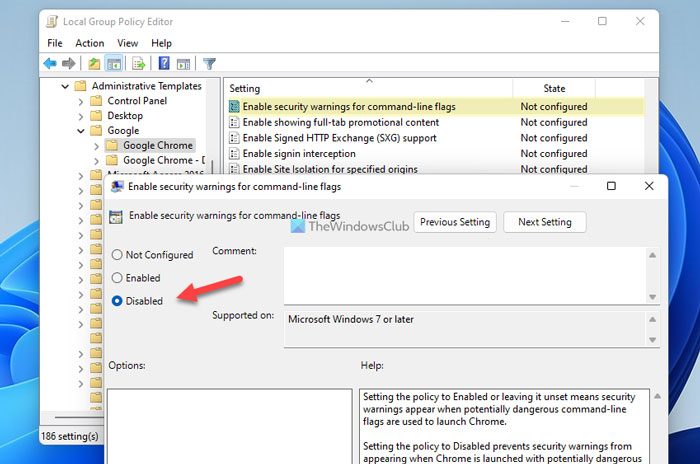
How To Open Google Chrome Command line Flags Without UAC

List Of Google Chrome Command Line Switches GHacks Tech News

List Of Google Chrome Command Line Switches GHacks Tech News

List Of Google Chrome Command Line Switches GHacks Tech News
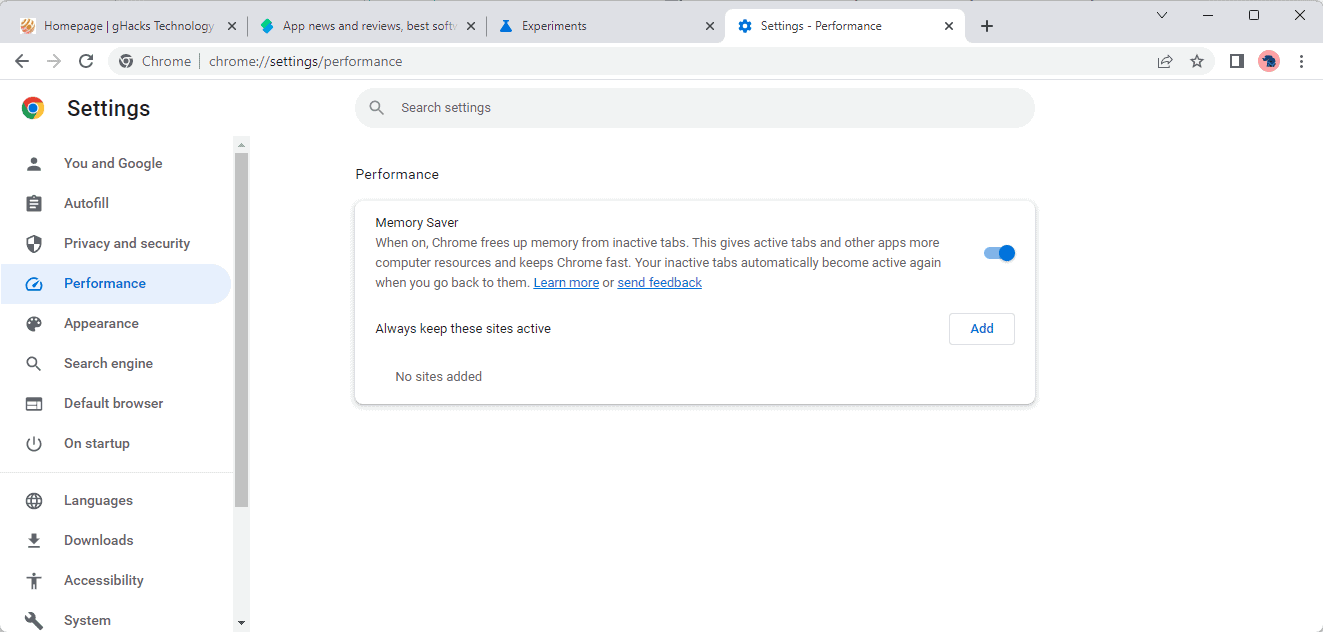
List Of Google Chrome Command Line Switches GHacks Tech News
Google Chrome Command Line Switches YouTube

There are lots of command lines which can be used with the Google Chrome browser Some change behavior of features others are for debugging or experimenting This page lists the available switches including their conditions and descriptions Last automated update occurred on 2023 10 29 Condition Explanation No description
1 Answer Sorted by 15 For Chromium find a list here https chromium googlesource chromium src master chrome common chrome switches cc or in a more readable format here http peter sh experiments chromium command line switches Share Improve this answer Follow edited Apr 29 2021 at 8 24 rofrol 14 6k 8 81 78
There are command line switches that Chromium and Chrome accept in order to enable particular features or modify otherwise default functionality There is no list of all switches but most of the existing switches can be found at https peter sh examples chromium switches html

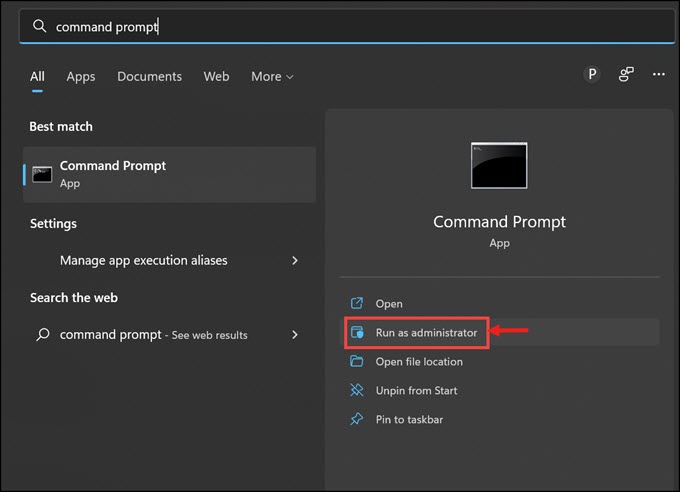
The easiest way to open Chrome with command line switches is to run it from Command Prompt or Run Dialog If for example you wish to open Chrome without any plugins you can run the following command C Program Files Google Chrome Application chrome exe disable plugins

What Are Chrome Command Line Switches These are simply parameters passed to an executable file You can test them now Open a command line prompt press the Windows logo key type cmd and open Command Prompt Change the active directory to Chrome s installation path cd Program Files x86 Google Chrome Application
Features Example base kDCheckIsFatalFeature These are implemented via creating a base Feature anywhere These can be enabled via server side experimentation or via the command line using enable features Which features are in use is tracked by UMA metrics and is visible in chrome version as the Variations field List of Chromium Command Line Switches for 2019 08 01 There are lots of command lines which can be used with the Google Chrome browser Some change behavior of features others are for debugging or experimenting This page lists the available switches including their conditions and descriptions Last automated update occurred on 2023 12 10
Chrome switches cc Optional PEM private key to use in signing packaged crx crashpad or breakpad is initialized Service Used for testing one wishes to use Chrome as an ash server Simulates that elevation is needed to recover upgrade channel Simulates that current version is outdated