Checkout To New Branch Without Current Changes Renaming A Git Branch How To Rename The Current Branch In Git Creating A New Branch Java EE 8 Development With Eclipse Book Git Checkout Remote Branch Code Examples Tutorials More Quickly Switch To New Branch With Unstaged Changes In Git Amit Git Checkout Explained How To Checkout Change Or Switch A Branch In Git Web Feb 7 2024 nbsp 0183 32 Open Lazygit in your repository Navigate to the Branches panel by pressing 2 Use the keys or your mouse to select the branch you want to switch to Press
Web SYNOPSIS git checkout q f m lt branch gt git checkout q f m detach lt branch gt git checkout q f m detach lt commit gt git checkout q f m b B Web 1 761 15 20 asked Jul 13 2010 at 12 07 user27709 2 git pull all will by default not pull master into live it will pull master and merge it with master and if existing on the server
Git Checkout Explained How To Checkout Change Or Switch A Branch In Git Git Branch Command To Create New Branch BEST GAMES WALKTHROUGH Git Rename Branch Scaler Topics Example Git Branching Diagram Github Gambaran How To Create New Branch Creating A New Branch And Switching To It With Just One Command Restore Branch Checkout Behavior With Custom Chrome Extension Bitbucket Git Create Branch Without Being Master Mapsnaxre New IPad 2023 What We Want To See TechRadar Git Change Branch And Reset Files Londonseka
Checkout To New Branch Without Current Changes
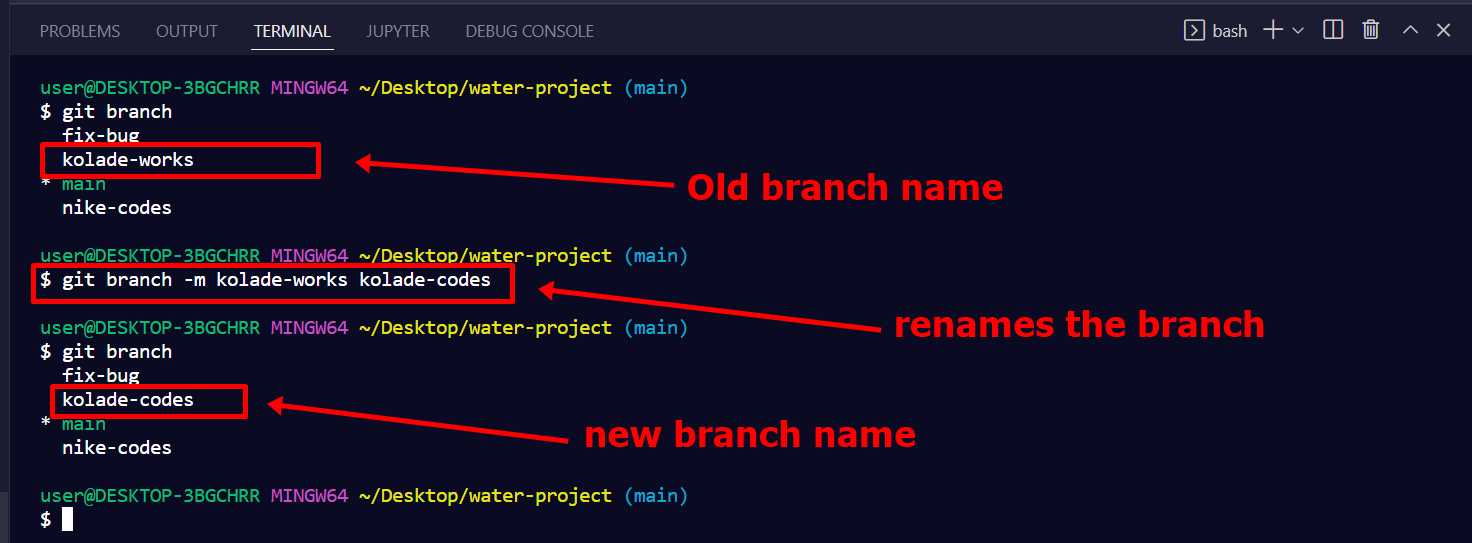 Checkout To New Branch Without Current Changes
https://www.freecodecamp.org/news/content/images/2022/09/ss1-1.png
Web Dec 20 2022 nbsp 0183 32 Steps we ll cover Using git checkout to switch branches Switch to an existing branch Switch to a new branch Switching to a remote branch Using git switch
Templates are pre-designed documents or files that can be used for different functions. They can save effort and time by offering a ready-made format and design for producing different kinds of material. Templates can be utilized for individual or expert projects, such as resumes, invites, flyers, newsletters, reports, presentations, and more.
Checkout To New Branch Without Current Changes

To Commit Changes To New Branch With Git You Can Use The Following
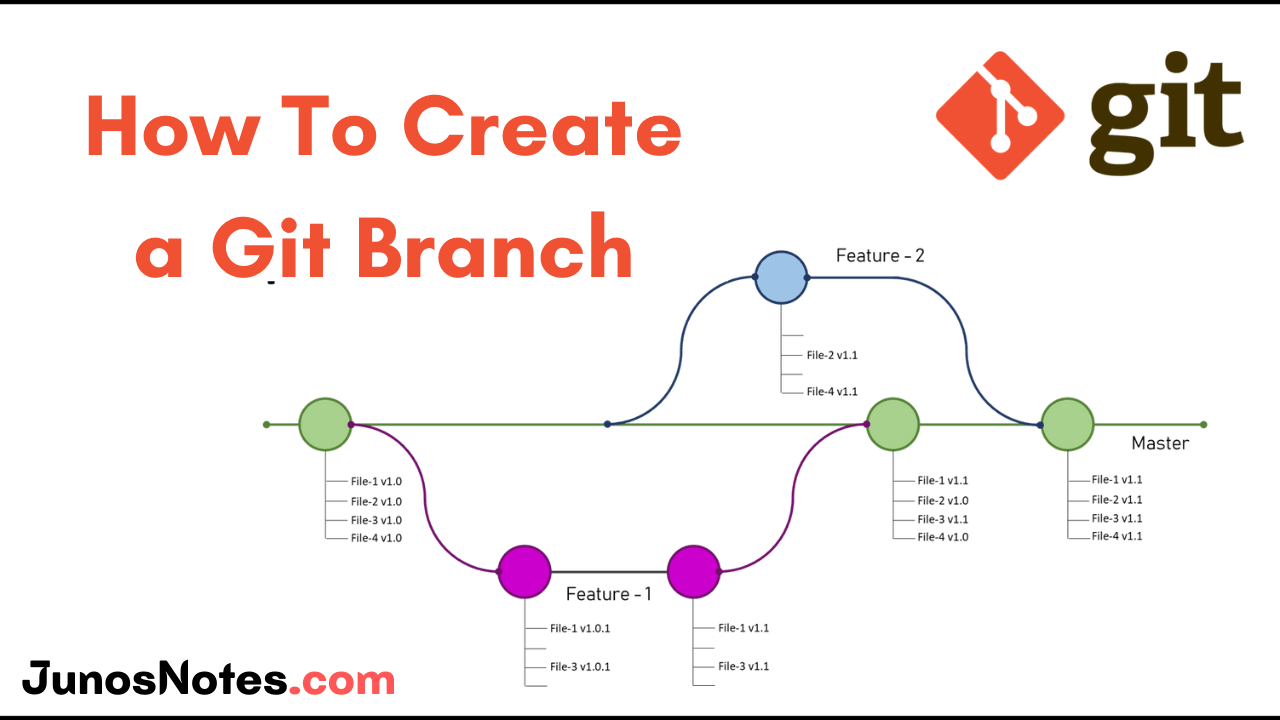
Git Branch Command To Create New Branch BEST GAMES WALKTHROUGH
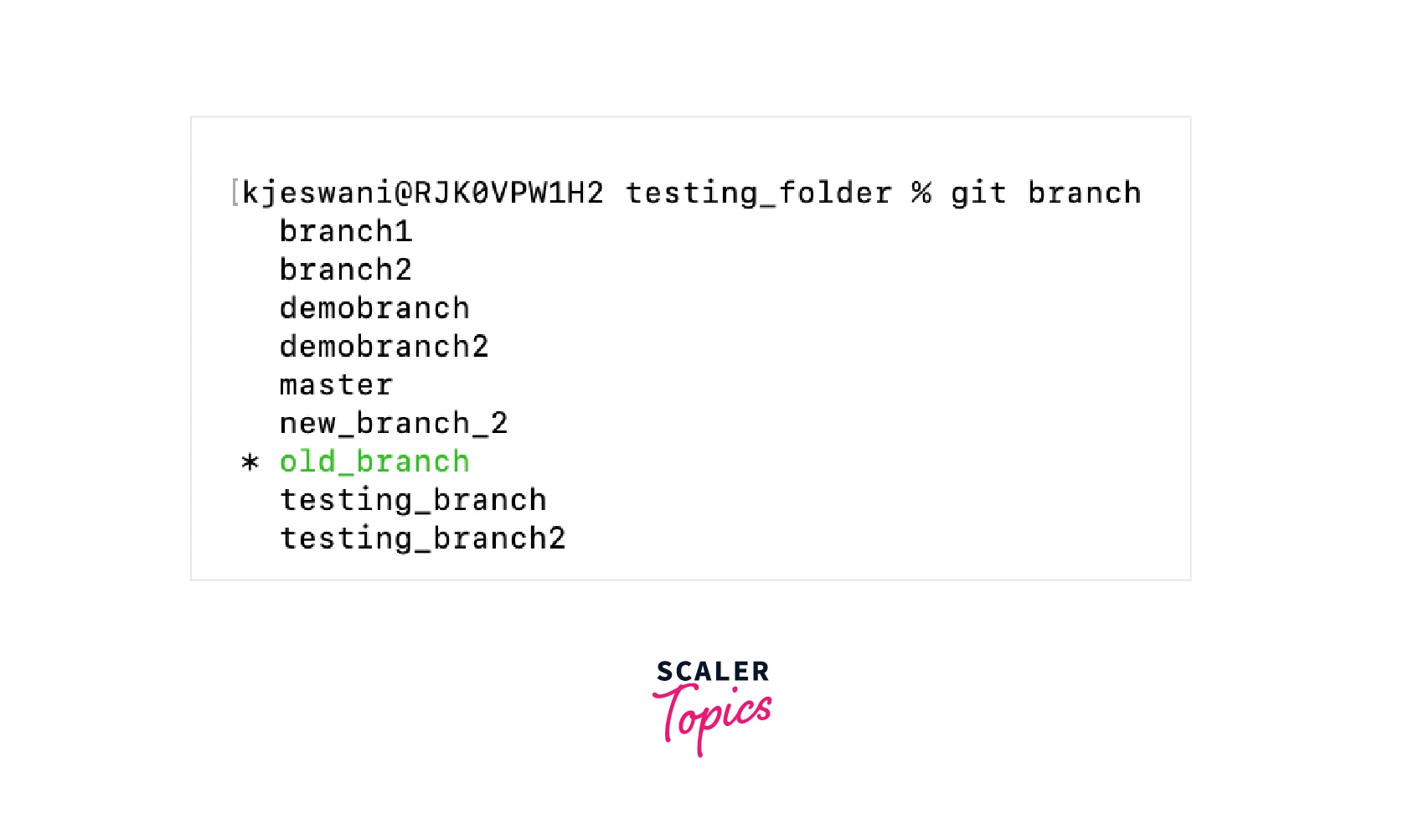
Git Rename Branch Scaler Topics

Example Git Branching Diagram Github Gambaran How To Create New Branch

Restore Branch Checkout Behavior With Custom Chrome Extension Bitbucket
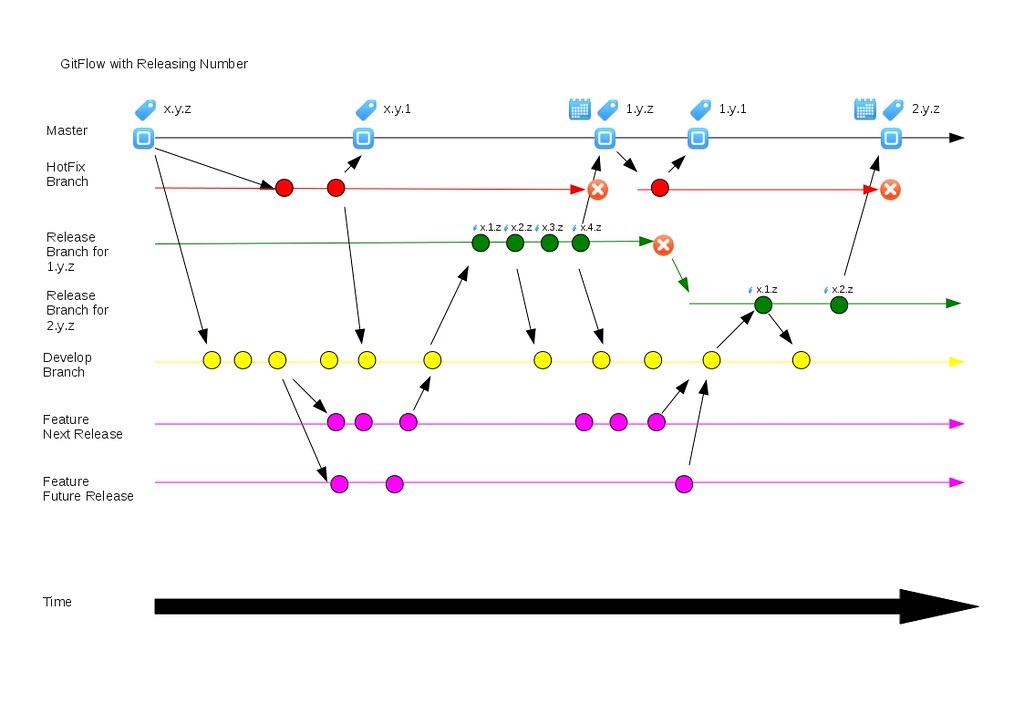
Git Create Branch Without Being Master Mapsnaxre

Web Sep 8 2009 nbsp 0183 32 Before Update 2020 Git 2 23 Use the following git checkout b lt new branch gt This will leave your current branch as it is

Web Feb 6 2024 nbsp 0183 32 In this article we ve addressed a couple of quick ways to move uncommitted changes to a new Git branch Both commands are pretty straightforward to use git

Web Jan 27 2022 nbsp 0183 32 Basically means switching unstaged changes to a new branch This is what I normally do Stash all the changed but unstaged files Move back to master Pull master
Web New branches Git checkout works hand in hand with git branch The git branch command can be used to create a new branch When you want to start a new feature you create a

Web The quot checkout quot command can switch the currently active branch but it can also be used to restore files The most common use case for quot checkout quot is when you want to switch to a
Web Dec 14 2023 nbsp 0183 32 Git Force Checkout is a command that forcefully switches branches overwriting any local changes that haven t been committed This command is particularly Web Jul 9 2023 nbsp 0183 32 The fore checkout command in Git is designed to help developers switch to a specific commit while detaching from any branch Unlike the traditional checkout
Web You could use merge m git checkout option git checkout m lt another branch gt m merge When switching branches if you have local modifications to one or more files that