Check Time Server Command 2 pcs Lot My2480 m02 Stamp Hole Voice Module Flash Storage Usb Download How To Use Net Use Command In Windows Command Line LaptrinhX How To Check NTP Server Date Time Using Windows Command Line VCallaway How To Check Time Synchronization Preferenceweather PPT Log Analysis And Intrusion Detection PowerPoint Presentation Web Jul 25 2017 nbsp 0183 32 Software Apps Windows 10 How to manage time servers on Windows 10 By Mauro Huculak published 25 July 2017 If your device is showing the wrong time and it s not a time zone issue you can try
Web Feb 18 2011 nbsp 0183 32 2 Answers Sorted by 42 Check quot man date quot You can let it display you the hours minutes seconds and nanoseconds with date H M S N See the output of while do date H M S N done interrupt the infinite while loop with CTRL C Web Here s how to check if a NTP Server is reporting the correct time and date using the Windows command line Open a command prompt and type the following w32tm stripchart computer IPADDRESSORDNSNAME dataonly samples 5 Where IPADDRESSORDNSNAME equals the IP Address or DNS name of the NTP time server
PPT Log Analysis And Intrusion Detection PowerPoint Presentation Check Time Timer Zone Server Card Difference Icon Download On Windows Time Sync Command Sync Windows Time From Command Line PPT Log Analysis And Intrusion Detection PowerPoint Presentation Ways To Check IP Address Of Any Website In CMD II Check IP Address Of Windows Time Sync Command Sync Windows Time From Command Line PPT Log Analysis And Intrusion Detection PowerPoint Presentation Resuelta Windows Eliminar La Solicitud De Reinicio Para Windows Time Sync Command Sync Windows Time From Command Line
Check Time Server Command
 Check Time Server Command
https://ae01.alicdn.com/kf/HTB1EnaeXsrrK1RjSspaq6AREXXaw/2-PCS-LOT-MY2480-M02-Stamp-hole-voice-module-FLASH-storage-USB-download-serial-port-control.jpg
Web In the command prompt window enter Check that an entry is shown for each of the servers listed above NTP in Windows 10 Windows 8 systems benefit from using the full set of NTP servers but cannot be configured to obtain NTP server information from DHCP
Templates are pre-designed documents or files that can be used for numerous functions. They can conserve time and effort by offering a ready-made format and layout for developing various type of material. Templates can be used for individual or professional tasks, such as resumes, invitations, flyers, newsletters, reports, discussions, and more.
Check Time Server Command

Change NTP server In Windows WindowsMGMT

Check Time Timer Zone Server Card Difference Icon Download On

Windows Time Sync Command Sync Windows Time From Command Line
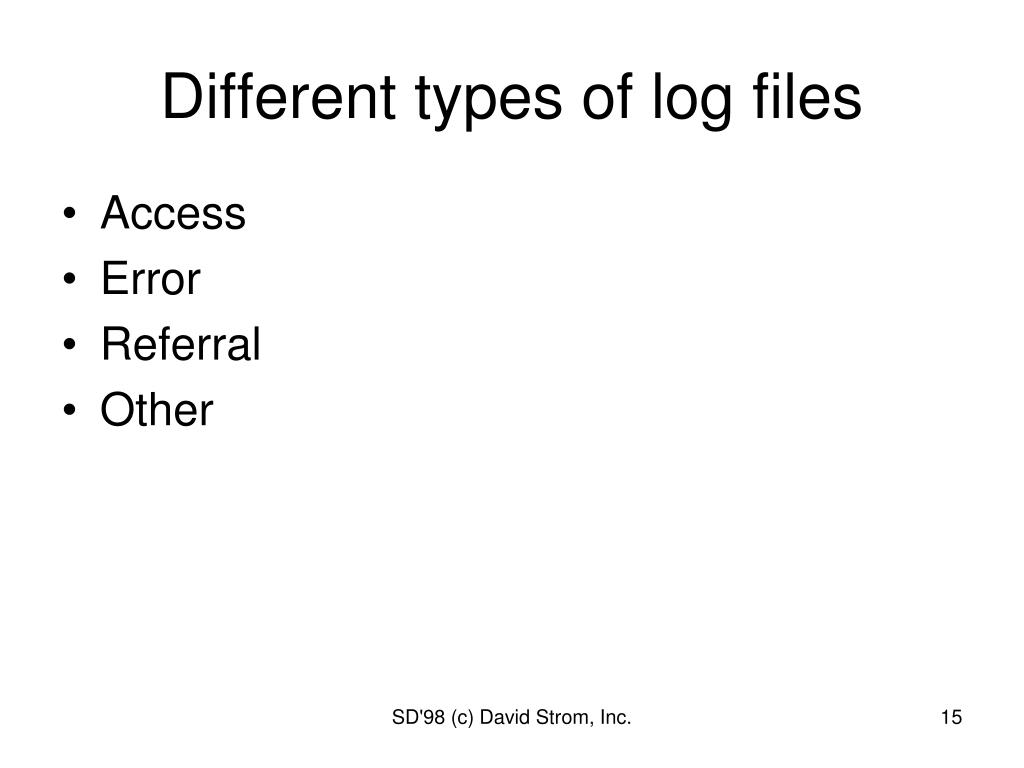
PPT Log Analysis And Intrusion Detection PowerPoint Presentation

Windows Time Sync Command Sync Windows Time From Command Line
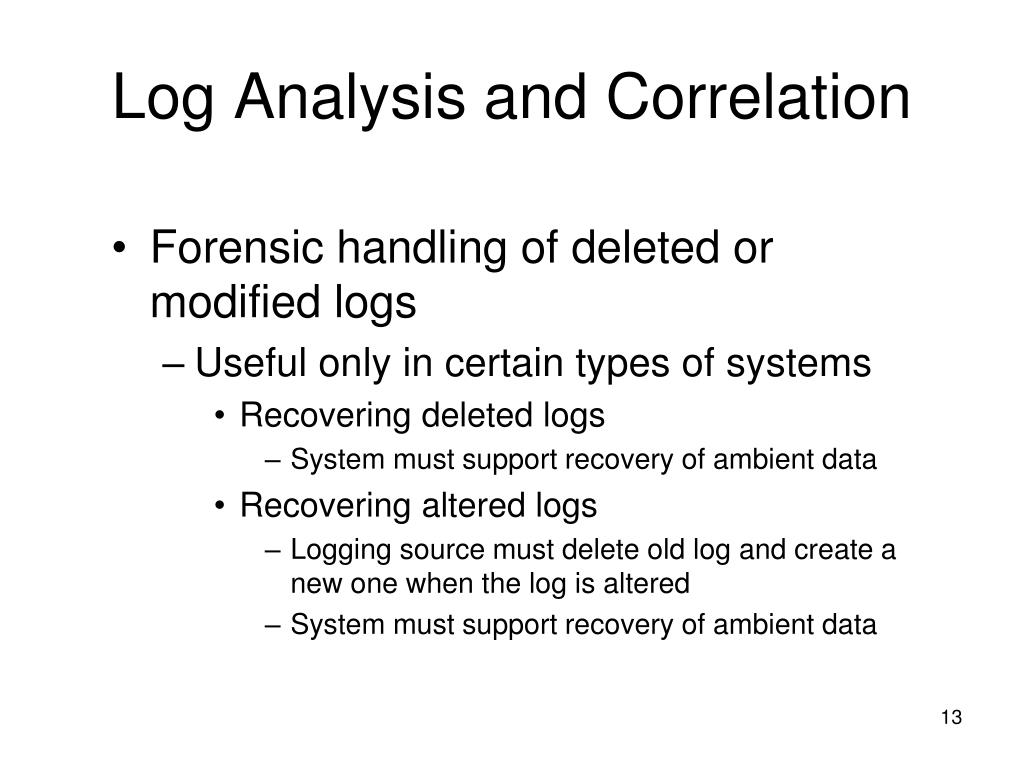
PPT Log Analysis And Intrusion Detection PowerPoint Presentation
Web May 31 2023 nbsp 0183 32 Command line parameters for W32Time You can use the w32tm command to configure Windows Time service settings and diagnose computer time problems W32tm is the preferred command line tool for configuring monitoring and troubleshooting the Windows Time service

Web 3 Answers Sorted by 102 C gt w32tm stripchart computer foo Tracking foo 1 2 3 4
Web Feb 3 2023 nbsp 0183 32 If command extensions are enabled to display the current system time type time t To change the current system time to 5 30 PM type either of the following time 17 30 00 time 5 30 pm To display the current system time followed by a prompt to enter a new time type The current time is 17 33 31 35 Enter the new time

Web 1 What does this have to do with the MS DOS operating system Ramhound Aug 7 2020 at 22 15 2 Please see this script on TechNet You can then include this into your powershell script and use it like this NTPTime Get NtpTime NtpTime This will store the time returned from the default ntp server pool ntp in a DateTime data type

Web Jul 5 2019 nbsp 0183 32 Choose Run as administrator Then enter the following command to register your system w32tm register Once you hit enter you will find out if the registration was a success Now start things up by issuing this command sc start w32time
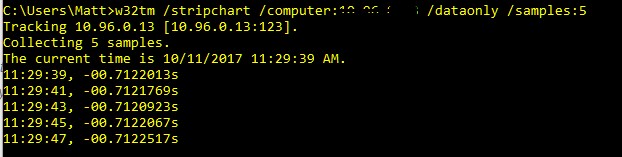
Web Oct 11 2017 nbsp 0183 32 Here s a quick and easy way to verify they are reporting the correct time Open a command prompt and type the following w32tm stripchart computer IPorHostname dataonly samples 5 IPorHostname is the IP address or Hostname of the NTP Server dataonly Web May 21 2018 nbsp 0183 32 To set the time Tested against Windows 2016 Launch CMD as administrator exampled c time 09 00 00 AM This will set the time to 9am Note a time source if domain joined will up date the time clock again Check the source c w32tm query status Will show the time Source To set an internet based NTP
Web Mar 16 2018 nbsp 0183 32 Command to check the server current date and time In Linux server we can use the command prompt to know the current date and time of the server It can display the current date and time in the already given format The date and time can be reset by logging into SSH as a root user date command is used to check the server