Check Time On Remote Computer Command Line Top 3 Ways To Restart Remote Computer Command Line Check Time On Windows PC Download Free 1 5 Com sohitechnology checktime Top 3 Ways To Restart Remote Computer Command Line The Impact Of Deadlock Check Time On Performance Download Scientific How To Launch Tests From A Remote Computer Command Line Web Syntax Examples Related links Displays or sets the system time If used without parameters time displays the current system time and prompts you to enter a new time Note You must be an administrator to change the current time Syntax time t lt HH gt lt MM gt lt SS gt am pm Parameters Expand table Remarks Valid HH values are 0
Web May 16 2012 nbsp 0183 32 Show whether or not the system is configured to receive time from an NTP server Show the NTP server s the system is receiving time from Show the time of the last synchronization Show the current time on the system What command s would be necessary to achieve these results Web Synchronise the computer s clock with that of another computer see the w32tm command NET TIME servername SET YES Synchronise the computer s clock with a time server in a different domain NET TIME RTSDOMAIN domainname SET Equivalent bash command Linux lpc Line printer control program
How To Launch Tests From A Remote Computer Command Line Start Program Remote Computer Command Line Assistantkeen FlashFXP 5 4 0 Free Download ALL PC World All In One Key Finder Pro Enterprise 2022 V9 0 0 1 Network Configuration Download Scientific Diagram All In One Key Finder Pro Enterprise 2022 V9 0 0 1 Top 3 Ways To Restart Remote Computer Command Line Jak Ponownie Uruchomi Komputer Zdalny Polecenie Narz dzia How To View And Disconnect Remote Desktop Sessions WindowsCage
Check Time On Remote Computer Command Line
 Check Time On Remote Computer Command Line
https://www.anyviewer.com/screenshot/others/illustration/restart-computer.png
Web Mar 9 2007 nbsp 0183 32 To get the time on a remote computer simply assign the name of that machine to the variable strComputer like so strComputer atl fs 01 After connecting to the WMI service we then use the following query to return all the instances of the Win32 LocalTime class
Pre-crafted templates offer a time-saving option for developing a varied series of documents and files. These pre-designed formats and designs can be utilized for numerous personal and professional projects, including resumes, invites, leaflets, newsletters, reports, presentations, and more, enhancing the material production procedure.
Check Time On Remote Computer Command Line

I Just Discovered We Can Check Time On A Watch Reddeadredemption

Start Program Remote Computer Command Line Assistantkeen

FlashFXP 5 4 0 Free Download ALL PC World
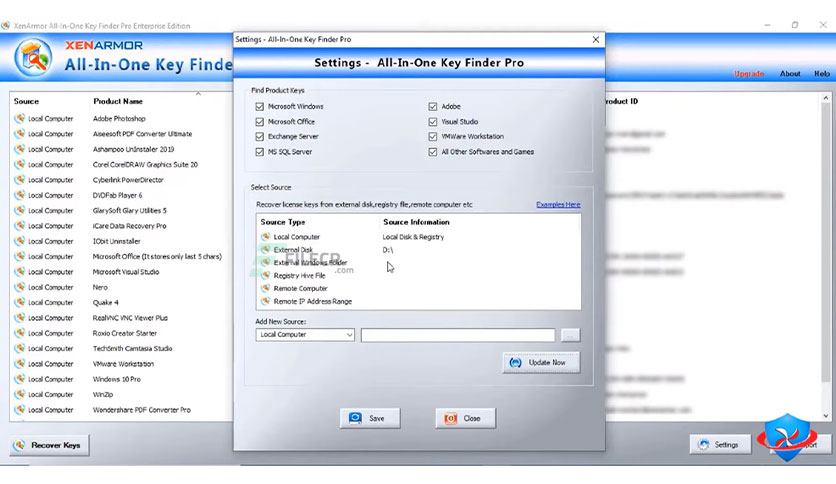
All In One Key Finder Pro Enterprise 2022 V9 0 0 1
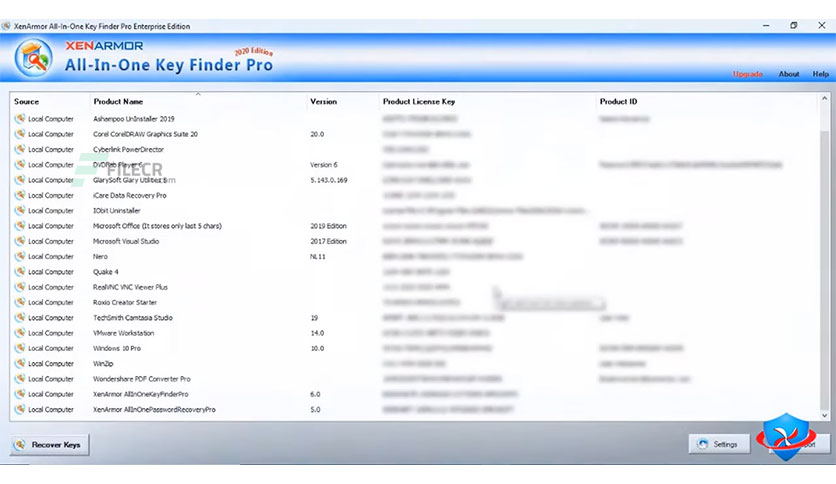
All In One Key Finder Pro Enterprise 2022 V9 0 0 1
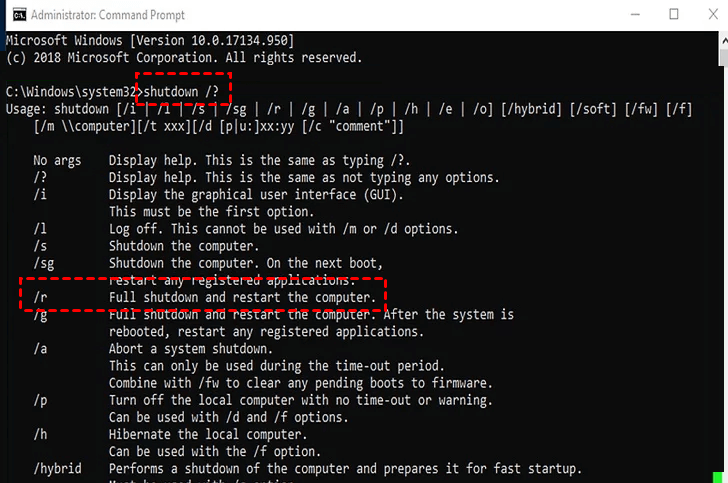
Top 3 Ways To Restart Remote Computer Command Line
Web Nov 3 2012 nbsp 0183 32 How can I display the current date and time on a remote computer by using Windows PowerShell Use Windows PowerShell remoting and the Invoke Command cmdlet to run Get Date invoke command ComputerName dc1 ScriptBlock get date A shorter version of this command is shown here icm dc1 get date

Web Jul 25 2019 nbsp 0183 32 With PowerShell you can run commands on the remote computer Invoke Command ComputerName RemoteComputer ScriptBlock get date This will output the date and time on RemoteComputer If your servers are in an ActiveDirectory you can get the names from there and loop over them Get ADComputer Filter Foreach Object

Web Aug 15 2017 nbsp 0183 32 The solution was psexec d i cmd c nettime bat content of nettime bat file echo off net time server01 gt gt c 1 txt net time server02 gt gt c 1 txt net time server03 gt gt c 1 txt Share

Web Jul 6 2012 nbsp 0183 32 General Windows Occasionally a user may call that they can t log in and the error is ultimately that there is a time difference between the PC and the DC The standard fix is to mozy on over log in as admin or go to bios and set time What I would like to know is if anyone knows of a way to do it remotely 1

Web Aug 26 2019 nbsp 0183 32 function Get RemoteTime CmdletBinding param Parameter HelpMessage quot The name of the remote computer quot string ComputerName TimeZone Invoke Command ComputerName ComputerName ScriptBlock Get TimeZone CurrentTime
Web Oct 9 2002 nbsp 0183 32 It gives you remote access to the server cmd line From there you could sync against a server with the correct time lt BR gt lt BR gt Or enable the telnet server on the remote machine and do it that way lt BR Web Apr 6 2011 nbsp 0183 32 Obtain current date and time from remote windows computer on linux via telnet or smbclient Is there a way to get current date and time from remote windows
Web Using the WS Management protocol Windows PowerShell remoting lets you run any Windows PowerShell command on one or more remote computers You can establish persistent connections start interactive sessions and run scripts on remote computers