Check Scheduled Task History Powershell Delete Scheduled Task History Cara Aktifkan Atau Nonaktifkan Scheduled Task Di Windows 10 11 How To Use PowerShell History Feature How To Check Windows Update History Using PowerShell Or CMD Run PowerShell Script With Windows Task Scheduler Diecknet PowerShell is often more efficient than GUI programs if you want to analyze and change the settings and data of system components Even though the Windows Task Scheduler supports all available task features navigating through the numerous tabs is sometimes time consuming Displaying scheduled tasks with Get ScheduledTask
Feb 8 2023 8 25 AM That partially depends on what version of PS and the OS you re running PS 5 have the ScheduledTask module that provides a wrapper around the TS API Older versions of PS used an older version of the API and were unreliable at best To get a list of scheduled tasks on a remote computer you can use the CimSession parameter You will need PowerShell Remoting enabled for this to work In this example I m working on DC1 and will get the scheduled tasks on remote computer PC1 Get ScheduledTask CimSession PC1
Run PowerShell Script With Windows Task Scheduler Diecknet How To Run The PowerShell Script In Scheduled Task With Run As Check Scheduled Task For Run As Account PowerShell TheSleepyAdmins Think Big With Powershell Edit Scheduled Task Remotely OS Powershell Script With Arguments As A Scheduled Task Tips From A Previous Command History In PowerShell Windows OS Hub PowerShell Create A Scheduled Task YouTube Check Scheduled Task For Run As Account PowerShell TheSleepyAdmins Monitoring NET Scheduled Tasks Tools And Alternatives Elmah io
Check Scheduled Task History Powershell
 Check Scheduled Task History Powershell
https://forum.macrium.com/Uploads/Images/e33ca4b8-7e5e-4272-900d-d4ba.JPG
The new scheduled task as seen in the Task Scheduler app You can also confirm the registered scheduled task exists by running the PowerShell command below Get ScheduledTaskInfo TaskName ExportAppLog You should then see a similar output as the screenshot of the result below Getting the scheduled task information
Pre-crafted templates offer a time-saving solution for developing a diverse range of files and files. These pre-designed formats and layouts can be used for different personal and expert tasks, consisting of resumes, invites, flyers, newsletters, reports, discussions, and more, improving the content development procedure.
Check Scheduled Task History Powershell

Task2

How To Run The PowerShell Script In Scheduled Task With Run As

Check Scheduled Task For Run As Account PowerShell TheSleepyAdmins
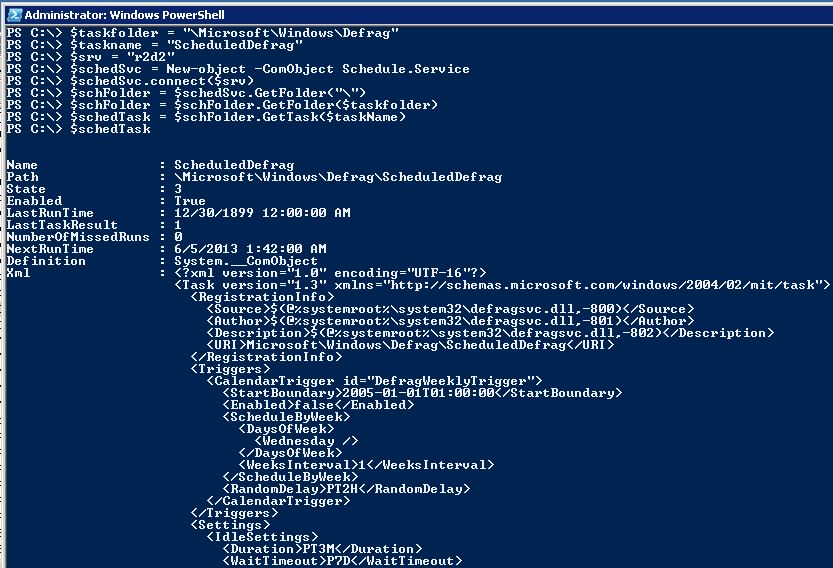
Think Big With Powershell Edit Scheduled Task Remotely OS
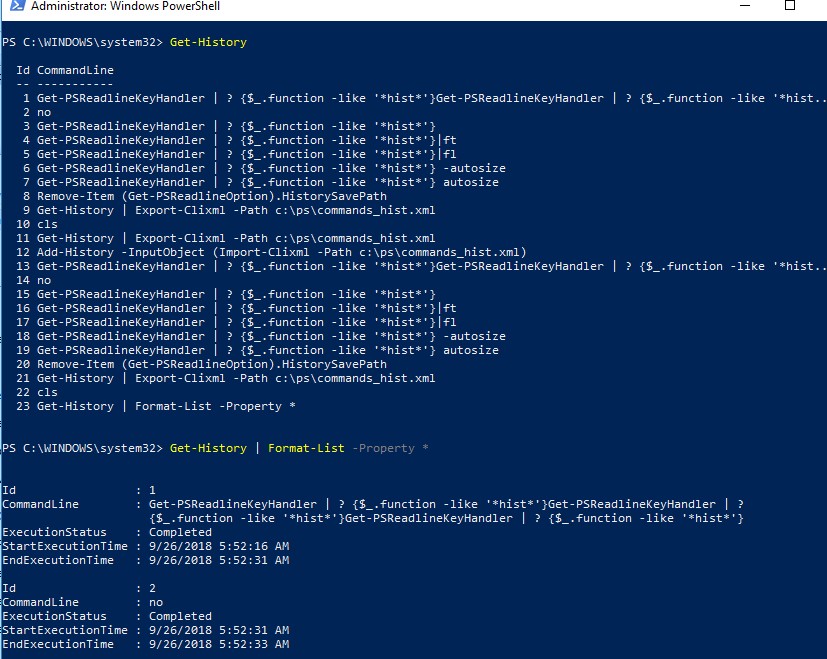
Previous Command History In PowerShell Windows OS Hub

PowerShell Create A Scheduled Task YouTube

1 I am trying to write a PowerShell script to look at a server s task scheduler logs for a specific task I want to know if there are any errors or anything out of the ordinary Typically I see event IDs 107 100 129 200 201 and 102 when the jobs run successfully I only want to know when something else happens such as an error warning etc

Here are the results PS C Get Command Module ScheduledTasks Verb get CommandType Name ModuleName Function Get ClusteredScheduledTask ScheduledTasks Function Get ScheduledTask ScheduledTasks Function Get ScheduledTaskInfo ScheduledTasks I suspect that I can use Get ScheduledTaskInfo So I give it a try
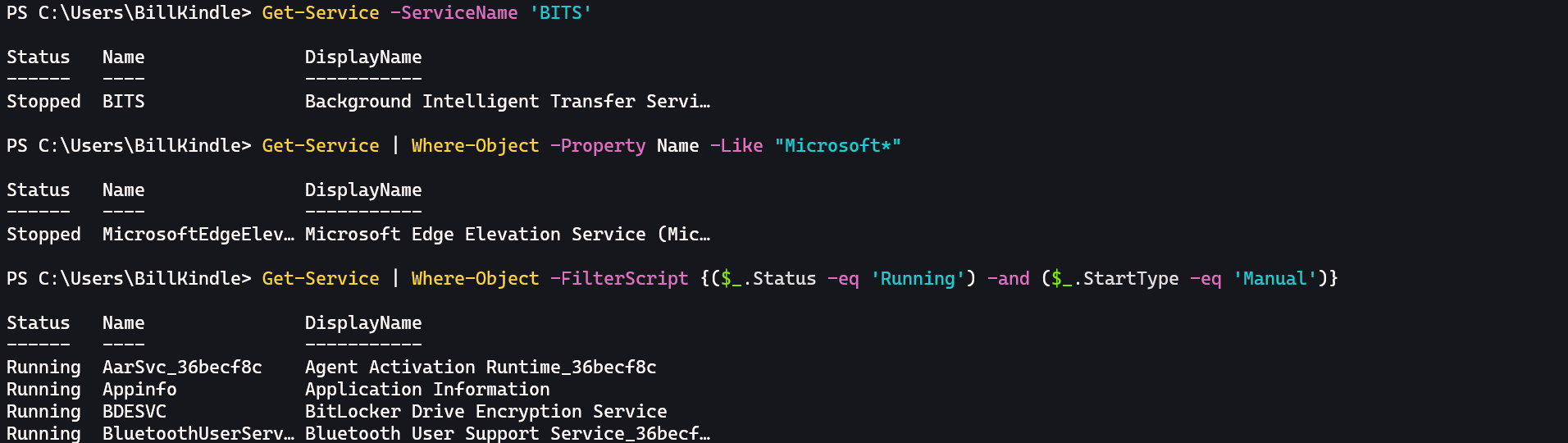
The Get ScheduledTaskInfo cmdlet gets the last run time information for a scheduled task You can use the TaskName parameter to specify a scheduled task or you can use the InputObject parameter to specify the scheduled task Examples Example 1 Get run time information by using a task name PowerShell

The Get ScheduledTask cmdlet gets the task definition object of a scheduled task that is registered on a computer Examples Example 1 Get a scheduled task definition object PowerShell Get ScheduledTask TaskName SystemScan TaskPath TaskName State SystemScan Ready

How to get the history of a scheduled task Simply by running the following Powershell script After running it you will get a list of chronological events with the following information
Long description PowerShell scheduled jobs are a useful hybrid of PowerShell background jobs and Task Scheduler tasks Like PowerShell background jobs scheduled jobs run asynchronously in the background Instances of scheduled jobs that have run can be managed by using the job cmdlets such as Start Job Get Job Stop Job and Receive Job Summary Use Windows PowerShell to find the status of scheduled tasks My laptop is acting strangely Task Manager shows lots of processes running but I have disabled everything I can see How can I use Windows PowerShell to determine what scheduled tasks are running in the background Use the Get ScheduledTask cmdlet and sort by the state
Teams Q A for work Connect and share knowledge within a single location that is structured and easy to search Learn more about Teams