Check Network Connection On Linux How To Connect Your Veo Cam 2 To A Wi fi Network Veo How To Check Network Connection Speed In Windows 11 Pirated Land Ambient Irony How To Troubleshoot Network Connectivity With Linux Server How To Prevent Calcium Kidney Stones Buildingcap Web Aug 26 2020 nbsp 0183 32 The main ones are link or l controls the status of network devices address or a manipulates IP addresses on devices route or r handles routing table entries neighbor or n controls ARP table entries You can see a full list of objects and commands by running ip help Some useful examples of the ip command
Web Jun 2 2021 nbsp 0183 32 The syntax is as follows ip lt OPTIONS gt lt OBJECT gt lt COMMAND gt The OBJECT is the most important part of the synopsis and the following are supported some omitted for brevity address protocol IPv4 or IPv6 address on a device tunnel tunnel over IP route routing table entry rule rule in routing policy database Web Apr 20 2021 nbsp 0183 32 Linux commands for testing connectivity and transfer rates ping The ping command is the simplest and most often used command for doing basic connectivity testing It sends out traceroute Traceroute is a much more complex command as it runs a series of checks to see how long each hop between
How To Prevent Calcium Kidney Stones Buildingcap Scan To Computer On Windows Pin Auf Motionfiber Digital Background With Modern Point Global Network Connection On World ESG Icon Concept Environment Society And Governance Energy Of How To Check Your Network Connections On Linux Network World KOTA YATAGAI How To Fix The Not Registered On Network Error On Android Helpdeskgeek Brain Network Royalty Free Stock Photography CartoonDealer 40849331
Check Network Connection On Linux
 Check Network Connection On Linux
https://support.veo.co/hc/article_attachments/7115519228689/setting_to_connect.gif
Web Nov 30 2022 nbsp 0183 32 6 Linux Utility to Test Network Connectivity telnet One of the widely used commands to test essential connectivity between servers server to another network ncat or nc Ncat a k a nc is a powerful network utility with many features like bind and accept a connection execute wget If you
Templates are pre-designed documents or files that can be used for numerous functions. They can conserve effort and time by supplying a ready-made format and layout for developing different type of material. Templates can be utilized for individual or professional jobs, such as resumes, invites, flyers, newsletters, reports, discussions, and more.
Check Network Connection On Linux
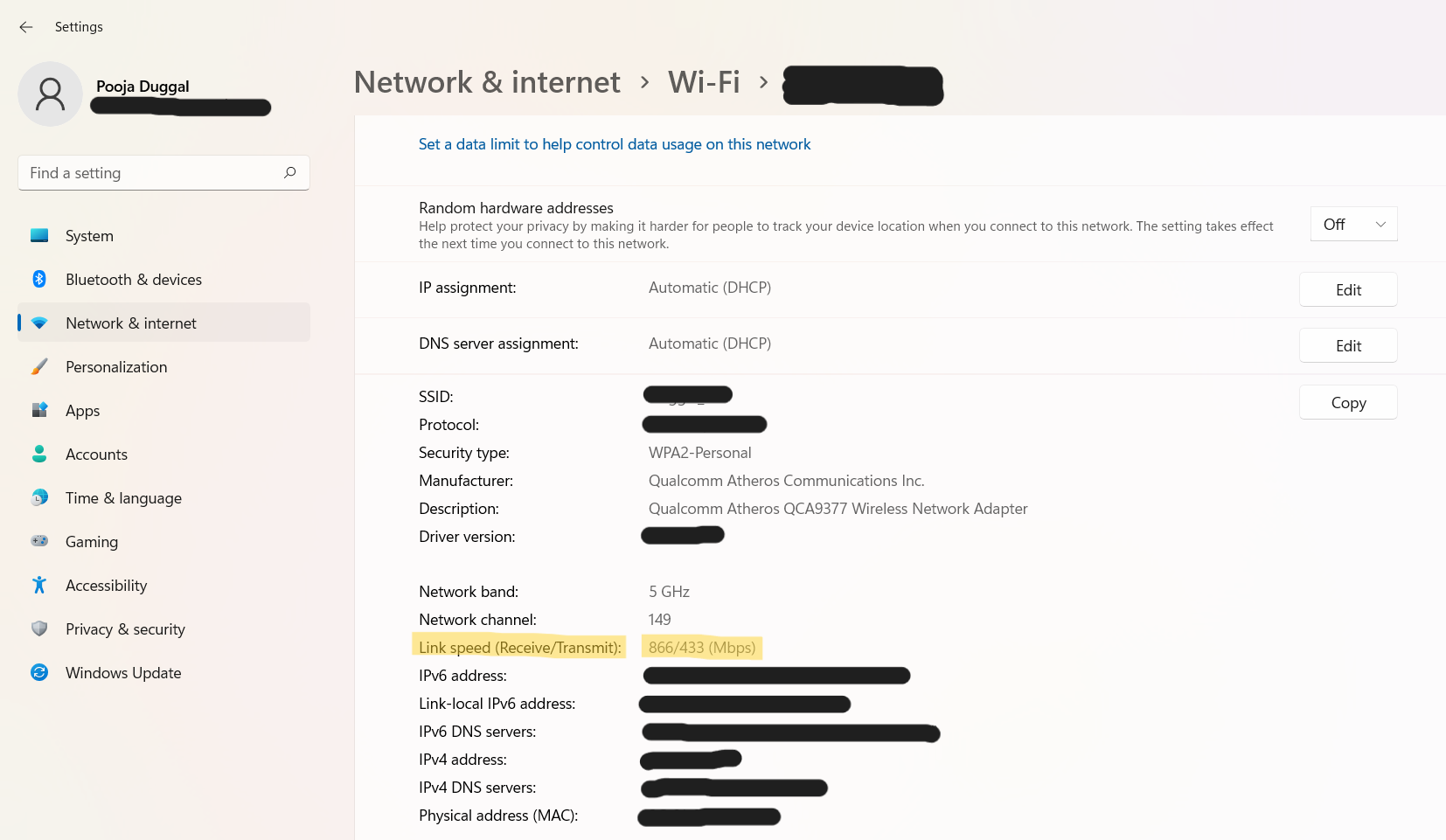
How To Check Network Connection Speed In Windows 11
Scan To Computer On Windows

Pin Auf Motionfiber

Digital Background With Modern Point Global Network Connection On World
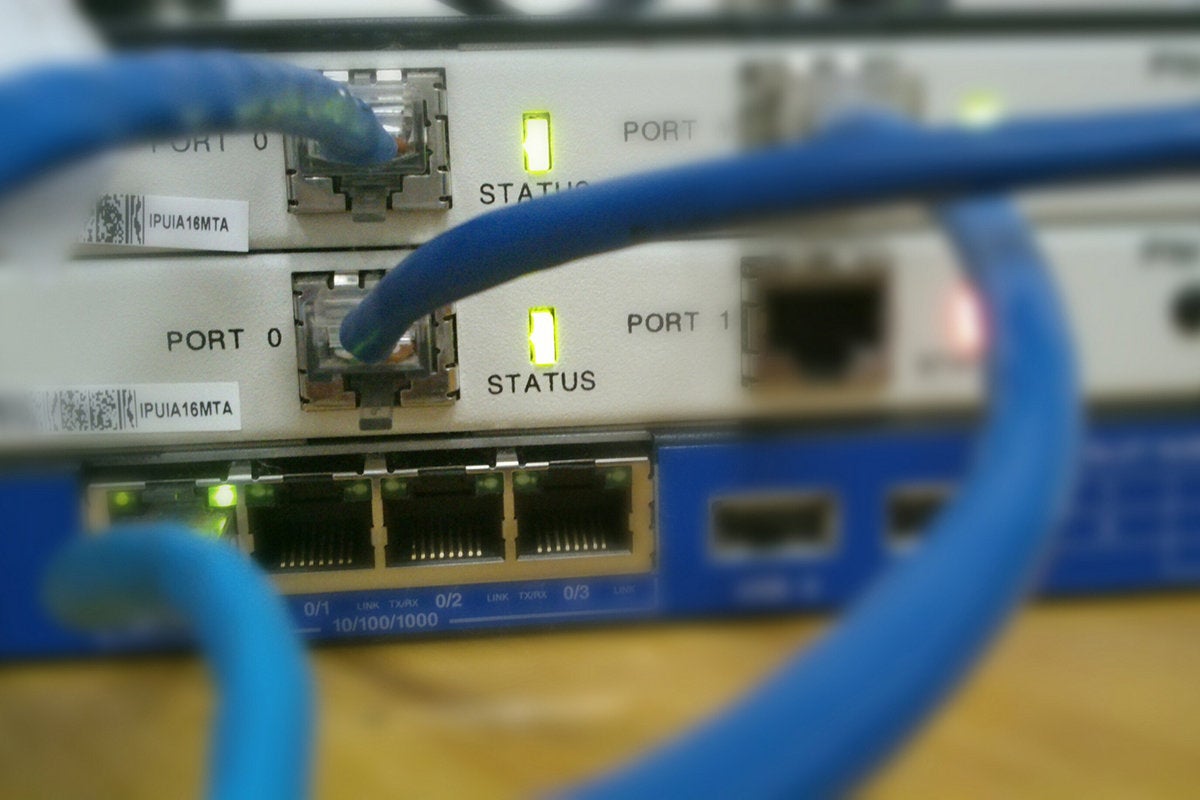
How To Check Your Network Connections On Linux Network World

KOTA YATAGAI

Web Mar 9 2018 nbsp 0183 32 How to check your network connections on Linux The ip command provides a lot of information on network interfaces Do you understand what it s telling you Fernando Kokubun CC BY 2 0 The ip
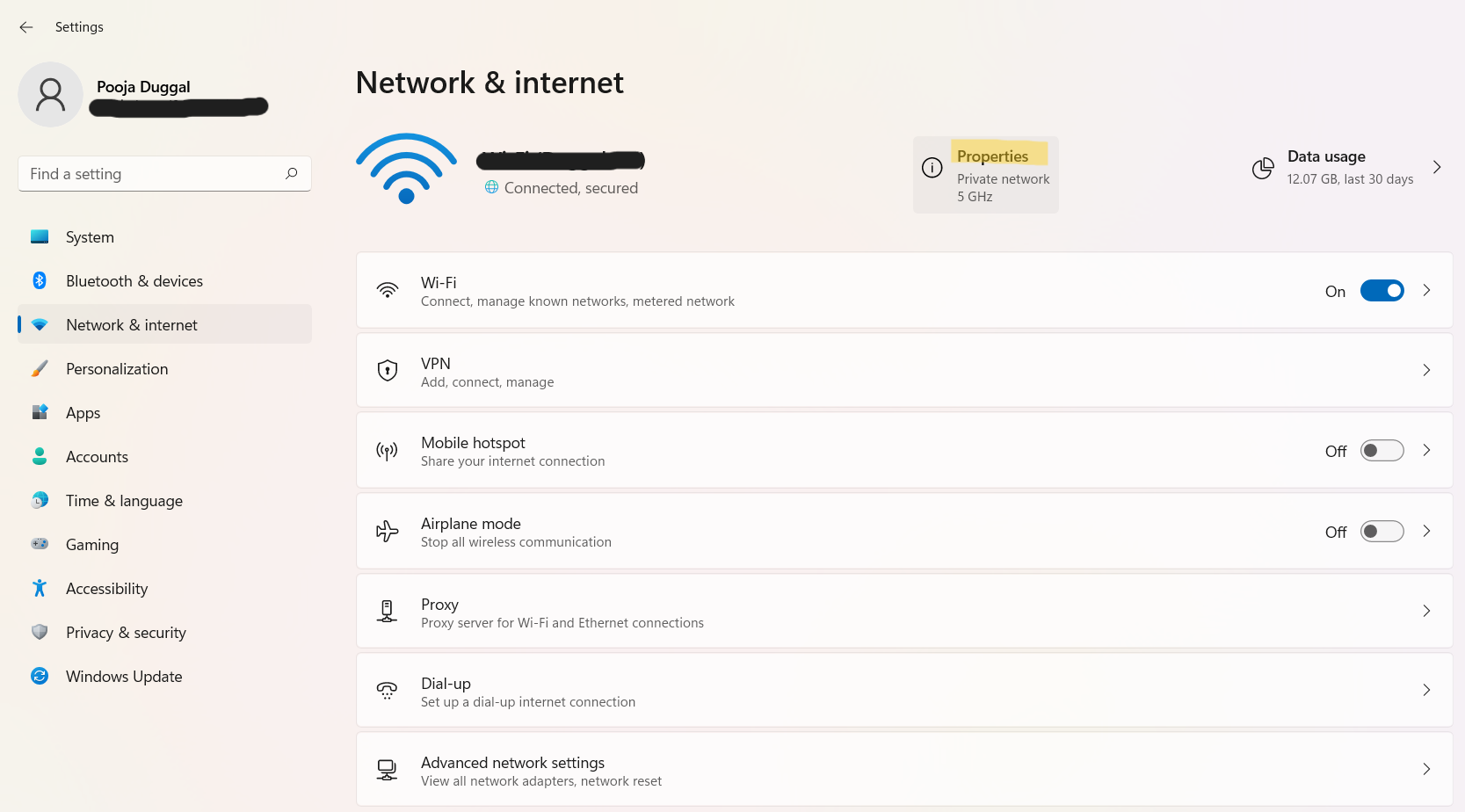
Web Sep 12 2023 nbsp 0183 32 The Linux netstat command gives you a treasure trove of information about your network connections the ports that are in use and the processes using them Learn how to use it Ports Processes and Protocols Network sockets can either be connected or waiting for a connection

Web Jan 10 2011 nbsp 0183 32 The iftop command listens to network traffic on a given network interface such as eth0 and displays a table of current bandwidth usage by pairs of hosts iftop i eth1 It can display or analyses packet flowing in and out of the 192 168 1 0 24 network iftop F 192 168 1 0 24 Sample outputs
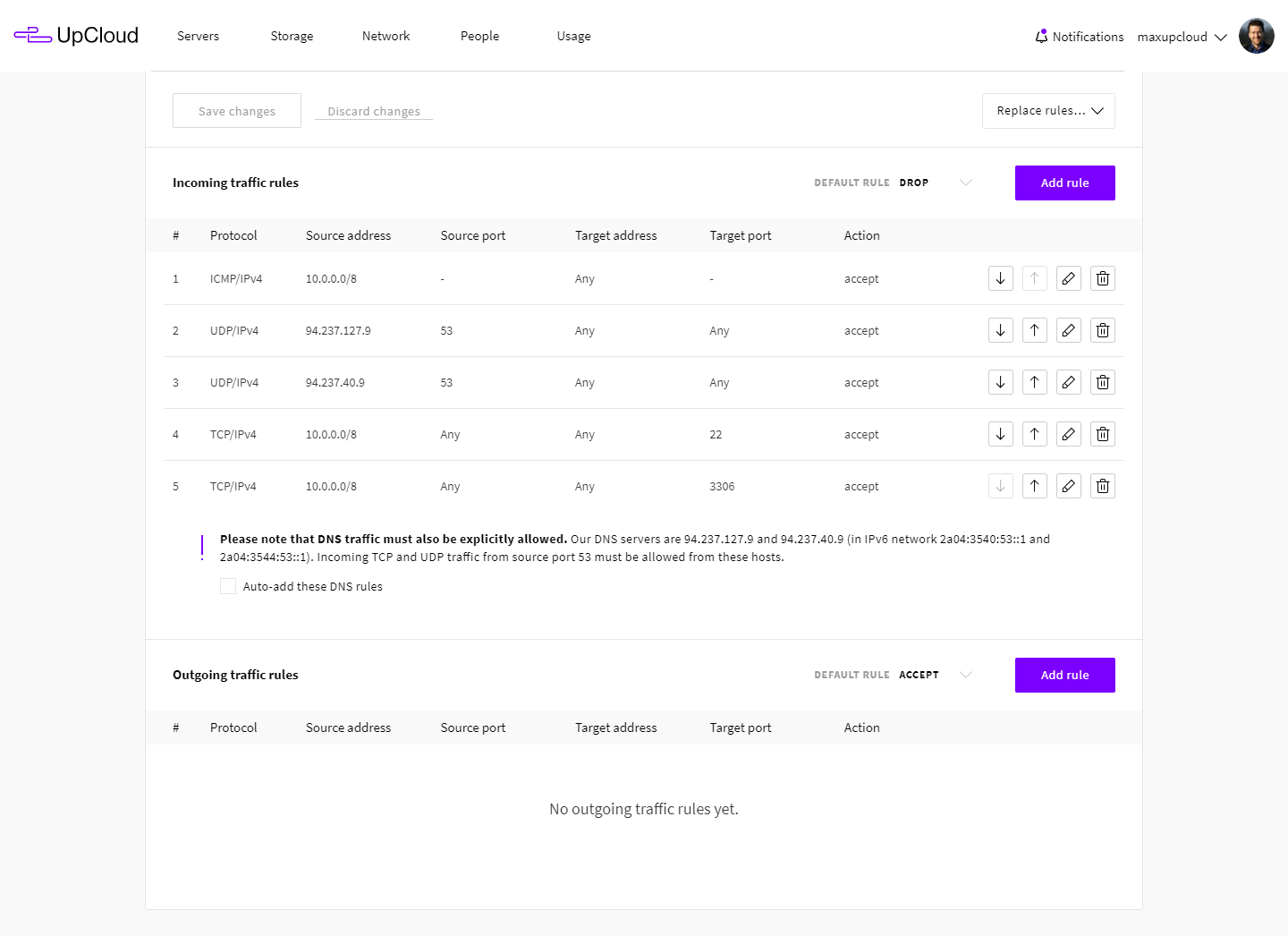
Web May 17 2023 nbsp 0183 32 Use the following basic network troubleshooting or identification methods to find network connectivity information Check the IP address configuration Confirm basic connectivity Display the network path to a remote system Check the quality of

Web May 8 2020 nbsp 0183 32 How to test Internet connection on Linux step by step instructions Let s take a top down approach to test and troubleshoot your Internet connection Each of the steps below might provide you with hints on what the the problem with your internet connection might be and how to fix it
[desc-11] [desc-12]
[desc-13]