Check Internet Using Cmd Network Speed Test Cmd Top 8 Cmd 2022 How To Find Wifi Password On Windows 10 Using CMD Step By Step Ways To Check IP Address Of Any Website In CMD II Check IP Address Of Ping Test Windows 10 8 7 Vista Xp How To Check Internet Speedtest and hitting enter once you have speedtest cli installed Here s how to install it on all three major operating systems Installing speedtest cli On Ubuntu and Other Linux Distros Installing speedtest cli on Ubuntu and other Debian based distros couldn t be easier Just run one command sudo apt install speedtest cli
1 Open command prompt If you are new to command prompt then first check out my post on different ways to open a command prompt To open the terminal on mac type in the terminal in the spotlight while Linux user can use the shortcut ctrl alt T 2 Once you see the cmd or terminal window try the following command a ping localhost To run CMD all we have to do is type cmd in the Cortana search bar or in the run window that appears when using the Windows R keyboard shortcut Ipconfig to know everything about the network card The ipconfig command is one that any user should know
Ping Test Windows 10 8 7 Vista Xp How To Check Internet How To Check IP Address In Windows Using Command Prompt Cmd Ping Mac Address Linxhopde How To Find Your All Wi Fi Password Using Command Prompt On Windows 10 How To Find Wi Fi Password Using CMD Of All Connected Networks Sync Time Or Change NTP Server In Windows 11 Using CMD 100 Working Increase Internet Speed Using Cmd On Windows 7 8 10 How To Double Your Internet Speed Using CMD 100 Working YouTube Find All WIFI Passwords With CMD Windows 10 8 1 8 7 YouTube
Check Internet Using Cmd

https://lh5.googleusercontent.com/proxy/BZSXh90K-qH_QbyQs9IYbZOcZoMw7MgQe56SRertmFWuU1ezXmIz4l0QcMCJ-748YVVsOtWmrbwFlln-J-mitxnNWGL8YjiRWik1PkSgzFDo74-G-QJGltfV=w1200-h630-p-k-no-nu
Using this option will ping the target until you force it to stop by using Ctrl C a This ping command option will resolve if possible the hostname of an IP address target n count This option sets the number of ICMP Echo Requests to send from 1 to 4294967295 The ping command will send 4 by default if n isn t used
Templates are pre-designed documents or files that can be utilized for numerous purposes. They can conserve time and effort by providing a ready-made format and design for developing various type of content. Templates can be used for personal or professional tasks, such as resumes, invites, leaflets, newsletters, reports, presentations, and more.
Check Internet Using Cmd
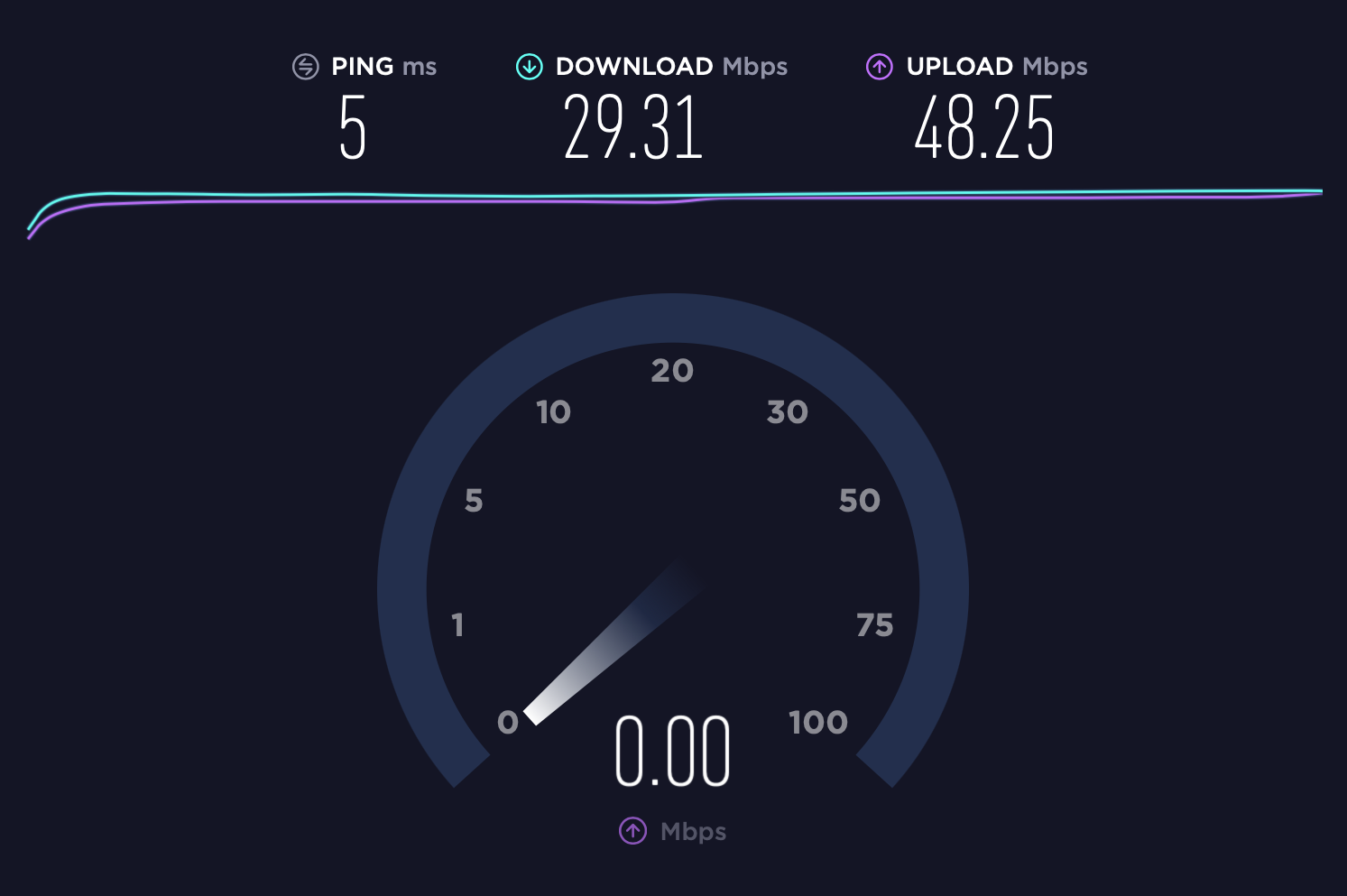
How To Check Download And Upload Speed Plantforce21

How To Check IP Address In Windows Using Command Prompt
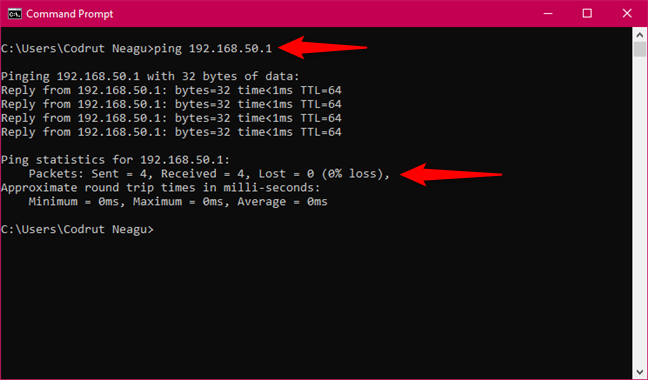
Cmd Ping Mac Address Linxhopde
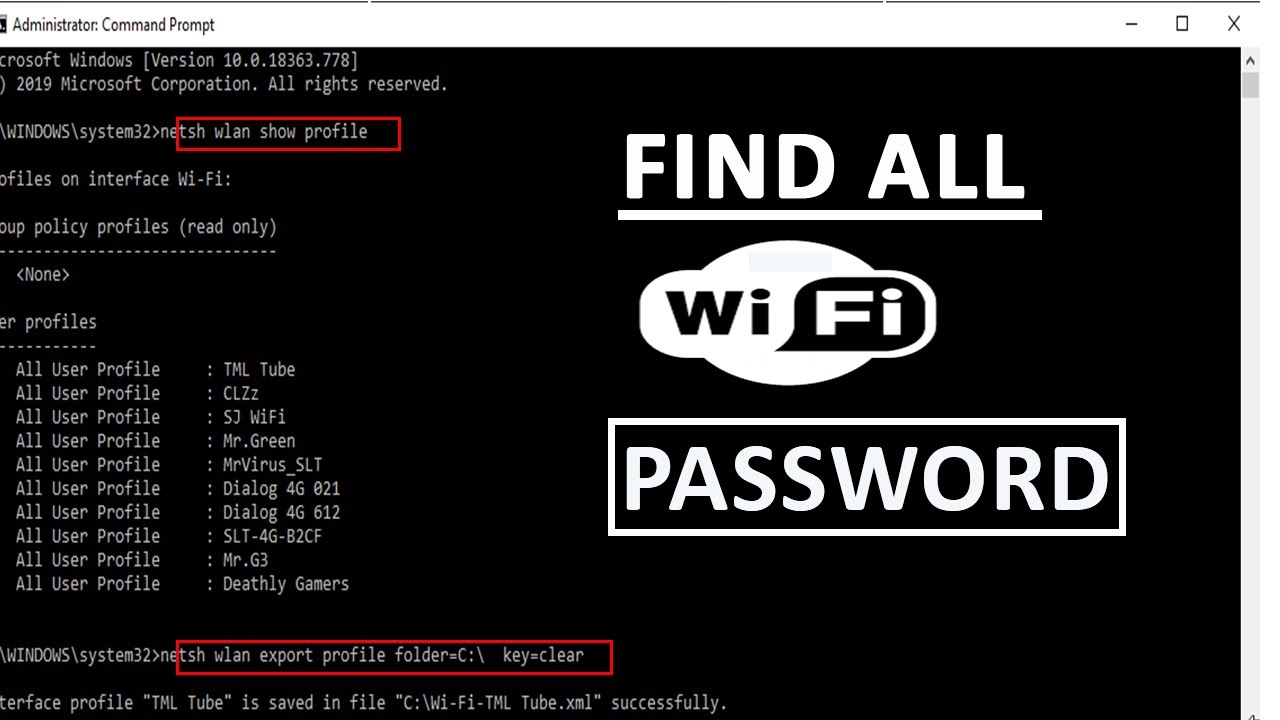
How To Find Your All Wi Fi Password Using Command Prompt On Windows 10
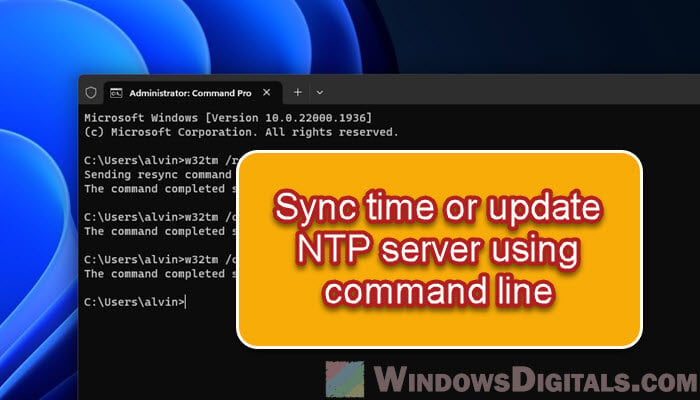
Sync Time Or Change NTP Server In Windows 11 Using CMD
100 Working Increase Internet Speed Using Cmd On Windows 7 8 10

Windows 10 Command Prompt The commands below are found in older versions of Windows and their instructions are almost identical but our additional instructions focus on Windows 10 Nslookup
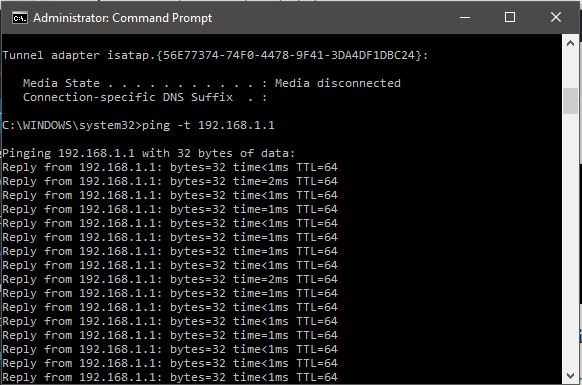
Introduction This guide will instruct you on how to use Windows Command Prompt to run the program ping to test your internet connection This guide is intended for the basic computer user who desires a simple way to test their internet connection without installing any extra software What is Ping

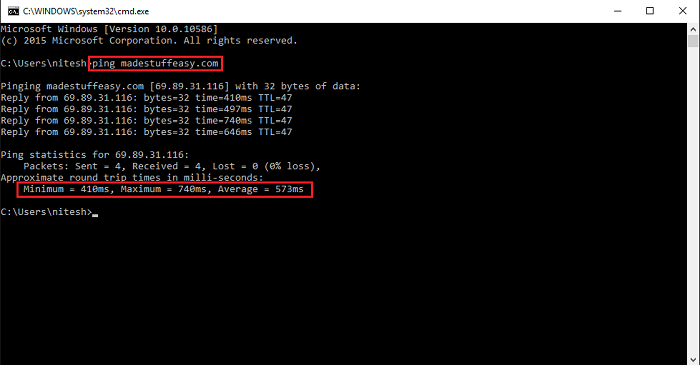
How Does Ping Work Ping comes from a term used in sonar technology that sends out pulses of sound and then listens for the echo to return On a computer network a ping tool is built into most operating systems that works in much the same way You issue the ping command along with a specific URL or IP address

Type cmd and press Enter to load the command prompt 1 Ping Of all the Windows 10 network commands Ping is probably the one almost everyone knows about and has used before The Ping

Every time you browse to a web page your PC has to request the IP Address for that web site from your default DNS server and then caches them locally on your machine for a while to speed up future access to that web site even in a private browsing session
On Windows press the Windows key type Command Prompt and press Enter to launch one To run a traceroute run the tracert command followed by the address of a website For example if you wanted to run a traceroute on How To Geek you d run the command tracert howtogeek On Mac or Linux run traceroute howtogeek instead Control Panel Command Prompt PowerShell On Windows 10 the network adapter is an essential component that offers the means to connect to the network and internet using a wired or wireless
Testing your internet connection using CMD can be useful if you are experiencing slow speeds intermittent connectivity or other issues It allows you to check if your internet service provider ISP is delivering the expected speeds and identify potential problems within your network