Check Firewall Rules Windows Etapas Para Corrigir Portas SQL Abertas No Firewall Do Windows Cursorable Manage Firewall Rules Azure Portal Azure Database For PostgreSQL What Are Best Practices For Firewall Rules Configuration Sunnyvalley io Windows 10 How To Know Firewall Rules For Apps And Type Of Access YouTube 1 Optimization Of Firewall Rules Optimization Of Firewall Rules Web Iterates through each Firewall settings item Domain Private Public Check if each item is enabled and set to TRUE There are 3 items so we count all TRUES and compare to 3 Print Green OK or Red OFF NOT using netsh or registry Requires a working NetSecurity Module for the Get NetFirewallProfile cmdlet
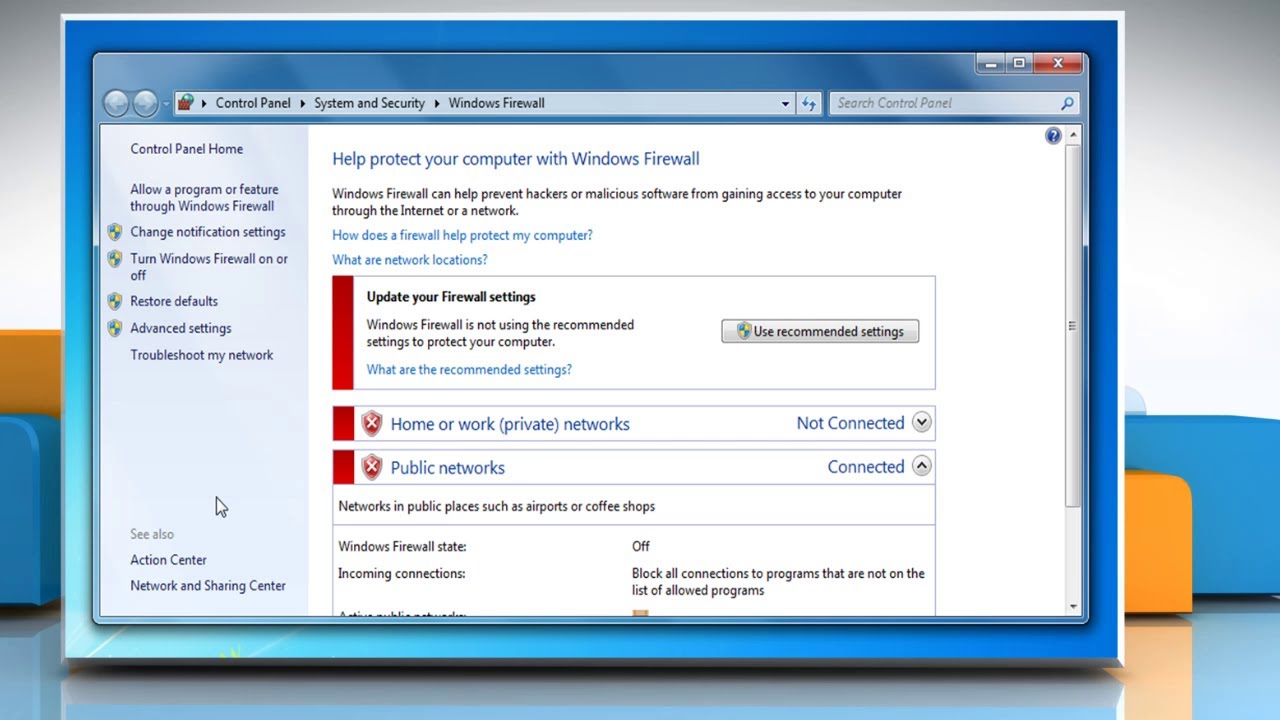
Web Firewall amp network protection in Windows Security lets you view the status of Microsoft Defender Firewall and see what networks your device is connected to You can turn Microsoft Defender Firewall on or off and access advanced Microsoft Defender Firewall options for the following network types Web Jul 15 2019 nbsp 0183 32 In essence the Windows Firewall will examine IP addresses and port numbers in IP based network traffic to make decisions on what traffic is allowed to enter and leave a computer Traffic that is determined to be good is allowed to pass through and traffic that is deemed bad will be blocked
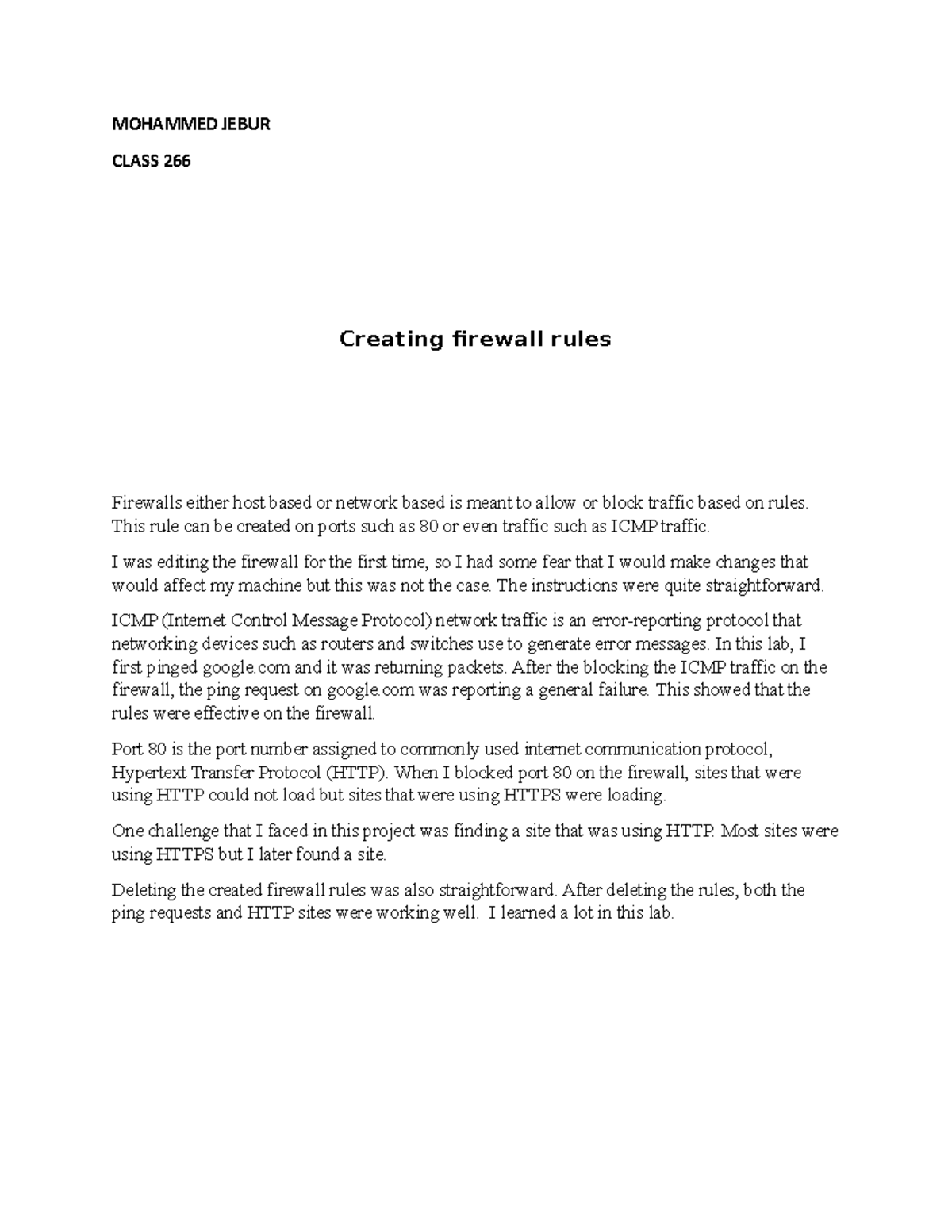
1 Optimization Of Firewall Rules Optimization Of Firewall Rules How Do I Check My Firewall Settings On Windows 8 Tanbinger Creating Firewall Rules MOHAMMED JEBUR CLASS 266 Creating Firewall How To Configure Firewall On Windows Server Heficed Windows Where Are My Firewall Rules Stored Super User How To Create Advanced Firewall Rules In Windows 10 Firewall How To Check Iptables Service In Linux Create An Inbound Port Allow Rule For Windows Firewall 2008 Collection Of Basic Linux Firewall Iptables Rules Linux Tutorials
Check Firewall Rules Windows
 Check Firewall Rules Windows
https://manifold.net/doc/mfd9/images/eg_firewall_1433_port01_01.png
Web Nov 10 2016 nbsp 0183 32 2 Answers Sorted by 60 Note this method has been working at least on Windows 7 10 Pro Server 2012 R2 11 Following steps will lead you to the rule blocking your connection Open a Windows console with Administration rights to enter commands
Pre-crafted templates provide a time-saving option for developing a diverse range of files and files. These pre-designed formats and designs can be used for numerous individual and expert tasks, consisting of resumes, invites, flyers, newsletters, reports, discussions, and more, simplifying the material creation process.
Check Firewall Rules Windows

48 Microsoft Windows Server 2019 Firewall PowerShell YouTube
How Do I Check My Firewall Settings On Windows 8 Tanbinger
Creating Firewall Rules MOHAMMED JEBUR CLASS 266 Creating Firewall
How To Configure Firewall On Windows Server Heficed
How To Create Advanced Firewall Rules In Windows 10 Firewall
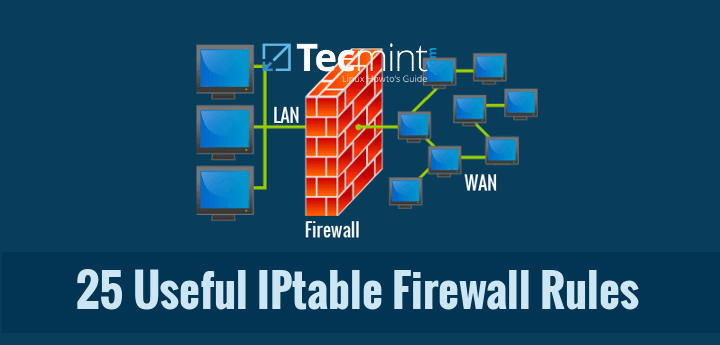
How To Check Iptables Service In Linux

Web Jun 9 2023 nbsp 0183 32 Checking Firewall Settings on a PC 1 Open your Start menu You can also tap the Win key to do this 2 Type quot firewall quot into the search bar Doing so will automatically search your computer for applications matching your 3 Click the quot Windows Firewall quot option You should see this at the

Web Just in case you re looking for a way to view the creation time Get WinEvent LogName quot Microsoft Windows Windows Firewall With Advanced Security Firewall quot Where Object ID eq quot 2004 quot Foreach Object TimeCreated

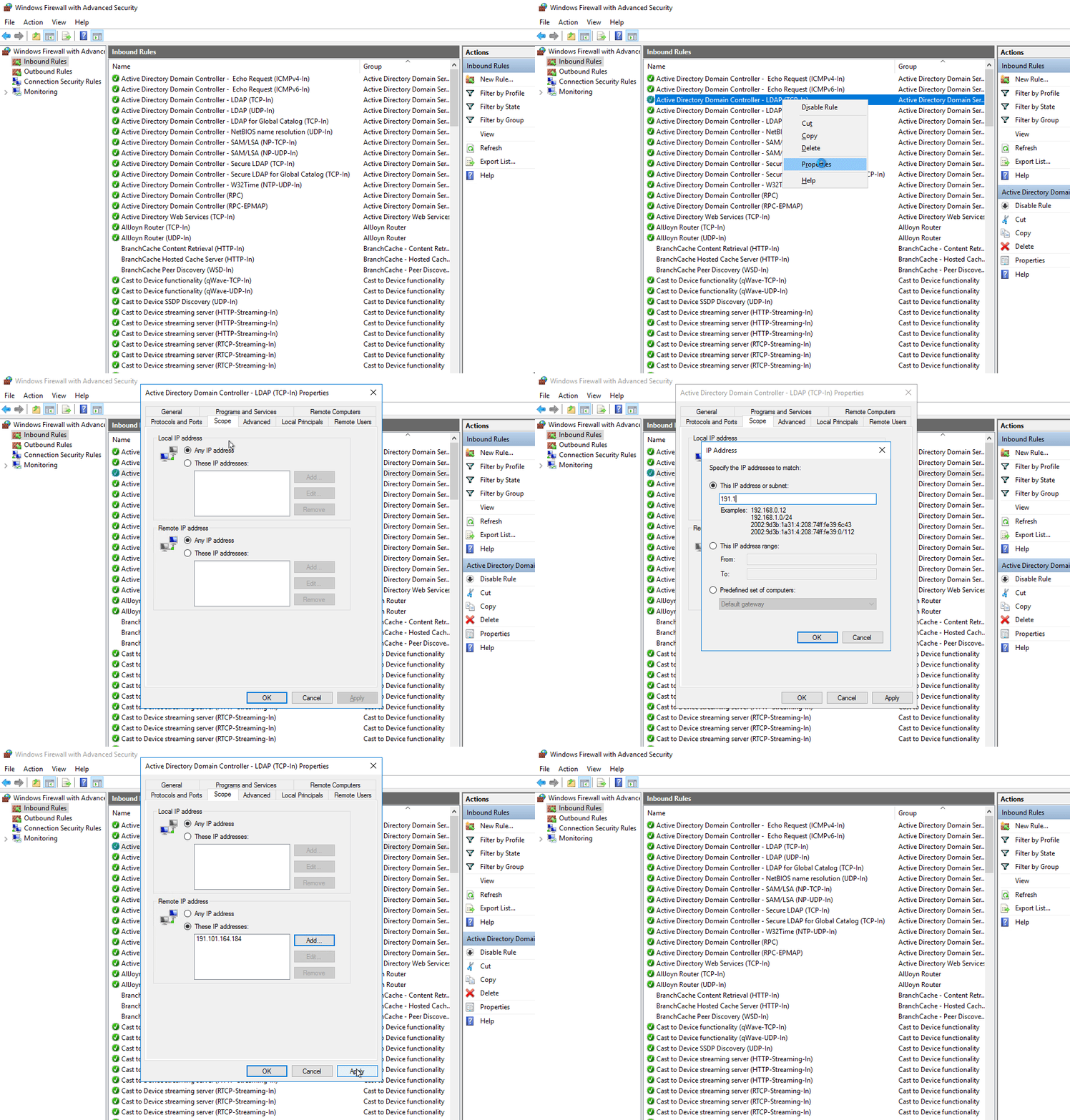
Web Apr 27 2021 nbsp 0183 32 If you find that the port is being blocked by the Windows Firewall you can allow it by using the steps given below Open Windows Firewall by navigating to the following Control Panel gt System and Security gt Windows Defender Firewall gt Advanced Settings

Web Jun 19 2023 nbsp 0183 32 To open Windows Firewall go to the Start menu select Run type WF msc and then select OK See also Open Windows Firewall Keep default settings When you open the Windows Defender Firewall for the first time you can see the default settings applicable to the local computer

Web 01 26 2022 8 contributors Feedback In this article Verifying that the Network Discovery exception is enabled Checking for application specific firewall rules Enabling the ports used for discovery and metadata exchange Disabling the firewall Related topics A misconfigured firewall can cause WSD applications to fail
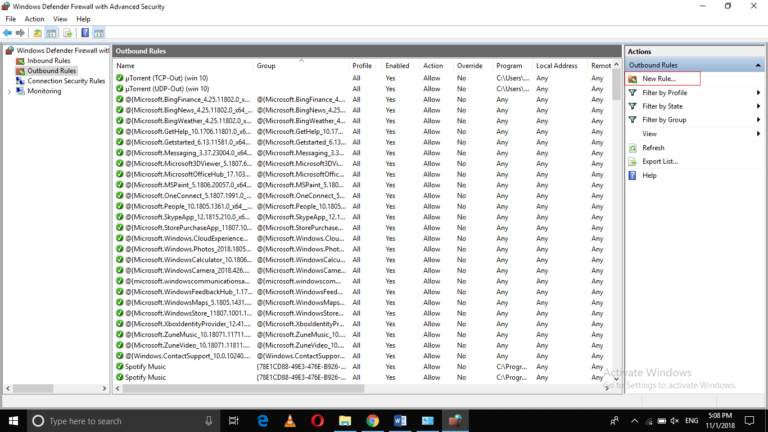
Web Jul 15 2022 nbsp 0183 32 Say in Windows Firewall GUI I have this four rules for nc exe netcat two for private networks one TCP one UDP and two for public networks one TCP one UDP How can I dump these four rules related to nc exe on the command line via Viewing Windows Firewall settings from the command line and a GUI found out about netsh Web Sep 17 2023 nbsp 0183 32 Manage Windows Defender Firewall Rules with PowerShell Learn how to create enable disable delete etc Firewall rules using PowerShell commands
Web Mar 22 2021 nbsp 0183 32 I would like to use quot netsh advfirewall firewall quot commands to list only some rule for example filter by only blocked rules only rules belonging to a certain group name more if possible list only rule having name starting with quot blabla quot then I guess using wildcards thanks Windows 10 Security