Change Xampp Mysql Root Password Where Are Mysql Database Files Xampp How To Change Or Reset XAMPP MySQL Root Password Nick Frostbutter Change MySQL Root Password From The Command Line How To Change MySQL Root Password In XAMPP Localhost How To Reset MySQL MariaDB Database Root Password Web Aug 26 2014 nbsp 0183 32 Go to your xampp mysql bin folder Edit my ini and insert skip grant tables below mysqld Restart MySQL Set new password for your root user by running UPDATE mysql user SET Password PASSWORD new password WHERE User root in phpMyAdmin in the mysql database or just leave it like this if MySQL cannot be
Web To change the password for a root account with a different host name part modify the instructions to use that host name mysql gt ALTER USER root localhost IDENTIFIED BY MyNewPass You should now be able to connect to the MySQL server as root using the new password Web Mar 22 2022 nbsp 0183 32 Using the following command you can set the password for the root 1 UPDATE user SET password newPassword WHERE user root Note In case you want to leave the root password blank then you can use the following 1 UPDATE user SET password WHERE user root
How To Reset MySQL MariaDB Database Root Password How To Set Change Password In Xampp Server Mysql Otosection Change Mysql Root Password Wachid Web Id How To Change Phpmyadmin MySQL Root Password With XAMPP On Localhost On Ubuntu DevOps MySQL Change Root Password KeyCDN Support How To Change Your MySQL Password In XAMPP 3 Methods MySQL XAMPP How To Reset Change Mysql Root Password Cloudbooklet Vrogue Change Mysql Port Xampp How To Specify Xampp Mysql Port Number During Bitnami After You
Change Xampp Mysql Root Password
 Change Xampp Mysql Root Password
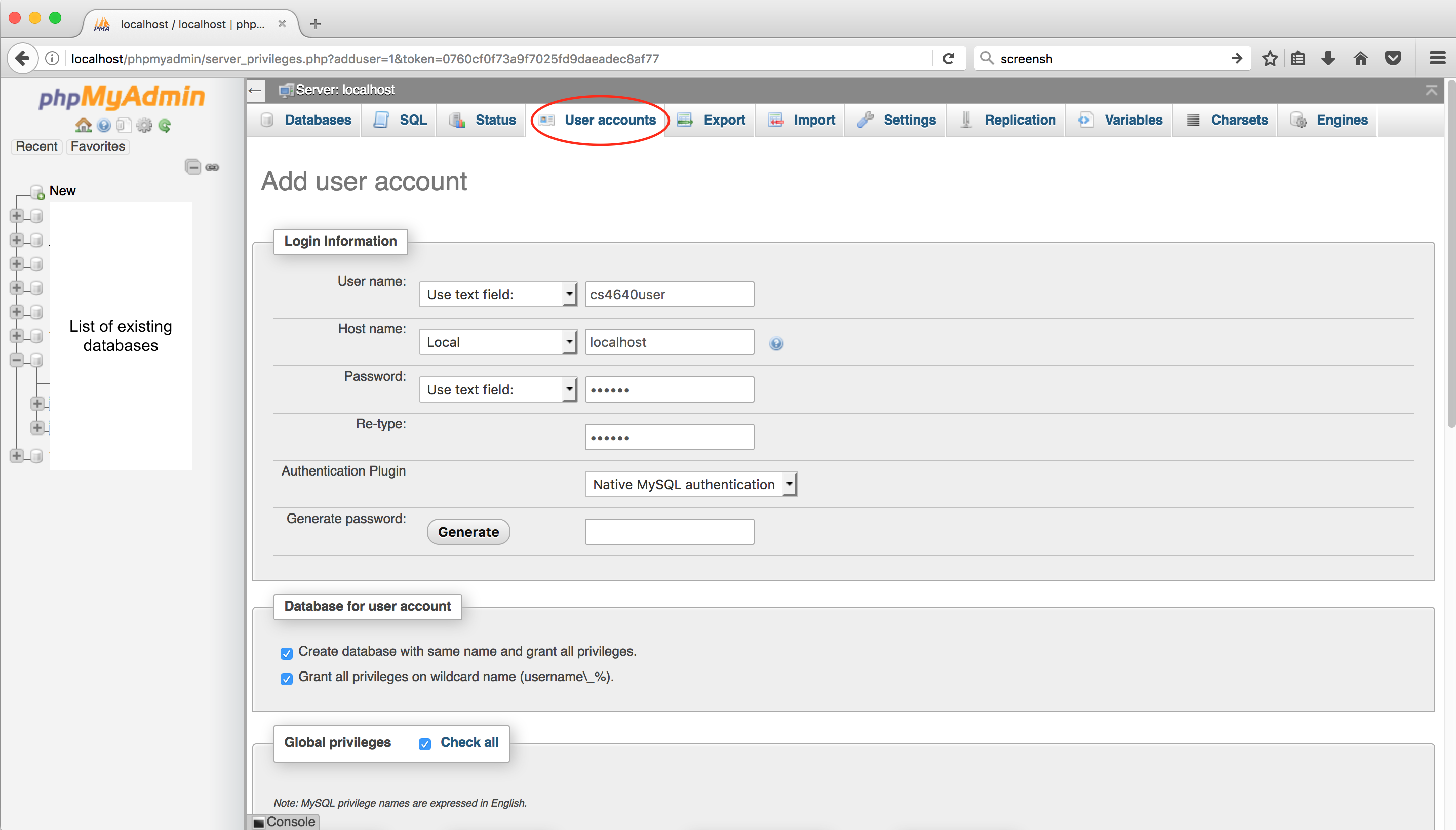
https://www.cs.virginia.edu/~up3f/cs4750/images/db-setup/phpmyadmin-create-user.png
Web Replace the password with the password that you want to use Press CTRL C to copy ALTER USER root localhost IDENTIFIED BY MyNewPass Save the file This example assumes that you name the file C mysql init txt Open a console window to get to the command prompt From the Start menu select Run then enter cmd as the command to
Pre-crafted templates use a time-saving option for creating a varied series of documents and files. These pre-designed formats and designs can be used for numerous individual and expert projects, consisting of resumes, invites, flyers, newsletters, reports, presentations, and more, enhancing the material development procedure.
Change Xampp Mysql Root Password

How To Change Mysql Root Password On Linux Linux Tutorials Learn Linux Configuration NCPEA

How To Set Change Password In Xampp Server Mysql Otosection
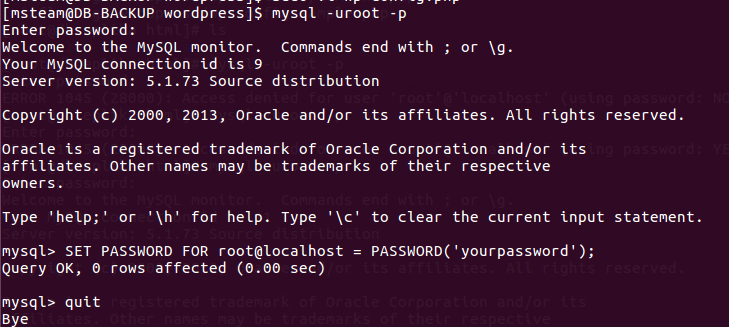
Change Mysql Root Password Wachid Web Id
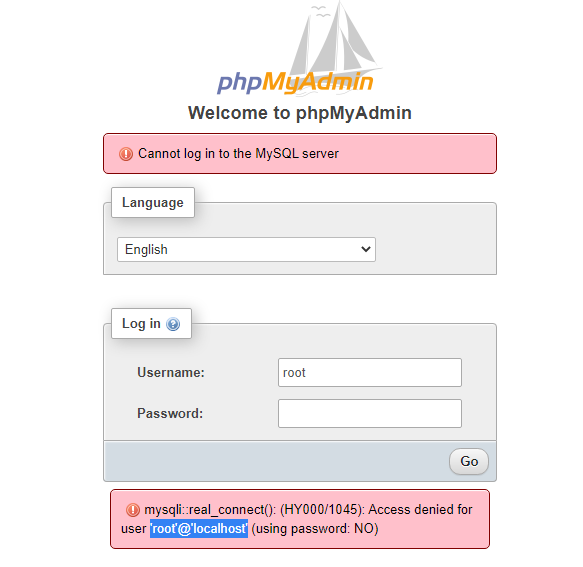
How To Change Phpmyadmin MySQL Root Password With XAMPP On Localhost On Ubuntu DevOps
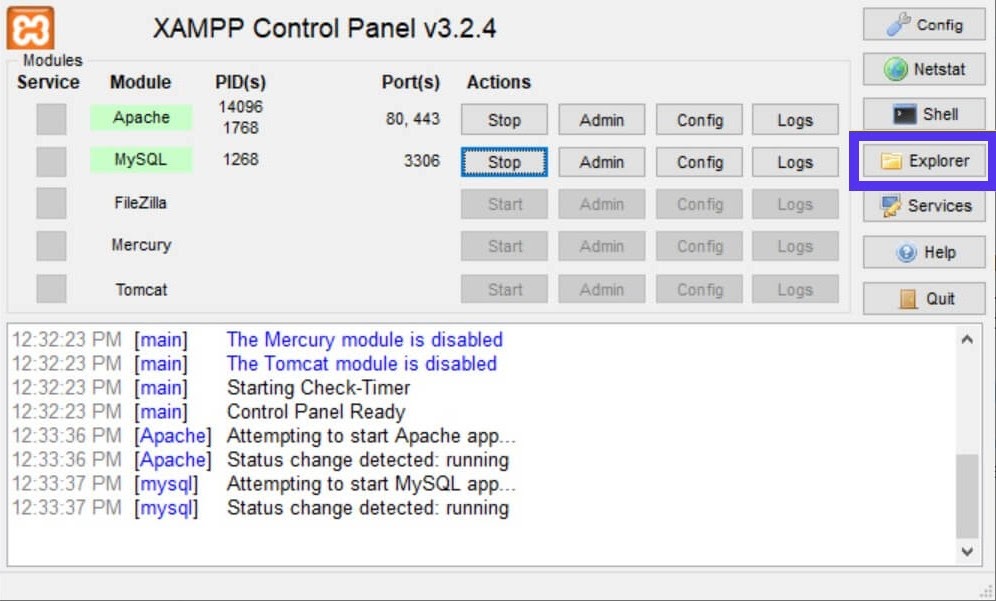
How To Change Your MySQL Password In XAMPP 3 Methods
MySQL XAMPP
Web Jul 4 2014 nbsp 0183 32 C xampp mysql bin mysql exe user root Once in MySQL command line quot select quot the mysql database USE mysql Then the following command will list all your MySQL users SELECT FROM user G You can scan through the rows to see what the root user s password is set to There will be a few root users listed with different hosts
Web Jan 31 2021 nbsp 0183 32 I ve got XAMPP working on my Windows 10 machine It seems that PHPMyADmin only works if the DB has no password I d really prefer to set a password for the root DB account I went into the XAMPP control panel gt User Accounts gt Edit Privileges for the root account
Web If you don t need the data you can quot reset quot the password by removing mysql in its entirety stackoverflow questions 10853004 then installing it again it will prompt you for the quot new quot root password FWIW rogerdpack Jan 12 2018 at 22 33 Do you know the MySQL root password Franck Dernoncourt Jan 22 2018 at 22 29 3

Web Method 1 reset XAMPP MySQL root password through web interface After you started your XAMPP server go to the browser and type the URL 1 http localhost security incase you ve modified XAMPP server port you need to include that port number also in previous URL The security page will be shown where you can change the 1 root

Web To reset the root password for MySQL on XAMPP you can follow these steps Stop the MySQL service in XAMPP Open a command prompt and navigate to the folder where XAMPP is installed e g C xampp mysql bin Run the following command mysqld skip grant tables Open another command prompt and navigate to the same folder as above
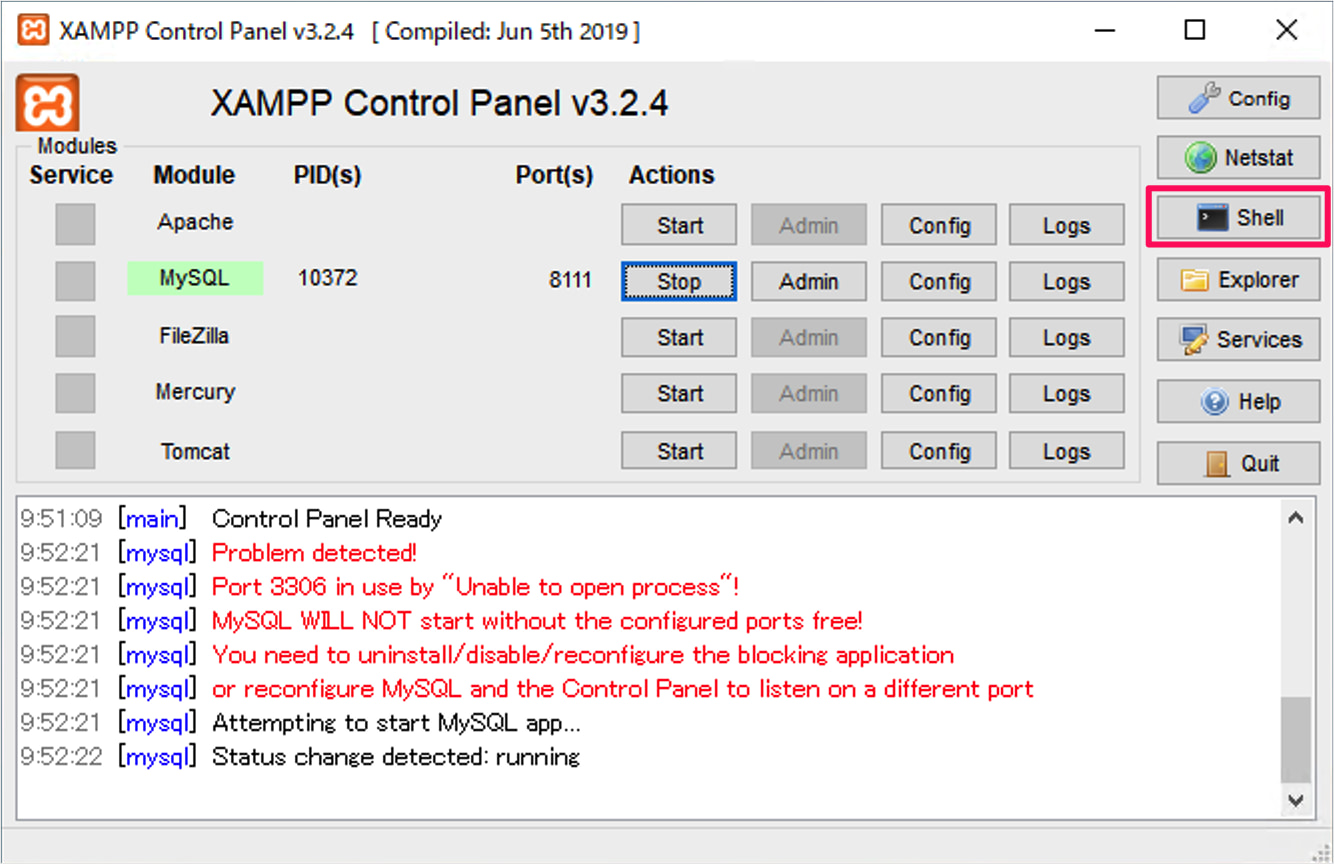
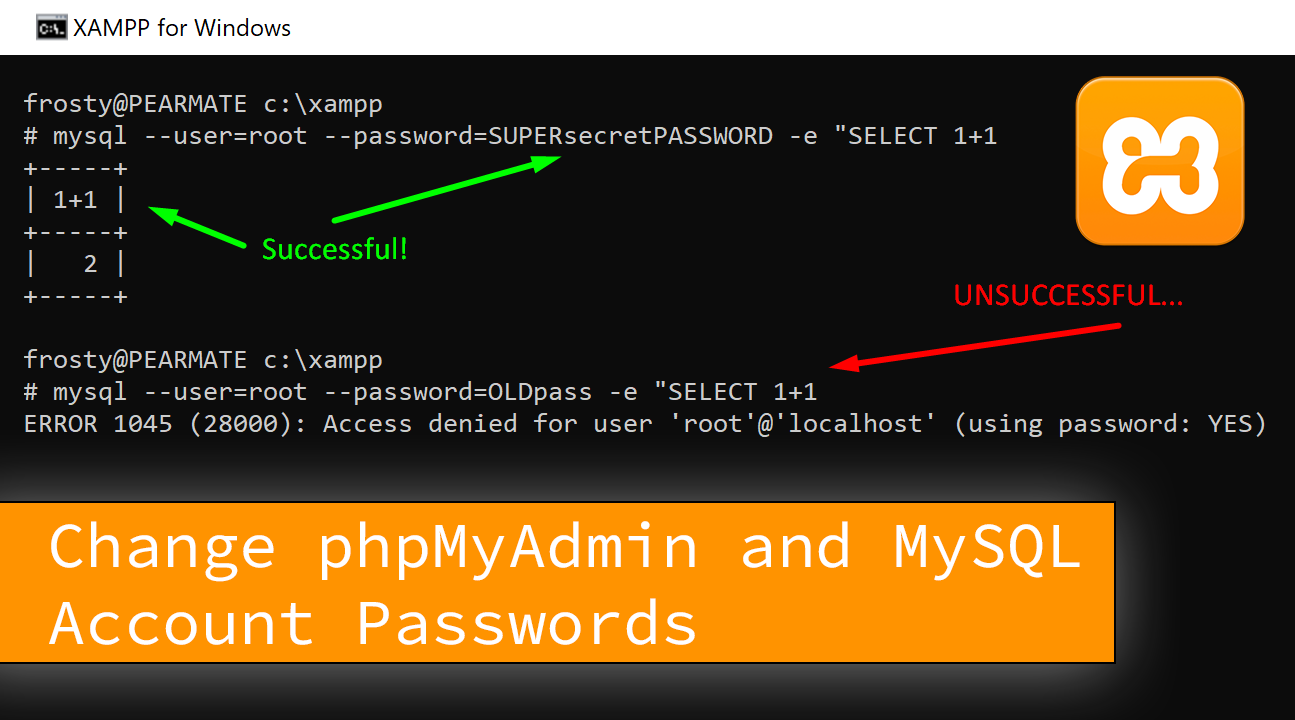
Web 1 Change Your MySQL Password Using the XAMPP Shell Using the XAMPP shell is generally going to be the simplest and quickest method for changing your MySQL password It does involve using the command line which can seem daunting at first However it s actually fairly straightforward Web On Windows use the following procedure to reset the password for the MySQL root localhost account To change the password for a root account with a different host name part modify the instructions to use that host name Log on to your system as Administrator Stop the MySQL server if it is running
Web Dec 16 2023 nbsp 0183 32 SELECT FROM user G You can scan through the rows to see what the root user s password is set to There will be a few root users listed with different hosts To set all root user s to have a blank password run this command UPDATE user SET password WHERE user root When you re done run exit to exit the MySQL