Change Vscode Terminal Visual studio code show all characters Panham Using VS Code Themes In Windows Terminal Thursday Night Visual Studio Code How To Change Vscode Terminal To Deafult Drop Down Vrogue Visual Studio Code How To Change Vscode Terminal To Deafult Drop Down Vrogue VS Code Integrate Git Bash As Default Terminal YouTube Web May 14 2022 nbsp 0183 32 1 Answer Sorted by 6 Press Ctrl Shift P Type quot def quot and the default terminal selection option pops Click on it and select your preferred terminal
Web Select Terminal Select Default Profile You will be prompted to Select your preferred terminal shell you can change this later in your settings or follow the same process as Web Jul 11 2020 nbsp 0183 32 An explicit start path where the terminal will be launched this is used as the current working directory cwd for the shell process This may be particularly useful in
VS Code Integrate Git Bash As Default Terminal YouTube Can I Change VSCode Terminal Icon To The Original One Stack Overflow VSCode Add A Directory To The Terminal PATH Fabian Lee Software Engineer George Bernard L tranger Abstraction Change Font In Visual Studio Code Harmonieux Lune Absurdit Change Integrated Terminal In VSCode From Sh To Zsh Fedora Discussion Visual Studio Code How To Change Vscode Terminal To Deafult Drop Down Vrogue How To Change The Integrated Terminal In Visual Studio Code Gang Of Vrogue Terminal integrated profiles windows Does Not Work With Spaces In Names Anymore How To Change Default Terminal In Visual Studio Code VSCode
Change Vscode Terminal
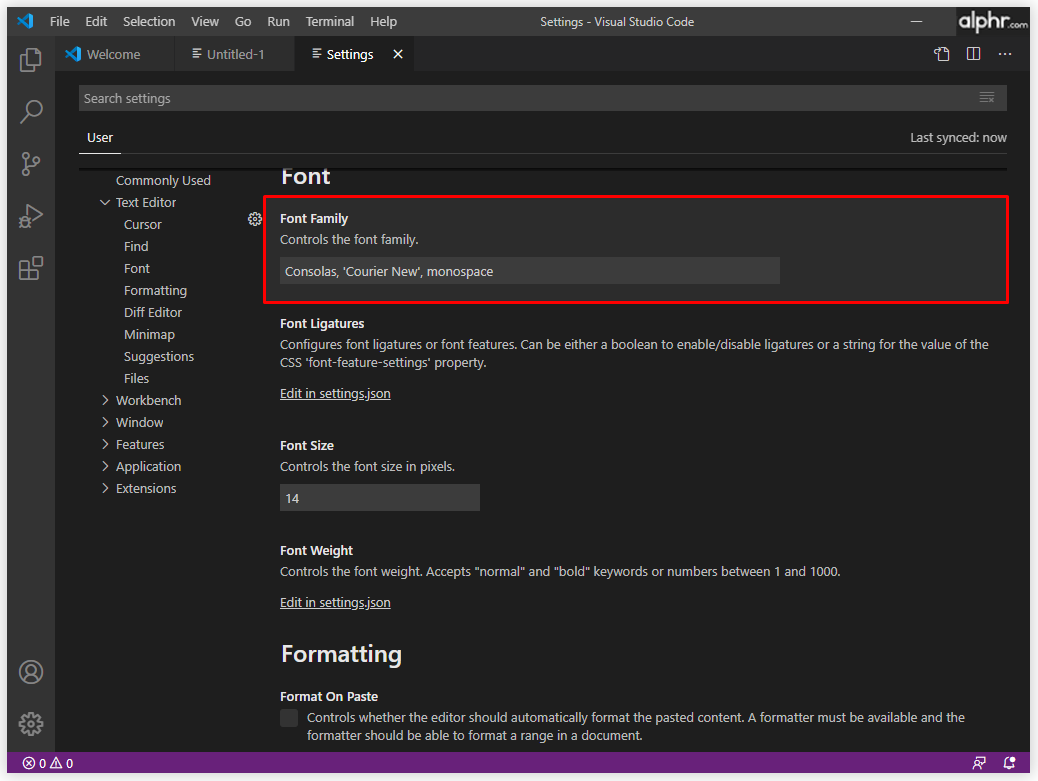 Change Vscode Terminal
http://www.alphr.com/wp-content/uploads/2020/12/Screenshot_6-22.png
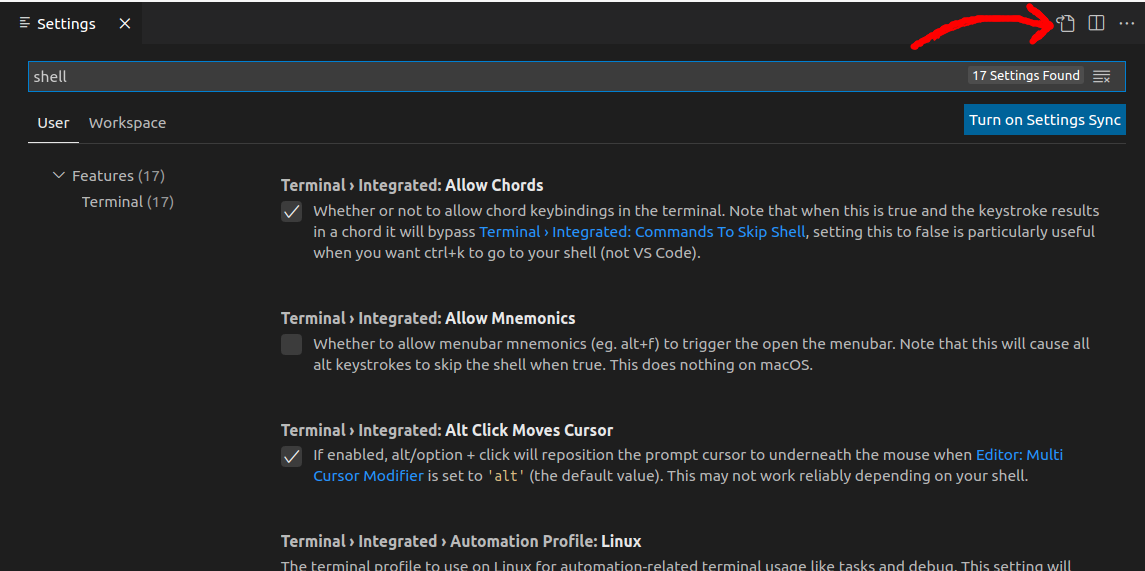
Web Dec 12 2019 nbsp 0183 32 Create a new field by typing quot quot double quotation key Inside the quotation type quot terminal quot a list of options will appear Select terminal integrated profiles windows
Pre-crafted templates use a time-saving option for producing a varied variety of documents and files. These pre-designed formats and designs can be utilized for various individual and expert tasks, including resumes, invitations, flyers, newsletters, reports, presentations, and more, improving the material production procedure.
Change Vscode Terminal
How To Change Text Color In Visual Studio Code In 2023 VSCode Syntax Highlighting YouTube

Can I Change VSCode Terminal Icon To The Original One Stack Overflow
VSCode Add A Directory To The Terminal PATH Fabian Lee Software Engineer

George Bernard L tranger Abstraction Change Font In Visual Studio Code Harmonieux Lune Absurdit

Visual Studio Code How To Change Vscode Terminal To Deafult Drop Down Vrogue

How To Change The Integrated Terminal In Visual Studio Code Gang Of Vrogue

Web In the Explorer you can use the Open in Integrated Terminal context menu command to open a new terminal from a folder To toggle the terminal panel use the Windows

Web terminal integrated fontSize Changes the font size of text in the terminal terminal integrated letterSpacing Configures additional horizontal spacing between

Web Mac shortcuts Shift P It opens the command palette and types Terminal Select in the search box and selects the Terminal Select Default Profile option It opens a window

Web With VSCode 1 39 Sept 2019 no more plugin needed There is a new command that allows the creation of terminals with a custom current working directory cwd quot key quot

Web Press in windows Ctrl Shift P and after type Terminal Rename there you can change the terminal name title In v1 61 there is the ability to set the terminal names using variables See terminal custom titles in
Web Aug 13 2019 nbsp 0183 32 How to Switch the Integrated Terminal in VS Code Press Ctrl Shift P Search for and select Terminal Select Default Shell Select Git Bash Done Now Web To do this from an open terminal or command prompt navigate to your project folder and type code Note Users on macOS must first run a command Shell Command Install
Web Mar 16 2023 nbsp 0183 32 To change the default terminal in VS Code Press Ctrl Shift P on Windows and Linux Command Shift P on macOS Note you can also press F1 to