Change User Password Windows Server 2008 How To Guide For Windows Servers How To Reset Windows Server 2008 Password How To Change A User Password In Windows Server 2019 How To Change Administrator User Password On Windows Server 2012 How To Reset Windows Server 2012 Local Domain Administrator Password How To Change Administrator User Password On Windows Server 2012 Web Changing Administrator password in Windows Server 2008 R2 1 Connect to the server via Remote Desktop 2 Click on Start gt Administrative Tools gt Computer Management 3 Open 171 Local Users 187
Web Sep 25 2016 nbsp 0183 32 1 Expand Local Users and Groups and then select Users 2 Right Click on Administrator 3 Choose Set Password and then click Proceed 4 Enter the new password and click on OK Web how to reset user password in Windows server 2008r2 using the graphical user interface
How To Change Administrator User Password On Windows Server 2012 Reset Domain Administrator Password For Windows Server 2008 R2 YouTube How To Change Your Password In Windows Server 2008 Hostwinds How To Change Or Reset Administrator Password On Windows Server 2008 How To Change Your Password In Windows Server 2008 Hostwinds How To Change Your Password In Windows Server 2008 Hostwinds How To Change The User Password In Windows 10 How To Change User Password In Windows Server 2019 TecAdmin How To Change User Password On Windows 10 YouTube
Change User Password Windows Server 2008
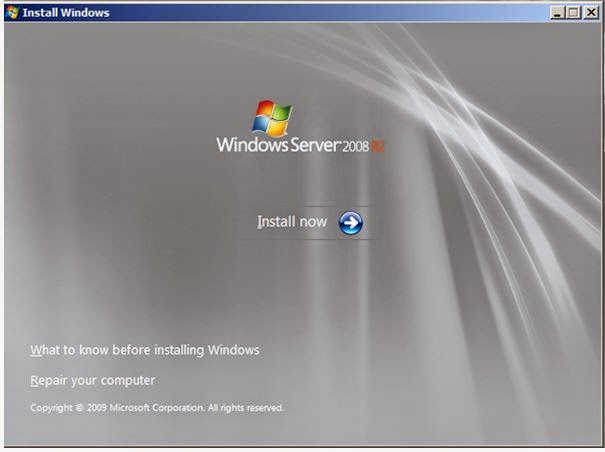 Change User Password Windows Server 2008
http://2.bp.blogspot.com/-SiLTTGvRGxg/VMEhX2t4vOI/AAAAAAAAAw4/pHCkf6APL0Y/s1600/2.JPG
Web Apr 14 2021 nbsp 0183 32 Part 2 Use Offline NT Password Editor to Reset Local Admin Password for Windows Server 2008 R2 Offline NT Password Editor is a free Windows password
Templates are pre-designed documents or files that can be utilized for various purposes. They can save effort and time by offering a ready-made format and design for developing various sort of content. Templates can be used for personal or expert projects, such as resumes, invitations, flyers, newsletters, reports, presentations, and more.
Change User Password Windows Server 2008

Mac Pro Boot From Usb Executivelasopa
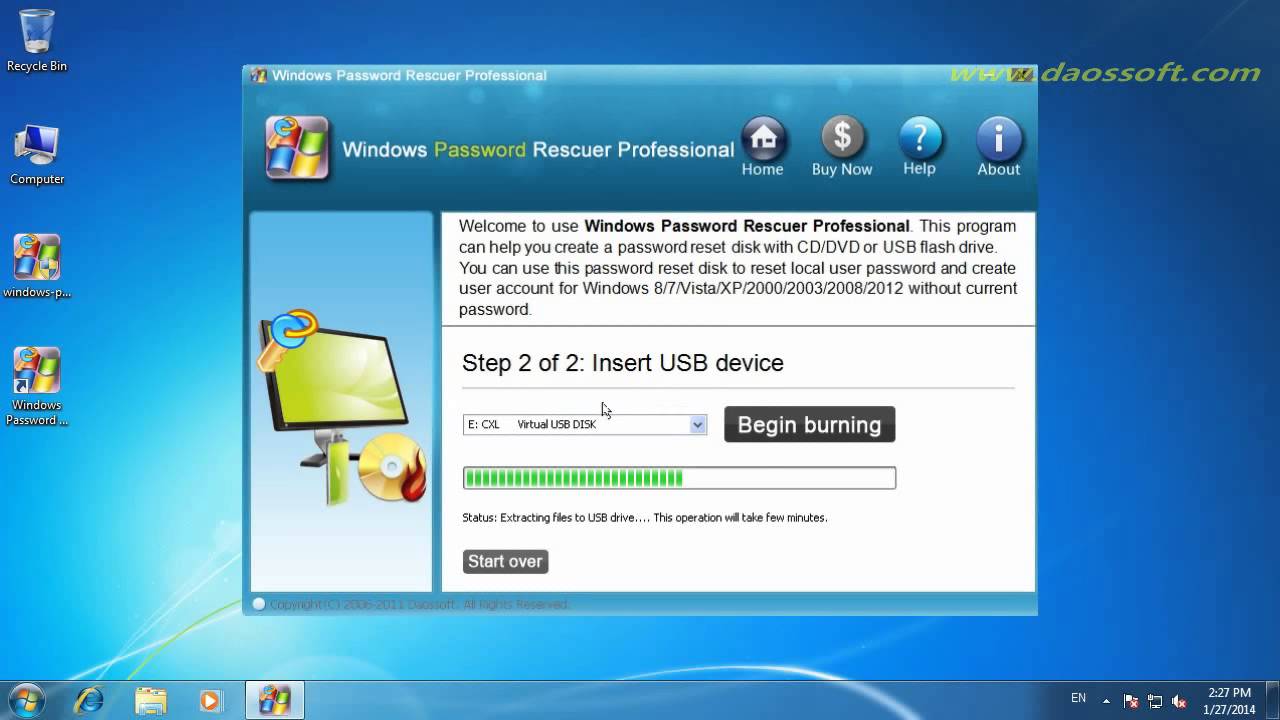
Reset Domain Administrator Password For Windows Server 2008 R2 YouTube
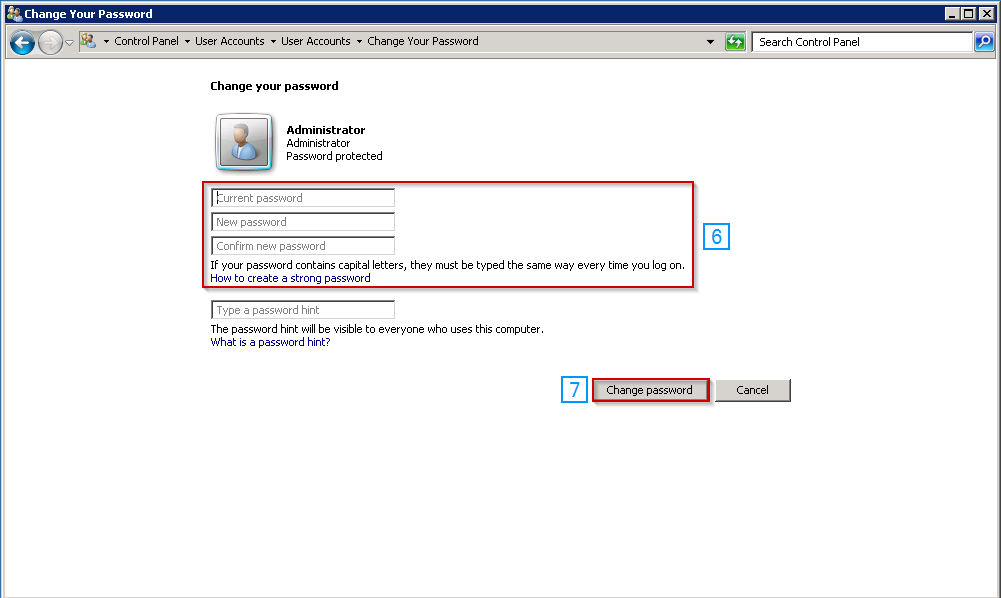
How To Change Your Password In Windows Server 2008 Hostwinds
How To Change Or Reset Administrator Password On Windows Server 2008
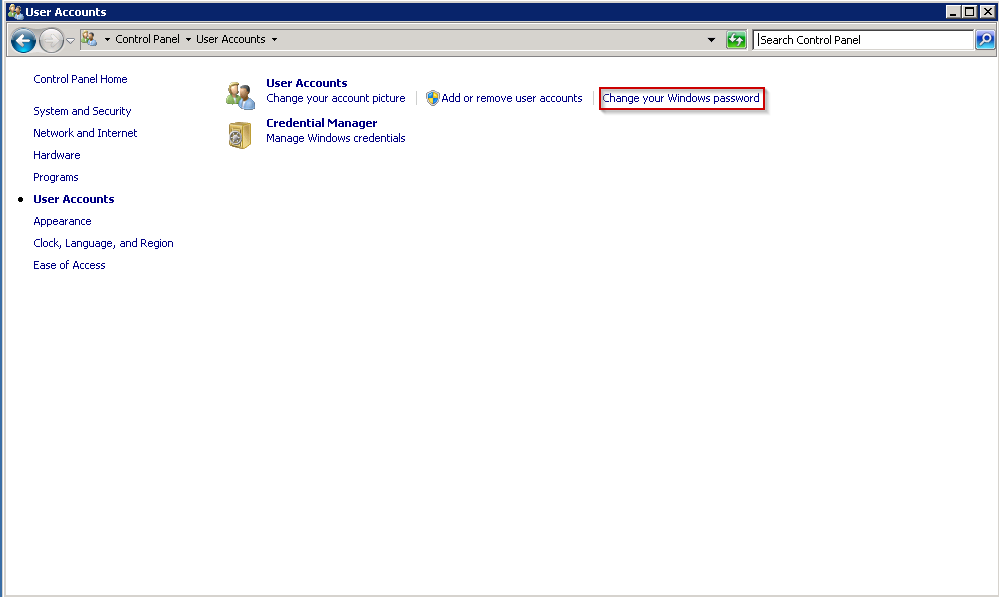
How To Change Your Password In Windows Server 2008 Hostwinds
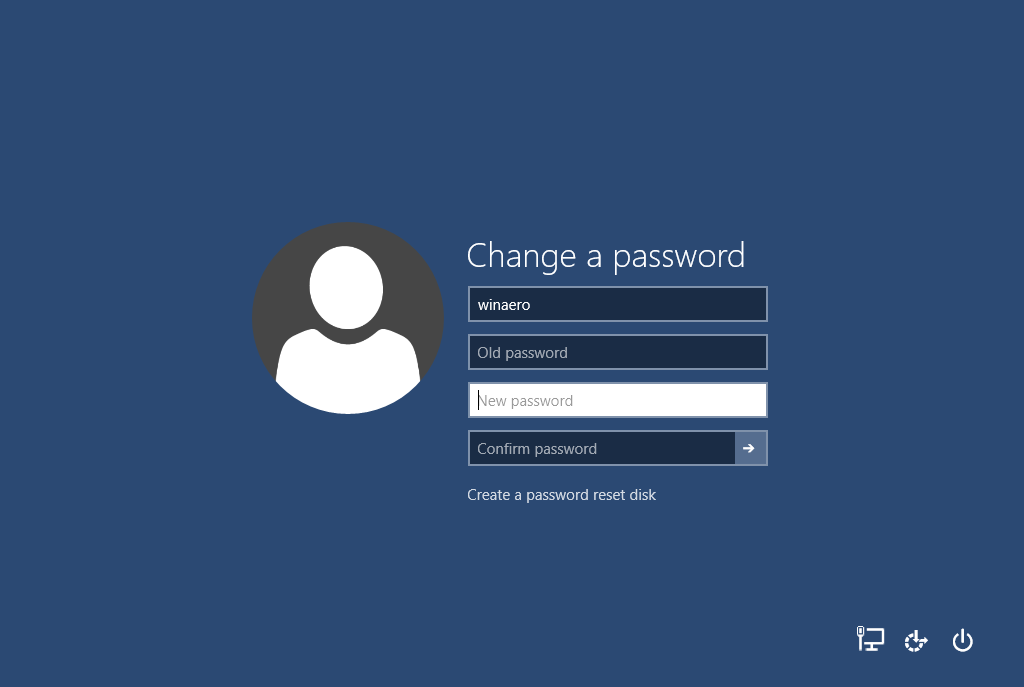
How To Change The User Password In Windows 10

Web Click Start gt Run Enter lusrmgr msc in the box and click OK or use the Windows 174 search to search for Local Users and Groups In the console double click Users to display a list
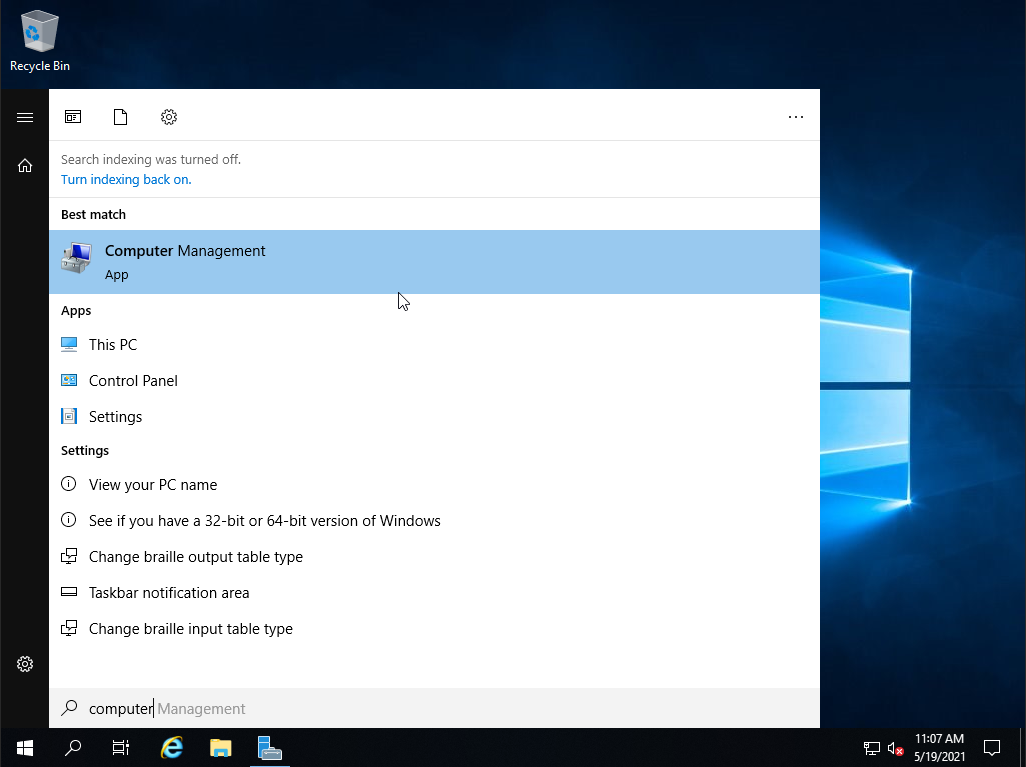
Web Apr 14 2022 nbsp 0183 32 Step 1 Create a Windows server 2008 password reset disk Since your computer that s running Windows Server 2008 R2 is inaccessible please click the link above to download the program on a

Web How to Change password Windows Server 2008 2012 2016 2019 I Change password Windows Server 2008 2012 2016 2019 via Command Line First open an administrator Command Prompt assuming you have

Web Feb 21 2010 nbsp 0183 32 3 Answers Sorted by 5 You can reset or recover your password in a number of ways The three most prominent that come to my mind are Boot into a Linux

Web Jan 11 2024 nbsp 0183 32 Select your Windows Server 2008 R2 system and that administrator account And click Reset Password button to reset its password iSumsoft Windows Password Refixer will give your
Web Jan 11 2024 nbsp 0183 32 1 Change local password policy in Windows Server 2008 R2 To change the local password policy you need to logon as administrator Then do as below steps Web Original Title Reset Local Admin How can I reset all my Local admin password using a GPO on windows server 2008 This thread is locked You can vote as helpful but you
Web Users on windows 2008 R2 server cannot change own password I have a Win2k8R2 server configured as PDC and Terminal Services yes i know My manager would like