Change Time Zone On Domain Controller Domain Controller To The Core The World According To Mitch How To Adjust The Time Zone On The PMD56 2952 YouTube Karoo 1 Time Zone Settings Hammerhead Time Zone Management With Sagenda Sagenda Domain Controller Time Won t Sync With NTP Server Web 1 Answer Sorted by 1 You can use group policy if you are running Windows Server 2008 See more info here http www techrepublic blog datacenter set a windows servers time zone using group policy 3673 Or if you are running Windows server 2003 then you have to created a start up script then enable it via group policy
Web Oct 23 2019 nbsp 0183 32 Use tzutil l to list the time zones available on the system Change to the desired zone using the following command tzutil s quot W Australia Standard Time quot In this example you would set the time zone to Western Australia Changing the time zone with tzutil exe More Options via PowerShell Web Jan 17 2023 nbsp 0183 32 Changing the time zone represents little vulnerability because the system time is not affected This setting merely enables users to display their preferred time zone while being synchronized with domain controllers in different time zones
Domain Controller Time Won t Sync With NTP Server How To Change Time Zone On Your Fire Stick Device OptiSigns Time Zone Zistemo Knowledge Base Change Time Zone On Domain Machines Using Group Policy And Tzutil exe Change Time Zone On Domain Machines Using Group Policy And Tzutil exe Manage Users In Different Timezones GIS Cloud Learning Center How To Change Time Zone In Windows 11 2 Simple Methods Entering MOUNTAIN Time Zone On I 90 Freeway South Dakota Flickr Prevent Active Directory Domain Controllers Couldn t Be Contacted
Change Time Zone On Domain Controller
 Change Time Zone On Domain Controller
https://mgarvis.files.wordpress.com/2021/03/ad.png
Web Feb 23 2023 nbsp 0183 32 To configure the PDC in the root of an Active Directory forest to synchronize with an external time source follow these steps Change the server type to NTP To do this follow these steps Select Start gt Run type regedit and then select OK Locate and then select the following registry subkey
Pre-crafted templates use a time-saving option for developing a diverse range of files and files. These pre-designed formats and designs can be utilized for various personal and professional jobs, including resumes, invitations, flyers, newsletters, reports, discussions, and more, improving the content development process.
Change Time Zone On Domain Controller

Domain Controller
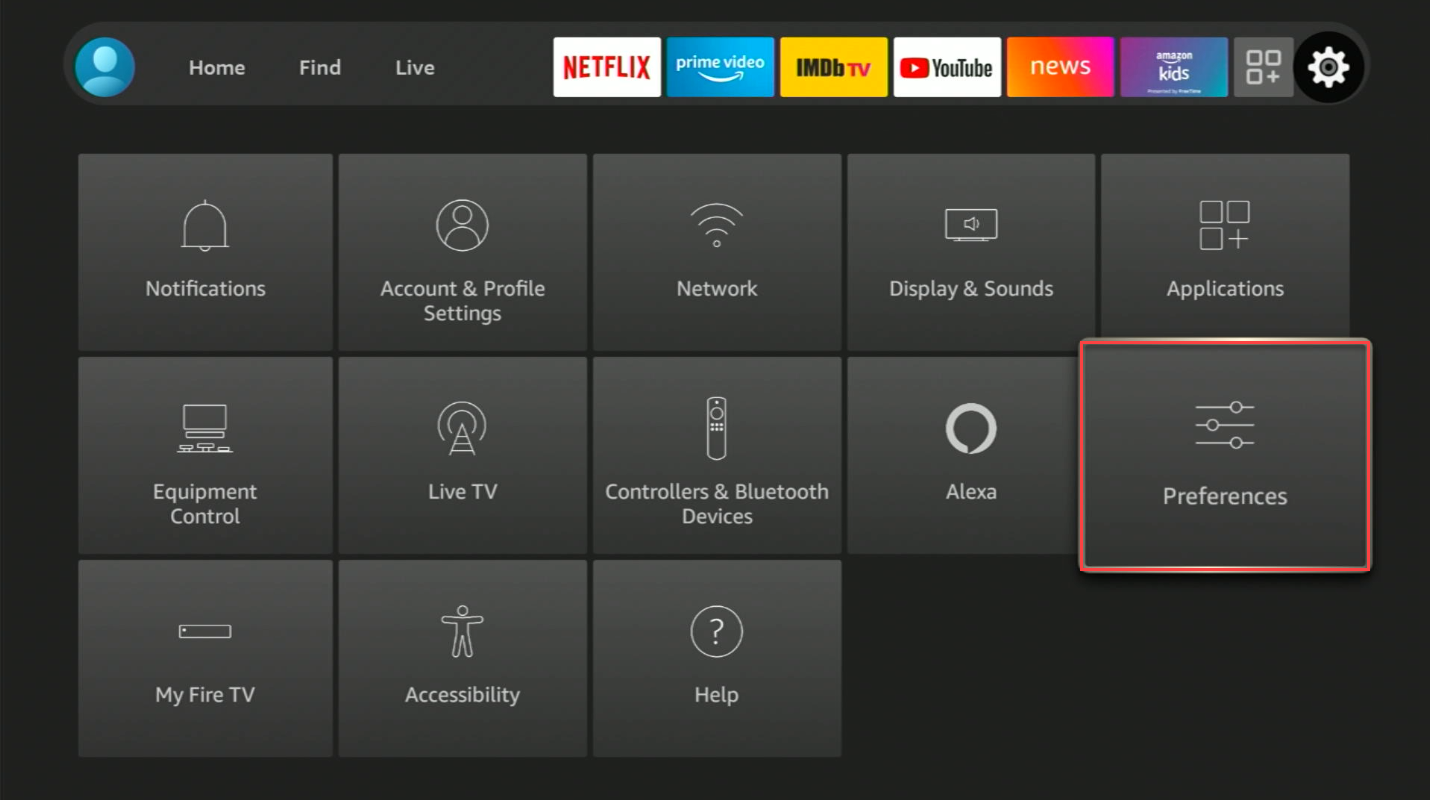
How To Change Time Zone On Your Fire Stick Device OptiSigns
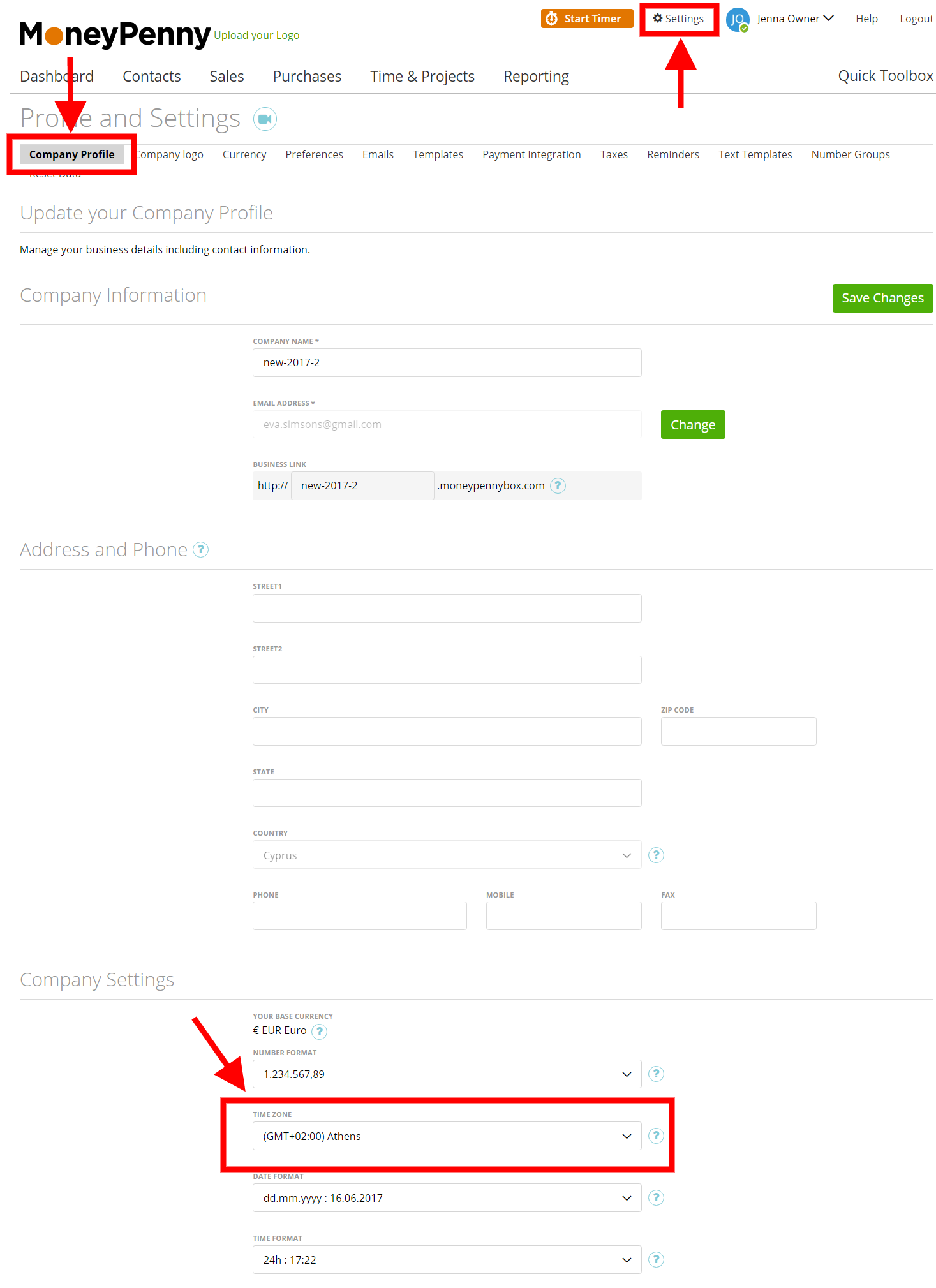
Time Zone Zistemo Knowledge Base
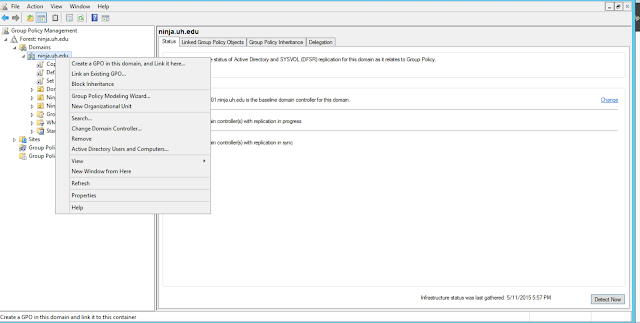
Change Time Zone On Domain Machines Using Group Policy And Tzutil exe
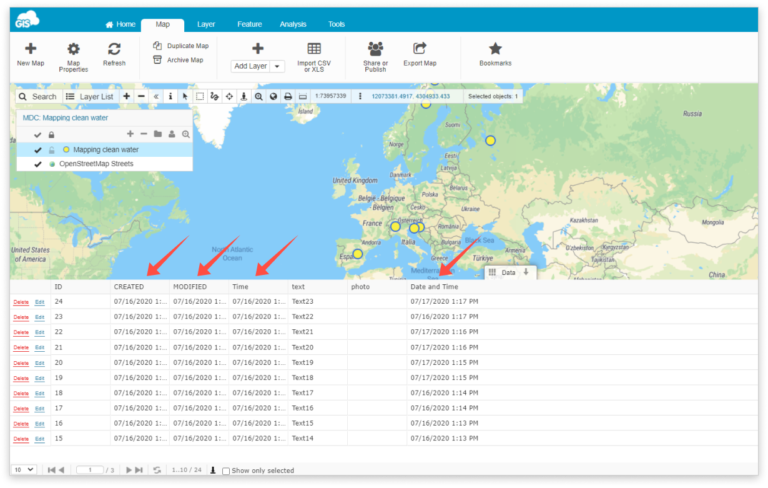
Manage Users In Different Timezones GIS Cloud Learning Center

How To Change Time Zone In Windows 11 2 Simple Methods

Web Please right click the time field in the lower right corner and then click the Adjust date time option In the settings window you can change the time date and time zones of each Windows Server More methods like command etc we could refer to the following guide Please Note Since the web site is not hosted by Microsoft the link may

Web Aug 2 2018 nbsp 0183 32 To do so open powershell or the command prompt as administrator and issue the command net time NETTIMESERVER DOMAIN set y This command should return the message The command completed successfully Our time on our PC is now synced with the domain controller and the domain controller is now synced with

Web May 25 2017 nbsp 0183 32 2 Answers There s no direct GPO for this but you can create a Group Policy Registry Preference for this The key that needs to be set is listed here Alternatively you can use tzutil exe which is documented here to set

Web You can set the time zone from the GUI by right clicking on the clock icon in the system tray and selecting Adjust date time By default Windows tries to automatically select the time zone the Set time zone automatically option is enabled You can disable this option and set the required time zone manually by selecting it in the drop down list

Web May 31 2023 nbsp 0183 32 The Windows Time service W32Time synchronizes the date and time for all computers managed by Active Directory Domain Services AD DS This article covers the different tools and settings used to manage the Windows Time service
[desc-11] [desc-12]
[desc-13]