Change Textarea Font Size Css CSS Typography Change Font Size Spacing More YouTube Html Text Font Color Sdfreemo TEXTAREA Default Value Cyber Bot Machines Css How To Expand Textarea Width To 100 Of Parent or How To Expand Javascript On Changing Script Attribute Value Dynamically Reloads The font size property is specified in one of the following ways As one of the absolute size relative size or math keywords As a length or a percentage relative to the element s font size Values xx small x small small medium large x large xx large xxx large
textarea English US textarea The Textarea element The textarea HTML element represents a multi line plain text editing control useful when you want to allow users to enter a sizeable amount of free form text for example a comment on a review or feedback form Try it The above example demonstrates a number of features of textarea There is a bit more parity between text input styles than we saw with radios checkboxes and selects but inconsistencies nonetheless Here s a screenshot of the unstyled inputs we re going to address today across from left Chrome Safari and Firefox We will be looking to unify the initial appearance across browsers and common field types
Javascript On Changing Script Attribute Value Dynamically Reloads Javascript Por Que H Uma Diferen a Entre A Largura De Uma Textarea E Users DO Change Font Size CSS Tricks CSS Tricks Dear Moon instiz Html Input Width Tukakosi nagurado jp Dear Moon instiz Html Textarea Font Hanatsubomi jp How To Change The Placeholder Text Color Of An HTML Input OR Textarea TextArea Cursor Not Updated After Font Size Change Qt Forum
Change Textarea Font Size Css
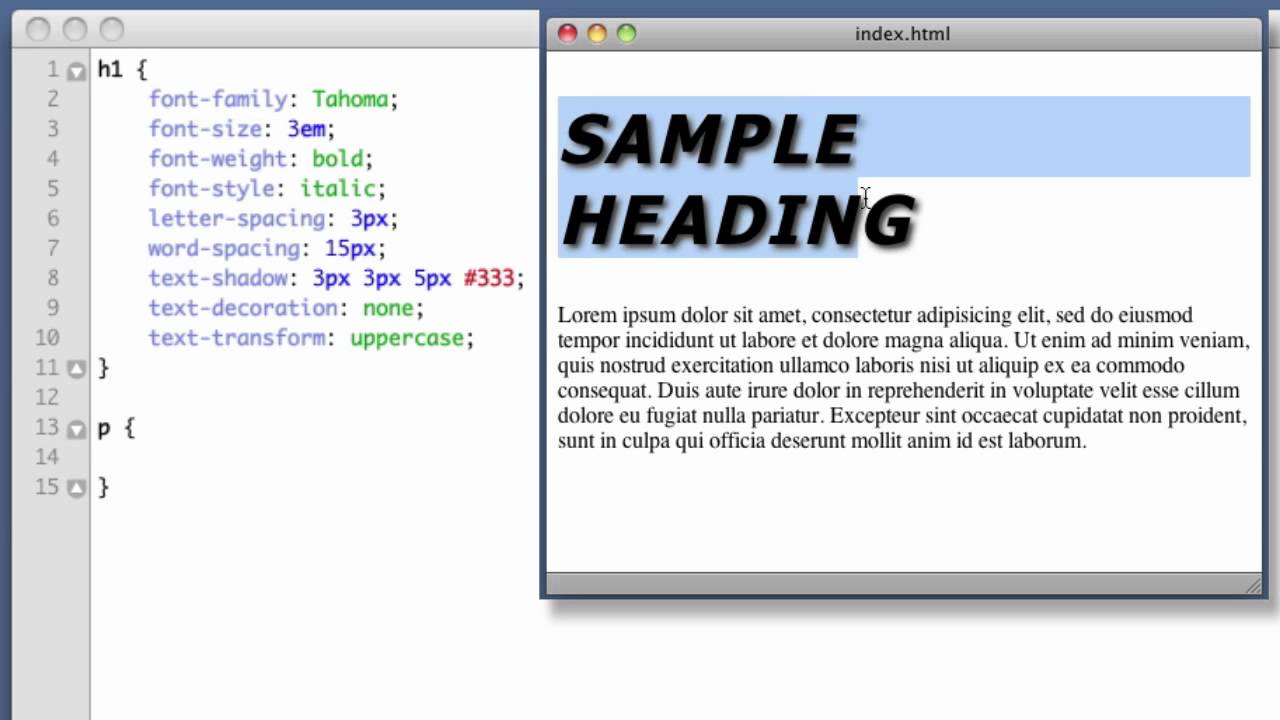 Change Textarea Font Size Css
https://i.ytimg.com/vi/RNakAX3rVVw/maxresdefault.jpg
Remove the blue glow All WebKit browsers Firefox 3 6 and Opera 10 all put a glowing blue border around textareas when they are in focus You can remove it from the WebKit browsers like this textarea outline none You could apply it to the focus style as well but it works either way
Pre-crafted templates provide a time-saving option for creating a varied range of files and files. These pre-designed formats and designs can be used for various personal and expert jobs, including resumes, invitations, leaflets, newsletters, reports, presentations, and more, simplifying the material creation process.
Change Textarea Font Size Css

Dear Moon instiz

Javascript Por Que H Uma Diferen a Entre A Largura De Uma Textarea E
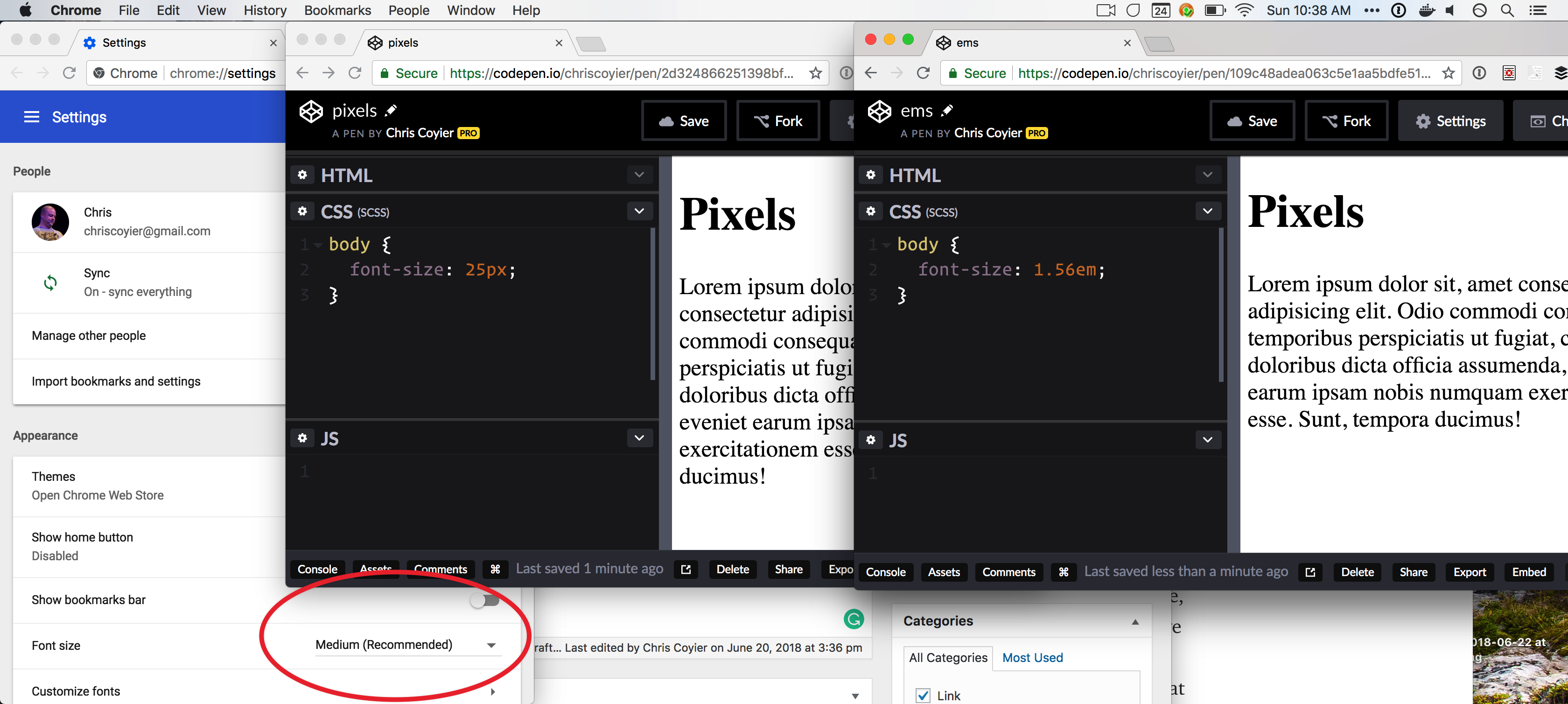
Users DO Change Font Size CSS Tricks CSS Tricks

Dear Moon instiz

Dear Moon instiz

Html Textarea Font Hanatsubomi jp
13 Answers Sorted by 341 I recommend to use both Rows and cols are required and useful if the client does not support CSS But as a designer I overwrite them to get exactly the size I wish The recommended way to do it is via an external stylesheet e g textarea width 300px height 150px textarea textarea Share Improve this answer
There are two ways of setting the size of the HTML textarea element You can use HTML or CSS In HTML you can use the cols and rows attributes Let s see this solution in use Watch a video course CSS The Complete Guide incl Flexbox Grid Sass Example of setting the textarea size with HTML
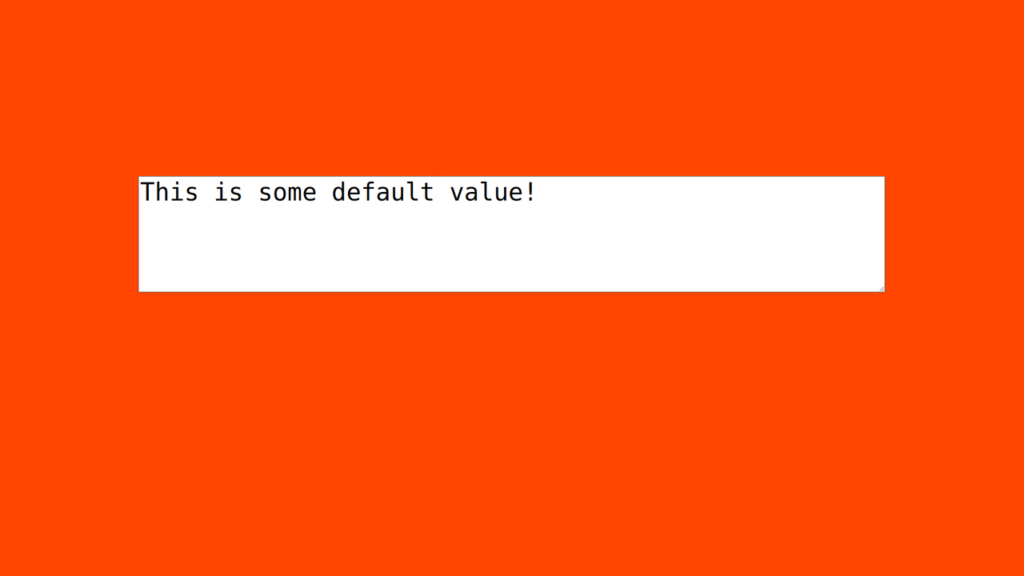
OPTION 1 STATIC size depending on rows cols Currently only rows affects the Material textarea height cols doesn t change its width Therefore for increasing width we have to use the CSS width property on a mat form field containing our textarea

Definition and Usage The textarea tag defines a multi line text input control The textarea element is often used in a form to collect user inputs like comments or reviews A text area can hold an unlimited number of characters and the text renders in a fixed width font usually Courier

4 Answers Sorted by 9 You forgot the px at the end That is very important For example how does it know if you want px or em View this for more information textarea placeholder font size 20px textarea placeholder yes textarea Share Improve this answer Follow answered Mar 20 2019 at 0 20 Aniket G 3 471 1 13 40 Add a comment 3
Test it out here HTML textarea rows 10 cols 50 Example text here textarea rows 10 cols 50 Example text here Set Size of Textarea Element Using CSS You can also use CSS to change the size of a textarea element In this case rather than adjust the number of rows and columns you can just directly change the dimensions of the textarea By default input and textarea elements don t change size based on the content they contain In fact there isn t any simple HTML or CSS way to make them do that Kinda funny as that seems like a reasonable use case But of course there are ways my friend There are always ways
The W3Schools online code editor allows you to edit code and view the result in your browser