Change Terminal Position Vscode VS Code 3 Ways To Change Terminal Font SIze KindaCode Vscode Base16 Terminal Bash VSCode Change Default Terminal ITecNote Side Terminal Wrap Glitches Issue 134293 Microsoft vscode GitHub vscode Git Web Feb 10 2022 nbsp 0183 32 I used to position my terminal at the left side of my visual studio code as presented on the first image but now the option to do that is gone i think some recently update removed it which seems strange why would they remove a feature After some googling i found this How do I move the panel in Visual Studio Code to the right side
Web Mar 14 2023 nbsp 0183 32 Press Ctrl Shift P or Command Shift P on macOS Note you can also press F1 to open the Command Palette Type user settings and select Preferences Open User Settings You can also open the settings screen by pressing Ctrl on Windows and Linux or Cmd on macOS Type sidebar location and select right from the Web May 10 2017 nbsp 0183 32 And with v1 64 2 you can use the command View Move Panel Right or Left or Bottom which will move the Panel to the right with the optional Side Panel to its right The terminal can be in any one of those Panels by dragging it for example
vscode Git It s Time To Clean Up The Dirt On The C Drive An 830KB Artifact Safely Solves The Troubles C Change VS Code Terminal Position To Right Side For A Neat Workspace Chaitanya s Blog Move The Sidebar Or Terminal To The Right In VS Code Bobbyhadz Run Open VSCode From Mac Terminal Gang Of Coders How Can We Move The New Side Panel To The Right Issue 141349 Microsoft vscode GitHub Change File Encoding In VS Code DeveloperF1 Visual Studio VS Code How To Position Align The Bottom Panel Kindacode
Change Terminal Position Vscode
 Change Terminal Position Vscode
https://www.kindacode.com/wp-content/uploads/2021/09/Screen-Shot-2021-09-13-at-20.43.55.jpg
Web Aug 7 2019 nbsp 0183 32 7 Answers Sorted by 21 I do not think it is possible to open the integrated terminal or anything in the panel in a new window directly If you do not want to use an external terminal you could make the terminal its smallest possible size and maximize it using the quot quot button Image of the button on demand
Pre-crafted templates offer a time-saving option for producing a diverse variety of documents and files. These pre-designed formats and designs can be used for various individual and professional projects, consisting of resumes, invites, leaflets, newsletters, reports, discussions, and more, simplifying the material creation procedure.
Change Terminal Position Vscode

Visual Studio Why Is My Vscode Terminal Environment Running With Vrogue

It s Time To Clean Up The Dirt On The C Drive An 830KB Artifact Safely Solves The Troubles C
Change VS Code Terminal Position To Right Side For A Neat Workspace Chaitanya s Blog
Move The Sidebar Or Terminal To The Right In VS Code Bobbyhadz

How Can We Move The New Side Panel To The Right Issue 141349 Microsoft vscode GitHub

Change File Encoding In VS Code DeveloperF1

Web Aug 31 2018 nbsp 0183 32 In August 2021 using vscode 1 60 0 installed on Linux Manjaro from Snap Select File gt Preferences gt Settings Type terminal in to the search and it is the first thing to appear Workbench gt Panel gt Default Location This contains a drop down with left right and bottom as options
Web Sep 17 2018 nbsp 0183 32 Just move the Terminal split bar to the left to widen the Terminal window so that the icon of Move to Bottom can appear so you can click it UPDATE The Move to Right and Move to Bottom icons was removed as of Update 1 29 1 on October 2018

Web Show vscode s Command Palette with keyboard shortcut command shift p or ctrl shift p Type in quot terminal editor quot Choose option that says Terminal Create New Terminal in Editor Area to the Side
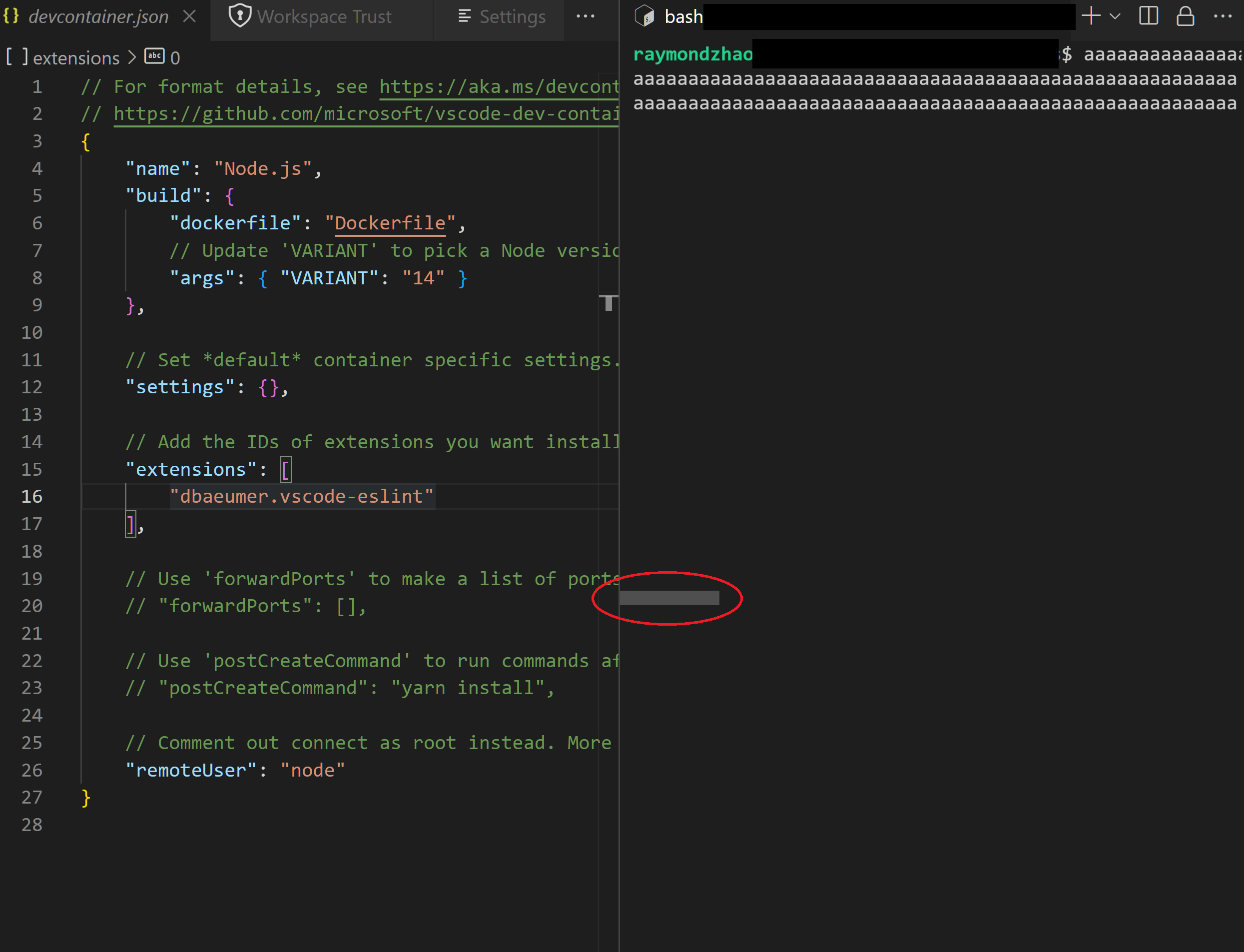
Web You can open a terminal as follows From the menu use the Terminal gt New Terminal or View gt Terminal menu commands From the Command Palette Ctrl Shift P use the View Toggle Terminal command In the Explorer you can use the Open in Integrated Terminal context menu command to open a new

Web Nov 14 2018 nbsp 0183 32 In order to preserve horizontal space and reduce clutter we removed the toggle Panel position button Move to Right Move to Bottom from the Panel title area The action is now available in the Panel title area context menu and also in View gt Appearance gt Toggle Panel Position main menu
Web Aug 3 2023 nbsp 0183 32 Steps Open Visual Studio Code Click on the toggle secondary sidebar button on the top right corner of the editor Open the integrated terminal with Ctrl or View gt Terminal Drag the terminal tab from the bottom pane to the right pane Done now you have your terminal in the right pane of the editor More tips Web For example on Windows you could pass a vscode URL directly to the Windows Explorer or to the command line as start vscode full path to file Note If you are using VS Code Insiders builds the URL prefix is vscode insiders Next steps Read on to find out about Integrated Terminal Run command line tools from inside VS Code
Web quot terminal integrated fontFamily quot quot Hack NF quot Terminal cursor The terminal cursor style and whether it blinks can be customized with the following settings terminal integrated cursorStyle Defines the shape of the cursor can