Change Terminal Font Color Visual Studio Code Change Cursor Color Visual Studio Code Recoveryklo How To Change Terminal Font In Visual Studio Code BEST GAMES WALKTHROUGH VS Code 3 Ways To Change Terminal Font SIze KindaCode How To Change Terminal Font In Visual Studio Code Vscode Theme Loader How To Change Terminal Font Size In MacOS TecAdmin Right click the context menu and selecting the Split menu option Alt and click on a tab the button or the single tab on the terminal panel Trigger the Windows Linux Ctrl Shift 5 command Tip The working directory for the new terminal depends on the terminal integrated splitCwd setting
You can change the font for these items if you like but it will change the code editor font not the terminal font Change the setting to Terminal Update the Font setting to the font you want to use Click the OK button to save the changes The Visual Studio terminal should now be using your new font Conclusion You now know about Oh My Shortcut Search P Preferences Open Settings Search for workbench color customizations and open the settings json file Edit or Paste your configuration under workbench colorCustomizations https code visualstudio api references theme color
How To Change Terminal Font Size In MacOS TecAdmin How To Fix Color Change Node Terminal Visual Studio Code After Oct How To Change Default Theme Colors In Visual Studio Code VSCode How To Change The Font Size Of Terminal In Vs Code ThemeLower Vscode Base16 Terminal Visual Studio Code Teemain Change Fonts In VS Code YouTube Change Highlight Text Color In Visual Studio Code Gang Of Coders Visual Studio
Change Terminal Font Color Visual Studio Code
 Change Terminal Font Color Visual Studio Code
https://www.enjoysharepoint.com/wp-content/uploads/2020/04/how-to-change-visual-studio-code-background-color.png
Sign Up https semicolon dev YouTube We re free online community meet other makers Hey guys in this quick tutorial I ll show you how to change ter
Pre-crafted templates use a time-saving service for creating a diverse range of documents and files. These pre-designed formats and layouts can be made use of for numerous personal and professional projects, consisting of resumes, invites, flyers, newsletters, reports, discussions, and more, simplifying the material development procedure.
Change Terminal Font Color Visual Studio Code
How To Change Text Color In Visual Studio Code In 2023 VSCode Syntax

How To Fix Color Change Node Terminal Visual Studio Code After Oct
How To Change Default Theme Colors In Visual Studio Code VSCode

How To Change The Font Size Of Terminal In Vs Code ThemeLower

Visual Studio Code Teemain
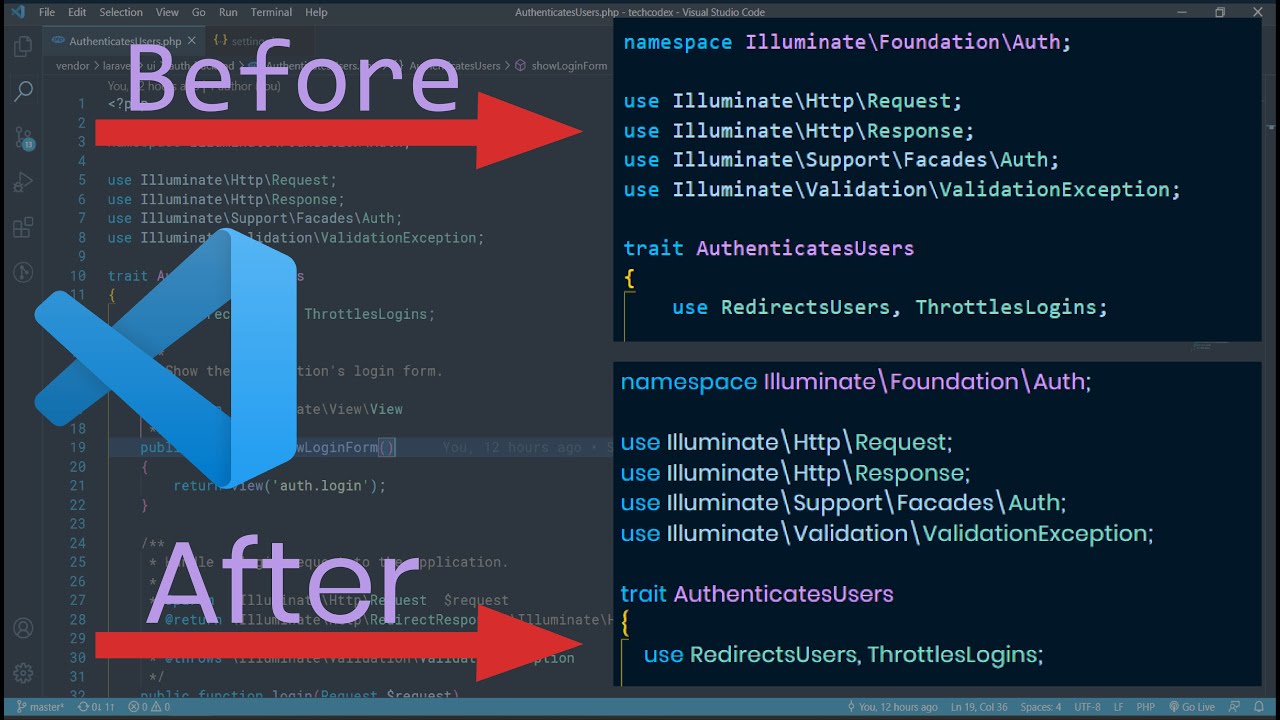
Change Fonts In VS Code YouTube

How do I change color of terminal prompt in Visual studio code Asked 2 years ago Modified 11 months ago Viewed 4k times 4 My current terminal has white prompt and white output like this one https vscode one img terminal font size terminal font size gif I Saw this thread about changing terminal color Color theme for VS Code integrated terminal

To change the integrated terminal colors in VS Code Press Ctrl Shift P or Command Shift P on macOS Note you can also press F1 to open the Command Palette Type user settings and select Preferences Open User Settings You can also open the settings screen by pressing Ctrl on Windows and Linux or Cmd on macOS

Click edit in settings json Within settings json make changes to the section called workbench colorCustomizations For example terminal foreground ff0000 will make the terminal text red For the video version Learn how to change the color of your VS Code terminal The terminal text background and cursor

Learn how to change the color of your VS Code terminal The terminal text background and cursor color and more can be customized Steps to change the termina
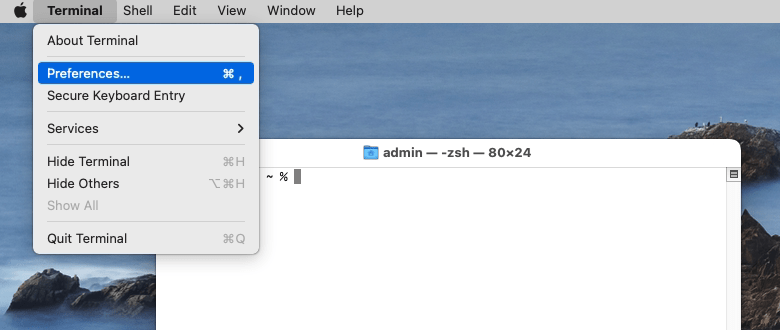
You can change the fonts and the colors in Visual Studio in several ways For example you can change the default dark theme also referred to as dark mode to a light theme a blue theme an extra contrast theme or a theme that matches your system settings You can also change the default font and text size in both the IDE and the code editor
Open the settings panel with CTRL or by using the File Preferences Settings menu item Type workbench into the search field and click on the Edit in settings json link under the Color Customization block Insert your new color definition table Open the VS editor Navigate to the upper part of the screen and select File Now in the dropdown menu go to Preferences Settings You ll now see the Commonly Used section with a menu on
Visual Studio Code Tips Change Terminal Theme ColorThis video explained about to Change the Terminal Theme Color in Visual Studio CodeChange Them Color In