Change System Language Windows Server 2019 Windows Server 2019 General Availability What To Do Network World How To Change System Language On Windows 11 Windows Central Windows Server 2019 Standard Joinware Windows Locale Settings What S New For Docker On Windows Server 2019 Vrogue WEB Mar 15 2022 nbsp 0183 32 Windows Server 2019 offers us more than 40 languages to use in its interface and this is ideal since it is a global operating system it must be available in
WEB Downloads and installs the available language components for the specified language onto a device You can also change your Display Language by using the International module commands Set WinUILanguageOverride lt lnstalled Language gt WEB Sep 23 2019 nbsp 0183 32 Local Experience Packs Add languages to Windows 10 and Server 2019 Starting with Windows 10 1803 Microsoft has begun to replace language packs LPs in cab format with Local Experience Packs LXPs You can
What S New For Docker On Windows Server 2019 Vrogue Windows Server 2019 Administration Inixindo Surabaya How To Change Language Settings In Windows 11 Licencia Windows Server 2019 Windows Server 2019 Windows Server 2019 Datacenter Goedkope licentie nl Windows Server 2019 Essentials Wortmann ROK Vollversion 1 2 CPU NEU MUI Microsoft Windows Server 2019 Review PCMag Lupon gov ph Windows Server 2019 Remote Desktop Services Lizenzguru Windows Server 2019 Datacenter 16 Core 1 Device Perpetual License
Change System Language Windows Server 2019
 Change System Language Windows Server 2019
https://images.idgesg.net/images/article/2018/10/windows-server-2019-100776720-large.3x2.jpg
WEB Typically we can have our default language installed but we may have to change the Windows Server 2019 language because it has been installed in another language such as English In this article we will show you how to change the display language on a Windows Server 2019 VPS
Pre-crafted templates offer a time-saving option for creating a varied range of documents and files. These pre-designed formats and designs can be made use of for different personal and expert projects, including resumes, invitations, flyers, newsletters, reports, presentations, and more, streamlining the content creation procedure.
Change System Language Windows Server 2019

Windows Server 2019 System Insights

Windows Server 2019 Administration Inixindo Surabaya
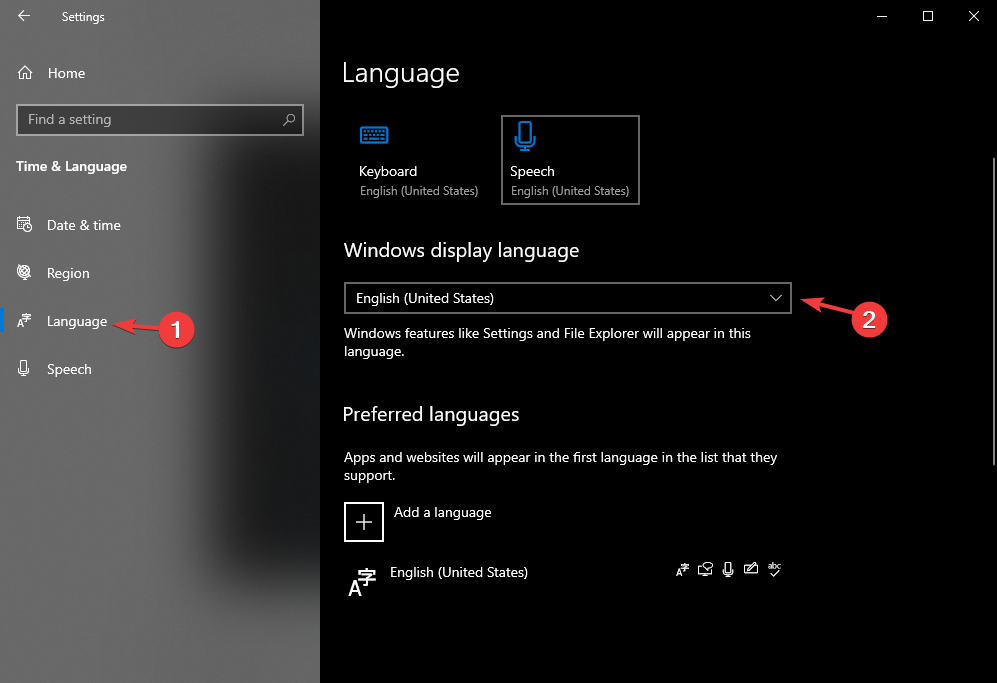
How To Change Language Settings In Windows 11
Licencia Windows Server 2019 Windows Server 2019

Windows Server 2019 Essentials Wortmann ROK Vollversion 1 2 CPU NEU MUI
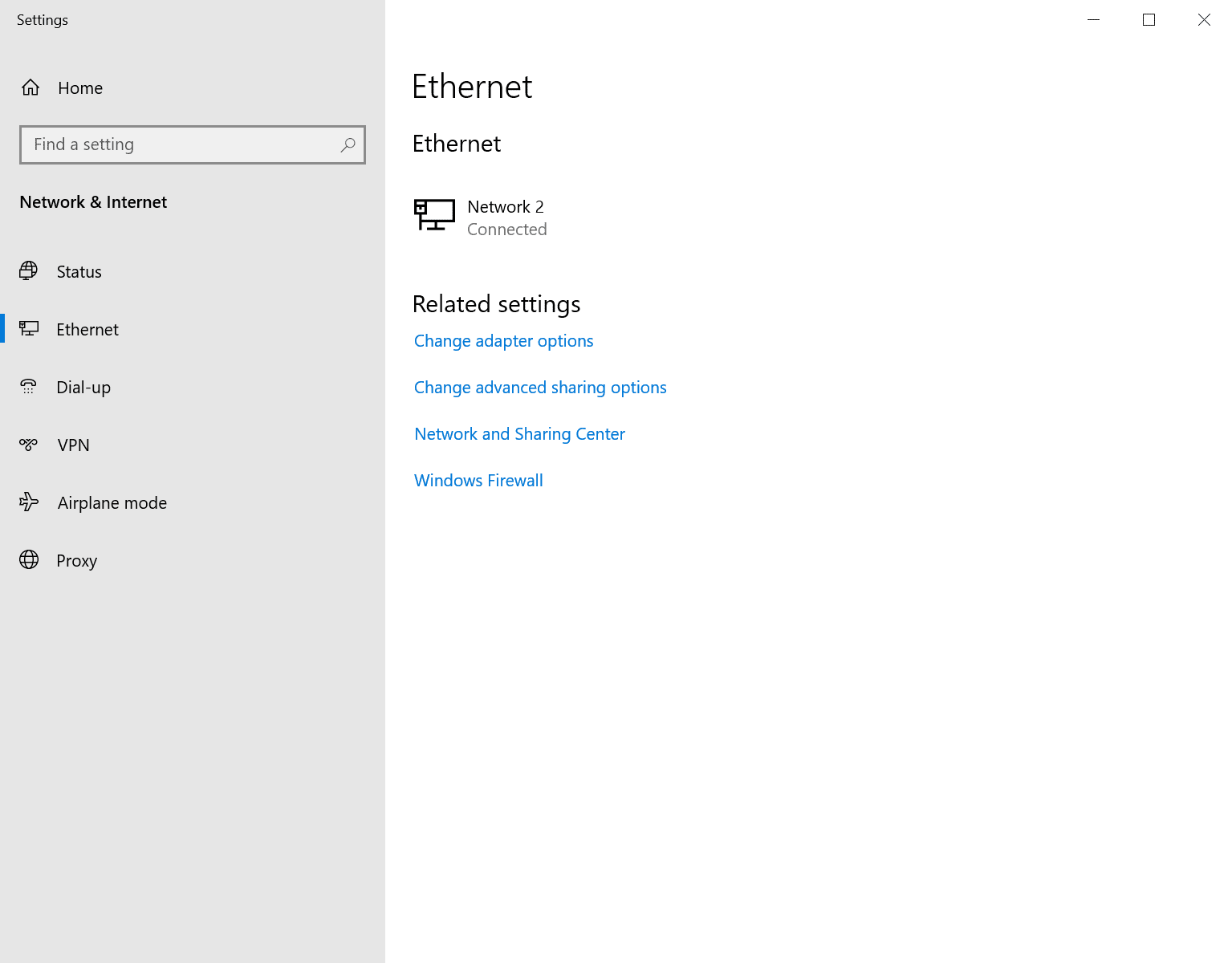
Microsoft Windows Server 2019 Review PCMag Lupon gov ph

WEB This article explains how to change the display language in the Microsoft Windows Server 2019 and Microsoft Windows Server 2022 operating systems When you install Microsoft Windows Server 2019 or Microsoft Windows Server 2022
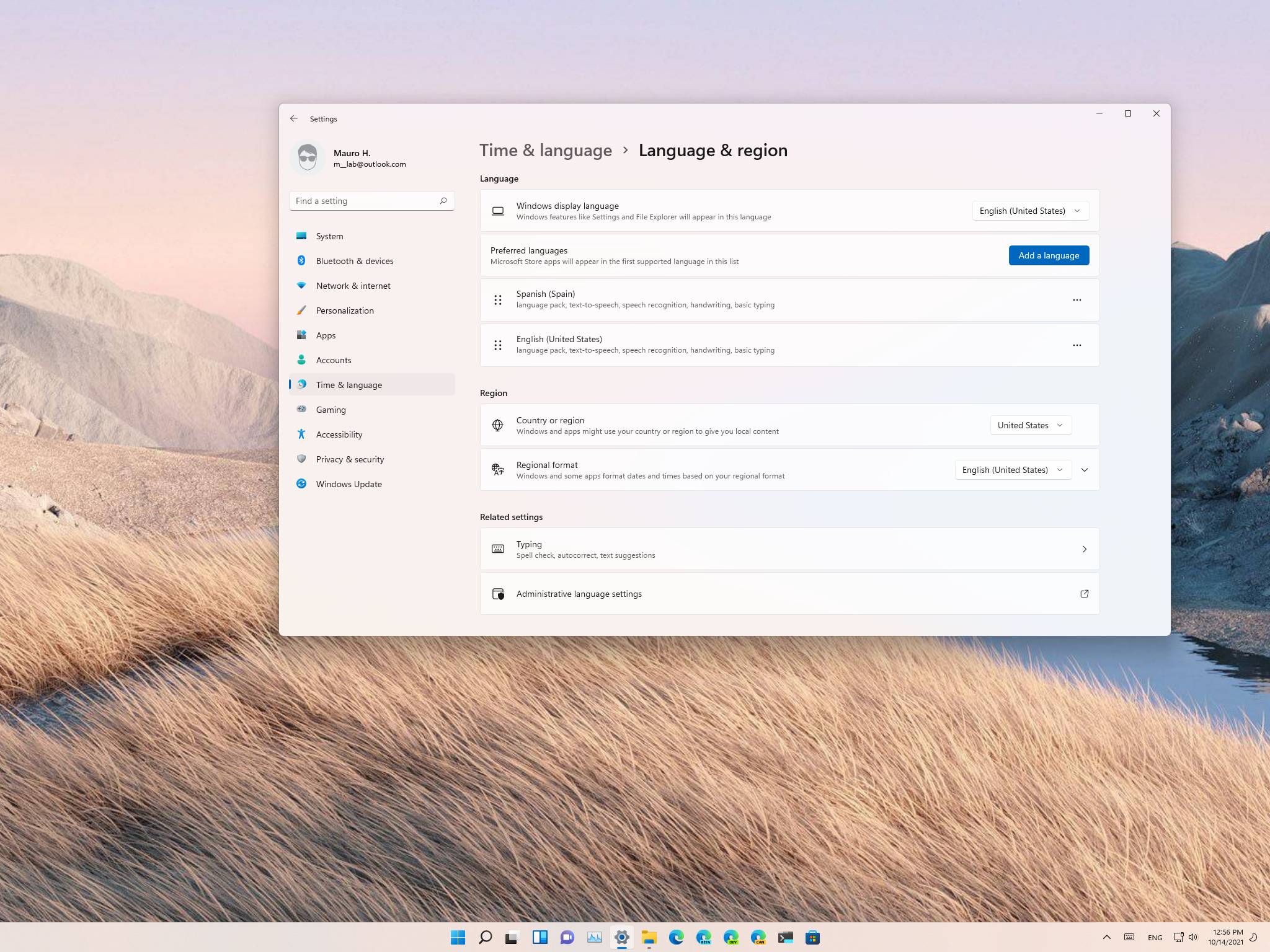
WEB Jun 14 2020 nbsp 0183 32 How to change the language from the Windows Server 2019 settings The first method we will try is to use the server settings With that intention press the Win I combination Once there select Time amp Language Enter the Windows Server settings Then scroll down the left column and select Language Now on the right click on Add a

WEB On the Administrative tab screen click Change system locale in the quot Language for non Unicode programs quot section On the Region Settings screen select your region from the Current system locale pull down menu and click OK On the dialog box requests restart click Restart now to restart the system
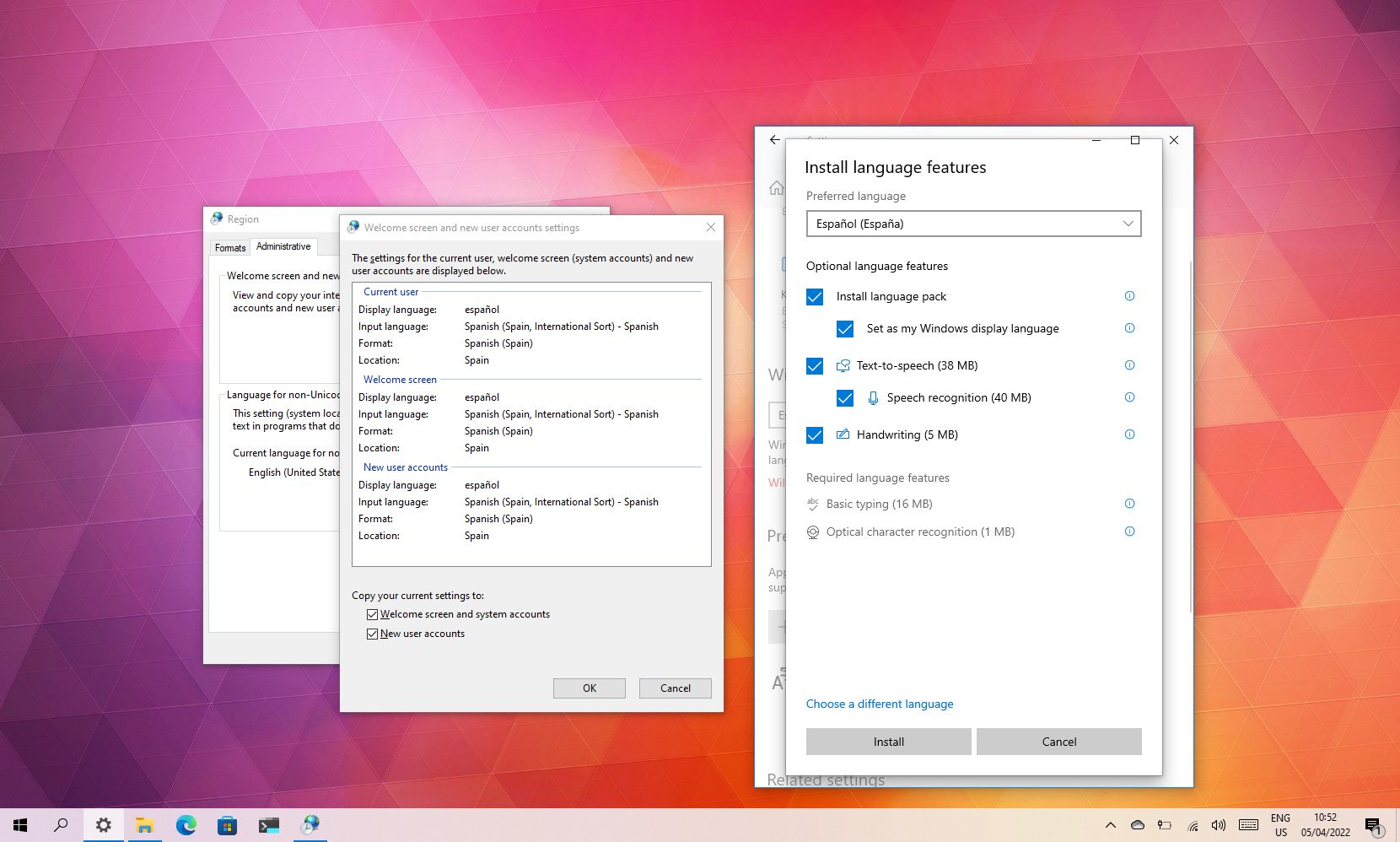
WEB When you use the Desktop Experience in Windows Server 2019 you cannot install language packs by using the Language page in the Settings app Resolution Method 1 Install KB4476976

WEB Sep 28 2023 nbsp 0183 32 Changing the Display Language on Windows Server 2019 amp 2022 For the two newer versions of Windows server the methods of changing the display language are identical Login via RDP
WEB Jun 15 2020 nbsp 0183 32 Once you install this from the ISO in your question you will be able to change this Download an ISO image that contains the language packs here Either mount the ISO image or burn the image to a DVD Press the Windows logo key R to open the Run dialog box Type lpksetup exe and then select OK WEB Mar 18 2021 nbsp 0183 32 Set the one you want to use with these commands I m using en US as an example Set WinSystemLocale en US Set WinUserLanguageList en US Force Or set it just for the current user account Set WinUILanguageOverride To load the new display language logoff then log back in or set it for the current session
WEB Feb 1 2021 nbsp 0183 32 Regional settings are applied per user If you would like to apply the regional setting to all users you can try below settings Control Panel gt Clock Language and Region gt Region gt Administrative gt Copy settings gt Copy your current settings to