Change Screen Resolution Windows 10 Powershell How To Change Screen Resolution In Windows 11 How To Change Screen Resolution In Windows 7 via Shortcut Or Registry Fix Can t Change Screen Resolution In Windows 10 TechCult How To Change Screen Resolution In Windows 11 How To Change Screen Resolution On Windows 10 Pureinfotech Web Feb 17 2023 nbsp 0183 32 In the command change the path for the QRes exe file and enter a supported width x and height y pixel resolution For example 1366 x 768 1440 x 900 1680 x 1050 1920 x 1080 2560 x 1440 etc Once you complete the steps the screen will change to the specified resolution
Web Dec 10 2020 nbsp 0183 32 Powershell script for changing Screen resolution in Win 10 Yannick 1 Dec 10 2020 10 45 PM I would like to write a Powershell script with which I can change my screen resolution I already looked on the internet but Web Jul 13 2023 nbsp 0183 32 Similar to the Is it possible to change display scaling via command line answer on that post this is a PowerShell equivalent that seems to works from Windows 10 The example below will set the screen from 150 back to 100 in that case and works
How To Change Screen Resolution On Windows 10 Pureinfotech Change Screen Resolution With Powershell Script Center Spiceworks Windows 11 How To Change Screen Resolution In Windows 10 Easily Beebom How To Change Screen Resolution Of Displays In Windows 10 YouTube How To Check Your Screen Resolution In Windows 10 YouTube Change Screen Resolution In Windows 10 HowPChub Screen Resolution Changes On Its Own Windows 10 Ludareviews How To Change Screen Resolution In Windows 11 Gear Up Windows 11 10
Change Screen Resolution Windows 10 Powershell
 Change Screen Resolution Windows 10 Powershell
https://winaero.com/blog/wp-content/uploads/2021/12/Change-Screen-Resolution-in-Windows-11-04.png
Web May 14 2019 nbsp 0183 32 3 I m trying get the current screen resolution on windows via command line Based on most of the answers I ve found I should use wmic desktopmonitor get screenheight screenweight But this returns the max supported resolution of the display device not the current one which is what I need Example
Templates are pre-designed documents or files that can be utilized for various functions. They can conserve time and effort by offering a ready-made format and layout for creating various sort of content. Templates can be used for individual or expert jobs, such as resumes, invitations, flyers, newsletters, reports, discussions, and more.
Change Screen Resolution Windows 10 Powershell

Windows 10 da Ekran z n rl Ayarlar Nas l Kontrol Edilir Ve

Change Screen Resolution With Powershell Script Center Spiceworks

Windows 11
How To Change Screen Resolution In Windows 10 Easily Beebom
How To Check Your Screen Resolution In Windows 10 YouTube
Change Screen Resolution In Windows 10 HowPChub
Web Jun 7 2016 nbsp 0183 32 Refer below script to change display resolution on Windows 10 PowerShell server core does not supported on windows 10 You can use below script Important you can provide display resolution at end of the script currently it is set as Set ScreenResolution Width 1920 Height 1080

Web Sep 25 2022 nbsp 0183 32 One of the most common ways to change screen resolution is using the Settings app in Windows 10 You can tweak some display settings to select switch to the desired screen
Web Examples Change screen resolution of all monitors to 800x600px ChangeScreenResolution exe w 800 h 600 Change screen resolution of all monitors to 800x600px with refresh rate of 60Hz and 32bit color depth ChangeScreenResolution exe w 800 h 600 f 60 b 32 Set color depth of display with index 1 to 16bit
Web Aug 25 2009 nbsp 0183 32 Description Command line utility to change screen resolution color depth and refresh rate For the case of multiple monitors you can see Display Changer free for personal and educational use Display Changer changes the display resolution runs a program then restores the original settings

Web Oct 6 2019 nbsp 0183 32 Here is a Windows 10 64 bit visual basic script and Powershell 5 script ScreenCapture of the VBscript in action 1 1MB mp4 Windows 10 64 bit visual basic script using SendKeys to change display scale and resolution open app and restore scale and resolution when app closes No restart required
Web Oct 12 2017 nbsp 0183 32 Got it working in the end I ve got a powershell file which creates a task schedule which runs a batch file The batch file copies the relevant files across wait a few seconds then runs the command to change the resolution Web 1 I have been trying to run wmic path Win32 VideoController get VideoModeDescription it gives me 1920 x 1080 which is good I change the resolution to test it and it still returns the same thing Does anybody know why I have the first screen set to 1360 x 768 The second screen is set to 1600 x 900 powershell command line interface windows 10
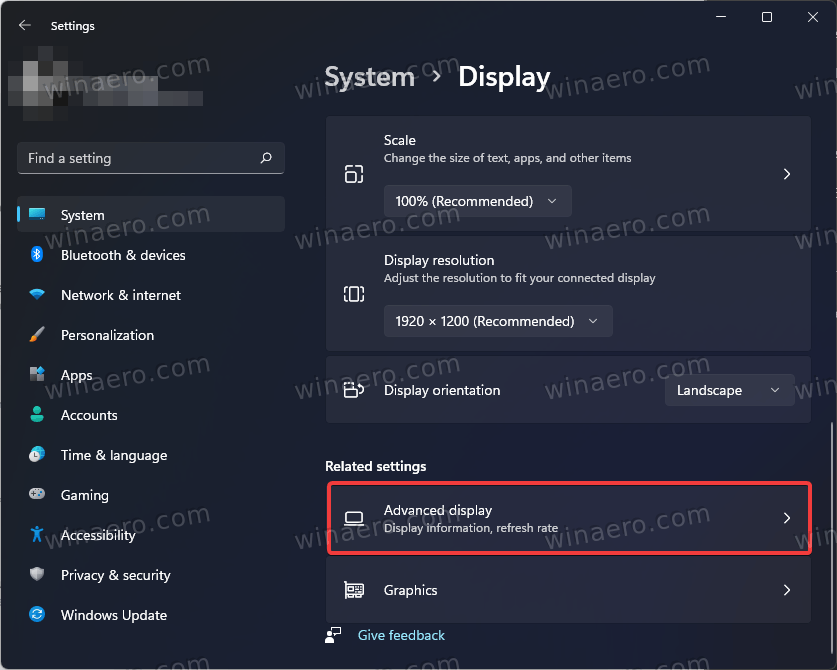
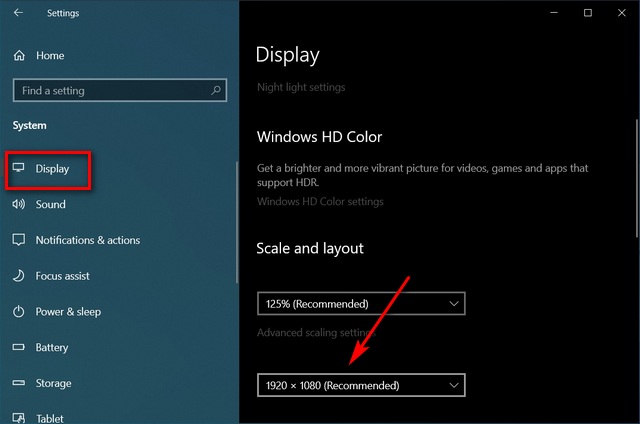
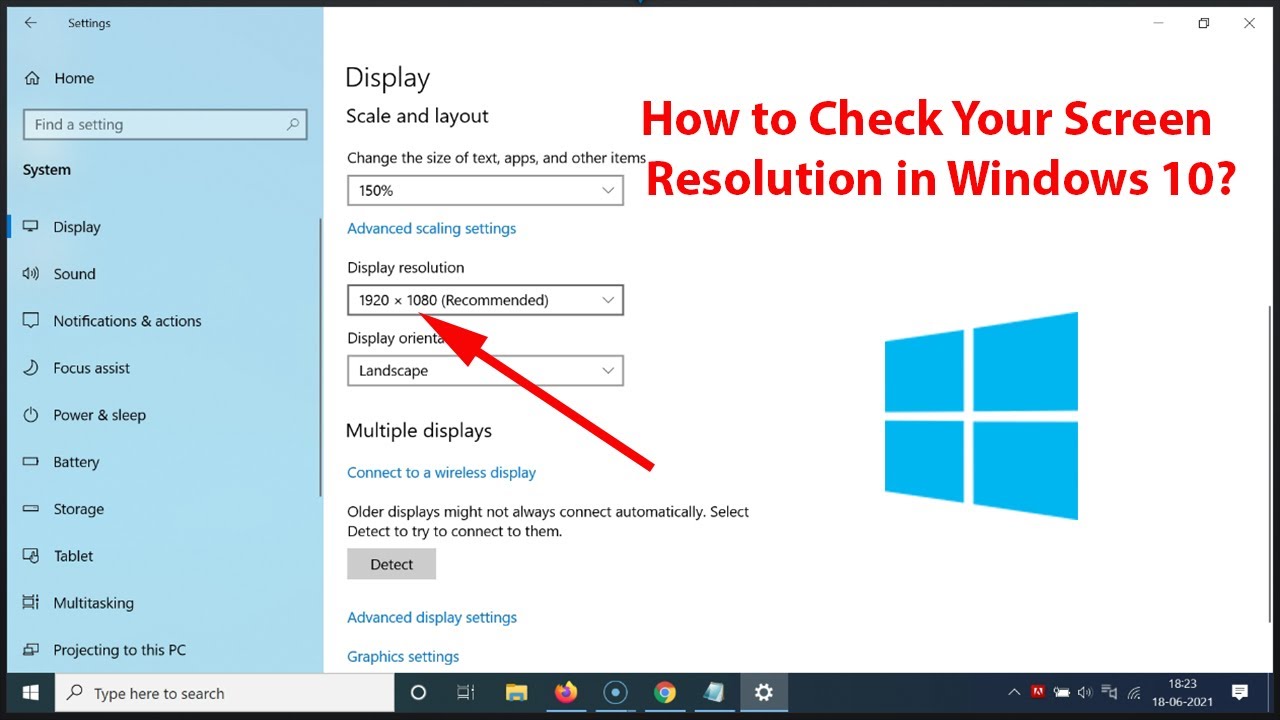
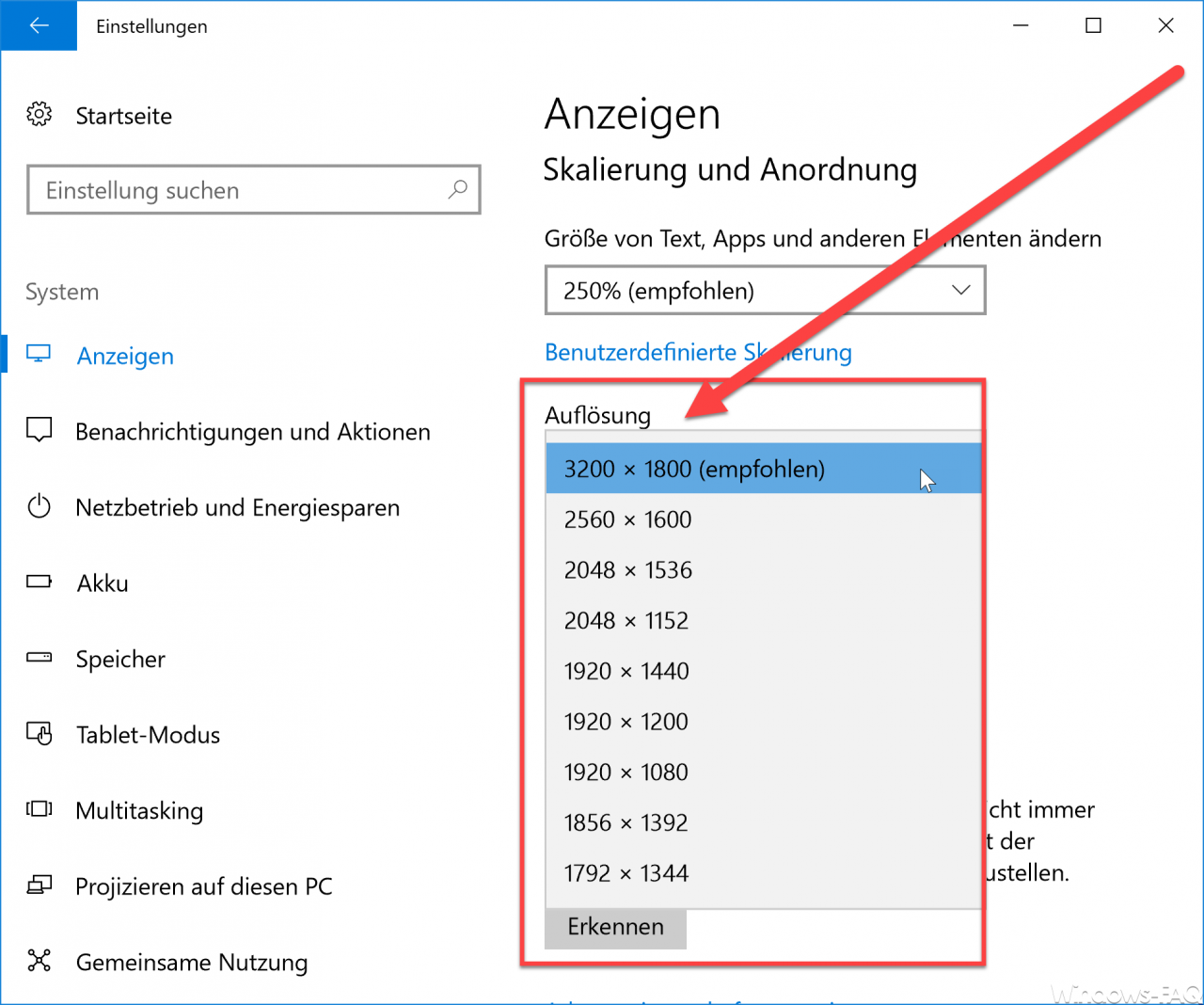
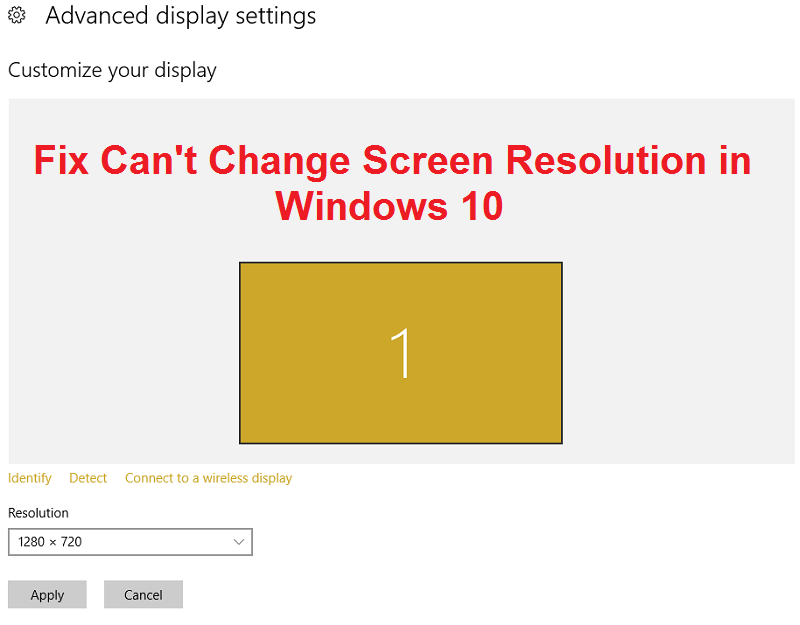
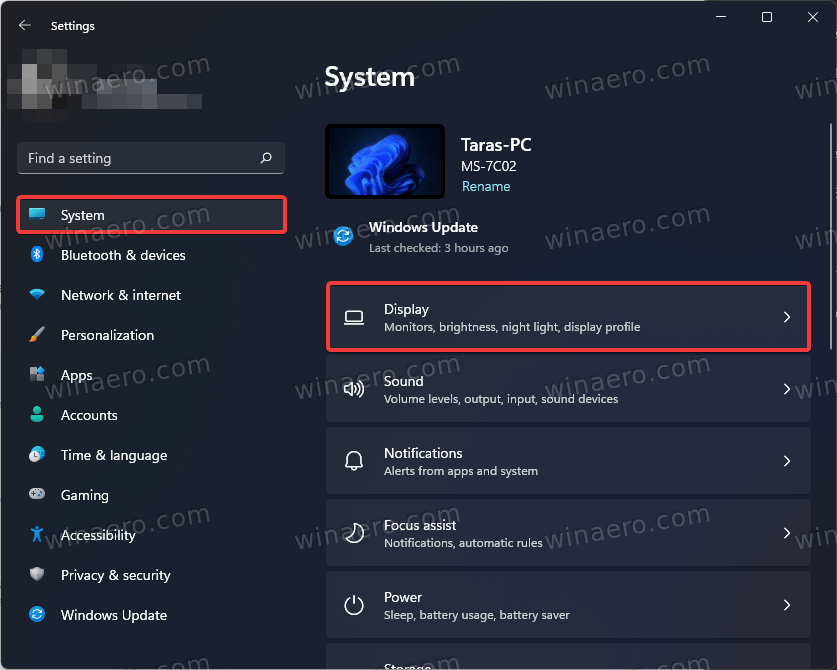
Web Change the screen resolution Stay in or open Display settings Open your Display settings In the Display resolution row select the list and choose an option It s usually best to stick with the one that s marked Recommended