Change Screen Resolution Kali Linux Virtualbox Fix Resolution In Kali Virtualbox Chinaasl 840x133620 Kali Linux Matrix 840x133620 Resolution Wallpaper HD Hi Tech 4K Wallpapers Images How To Change The Screen Resolution In VirtualBox Systran Box How To Change The Screen Resolution In Kali Linux Systran Box How To Change The Screen Resolution In Kali Linux Systran Box Change the resolution Modify the grub configuration file Send the updated config to grup Restart your device When you install Kali Linux as a Hyper V VM the default display resolution is 1024x786 This is too small to work on I found some good info on how to do change the display resolution for Kali on YouTube 1 and decided to summarize
How to Change Resolution of Kali Linux Fix Screen Resolution Problem in VirtualBoxStruggling with screen resolution issues in Kali Linux running on Virtual I just installed Kali Linux virtual machine on VirtualBox from bare material but the screen wont resize and it s fixed I am currently using mac tried unmounting and mounting guest addition but
How To Change The Screen Resolution In Kali Linux Systran Box How Do I Disable The Screensaver lock In Kali Linux Super User How To Install Kali Linux 2020 1b In Virtualbox On Windows 10 2020 The Subject Of Theming We How To Install Kali Linux 20 4 In VirtualBox On Ubuntu 20 4 FAST INSTALL KALI LINUX 20 4 How To Change Screen Resolution In Kali Linux YouTube Top 125 High Resolution Kali Linux Wallpaper 4k Thejungledrummer How To Change Screen Resolution Of MacOS On VirtualBox Run Kali Linux On VirtualBox The Hack Lab Kali Linux 2 0 How To Change Login Screen YouTube
Change Screen Resolution Kali Linux Virtualbox
 Change Screen Resolution Kali Linux Virtualbox
https://www.warp2search.net/data/publish/254/ec2d9b061960bdb0504348eea411e602361dce/virtualbox.png
3 Steps How to Change Kali Linux Screen Resolution on Virtual Box 1 Open terminal click here to view how to create Kali Linux terminal shortcut After terminal open run the following command apt get install y linux headers uname r and the system will installing the required package You will need internet connection for this 2
Templates are pre-designed files or files that can be used for different purposes. They can conserve effort and time by providing a ready-made format and layout for developing various kinds of material. Templates can be used for personal or professional projects, such as resumes, invites, flyers, newsletters, reports, discussions, and more.
Change Screen Resolution Kali Linux Virtualbox

Plugging Micro HDMI Cable Into Media Mod The Digital Nomad Guy
How Do I Disable The Screensaver lock In Kali Linux Super User
How To Install Kali Linux 2020 1b In Virtualbox On Windows 10 2020 The Subject Of Theming We
How To Install Kali Linux 20 4 In VirtualBox On Ubuntu 20 4 FAST INSTALL KALI LINUX 20 4

Top 125 High Resolution Kali Linux Wallpaper 4k Thejungledrummer
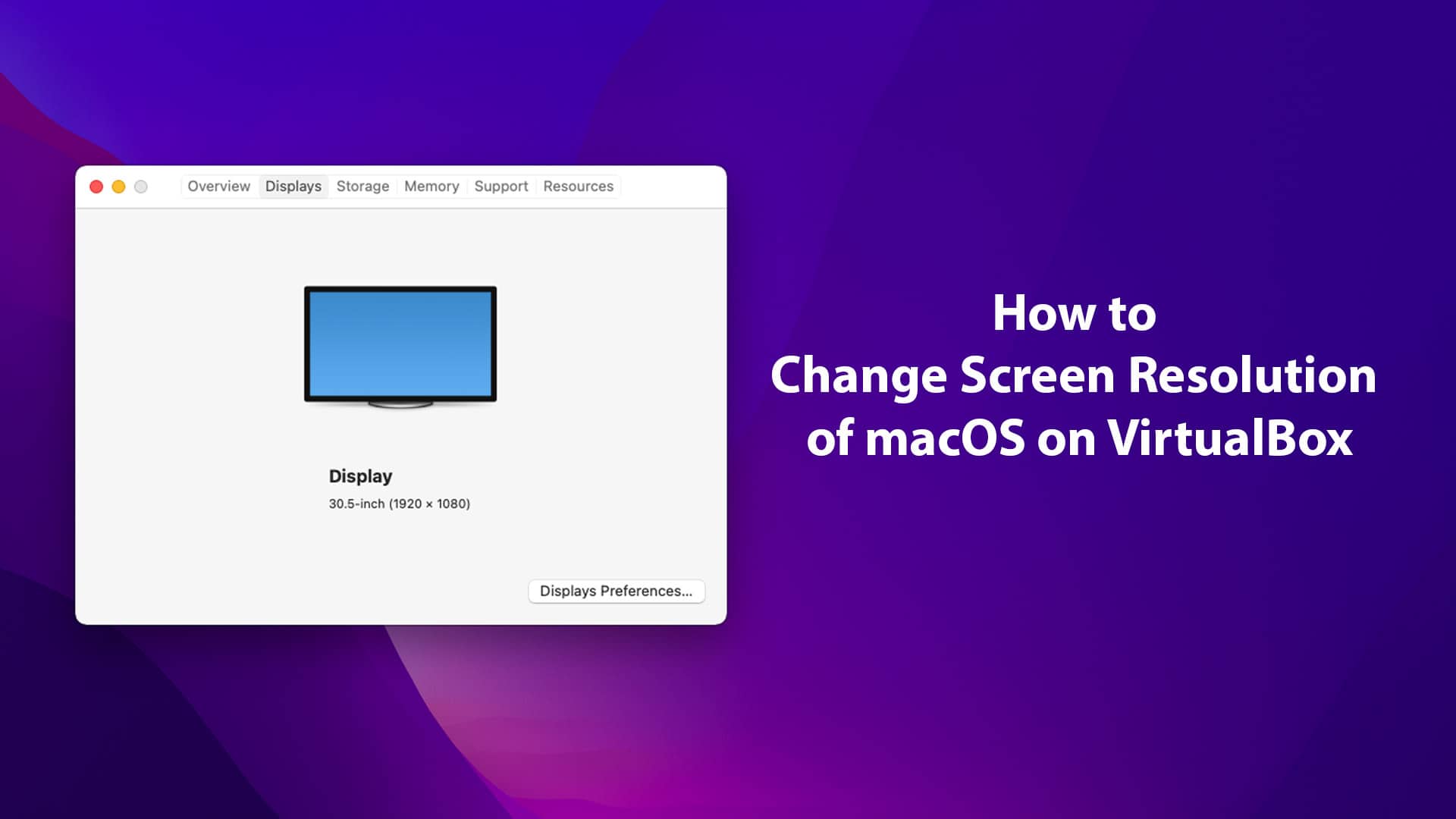
How To Change Screen Resolution Of MacOS On VirtualBox
This video will help you how to change screen resolution in kali linux inside virtualbox step

This video will show you how to change your screen resolution of kali linux in your virtualBox virtual machine

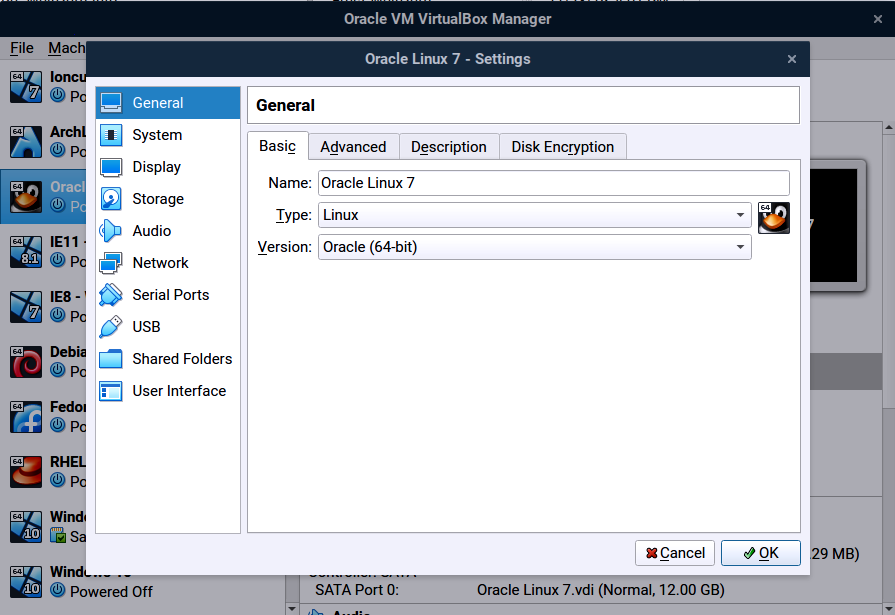
1 Start by opening the VirtualBox application 2 Select the Kali Linux virtual machine from the list of machines on the left 3 Click on the Settings button 4 In the Settings window go to the Display section 5 Under the Screen heading you will see a drop down menu for Screen Resolution 6

To change the default screen resolution in Kali Linux you will need to open the Terminal and type in the following command sudo dpkg reconfigure xserver xorg After you hit Enter you will be presented with a menu of options Use the arrow keys to navigate to Screen Resolution and hit Enter

How to Change Screen Resolution in Kali Linux Virtual Box Geek74 2 09K subscribers Subscribe 2 7K views 2 years ago Follow these following Steps 1 Under settings more more How to
How To Change Kali Linux Screen Resolution On VirtualBox Information technology and notes about it Jul 15 2015 6 How To Change Kali Linux Screen Resolution On VirtualBox This is for kali linux 2016 1 amd64 apt get update apt get y install dkms virtualbox guest x11 Older Kali Versions at 9 05 PM Labels Linux VirtualBox The default VM screen resolution is 800 x 600 and the display content doesn t fully utilize the monitor screen Image 1 even when in full screen mode View Full screen Mode Furthermore if we set the resolution higher than the host s the display extends beyond the visible screen area Image 2 even when in full screen mode The maximum physical screen resolution of the host system
Running linux 18 on VirtualBox 6 1 I tried several things here This is what worked for me Start the ubuntu virtual environment Terminal sudo apt get install virtualbox guest dkms virtualbox guest x11 Turn off ubuntu In the virtual box window File Preferences Display Maximum Guest Screen Size None Start ubuntu