Change Screen Resolution Iphone 14 Pro How To Change Screen Resolution In Ubuntu Ios How To Get The Scale On IPhone 6 To Match Storyboard Scale Stack Overflow IPhone Size Comparison Chart Ranking Them ALL By Size Iphone Screen Size Iphone Comparison 2016 Cara Delevingne HD Celebrities 4k Wallpapers Images Backgrounds Photos And Pictures IPhone 12 Mini Screen Resolution Issues Support Roon Labs Community Read The best iPhone photography tips For that you must first enable the feature in Settings Camera Formats by making sure Apple ProRAW is turned on and ProRaw Resolution is set to 48 MP Now open the Camera app switch to the main lens previously Wide Camera by touching 1x at the bottom and turn on RAW
Change the Main camera resolution On iPhone 15 models the Main camera resolution is set to 24 MP by default You can switch between 12 MP 24 MP and 48 MP Go to Settings Camera Formats Photo Mode then choose 12 MP or 24 MP Talk to an Apple Support Advisor Get service How much will it cost Use our Get an Estimate tool to review potential costs if you get service directly from Apple The prices shown here are only for screen repair If your iPhone needs other service you ll pay additional costs
IPhone 12 Mini Screen Resolution Issues Support Roon Labs Community IPhone X To 2G Screen Size Resolution Compared Infographic Buy Apple IPhone Coolblue Before 23 59 Delivered Tomorrow IPhone 7 Viewport Screen Size CSS Pixel Ratio Cross browser Compatibility Top Head Strap R AppleVisionPro Windows 10 Archives Page 15 Of 32 Crazy Tech Tricks How To Change Screen Resolution On Samsung Galaxy S10 IPhone Screen Sizes Resolutions Visual ly 1280x1024 Spiderman Miles 4k 1280x1024 Resolution HD 4k Wallpapers Images Backgrounds Photos
Change Screen Resolution Iphone 14 Pro
 Change Screen Resolution Iphone 14 Pro
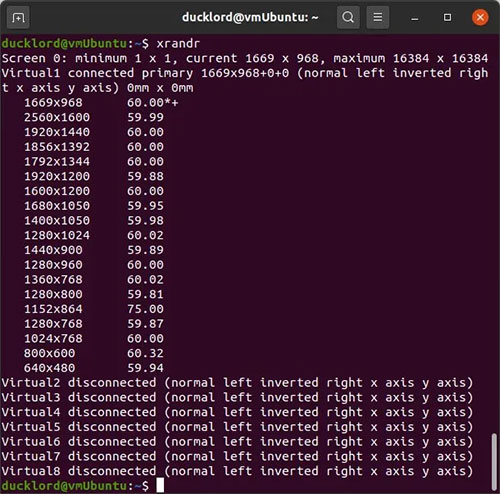
https://tipsmake.com/data1/images/how-to-change-screen-resolution-in-ubuntu-picture-1-SrEKl6VAf.jpg
Select Auto 30 fps or Auto 30 60 fps Change the resolution of shared videos Your iPhone 14 Pro will automatically share videos in HDR when you send them to other Apple devices running iOS 13 4 iPadOS 13 4 macOS 10 15 4 or later If you want to change this to SDR Open Settings and tap on Camera
Templates are pre-designed documents or files that can be utilized for numerous functions. They can conserve time and effort by providing a ready-made format and layout for creating different kinds of content. Templates can be used for individual or expert jobs, such as resumes, invites, leaflets, newsletters, reports, discussions, and more.
Change Screen Resolution Iphone 14 Pro
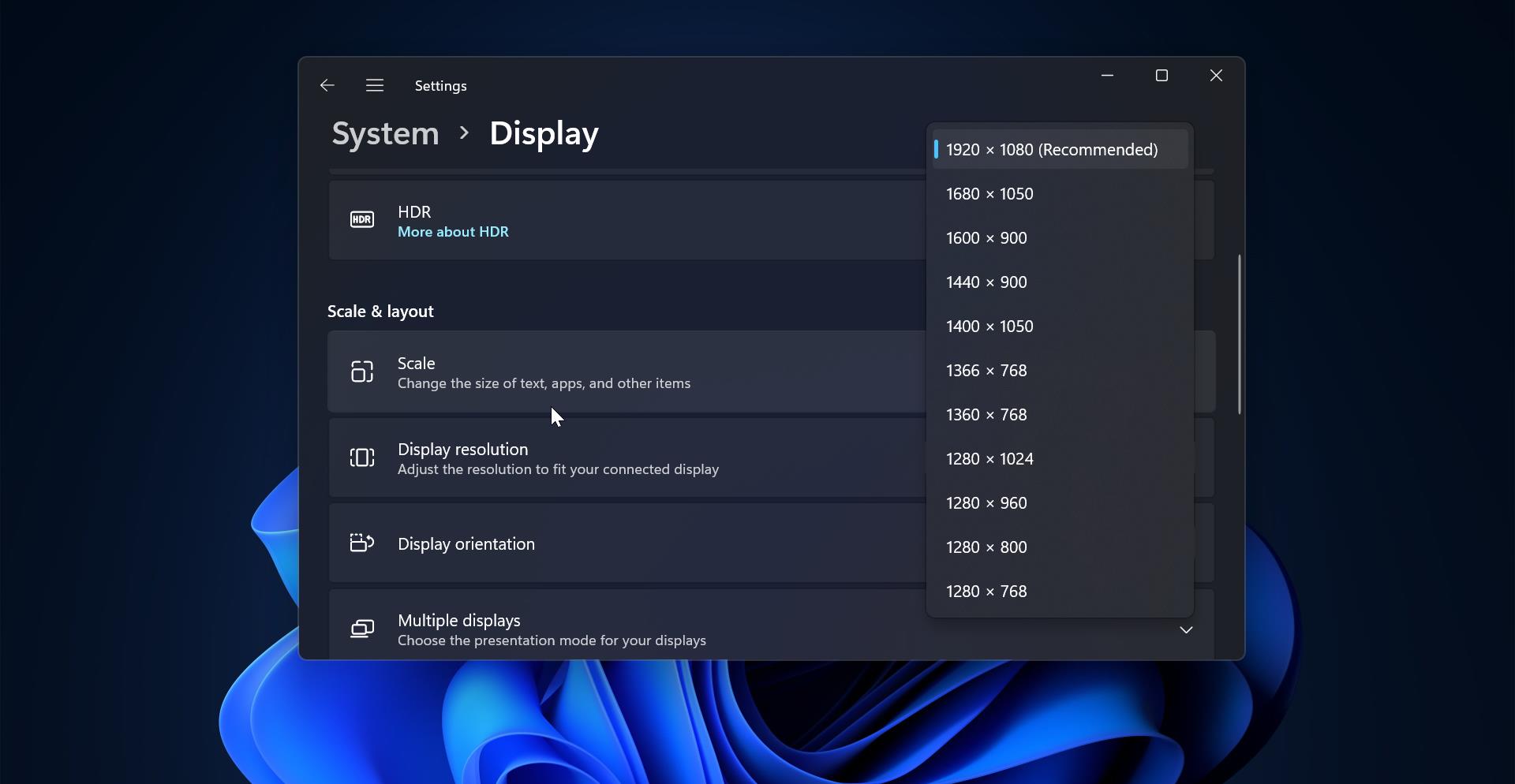
How To Change Screen Resolution Using Command Prompt Technoresult

IPhone X To 2G Screen Size Resolution Compared Infographic
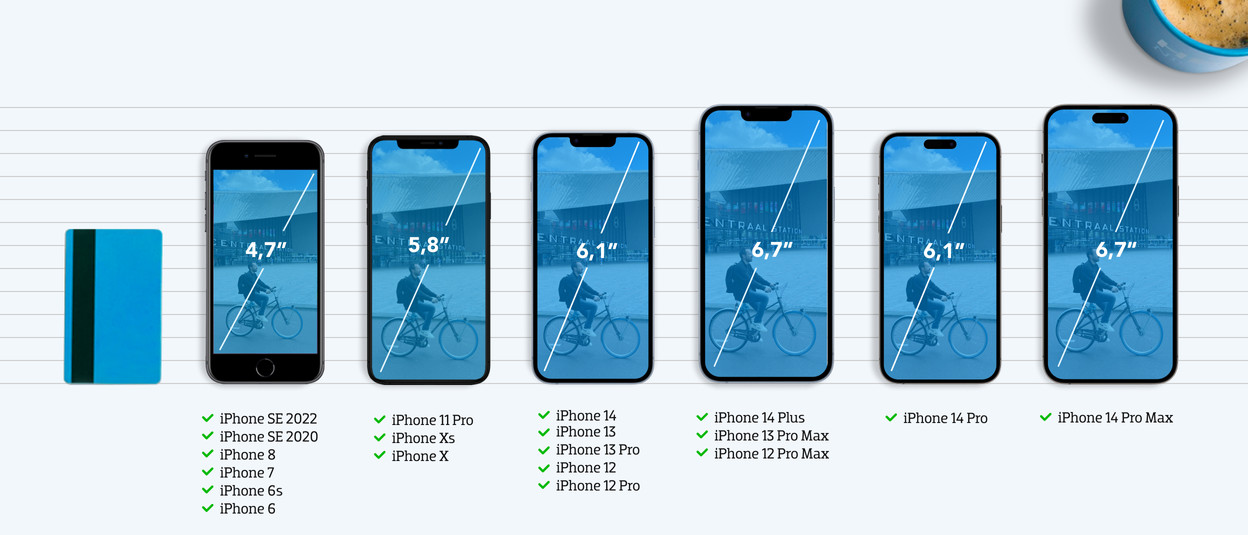
Buy Apple IPhone Coolblue Before 23 59 Delivered Tomorrow
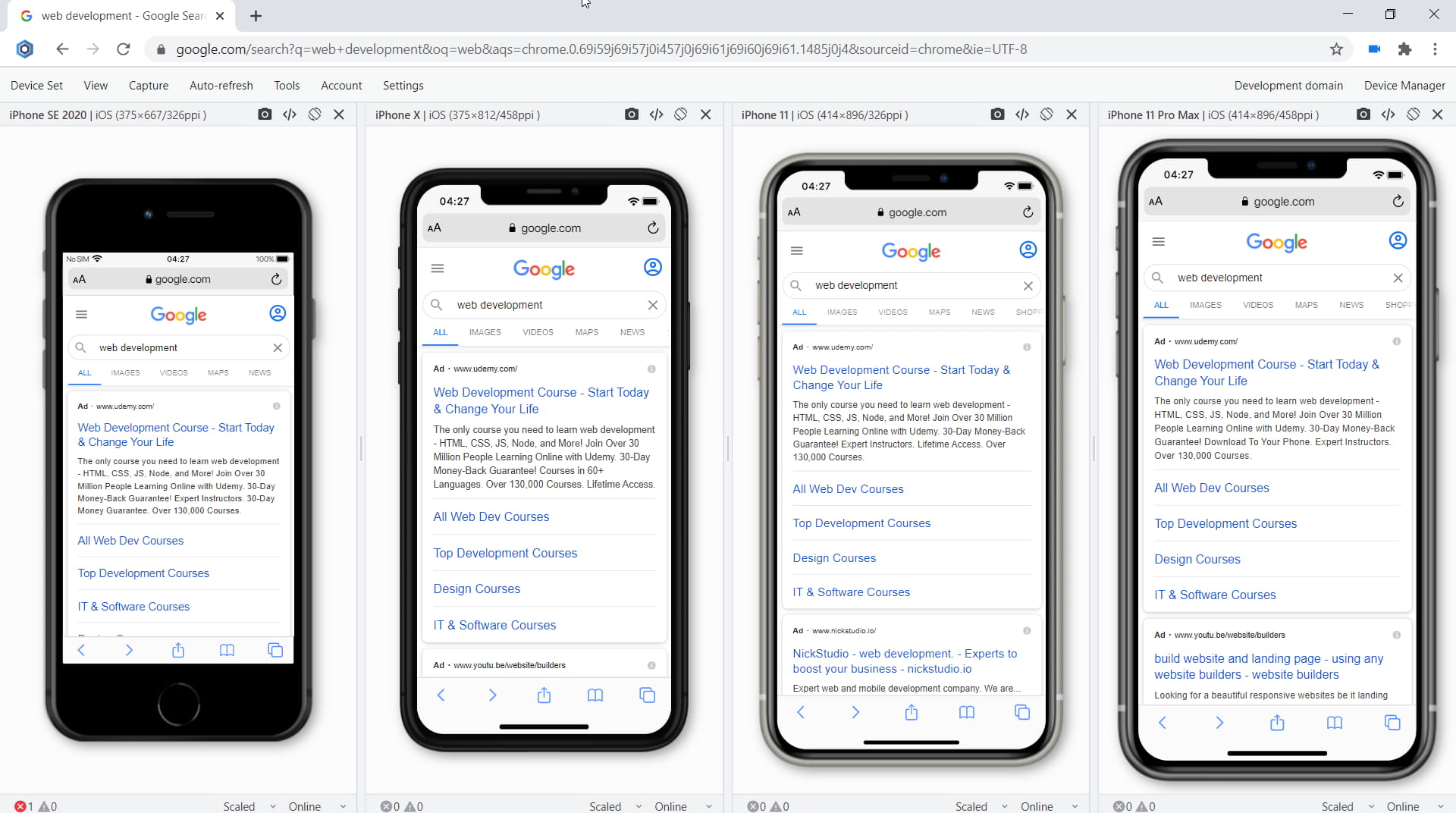
IPhone 7 Viewport Screen Size CSS Pixel Ratio Cross browser Compatibility
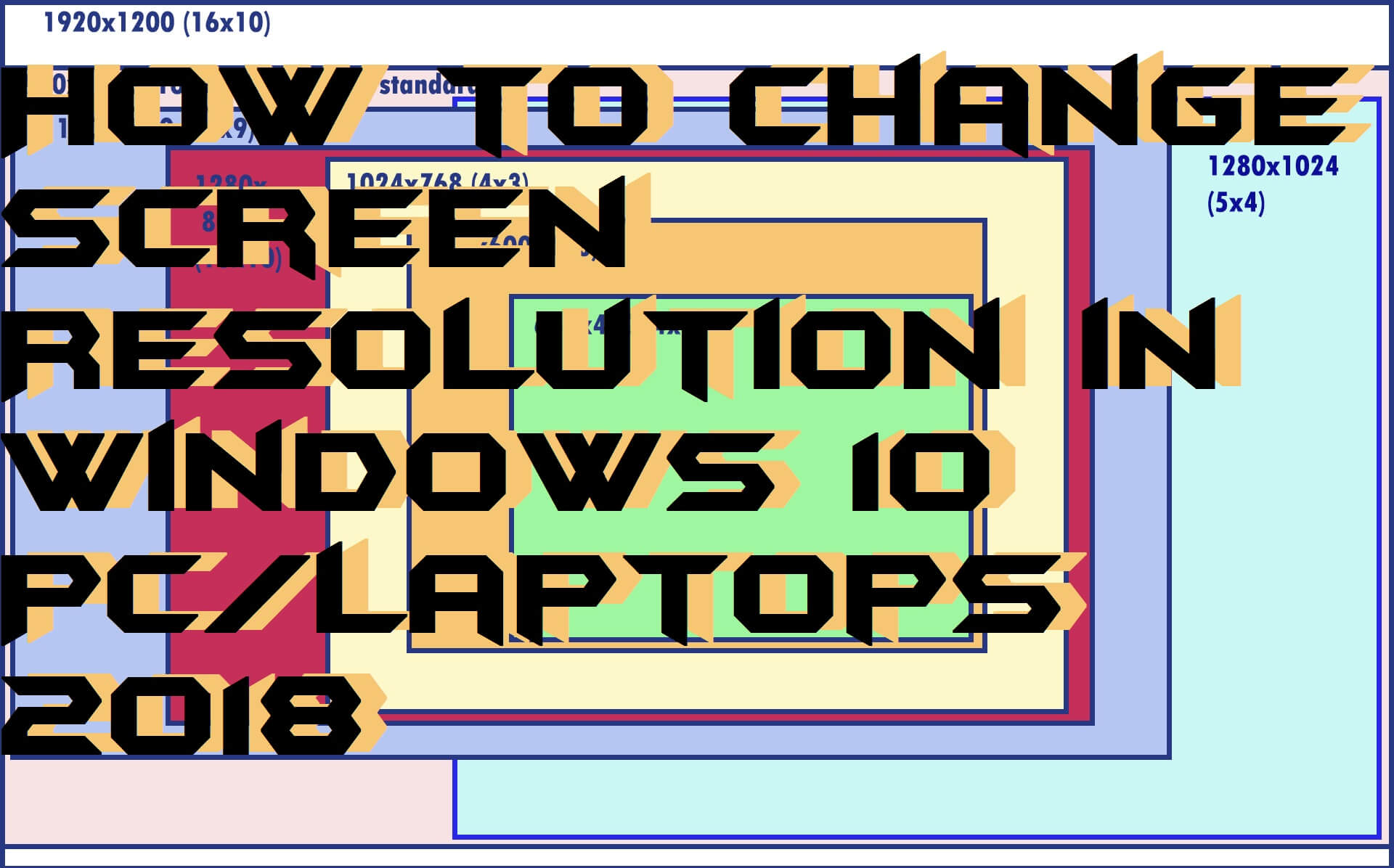
Windows 10 Archives Page 15 Of 32 Crazy Tech Tricks
How To Change Screen Resolution On Samsung Galaxy S10
New Settings for iPhone 14 Pro Models Enable 48MP ProRAW Photos iPhone 14 Pro models feature an upgraded rear camera system that can shoot 48 megapixel photos but only in ProRAW mode

If your iPhone 14 screen is cracked not responding to touch or not showing a picture when your phone is powered on use this guide to restore your iPhone to working order with a new screen a k a display assembly This guide was created using the A2882 international model

Go to step 1 If your iPhone 14 Pro screen is cracked not responding to touch or not showing a picture when your phone is powered on use this guide to restore your iPhone to working order with a new screen a k a display assembly This guide was created using the A2890 international model

How to Change Video Resolution on iPhone 14 Pro Set Up Recording Quality HardReset Info 1 03M subscribers Subscribe 5 Share 2 9K views 11 months ago iphone14pro videoquality
IPhone 14 Pro Technical Specifications Year introduced 2022 Identify your iPhone model Finish Space Black Silver Gold Deep Purple Ceramic Shield front Textured matte glass back and stainless steel design Capacity 1 128GB 256GB 512GB 1TB Size and Weight 2 Width 2 81 inches 71 5 mm Height 5 81 inches 147 5 mm Depth 0 31 inch 7 85 mm
That 48 megapixels of photo resolution is only available when using RAW capture and changing the Apple ProRAW resolution involves a trip deep into the iOS Settings app to change between 12 megapixels and 48 megapixels I made a quick video to show how the settings work and also an iOS shortcut to make the process quicker Step 1 The first thing that you have to do is launch the Settings app on your iPhone 14 Pro Step 2 Scroll down to the Camera option and tap on Formats Step 3 Under Photo Capture tap on
The logical resolution of 375 812 is multiplied by 2 88 to reach the actual resolution of 1080 2340 2 iPhone 8 Plus and equivalently sized devices have a native resolution downsampled from 1242 2208 to actual pixel dimensions 1080 1920 See here for explanation iPad Apple Watch iPod touch Further reading