Change Root Password Mac Terminal Reset Admin Password Mac Terminal Archives TechBland Reset Password Mac Terminal TechnoWikis Change Mac Address Android Terminal Emulator No Root Sossino Change Mac Password Recovery Mode Eralasopa How To Change Root Password In Ubuntu Linux LinuxStoney Web Mar 8 2015 nbsp 0183 32 From the Edit menu choose Change Root Password Enter the old root password then confirm the new root password login to finalize the password change Note that you can also jump immediately to Directory Utility app from the command line with the following syntax open System Library CoreServices Directory Utility app
Web How to quickly set change your Mac s root password 9to5Mac In light of the recent security concerns with macOS that allows anyone to easily gain root access https 9to5mac 2017 11 28 Web Oct 29 2022 nbsp 0183 32 Click on the lock icon in the Directory Utility window then enter your user password or authenticate with Touch ID From the menu bar in Directory Utility choose Edit then select Change Root Password Enter a new root password when prompted
How To Change Root Password In Ubuntu Linux LinuxStoney How To Change The Root User Account Password In Mac OS X Change Mac Password Terminal Centersop Zip With Password Mac Terminal Peatix Reset Mac Password Recovery Mode Lasopahard How To Reset Lost Root Password In The Mysql Reference Manual Mac Ranchwestern Mac OS Blank Root Password Fix YouTube How To Change Root Password On Mac OS How To Change Root Password In MySQL Fedingo
Change Root Password Mac Terminal
 Change Root Password Mac Terminal
https://techbland.com/wp-content/uploads/2019/04/reset-forgotten-password-of-macos-mojave.jpg
Web Feb 23 2018 nbsp 0183 32 2 This question already has answers here How do I run terminal in sudo mode 5 answers Closed 5 years ago How can I run a shell as Admin in Terminal if Im logged in as User with standard privileges I know the passwords for user and admin account macos terminal administrator Share Improve this question Follow edited Feb
Templates are pre-designed files or files that can be used for various functions. They can conserve time and effort by offering a ready-made format and design for producing different sort of material. Templates can be used for individual or professional projects, such as resumes, invitations, flyers, newsletters, reports, discussions, and more.
Change Root Password Mac Terminal
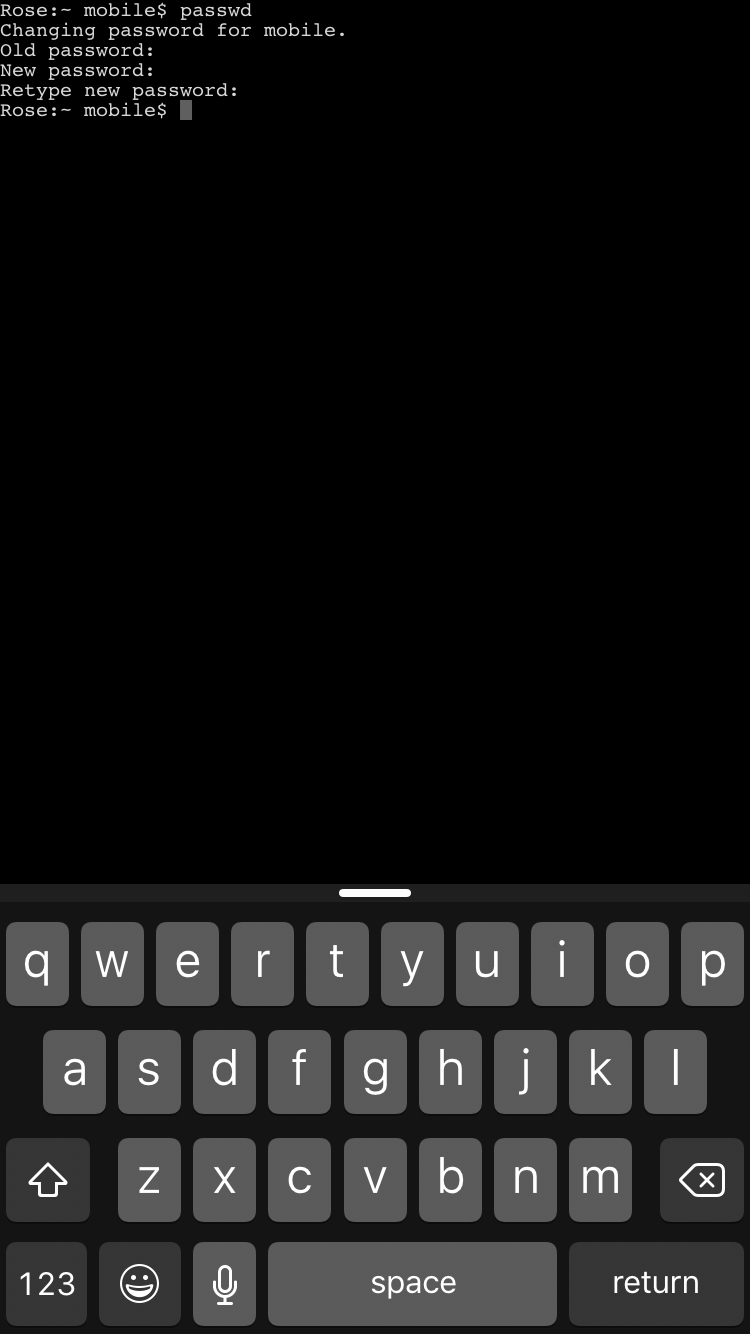
Mobile Terminal Now Works On Jailbroken IOS 9 Devices

How To Change The Root User Account Password In Mac OS X

Change Mac Password Terminal Centersop
Zip With Password Mac Terminal Peatix

How To Reset Lost Root Password In The Mysql Reference Manual Mac Ranchwestern
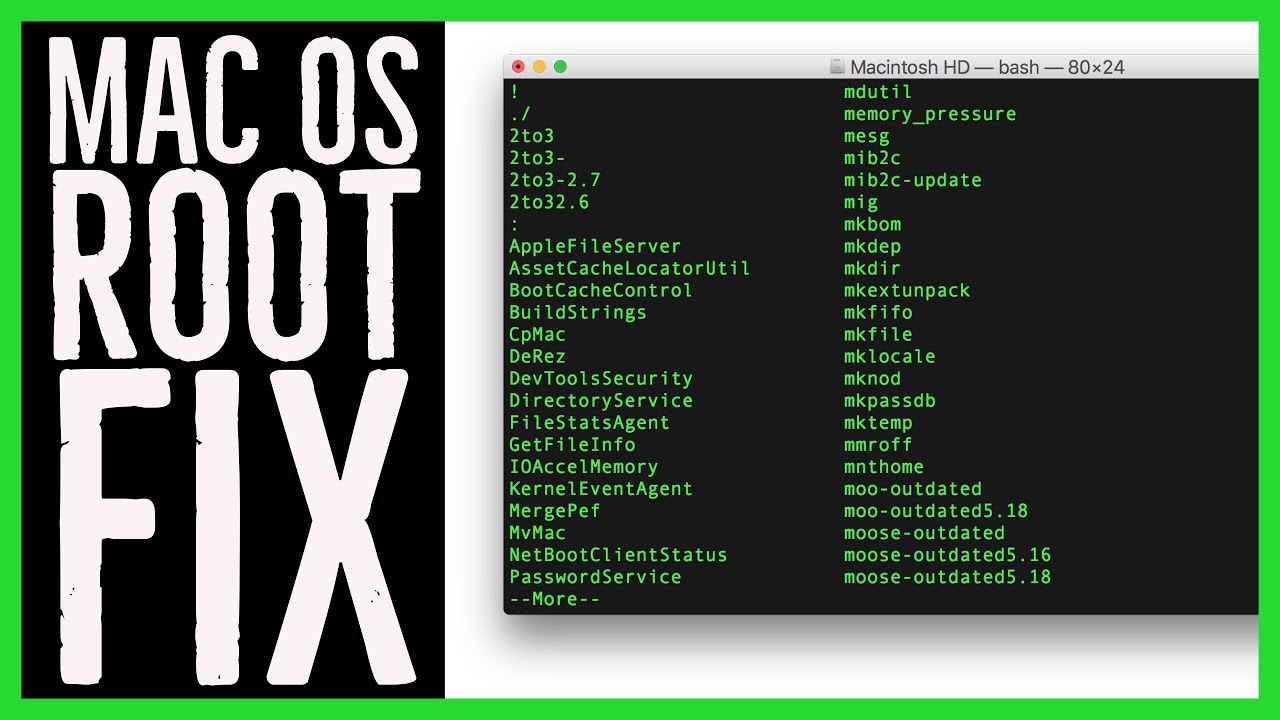
Mac OS Blank Root Password Fix YouTube
Web Dec 20 2018 nbsp 0183 32 The procedure for changing the password of root is as follows First log in to the macOS Unix server using ssh or console or terminal app Open a shell prompt terminal app and type the passwd command to change root password in macOS Unix The actual command to change the password for root on macOS Unix is sudo
Web It s safer to use the sudo command in Terminal instead of enabling the root user To find out about sudo open the Terminal app and enter man sudo The user account named quot root quot is a superuser with read and write privileges to more areas of the system including files in other macOS user accounts

Web To reset your superuser password login to any other Admin account enable root user then su then sudo passwd lt superuser gt Note Blank or empty password for root will not allow sudo or su commands will simply give error quot Sorry quot To enable root user via terminal dsenableroot To disable root user dsenableroot d Tested Mac 10 6 8
Web Sep 13 2019 nbsp 0183 32 How do I change a user s password without the old one via the command line on macOS Catalina beta sudo dscl passwd Users abc password used to work before Catalina but asks for the old password now Are there any alternatives that can be used macos command line

Web From the menu bar in Directory Utility Choose Edit gt Enable Root User then enter the password that you want to use for the root user You can enable disable change password for root user from here Now go to Terminal and switch user to root and test Once root user password is set in Directory utilities Type su root in your terminal and
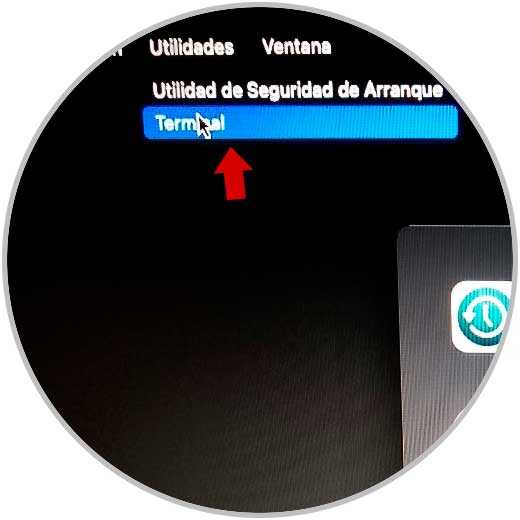
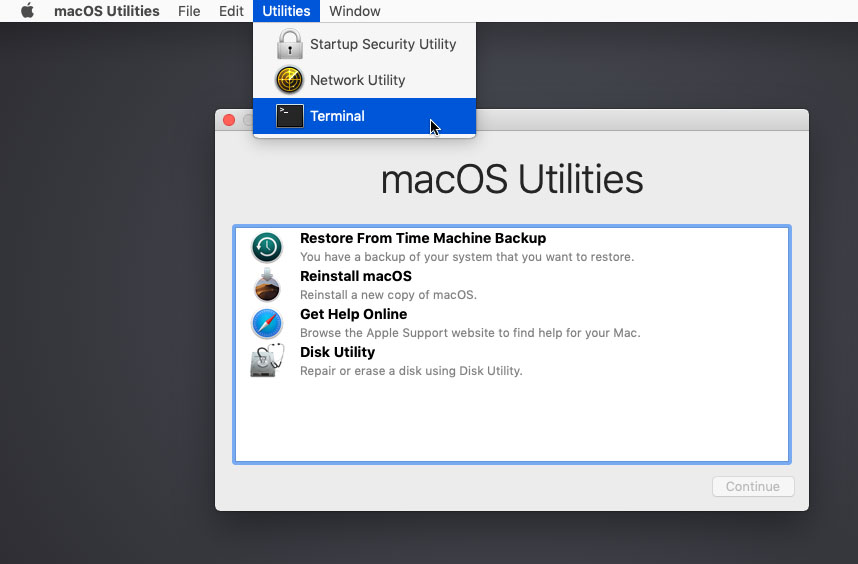
Web May 11 2021 nbsp 0183 32 Pull down the Utilities menu option then choose Terminal from the dropdown menu as shown in the screenshot below Once Terminal opens up type resetpassword without the quotes and hit the Return key This will launch the Recovery Assistant where you ll be able to reset your Mac s user password Web When a password is required in the Terminal window you see a password prompt and the cursor changes to a key In the Terminal app on your Mac type your administrator account password at the prompt then press Return
Web Launch the terminal app to access the Unix command line Under the Unix prompt I executed these commands cd usr local mysql bin mysqladmin u root password password But when I execute the command mysql u root this is the answer Welcome to the MySQL monitor Commands end with or g