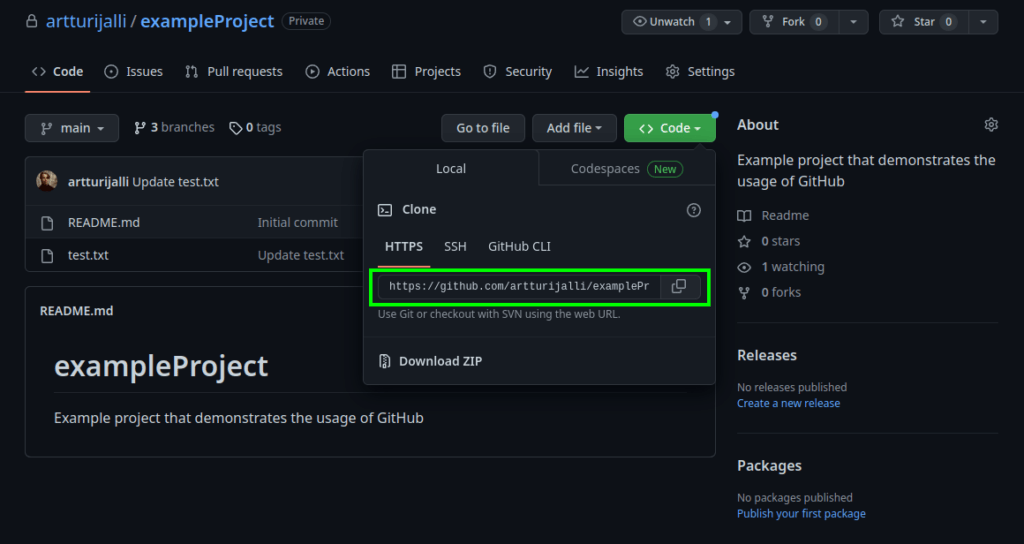
Change Remote Origin Already Exists Fatal Remote Origin Already Exists How To Resolve Remote Origin Already Exists Issue In GitHub Complete How To Change Git Remote Origin URL DevsDay ru How To Change Git Remote Origin Devconnected Git fatal Remote Origin Already Exists fatal Remote Git e WEB Sep 28 2020 nbsp 0183 32 git remote add origin https github profile name project name git It s usually because you cloned a remote repository that already has a remote origin URL
WEB Remembering multiple remotes can be tricky New repo doesn t become the default origin Overall adding remotes with distinct names is the easiest way to avoid quot remote origin WEB Feb 26 2021 nbsp 0183 32 The Git fatal remote origin already exists error is caused by creating a remote called origin when one already exists To fix this error replace the URL of your
Git fatal Remote Origin Already Exists fatal Remote Git e Sublime 51CTO sublime How To Change Remote Origin In Git Git How To Change Remote Origin with Examples Logilax github How To Change Remote Origin Url For Git Repo Git How To Change Remote Origin with Examples Logilax Error Remote Origin Already Exists Idea Failed To Create Gitee Repository Remote Origin Already Exists
Change Remote Origin Already Exists
 Change Remote Origin Already Exists
https://yous12.com/wp-content/uploads/qiita-1.png
WEB Jan 14 2023 nbsp 0183 32 The easiest way to fix this error is to simply change the remote URL to something different You can do this using the following command git remote set url
Templates are pre-designed files or files that can be utilized for different purposes. They can save time and effort by offering a ready-made format and layout for developing different kinds of content. Templates can be used for individual or professional projects, such as resumes, invitations, leaflets, newsletters, reports, discussions, and more.
Change Remote Origin Already Exists
GitHub Jonschlinkert remote origin url Extract The Git Remote Origin

Sublime 51CTO sublime
How To Change Remote Origin In Git

Git How To Change Remote Origin with Examples Logilax
How To Change Remote Origin Url For Git Repo
Git How To Change Remote Origin with Examples Logilax

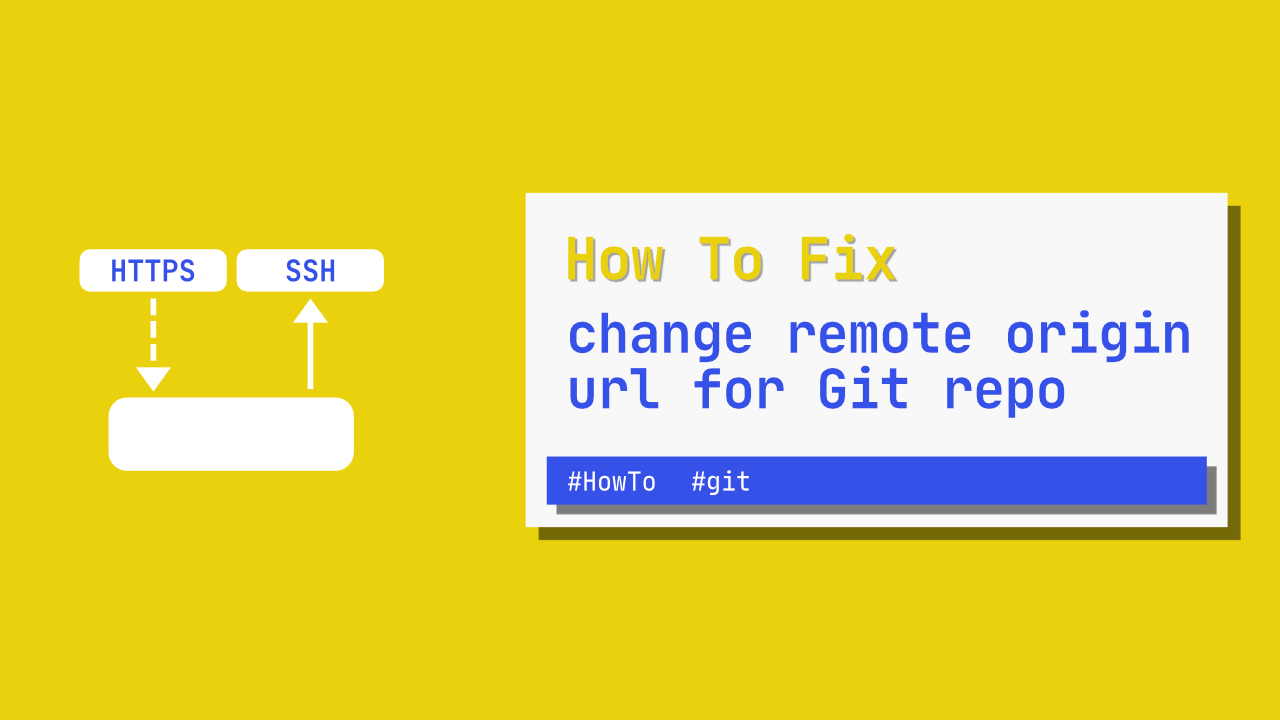
WEB Aug 3 2009 nbsp 0183 32 You can change the remote origin in your Git configuration with the following line git remote set url origin email protected username projectname git This

WEB Mar 28 2024 nbsp 0183 32 1 Create a new repository online using GitHub or GitLab 2 Go to your local repository and remove the existing origin remote 3 Add the new online repository as
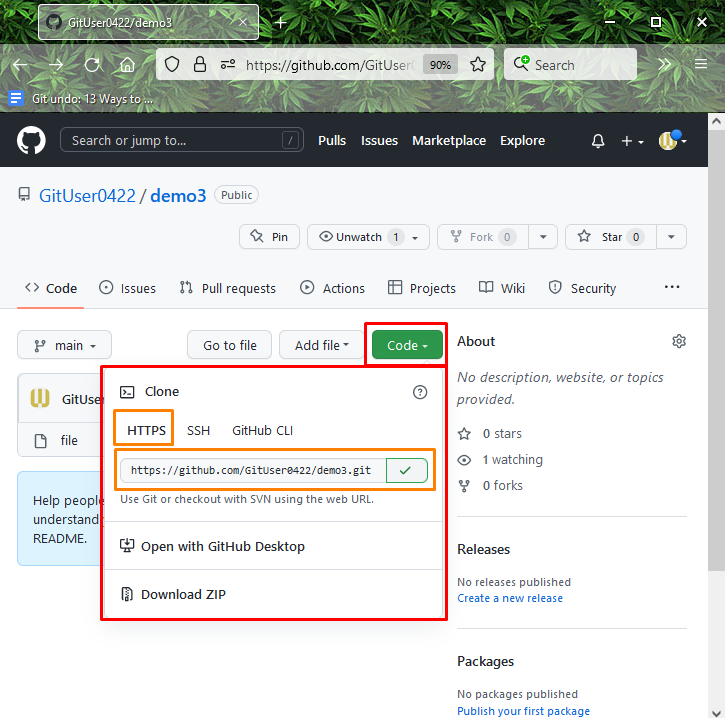
WEB The solution is to update the URL of the remote repository with the name origin to the URL of the remote repository you want to add instead of trying to create a new remote repository with that name You can do that
WEB Sep 23 2021 nbsp 0183 32 This article will discuss how to fix the git error fatal remote origin already exists What is fatal remote origin already exists Error Users will face this error while

WEB Jul 6 2024 nbsp 0183 32 The fatal remote origin already exists error in Git is a common issue that can be easily resolved by either renaming the existing remote or removing it By following
WEB Apr 24 2024 nbsp 0183 32 One way to resolve this error is by renaming the existing remote origin This can be done using the following command git remote rename origin old origin WEB A remote named quot origin quot is automatically created when you clone a repository or you might have added it previously How to Resolve Use a different name for the new
WEB Oct 23 2017 nbsp 0183 32 You already have a remote named origin the one you cloned from Just give the new remote a different name and you should be OK git remote add