Change Pdf Pixel Size Smart Pixel Review Locedbrooklyn Pixel Size Different Than Grid Cell Size Photoshop Pixel Art Stack Photo Editor Change Pixel Dimensions Of An Image Editing 20x20 Free Online Pixel Art Drawing Tool Pixilart Editing Add A Pixel Free Online Pixel Art Drawing Tool Pixilart Draw write etc on the full size image of your PDF You can zoom in and out on the page using the magnifying glasses buttons undo changes reset the whole page and so on Change the color font stroke size etc by opening the Options menu on the left Click on Save and once more on the Save button to receive your edited PDF
Resize PDF Online Resize PDF Add page margins and padding Change PDF page size Related Reduce the file size of your PDF online Upload PDF files Files stay private Automatically deleted after 2 hours Free service for documents up to 200 pages or 50 MB and 3 tasks per hour Terms of Use and Privacy Policy Offline Rather work offline Adobe Acrobat Compress a PDF Select a PDF to reduce its file size fast Select a file Your files will be securely handled by Adobe servers and deleted unless you sign in to save them Files are secured using HTTPS w TLS 1 2 and stored using AES 256 encryption By using this service you agree to the Adobe Terms of Use and Privacy Policy
Editing Add A Pixel Free Online Pixel Art Drawing Tool Pixilart Pic2Pix Picture To Pixel Art APK For Android Download Editing Figure Base Free Online Pixel Art Drawing Tool Pixilart How To Change Pixel Size In Illustrator Tastykse Editing Use The Size 16 Pixel Free Online Pixel Art Drawing Tool How Big Can I Print My Photo On Canvas Pixel To Print Size Editing Did Not Copy Just Looked At The Pixels XD Free Online Pixel Range Pixel Selections Pixel 4 Juggly cn
Change Pdf Pixel Size
 Change Pdf Pixel Size
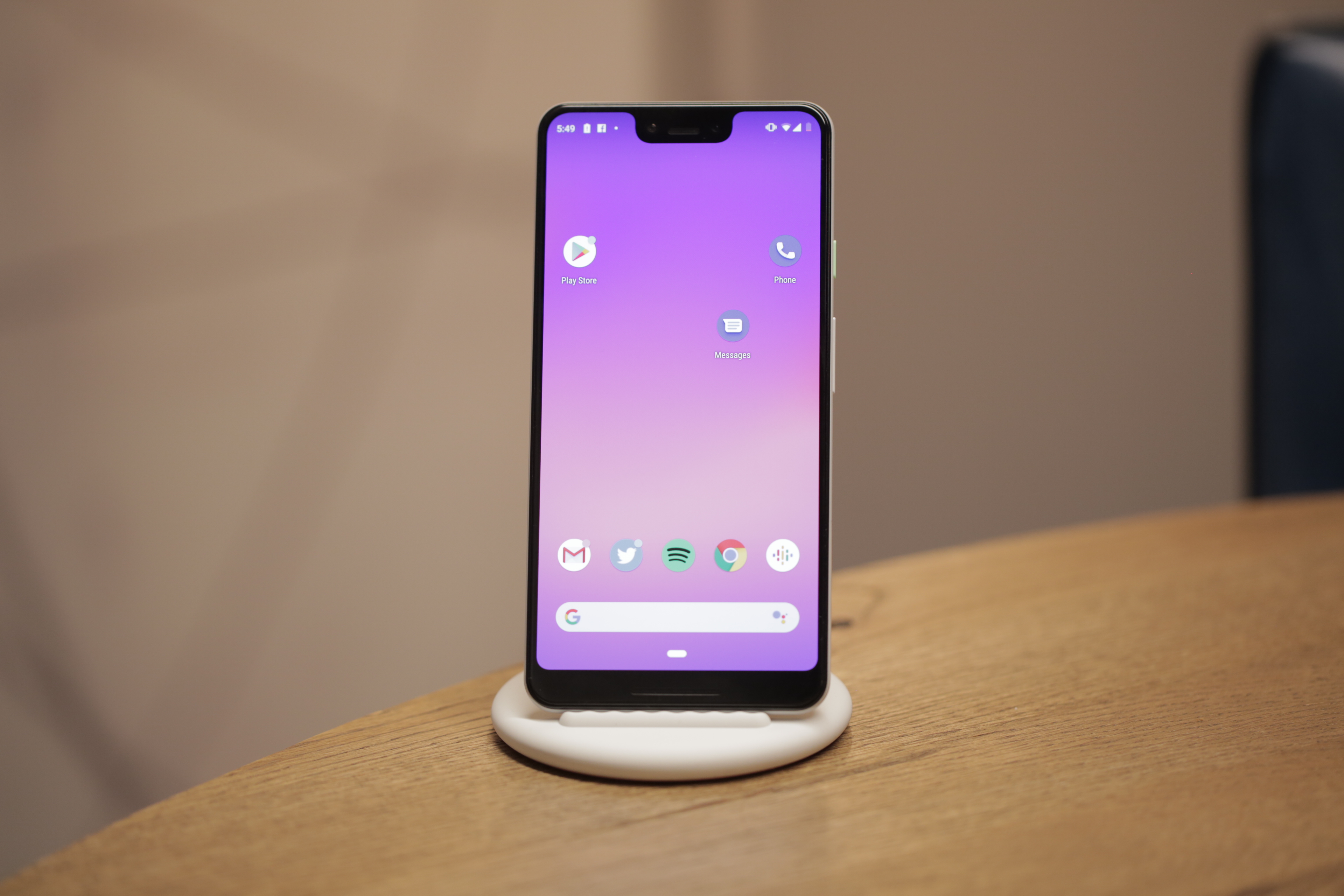
https://techcrunch.com/wp-content/uploads/2018/10/CMB_5030.jpg
How Does PDF Compression Work We take your file remove repetitive patterns re encode heavy images and voil the result is a high quality but much lighter PDF Done in a flash so you can get work done even faster Easy Sharing Once You re Done Collaboration is essential for teamwork and getting things done
Templates are pre-designed files or files that can be used for various purposes. They can save effort and time by providing a ready-made format and layout for creating different kinds of material. Templates can be utilized for personal or expert tasks, such as resumes, invites, flyers, newsletters, reports, presentations, and more.
Change Pdf Pixel Size

Pixel Pattern 06 Free Stock Photo Public Domain Pictures

Pic2Pix Picture To Pixel Art APK For Android Download

Editing Figure Base Free Online Pixel Art Drawing Tool Pixilart

How To Change Pixel Size In Illustrator Tastykse

How Big Can I Print My Photo On Canvas Pixel To Print Size

Editing Did Not Copy Just Looked At The Pixels XD Free Online Pixel

Visit the Acrobat online services website Upload the file you want to compress Download the compressed PDF file The file size will be reduced without greatly affecting your image resolution Now your image will take up less space and it ll be easier to send and share

Click on Start Resize your PDF online for free and wherever you want How to Resize your PDF First Upload your file from your computer or a cloud or drag and drop it into the field above Then Choose the aspect ratio for your PDF file We support the most common and widely spread ones
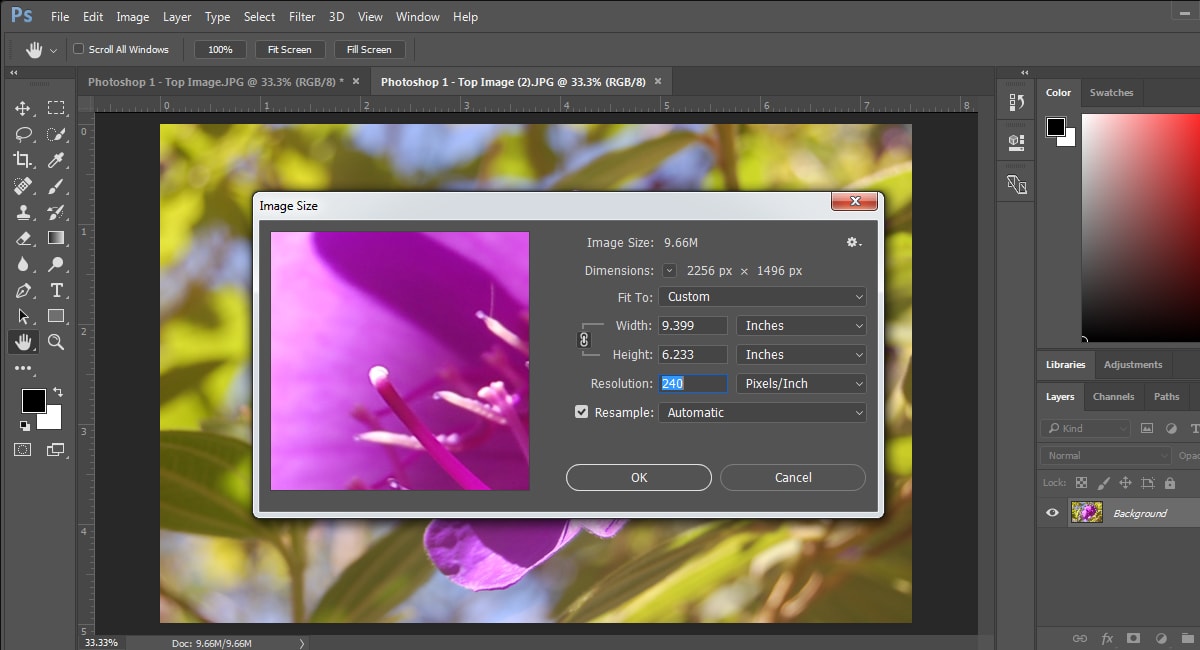
1 Drag drop a PDF into the browser or upload it by clicking the Add file button As an option add a doc from Google Drive or Dropbox 2 Choose the page size for the output PDF There are 4 options US letter A4 A3 and A5 3 Click the Resize button to actually resize a PDF

Desktop app Other apps Overview Features How To Video FAQ Documentation processed files 140959 uploaded 431369 MB Resize PDF application can resize your PDF file online for free no matter if it s for personal use or business It helps to work with images photos or screenshots
Step 1 Open PDF in PDFelement After installation launch PDFelement on your computer Then click on the Open File button and select the target PDF file from your local folder Step 2 Freely Change Aspect Ratio After opening the PDF file you will need to enable the Edit option
Compress a PDF file in four easy steps Reduce the size of large files with Adobe Acrobat online services for free Go to the Compress PDF tool Drag and drop your PDF into the toolbox Choose the basic compression mode The software will automatically shrink your file Download your file done How to resize a PDF document using Smallpdf Resize My PDF
Acrobat can size the pages of a PDF to fit the selected paper size Choose File Print From the Page Scaling pop up menu select one of the following options Fit To Printable Area Scales small pages up and large pages down to fit the paper Shrink To Printable Area Resizes only large pages to fit the paper and prints small pages as they are