Change Password On Protected Pdf Silencingchristians How To Print Password Protected PDF File Crack User Password Protected Pdf Krecsey How To Remove Password From A Pdf File YouTube How To Open Password Protected Pdf With Password Gasmgenius Official Help Center where you can find tips and tutorials on using and other answers to frequently asked questions
Change settings quickly on your Android phone Find amp delete files on Android Add apps shortcuts amp widgets to your Home screens Get to know your Android phone Learn how to use your Google is stuck as my homepage Google won t change your homepage settings without your permission Reset your homepage Choose a browser above then follow the steps to replace
How To Open Password Protected Pdf With Password Gasmgenius How To Create A Password Protected PDF File In Mac OS X How To Remove Password Protection From A PDF How To Print Password Protected PDF File Using Google Drive Metodo Per Salvare Un PDF Con Password How Do I Create A Password Protected Word Document Ask Dave Taylor XDA Basics How To Change The Wallpaper On A Mac Android XDA How To Open Password Protected PDF Files Two Ways To Encrypt And Protect PDF Files With Password On Mac
Change Password On Protected Pdf
 Change Password On Protected Pdf
https://www.wikihow.com/images/a/a5/Create-a-Password-Protected-PDF-Document-in-Adobe-Acrobat-(Using-a-Security-Envelope)-Step-13-Version-3.jpg
Official Google Chrome Help Center where you can find tips and tutorials on using Google Chrome and other answers to frequently asked questions
Pre-crafted templates provide a time-saving option for developing a diverse range of documents and files. These pre-designed formats and designs can be utilized for numerous individual and expert tasks, including resumes, invites, leaflets, newsletters, reports, discussions, and more, streamlining the content development process.
Change Password On Protected Pdf
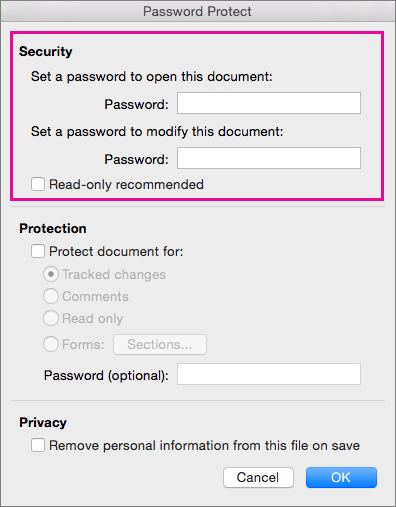
How I Can Protect My Documents From Being Opened Or Edited On Word 2016
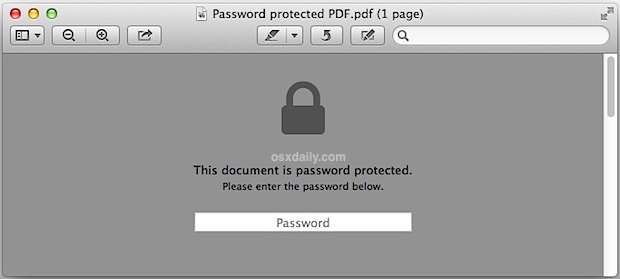
How To Create A Password Protected PDF File In Mac OS X
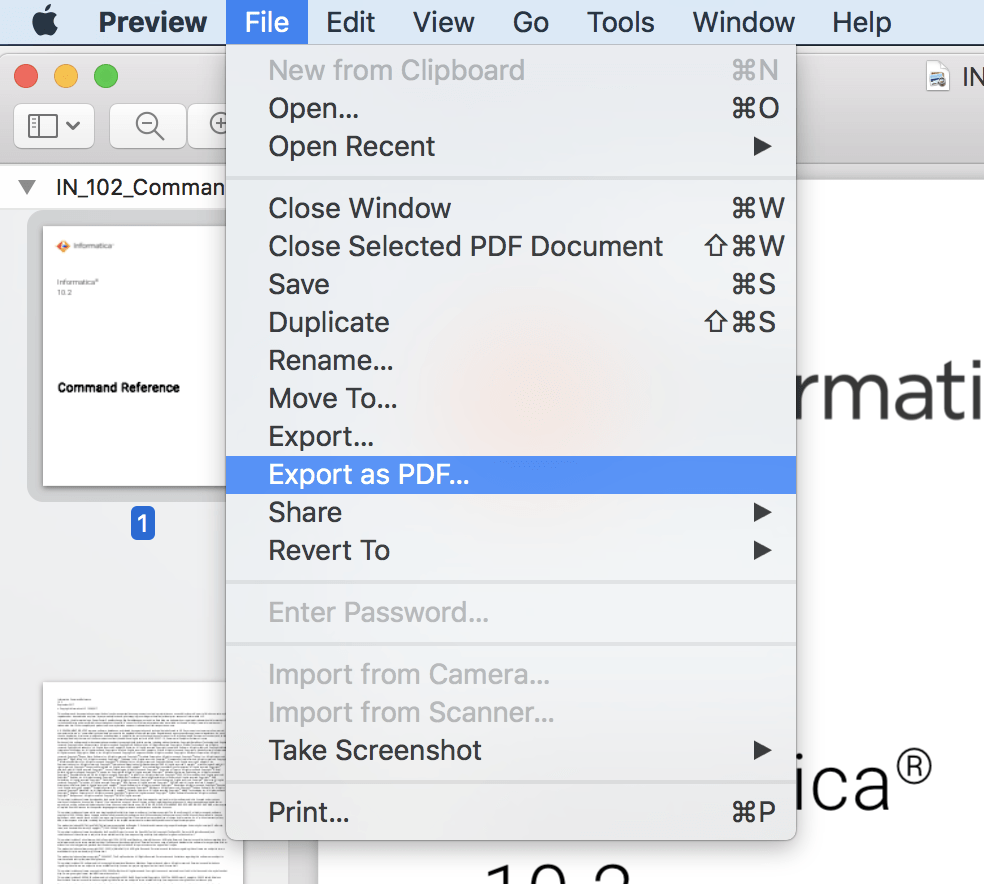
How To Remove Password Protection From A PDF

How To Print Password Protected PDF File Using Google Drive
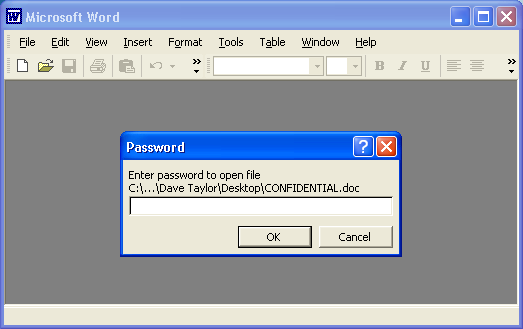
How Do I Create A Password Protected Word Document Ask Dave Taylor

XDA Basics How To Change The Wallpaper On A Mac Android XDA

On your computer go to Gmail In the top right click Settings See all settings At the top choose a settings page such as General Labels or Inbox Make your changes After you re done with
To make sure the change applied to the correct file types review the list below the quot Set default quot button To easily open Chrome later add a shortcut to your taskbar

change of change in quot Change of quot quot change in quot

Enter your new password then select Change Password Change password Reset your password Follow the steps to recover your account You ll be asked some questions to confirm it s your

You can change delete and add a backup payment method to make sure your membership stays active Make sure you use an accepted payment method
[desc-11] [desc-12]
[desc-13]