Change Password Command In Unix Changing Your UNIX Password YouTube How To Reset Your Forgotten Linux Password Systran Box How To Rename A File Or Directory In Unix YouTube The Right Way To Reset A Forgotten Root Password In Linux Mint How To Change Account Password Using Command Prompt On Windows 10 Web Let s see some examples of the passwd command 1 Change your own password To change the current user s password i e your own account password just enter the passwd command without any options passwd You ll be asked to use your current password first christopher linuxhandbook passwd Changing password for
Web Sep 21 2006 nbsp 0183 32 Linux Set User Password Command The procedure is as follows Open the Linux terminal application Type following passwd command command to change your own password passwd Sample Outputs Changing password for vivek current UNIX password Enter new UNIX password Retype new UNIX password passwd Web Jan 26 2021 nbsp 0183 32 Using the passwd command a superuser changes and modifies settings for any user Regular users are only allowed to change their own password The general command is passwd lt options gt lt username gt The terminal prints out what user you are changing the password for Type your current password and then define and confirm
How To Change Account Password Using Command Prompt On Windows 10 UNIX Commands Cd Change Directory YouTube 10 Examples Of CUT Command In UNIX And Linux 4 Ways To Change Your Password In Linux Using Terminal WikiHow Technical Support And Solutions How To Change Password Using Command Bash MySQL Change Password Command Run In MySQL On Ubuntu Server Unix Commands Command Line Interface File System How To Reset Windows 7 Password Using Command Prompt Amazing Tech Linux Password Expiry Settings
Change Password Command In Unix
 Change Password Command In Unix
https://i.ytimg.com/vi/uPZgxzvnN6g/maxresdefault.jpg
Web Mar 13 2021 nbsp 0183 32 On Unix like operating systems the passwd command is used to change the password of a user account A normal user can run passwd to change their password and a system administrator the superuser can use passwd to change another user s password or define how that account s password can be used or changed
Pre-crafted templates use a time-saving solution for developing a diverse range of files and files. These pre-designed formats and layouts can be made use of for numerous personal and expert projects, consisting of resumes, invitations, leaflets, newsletters, reports, discussions, and more, simplifying the content development process.
Change Password Command In Unix

UNIX Change Directory Cd YouTube

UNIX Commands Cd Change Directory YouTube

10 Examples Of CUT Command In UNIX And Linux

4 Ways To Change Your Password In Linux Using Terminal WikiHow

Bash MySQL Change Password Command Run In MySQL On Ubuntu Server
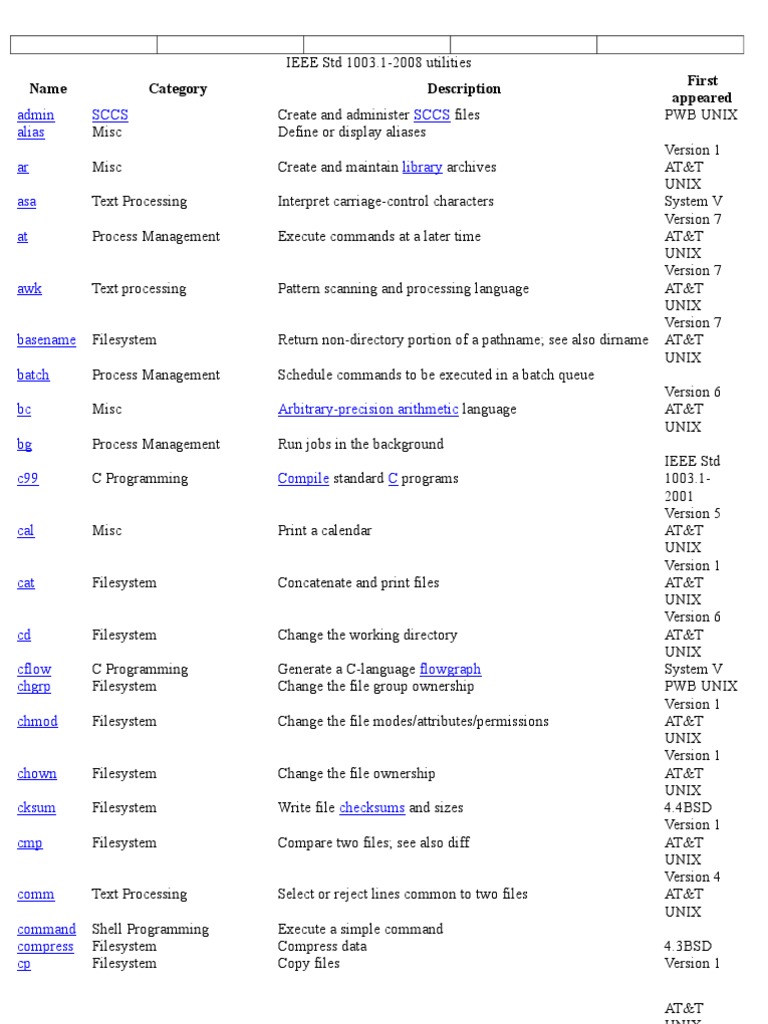
Unix Commands Command Line Interface File System
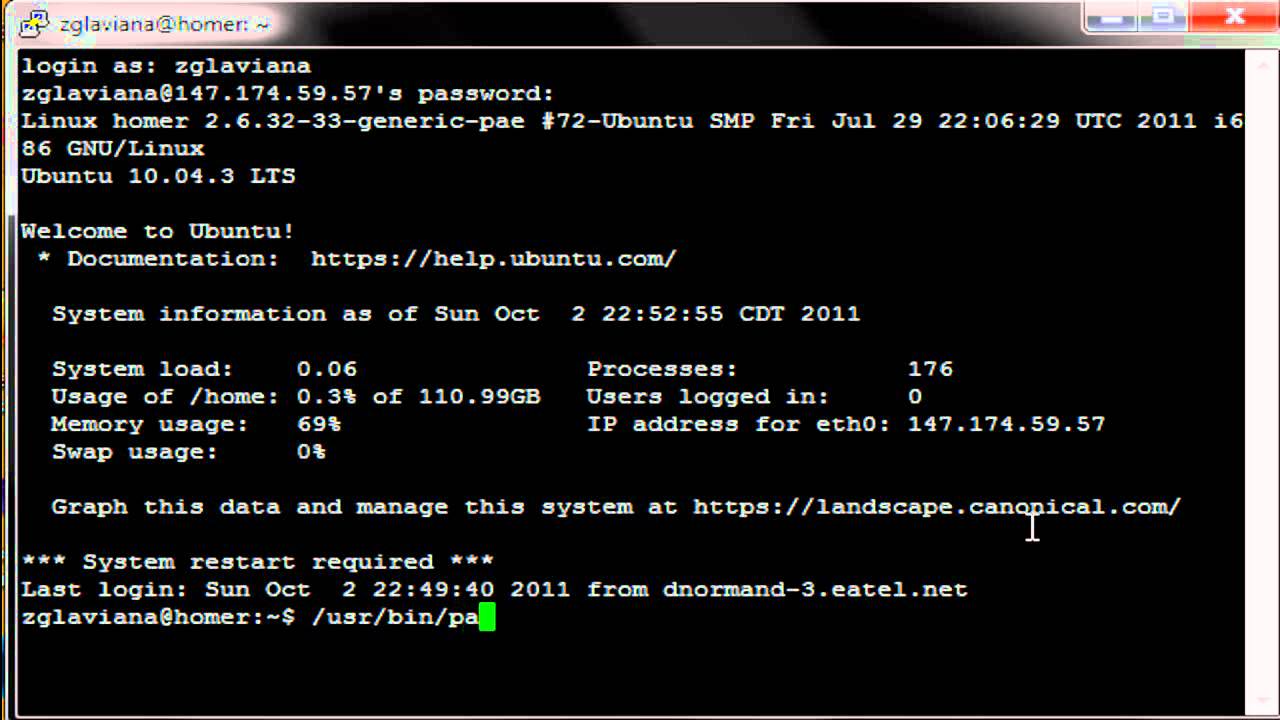
Web Nov 19 2019 nbsp 0183 32 To change the password of another user account run the passwd command followed by the username For example to change the password of a user named linuxize run the following command sudo passwd linuxize You will be prompted to enter and confirm the new password Enter new UNIX password Retype new UNIX

Web Feb 4 2024 nbsp 0183 32 The procedure for changing the password of root or any user is as follows First log in to the UNIX server using ssh or console Open a shell prompt and type the passwd command to change root or any user s password in UNIX The actual command to change the password for root user on UNIX is sudo passwd root

Web Dec 22 2023 nbsp 0183 32 In this article we learned how to change user passwords in Linux using the passwd command We explored its various features from basic password changes to more advanced options like forcing updates locking and unlocking accounts and setting password expiry
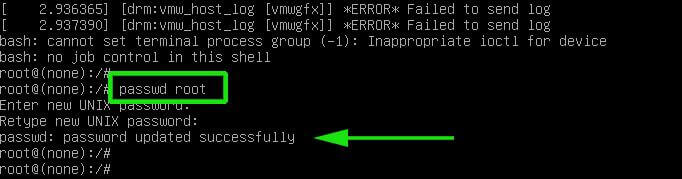
Web Jun 18 2021 nbsp 0183 32 A typical option is to use the su command or sudo command to become a root user and change the Unix user password sudo passwd The file etc passwd contains a list of all users on Unix system The passwd command contains other features as well such as locking an user account and more

Web Nov 15 2019 nbsp 0183 32 The passwd File The shadow File Getting the quot Last change quot Field as a Date The passwd Command Changing Someone Else s Password Forcing a Password Change Lock an Account The chage Command Changing an Account Password in GNOME Stay Safe Stay Secure Passwords have been a keystone of account security
Web Feb 7 2021 nbsp 0183 32 To change your own password on Unix open up your terminal by pressing Ctrl Alt T Then to change your password enter passwd You ll see an output that looks something like this First type in the current password and then enter your new password twice to complete the process current UNIX password Enter new UNIX Web To change your password use the passwd command At the prompt type the following passwd If you do not already have a password skip step 2 The following prompt displays Changing password for UserIDUserID s Old password This request keeps an unauthorized user from changing your password while you are away from your system
Web Sep 12 2022 nbsp 0183 32 The passwd command is used to set and modify a user s password in Linux and Unix like systems The passwd command is not only for setting or changing Linux user s password We can also use the passwd command to set password aging lock and unlock an User account The important options of passwd command are given