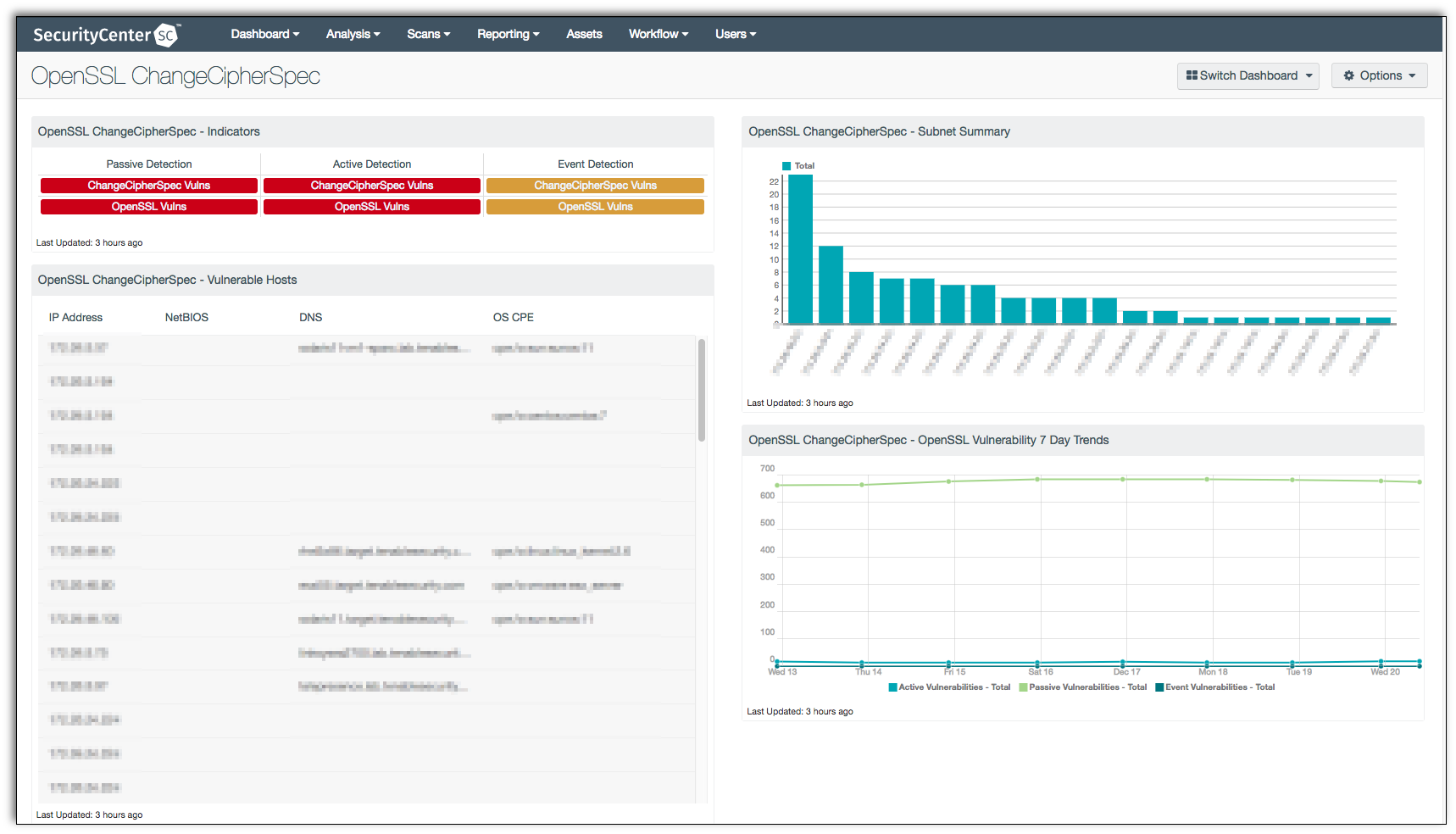
Change Key Password Openssl Openssl Generate Private Key No Password Archnew Openssl Generate Private Key No Password Archnew Openssl Generate Pkcs8 Rsa Key Pair Classnew OpenSSL ChangeCipherSpec Dashboard SC Dashboard Tenable Openssl Generate Ssh Key Pair WEB Here s how to do it openssl aes 256 cbc in some file enc out some file unenc d pass pass somepassword Notice that the command line command syntax is always pass
WEB Here we ll provide a step by step guide on how you can easily update your password with OpenSSL Let s start by outlining the process Step 1 Generate a new private key using WEB Oct 1 2019 nbsp 0183 32 As of this answer the correct command would be openssl genpkey aes256 out private key pass pass foobar full command reference Note the aes256
Openssl Generate Ssh Key Pair Openssl Generate Private Key No Password Archnew Windows Uses Openssl To Generate CA Files Tomact Nginx To Configure OpenSSL Basic Encryption Script With Random Password Generation How To Use Encrypted Password In Bash Script Replacing A Default ESXi Certificate With A CA Signed Certificate How Do I Use John The Ripper To Crack A Password protected OpenSSL DES Encryption Using OpenSSL YouTube openssl Openssl opensslv h usr bin openssl
Change Key Password Openssl
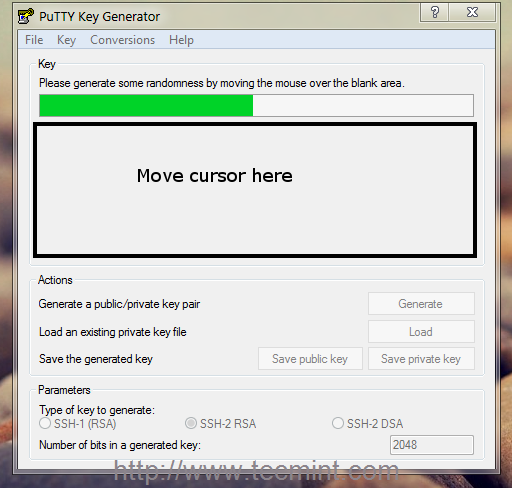 Change Key Password Openssl
https://archnew267.weebly.com/uploads/1/2/5/8/125871716/455858565.png
WEB Jul 7 2015 nbsp 0183 32 Add a new passphrase to the private key that was originally created without a passphrase openssl rsa des3 in your key out your encrypted key mv
Templates are pre-designed documents or files that can be used for numerous purposes. They can save effort and time by offering a ready-made format and layout for developing various kinds of content. Templates can be used for individual or professional jobs, such as resumes, invitations, leaflets, newsletters, reports, discussions, and more.
Change Key Password Openssl
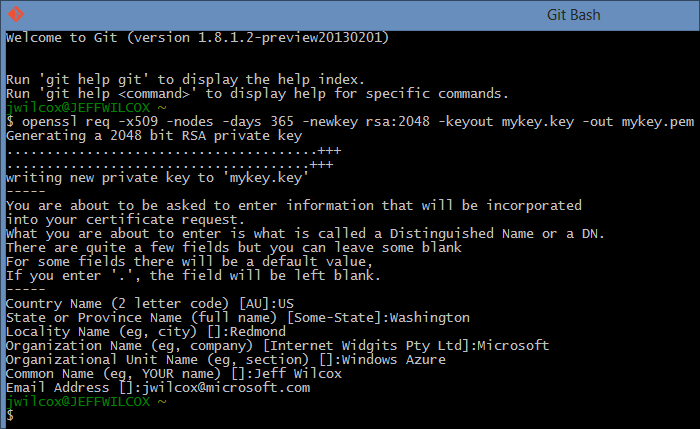
Openssl Generate Public Private Key Pair Gotonew
Openssl Generate Private Key No Password Archnew

Windows Uses Openssl To Generate CA Files Tomact Nginx To Configure

OpenSSL Basic Encryption Script With Random Password Generation

Replacing A Default ESXi Certificate With A CA Signed Certificate
How Do I Use John The Ripper To Crack A Password protected OpenSSL

WEB add one assuming it was an rsa key else use dsa openssl rsa aes256 in your key out your encrypted key mv your encrypted key your key chmod 600 your key

WEB Jan 25 2016 nbsp 0183 32 You need to explicitly specify the input passphrase and leave no output passphrase when running the command like so openssl rsa in original key out

WEB If your machines use OpenSSH gt 6 5 you should be using the o option to enable the new private key format bcrypt as KDF by default With older OpenSSH versions use
WEB You can accomplish this task with the following commands Step 1 To change the pass phrase enter the following at command prompt openssl rsa des3 in server key

WEB If you don t use a passphrase then the private key is not encrypted with any symmetric cipher it is output completely unprotected You can generate a keypair supplying the
WEB Aug 21 2022 nbsp 0183 32 Private keys may be protected with a password which is used in the encryption process This tutorial demonstrates how to add password to private key using WEB Add pass file nameofkeyfile to the OpenSSL command line This causes OpenSSL to read the password passphrase from the named file but otherwise proceed normally
WEB Aug 20 2020 nbsp 0183 32 passout arg pass phrase source to encrypt any outputted private keys with For more information about the format of arg see the PASS PHRASE ARGUMENTS