Change Ipad Camera Resolution Settings Camera Resolution Settings Samsung Members Missing Camera Resolution Settings Samsung Community Change Your IPhone s Display Resolution With Upscale With Images IPad Camera Exposure And Resizing Photos AIDS Lime Sticker Mac Display Settings Opportunity Admission Fee Narrow Learn more about the iPad Pro 11 2022 4th Generation https www hardreset info devices apple apple ipad pro 11 2022 wi fi plus cellular tutorials In t
Why is it important The resolution of a camera affects two significant factors Image display A high resolution provides more image details Print size A high resolution allows you to print larger photos without losing image details iPad photo storage Tap the Image button In the pop up choose the Shortcut Input option This means that the shortcut will resize any image that you send to it It s useful for sending multiple images using the Share menu in the Photos app Next it s time to decide the resulting width and height
AIDS Lime Sticker Mac Display Settings Opportunity Admission Fee Narrow How To Change The Default Camera Settings On Your IPhone Cybertechbiz Missing Camera Resolution Settings Samsung Community The 9 Best Ways To Use The IPad Camera IPad Video Recording How To Change Resolution Solve Your Tech Missing Camera Resolution Settings Samsung Community How To Change Your Screen Resolution In Windows 10 2022 How To Change IPhone Camera Resolution IPhone X IPhone 8 7 Missing Camera Resolution Settings Page 3 Samsung Community
Change Ipad Camera Resolution Settings

https://r2.community.samsung.com/t5/image/serverpage/image-id/1880960i812E642B490239D9?v=v2
There are three main ways to open the camera on your iPad The first and quickest way is from the lock screen All you need to do is swipe up on the bottom right hand side of the lock screen Make sure you swipe up about 1 2 The second way to open the camera is via the camera icon on your home screen or app drawer
Templates are pre-designed files or files that can be utilized for various functions. They can conserve time and effort by offering a ready-made format and layout for creating different sort of content. Templates can be utilized for personal or professional jobs, such as resumes, invites, flyers, newsletters, reports, presentations, and more.
Change Ipad Camera Resolution Settings

Missing Camera Resolution Settings Samsung Community

How To Change The Default Camera Settings On Your IPhone Cybertechbiz

Missing Camera Resolution Settings Samsung Community

The 9 Best Ways To Use The IPad Camera

Missing Camera Resolution Settings Samsung Community
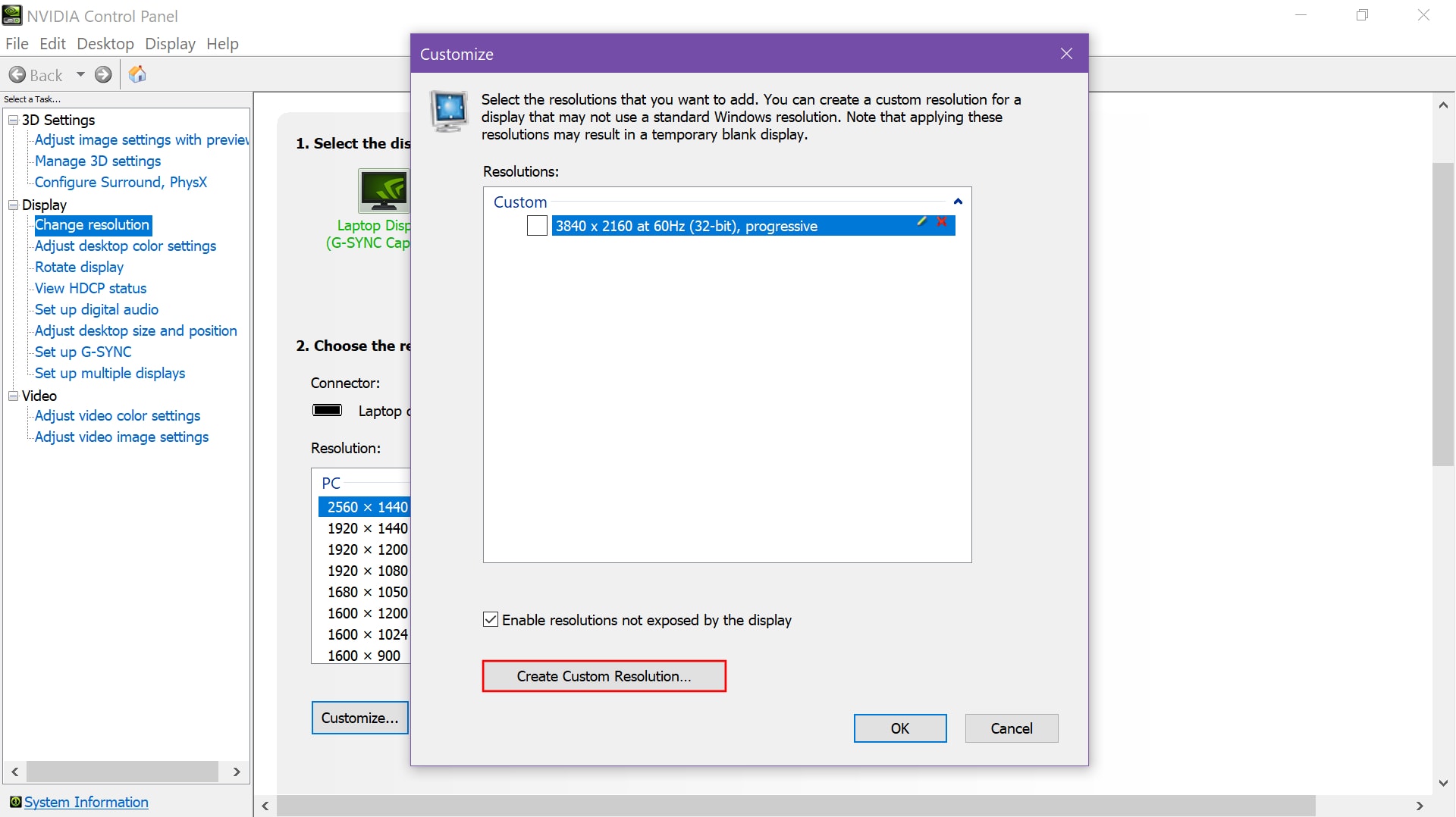
How To Change Your Screen Resolution In Windows 10 2022

1 Open your iPhone s Settings You ll usually find this app on the home screen You can also check out our general guide on taking a good picture with your phone s camera This method will help you change the file format in which your videos and photos are saved 2 Scroll down and tap Camera 3 Tap Formats It s at the top of the Camera options 4

0 00 0 58 How to Change the Camera Video Resolution on the iPad 10th Generation 2022 HardReset Info 1 12M subscribers Subscribe Subscribed 16 Share 6 3K views 1 year ago iPad10thGen

How to Reset iPad Camera Settings How to Transfer Photos From Camera to iPad Wirelessly How to Flip Camera on iPad How to Tell If Your iPad Camera Has Been Hacked How to Know If Someone Is Watching You Through Your iPad Camera Where Is the Front Facing Camera on iPad Pro
The camera on your iPad may use HDR high dynamic range in optimal conditions Turn HDR on and off and save HDR only photos in Camera settings Global Nav Open Menu Global Nav Close Menu
Turn Auto HDR or Smart HDR depending on your iOS version on or off in Settings Camera In older iPads there isn t an automatic setting for HDR Instead you manually turn on HDR in the Camera app when you want to use it Open the Camera app Tap HDR When HDR is on HDR appears at the top of the screen
How to Change Image Quality on iPad Air 2020 Find Camera Quality Settings HardReset Info 1 07M subscribers 16K views 2 years ago more more Learn more info about iPad Air 2020 1 1 1 Change the Video Resolution 1 2 2 Change the Media Formats 1 3 3 Turn Auto HDR or Smart HDR 1 4 4 Turn Scene Detection On 1 5 5 Turn Lens Correction On 1 6 6 Adjust the Focus Exposure 1 7 7 Save the Camera Settings 1 8 8 Use a Grid for Flawless Photographs 1 9 9 Mirror the Front Camera 2 FAQ
You cannot change the camera resolution on the iPad Use a software to do it 0 Reply Syleighty Author Level 1 8 points Feb 19 2013 9 26 PM in response to Diavonex Hi Diavonex thank you for your reply i ve been looking around and install a few like camera plus tilt camera but no option for reduce it any suggestion thank you