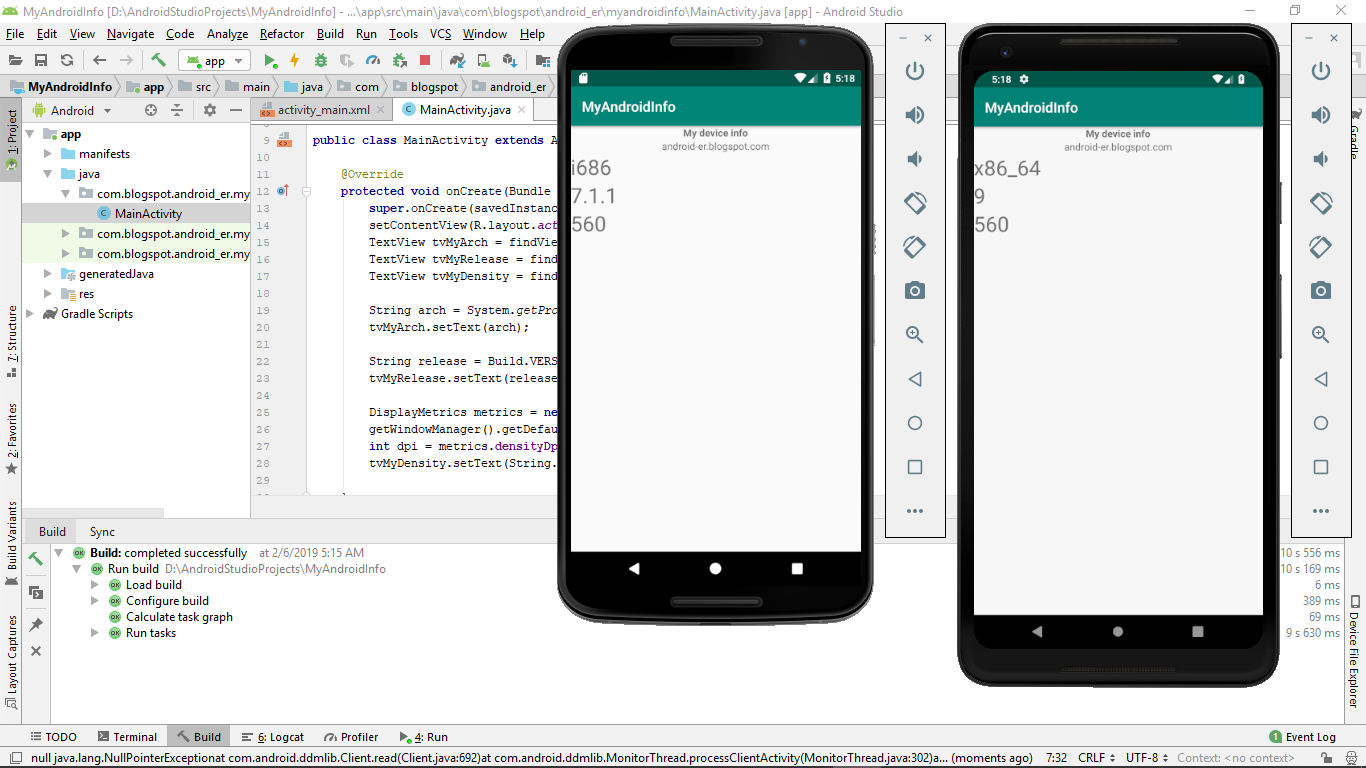
Change Image Size Programmatically Android How To Change Button And Image View Position Programmatically Android Android Create TextView Programmatically Create An Android Button Programmatically In Android Tutorialwing Android er Get Architecture Version And Screen DPI Programmatically Android Java Programmatically Rounded Image View Setting TextView Web 31 Juli 2019 nbsp 0183 32 Step 1 Create a new project in Android Studio go to File New Project and fill all required details to create a new project Step 2 Add the following code to
Web Sizing ImageView Controls By default contents of an ImageView control are of a certain size usually the size of the image dimensions They can also be bounded by their layout width and layout height attributes Web To set the width and height of an ImageView programmatically you can use the setLayoutParams method and pass it a LayoutParams object The LayoutParams
Android Java Programmatically Rounded Image View Setting TextView Android Resize Drawable Programmatically Best 6 Answer Brandiscrafts Comment D finir Une Image Comme Fond D cran Par Programmation Dans How To Change Whole App Language In Android Programmatically Android How To Change The Background Tint Of An Android View Programmatically Open Pdf From Url In Android Programmatically Deepshikha Puri Mobile How To Initiate The Size Of Form In Vb Stack Overflow Get Current Time In Android Programmatically Viral Android Sending SMS In Android Programmatically Android sendingsms
Change Image Size Programmatically Android
 Change Image Size Programmatically Android
https://i.ytimg.com/vi/PynfI_9CSqA/maxresdefault.jpg
Web 18 Aug 2020 nbsp 0183 32 Step 1 Create a new project in Android Studio go to File New Project and fill all required details to create a new project Step 2 Add the following code to
Pre-crafted templates use a time-saving solution for producing a diverse series of documents and files. These pre-designed formats and designs can be made use of for different individual and professional projects, including resumes, invitations, leaflets, newsletters, reports, discussions, and more, simplifying the material production process.
Change Image Size Programmatically Android
Locale helper android Change Language Programm codeKK AndroidOpen

Android Resize Drawable Programmatically Best 6 Answer Brandiscrafts

Comment D finir Une Image Comme Fond D cran Par Programmation Dans

How To Change Whole App Language In Android Programmatically Android
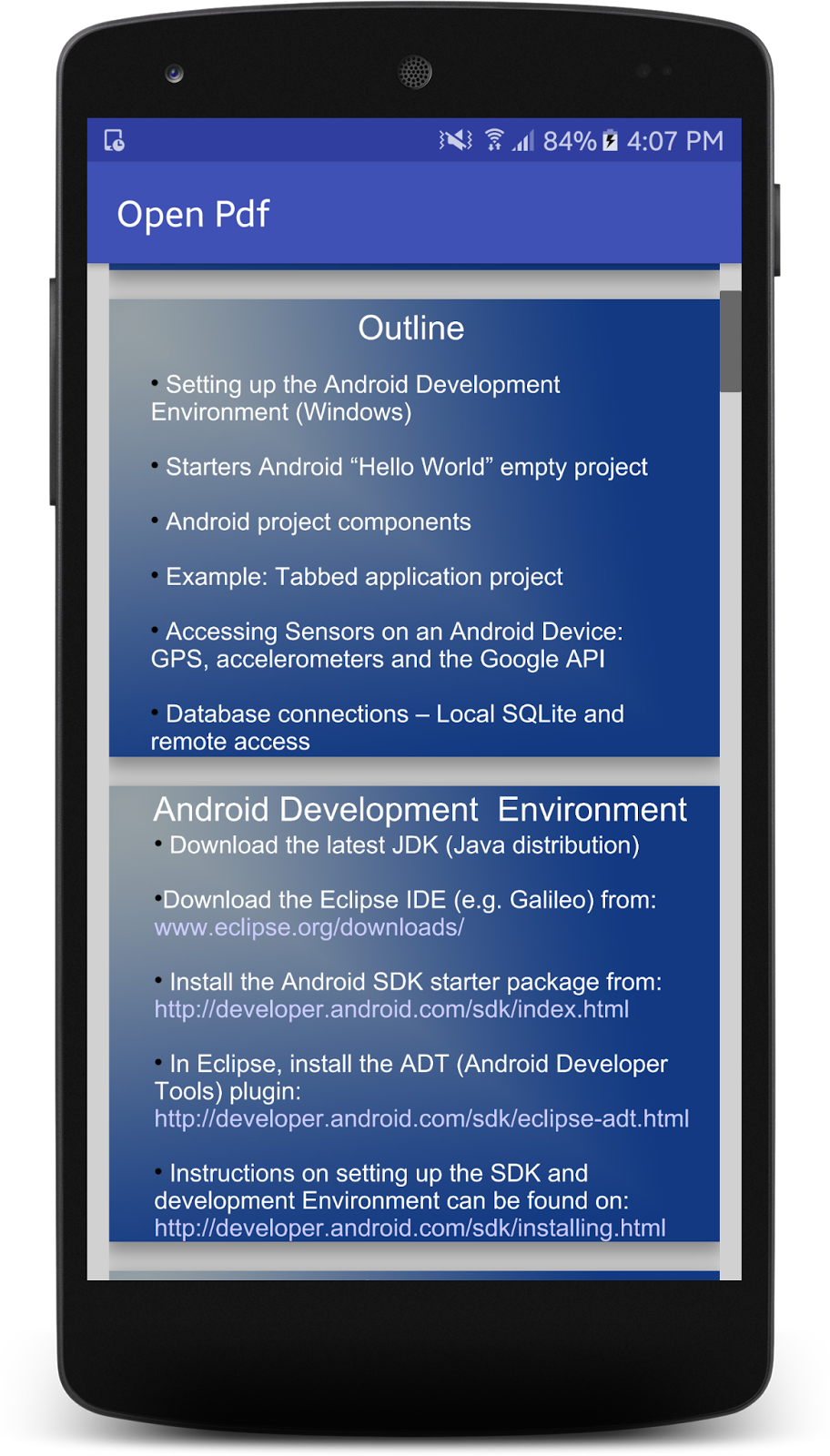
Open Pdf From Url In Android Programmatically Deepshikha Puri Mobile

How To Initiate The Size Of Form In Vb Stack Overflow

Web 2 Juli 2011 nbsp 0183 32 1 Answer It s a very wide question in fact There are multiple answers for it Usually you do it in layout xml setting appropriate layout parameters width height

Web 17 Sept 2021 nbsp 0183 32 Navigate to the app gt res gt layout gt activity main xml and add the below code to that file Below is the code for the activity main xml file Add two Buttons to upload and resize and an ImageView to display

Web 3 Juni 2010 nbsp 0183 32 If you have only two or three condition sizes then you can use Overide onMeasure like Override protected void onMeasure int widthMeasureSpec int
Web 27 Juli 2014 nbsp 0183 32 Here if you want to change the size of the button you have to change the xml code here it goes lt FrameLayout android layout width quot wrap content quot

Web 15 Jan 2021 nbsp 0183 32 public static Bitmap resizeImage Bitmap realImage float maxImageSize boolean filter float ratio Math min float maxImageSize realImage getWidth
Web 25 Aug 2022 nbsp 0183 32 Selecting a format Determine optimal quality values Scalar values JPG and WebP only Most download traffic consists of images As a result the smaller you can Web 23 Apr 2022 nbsp 0183 32 set ImageView size programmatically android Comment 0 xxxxxxxxxx imageView getLayoutParams height 20 If you re setting the height after the layout
Web 5 Aug 2022 nbsp 0183 32 This example demonstrates about How can I set an ImageView s width and height programmatically in Android Step 1 Create a new project in Android Studio