Change Default Camera Resolution Iphone How To Change Default Camera In Windows 11 Updated YouTube How To Change IPhone 14 Pro Camera ProRAW Resolution YouTube How To Change Camera On Discord YouTube How To Change Default Camera In Windows 10 Quick Easy YouTube How To Change Default Camera In Windows 11 YouTube Learn how you can change the camera resolution to a square 4 3 or 16 9 on the iPhone 13 iPhone 13 Pro Mini Gears I use iPhone 13 Pro https amzn to 3i4
To change your phone s video settings open Settings Camera and choose Record Video or Record Slo mo to change the default video resolution settings Set video to record 720p at 30fps 1080p at Open Settings and go to Camera Tap on Preserve Settings Turn on the toggle for Camera Mode to change the default mode Enable Creative Controls to preserve the last used filter aspect ratio light and depth And switch on Live Photo to save Live Photo settings Save Your Last Used Camera Settings to Take the Best Pictures
How To Change Default Camera In Windows 11 YouTube How To Easily Change The Default Camera In Windows 11 10 8 7 IPhone 13 13 Pro How To Change Camera Record Video Resolution Size To Minimalist Wallpaper Background Images HD Pictures And Wallpaper For Samsung Galaxy S23 Series Page 27 AVClub gr Default IPhone 15 Pro Max Default Camera Settings Apple Community Como Alternar Ou Alterar A C mera Padr o No Windows 10 11 All Things How To Change Default Camera On Windows 10 5 Ways
Change Default Camera Resolution Iphone
 Change Default Camera Resolution Iphone
https://i.ytimg.com/vi/cdsAIs1nBHM/maxresdefault.jpg
Learn how to change the default video resolution and frame rate on an iPhone camera If you ve been wondering how to capture videos in different resolutions a
Templates are pre-designed documents or files that can be utilized for various purposes. They can save effort and time by providing a ready-made format and design for developing different type of content. Templates can be utilized for individual or expert jobs, such as resumes, invites, leaflets, newsletters, reports, discussions, and more.
Change Default Camera Resolution Iphone

How To Change Default Camera App In Windows 10 Mobile YouTube

How To Easily Change The Default Camera In Windows 11 10 8 7
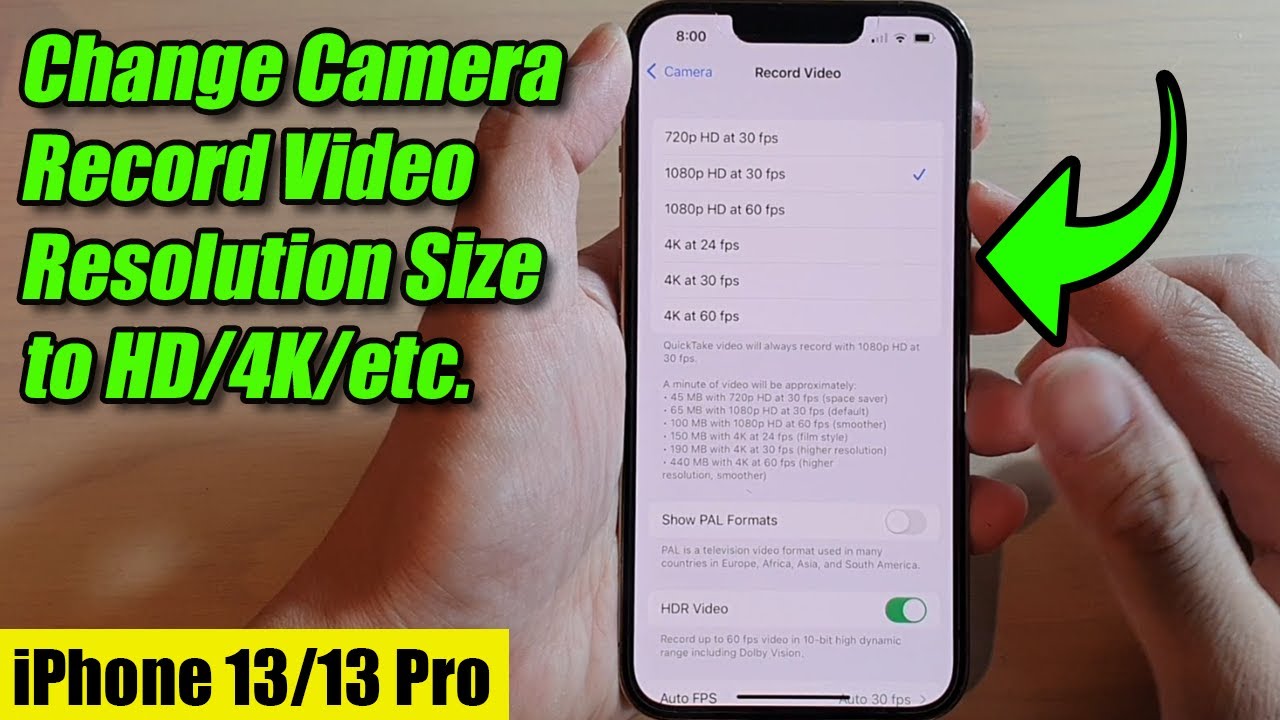
IPhone 13 13 Pro How To Change Camera Record Video Resolution Size To

Minimalist Wallpaper Background Images HD Pictures And Wallpaper For

Default
IPhone 15 Pro Max Default Camera Settings Apple Community

To change your phone s video settings open Settings Camera and choose Record Video or Record Slo mo to change the default video resolution settings Set video to record 720p at 30fps

Go to Settings Camera You can select resolution and FPS for video slo mo However you cannot change the photo resolution

Step 1 Open the Camera App Step 2 Swipe the right side to open the video recording screen Step 3 Now you can see the resolution setting on the upper right hand corner of the screen Step 4 Tap on it to change the Video Resolution recording format Tap on 30 to get 60 and Tap on HD to get 4K video resolution setting
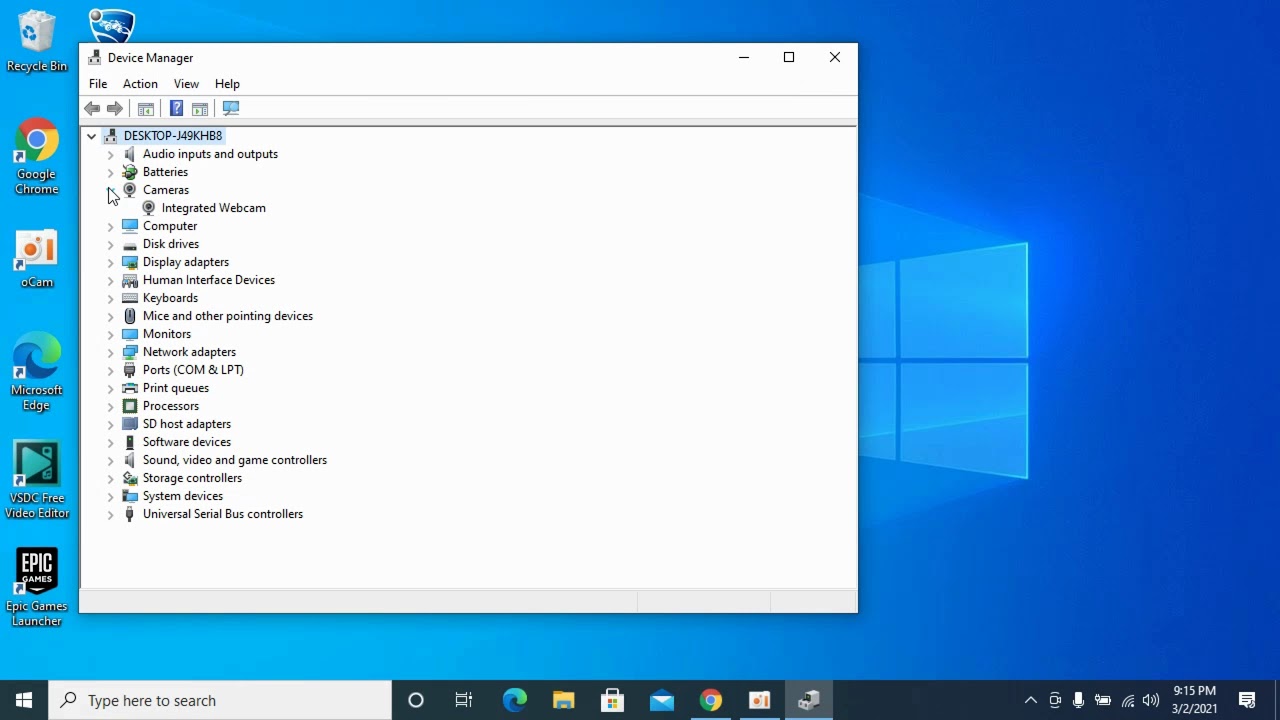
Go to Settings Camera Preserve Settings Camera Mode and turn it on then open Camera and take a picture at 16 9 Note that the CDS sensor aspect ratio is 4 3 so when you shoot at 16 9 the photo will only use part of the sensor and thus the photo s resolution will be lower than at 4 3

To change your phone s video settings open Settings Camera and choose Record Video or Record Slo mo to change the default video resolution settings Set video to record 720p at 30fps
Open the Settings app on your iPhone 14 Pro or Pro Max Swipe down and tap Camera Now choose Formats at the top Tap the toggle next to Apple ProRAW the default resolution for Apple ProRAW Step 1 Go to the Settings app on your iPhone As for iPhone with iOS 10 3 or higher choose your name go to iCloud and then tap the Photos option If your iPhone is still using iOS 10 2 or lower tap on the iCloud and select the Photos option Step 2 Turn on the iCloud Photo Library option and choose the Download and Keep Originals option
Change the camera s video recording settings on iPhone By default Camera records video at 30 frames per second fps Depending on your iPhone model you can choose other frame rates and video resolution settings Faster frame rates and higher resolutions result in larger video files