Change Branch Head Change Branch Career Sims 4 How To Change Branch In Engineering College After First Year Change Branch Code Branch Change Learn Git Collaboration Web Aug 24 2023 nbsp 0183 32 The new branch will start from the current branch HEAD Create a new branch from selected branch In the Branches popup or in the Branches pane of the Git
Web Rename the branch locally with the git branch move command git branch move bad branch name corrected branch name This replaces your bad branch name with Web Oct 21 2021 nbsp 0183 32 This can probably be done in two ways Change the remote HEAD to the new branch then delete the old one git symbolic ref HEAD refs heads main git branch
Learn Git Collaboration EdrawMind Git Branching Source Code Management How To Switch Or Change Branch In Git How To Git Change Branch In 2022 4 Ways To Switch Branches In Git How To Change Branch In Git All Things How Germanna Community College News Blog Germanna Chief Branch Appointed Answered In Trolls World Tour Why Is Branch Grey Again Filmcrush Branch Head SHIUN CRAFT WORKS
Change Branch Head
 Change Branch Head
https://www.firespike.com/wp-content/uploads/2018/03/6859d42af4eb462695a6a6254da34ae7-programming-humor-software-testing-humor.jpg
Web Dec 7 2019 nbsp 0183 32 To hard reset files to HEAD on Git use the git reset command with the hard option and specify the HEAD git reset hard HEAD going back to HEAD git
Pre-crafted templates provide a time-saving service for developing a varied variety of files and files. These pre-designed formats and designs can be utilized for numerous personal and expert tasks, consisting of resumes, invites, flyers, newsletters, reports, discussions, and more, enhancing the material development process.
Change Branch Head

Branch Change In IITs And NITs How To Change Branch In College
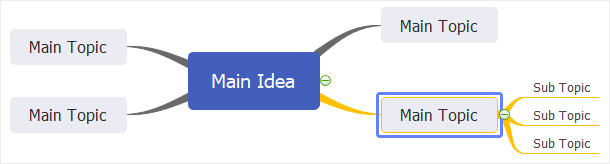
EdrawMind
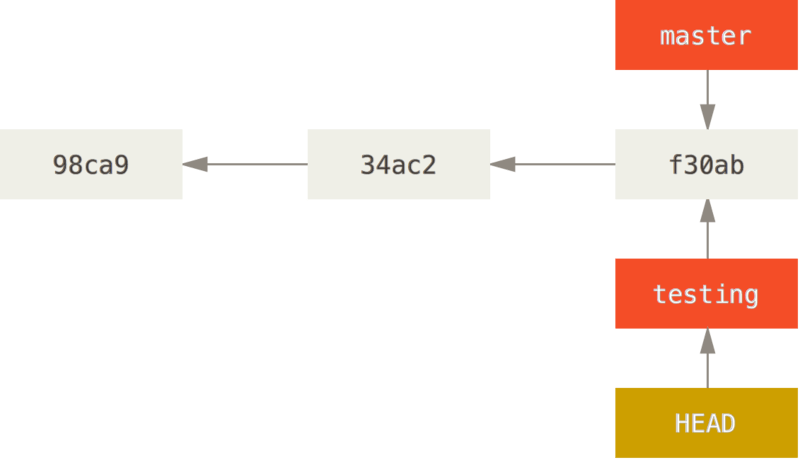
Git Branching Source Code Management
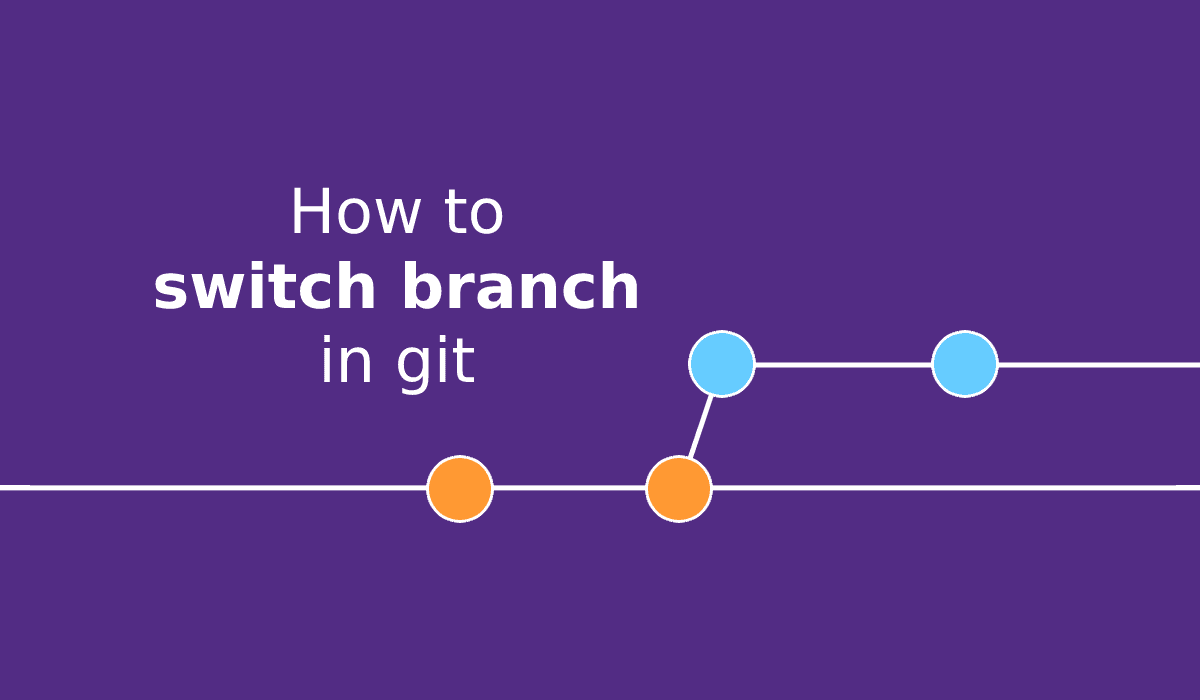
How To Switch Or Change Branch In Git

How To Change Branch In Git All Things How

Germanna Community College News Blog Germanna Chief Branch Appointed
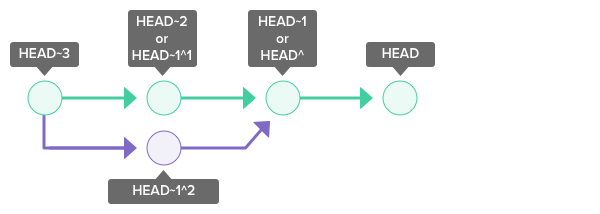
Web Jul 1 2015 nbsp 0183 32 HEAD always refers to the most recent commit on the current branch When you change branches HEAD is updated to refer to the new branch s latest commit so HEAD is the quot tip quot of the current branch

Web lt branch gt Branch to switch to lt new branch gt Name for the new branch lt start point gt The starting point for the new branch Specifying a lt start point gt allows you to create a
Web Apr 19 2021 nbsp 0183 32 To create a new branch in Git you use the git checkout command and pass the b flag with a name This will create a new branch off of the current branch The new branch s history will start at the current

Web Sep 9 2021 nbsp 0183 32 You should see if you can access the central repo if you have a self hosted gitlab server for instance and change HEAD from the central repo itself or go through
Web Feb 1 2020 nbsp 0183 32 A quick way of switching branch on Git is to use the git switch command and specify the name of the branch you want to switch to If the destination branch does not exist you have to specify the c
Web Sep 7 2021 nbsp 0183 32 quot HEAD quot is simply an alias for your current working commit much like your current directory on a command line Whatever state your Git repository is in HEAD Web Jun 6 2023 nbsp 0183 32 1 Change Branch with Git Checkout Command Traditionally changing the Git branch happens with the git checkout command If you want to change to an existing
Web Jun 23 2020 nbsp 0183 32 The first thing to do is to quot move quot or rename the master branch to main git branch m master main git status On branch main Your branch is up to date with