Centos 7 Change Root Password Boot How To Change Timezone In CentOS 7 YouTube Resetting Root Password In VMware VCenter Server Appliance VGeek How To Change Root Password On CentOS 8 Devconnected How To Reset Root User Password On CentOS 8 Resetting A Forgotten centos7 etc locale conf Web Mar 20 2015 nbsp 0183 32 Grub Configuration Search for the text rhgb quiet and replace it with init bin bash without quotes Enable Shell Once done editing press ctrl x and it will start booting with specified parameter And you will get bash prompt Booting System Now check the status of root partition by running following command on the single user mode
Web How to reset the root password on CentOS 6 and CentOS 7 Password reset algorithm at a glance 1 Accessing VNC console 2 Restarting the server and editing kernel boot parameters 2 1 CentOS 6 Dedicated server 2 2 CentOS 6 Cloud server 2 3 CentOS 7 Dedicated server 2 3 CentOS 7 Cloud server 3 Setting a new root password 3 1 Web Resetting root password in CentOS RHEL 7 is slightly different than the older versions The post describes the procedure to reset the lost root password Reboot and edit grub2 Reboot the system and press any key to stop the auto boot from the default kernel Press e after selecting the kernel line
centos7 etc locale conf CentOS 7 Change Screen Resolution In VirtualBox BENISNOUS Visualdsp 5 Keygen Download Blueskylasopa Grammar Check Software Full Version Free Download Vacationeagle How To Reset Root User Password On CentOS 7 Resetting A Forgotten How To Change Root Password In CentOS 7 Cybersecurity Guide Project Opensky Crj 700 Regional Jet Lasopaautomation Reset ROOT Password CentOS 6 GeekNXT How To Reset Root Password On CentOS 7 RHEL 7 ComputingForGeeks
Centos 7 Change Root Password Boot
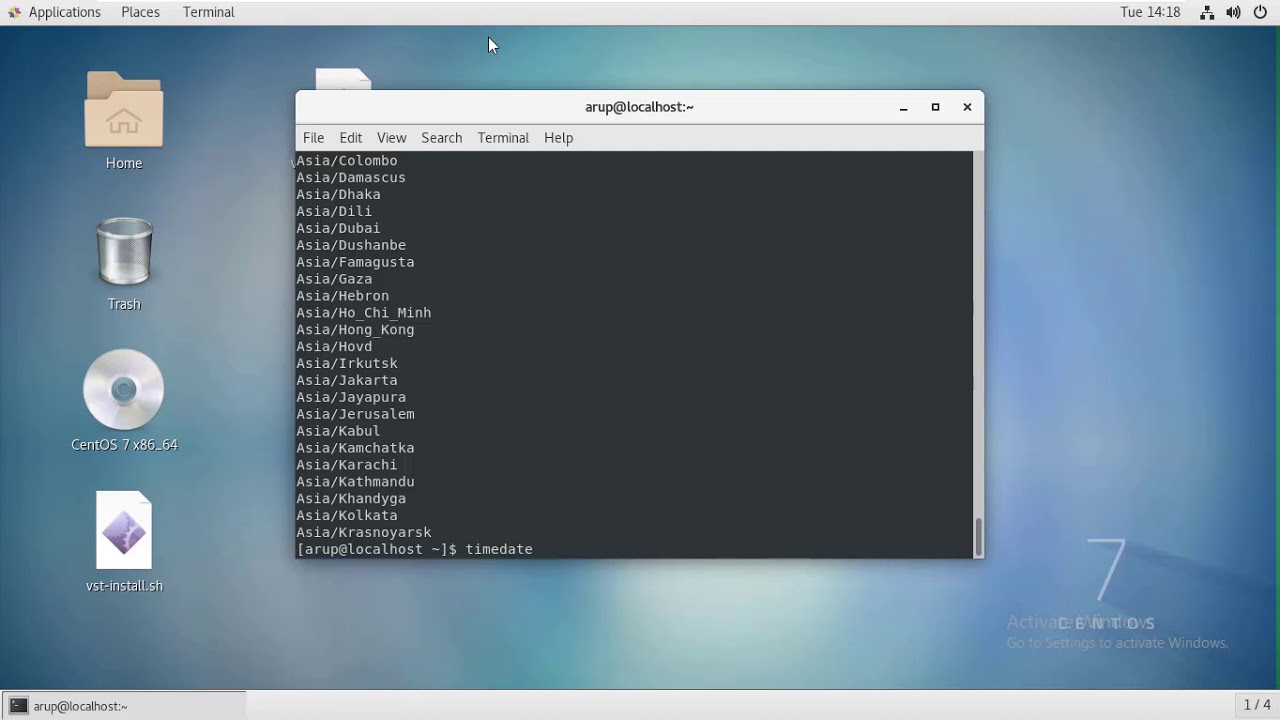 Centos 7 Change Root Password Boot
https://i.ytimg.com/vi/jTzhDp9j1A4/maxresdefault.jpg
Web Jul 29 2020 nbsp 0183 32 How to reset forgotten root password in centos 7 8 First reboot or power on your CentOS 8 system Select the kernel that you want to boot into Next press e to interrupt the boot process and make changes Replace the kernel parameter ro with rw and append an extra kernel parameter init sysroot bin sh
Templates are pre-designed files or files that can be used for various purposes. They can save time and effort by offering a ready-made format and layout for producing various type of material. Templates can be used for individual or expert jobs, such as resumes, invites, leaflets, newsletters, reports, discussions, and more.
Centos 7 Change Root Password Boot

How To Reset Root Password In CentOS 7 LinuxAndUbuntu
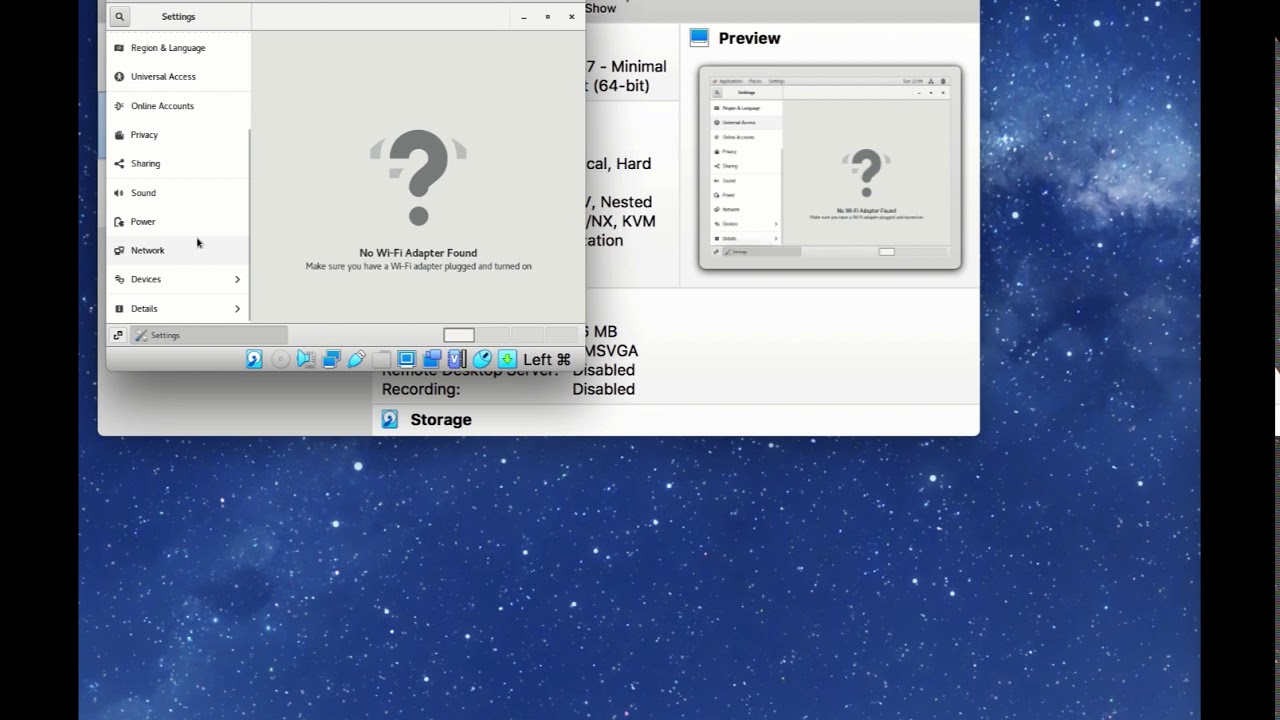
CentOS 7 Change Screen Resolution In VirtualBox BENISNOUS

Visualdsp 5 Keygen Download Blueskylasopa
Grammar Check Software Full Version Free Download Vacationeagle
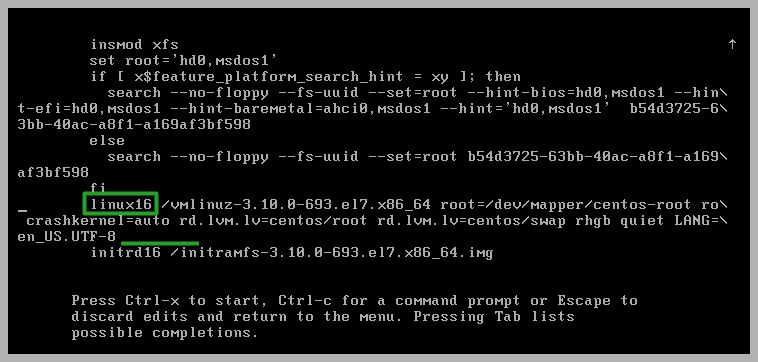
How To Change Root Password In CentOS 7 Cybersecurity Guide

Project Opensky Crj 700 Regional Jet Lasopaautomation

Web Summary As shown we can reset the root password in Linux CentOS RHEL 7 by booting with the rd break option remounting the file system with read write privileges creating a chroot jail executing the passwd command and then finally fixing up SELinux contexts

Web May 30 2017 nbsp 0183 32 Here s how to reset the root password in CentOS 7 and RHEL 7 Power up the system and on the GRUB 2 boot screen press E to edit the current entry Edit the line with linux16 removing the rhgb and quiet parameters and adding rd break at the end Press CTRL X the system will boot on the initramfs switch root prompt
Web Jul 15 2020 nbsp 0183 32 Open a shell prompt and type the passwd command to change root password in CentOS Linux The actual command to change the password for root on CentOS Linux is sudo passwd root NOTE Please note that vivek centos7 is my shell prompt You need to type commands after the prompt

Web The way to reset the root password on centos7 is totally different from Centos 6 Let me show you how to reset the root password in CentOS 7 1 In the Boot Grub Menu Select Option to Edit 2 Select Option to edit e 3 Go to the line of Linux 16 and change ro with rw init sysroot bin sh 4 Now press Control x to start on single user mode
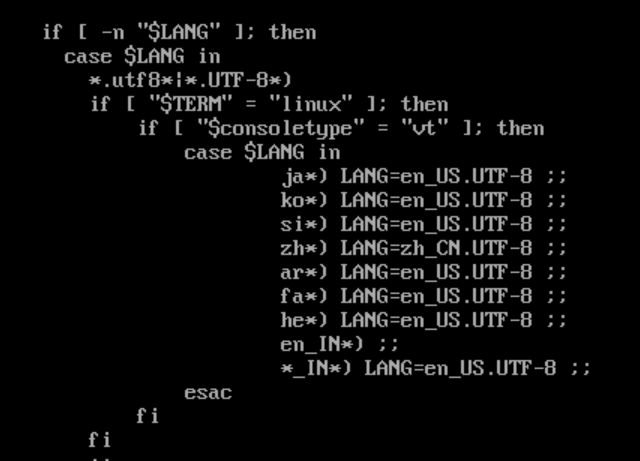
Web Click the Root Password menu item and enter your new password into the Root Password field CentOS displays the characters as asterisks for security Type the same password into the Confirm field to ensure it is set correctly After you set the root password click Done to return to the User Settings screen
Web Jan 31 2016 nbsp 0183 32 If you forgot root Password it s possible to reset it like follows 1 Restart System and when GRUB2 boot menu is displayed Push quot e quot key Next Proceed like follows to reset root password push quot e quot key CentOS Linux 3 10 0 327 4 4 el7 x86 64 7 Core with debugging CentOS Linux 3 10 0 327 4 4 el7 x86 64 7 Core CentOS Linux Web Reset the Root Password on CentOS 7 3 Steps total Step 1 Edit grub Boot the system and at the grub menu press e find the linux16 line Move to the end of the line with quot Ctrl e quot Use the arrow key to move towards the left and remove quot rhgb quiet quot Set your root password exit mount o remount ro sysroot exit the
Web Sep 24 2020 nbsp 0183 32 First boot your system in Single User Mode to reset the root password by following the below tutorial How to boot CentOS 7 in Single User Mode Booting CentOS 7 in single user mode is total different than of CentOS 6 as it uses a different version of Grub We will go step by step to boot into single user mode in CentOS 7