Canva Pdf Links Not Working Create A Clickable Link In Canva Brandy Ellen Writes All Canva Links Ready To Go Social Media Templates Creative Market Canva Review The Best Online Graphic Platform 2021 Update PDF Links Not Working Here s How To Fix It Tech News Today How To Create PDF With Canva Quick Start Guide YouTube WEB Sep 13 2023 nbsp 0183 32 Canva will automatically hyperlink text that looks like a URL so if users forget to include the http or https prefix their link may not work It is important to note that Canva hyperlinks may not work in certain situations such as when exporting a design as a PDF
WEB May 21 2022 nbsp 0183 32 This seems to be an issue with Canva s coding for in document linking Sadly the only solution right now is to fix the links manually on a program outside of Canva incredibly painful to do with Acrobat the one I am using doesn t have a copy paste function for in document linking like Canva does WEB Sep 7 2021 nbsp 0183 32 Select the PDF you wish to add clickable links to from your documents and then click on open Once the PDF is uploaded to Canva click on it to edit it
How To Create PDF With Canva Quick Start Guide YouTube Why Is Canva Not Working Well Here s Why Create PDF Canva How To Create A PDF Using Canva PDF Design Canva How To Use Canva Canva 101 Step By Step Tutorial YouTube Pdf Hyperlinks Not Working On Iphone Pdf Convert Enuance Ca PDF Links Not Working Here s How To Fix It PDF Links Not Working Here s How To Fix It 2023 Pdf Hyperlinks Not Working On Iphone Pdf Convert Enuance Ca E book Manual Do Canva Em Formato PDF CanvaDicas Top
Canva Pdf Links Not Working
 Canva Pdf Links Not Working
https://brandyellen.com/wp-content/uploads/2021/04/Add-Links-to-Your-Canva-Designs-Images-and-Keywords.png
WEB Apr 1 2022 nbsp 0183 32 The only workaround is acrobat pro and put the links using this Also to get page links to work Go to three dots highlight your page number or text and link to page the icon is in the three dot tab
Templates are pre-designed documents or files that can be used for various functions. They can save time and effort by providing a ready-made format and layout for developing various type of content. Templates can be utilized for individual or expert projects, such as resumes, invites, leaflets, newsletters, reports, presentations, and more.
Canva Pdf Links Not Working
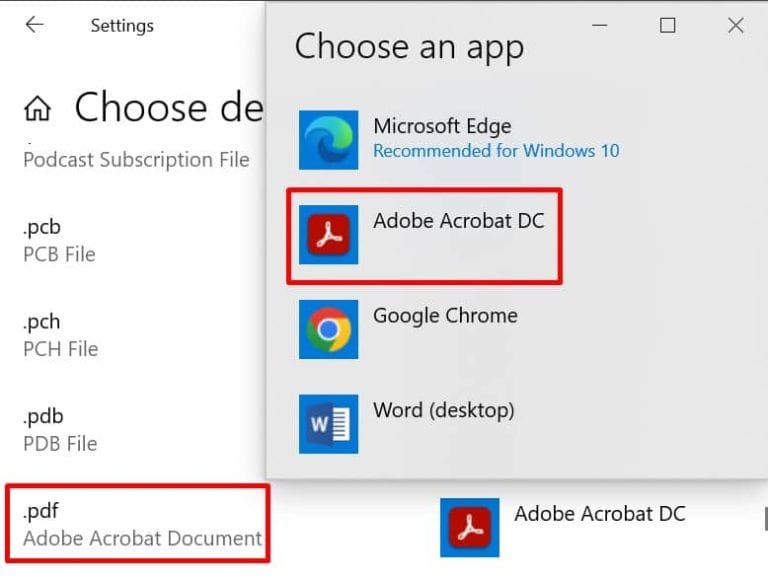
PDF Links Not Working Here s How To Fix It

Why Is Canva Not Working Well Here s Why

Create PDF Canva How To Create A PDF Using Canva PDF Design Canva
How To Use Canva Canva 101 Step By Step Tutorial YouTube
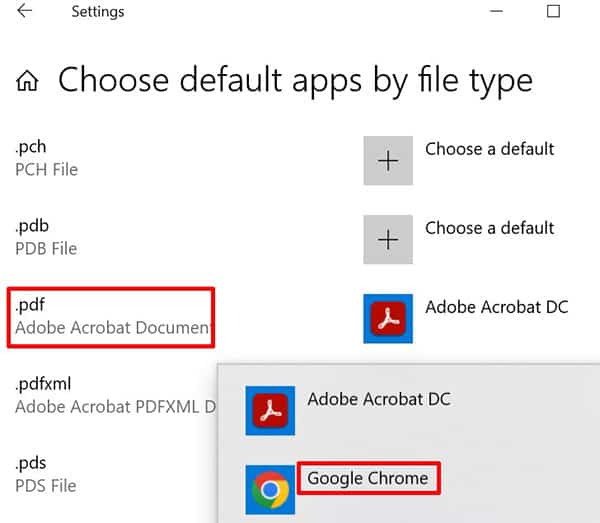
PDF Links Not Working Here s How To Fix It
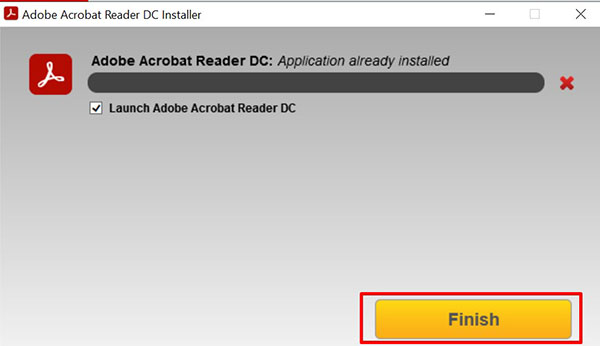
PDF Links Not Working Here s How To Fix It 2023

WEB Hyperlinks only work on PDF files For videos hyperlinks are only clickable in the Presenter window while on Presenter view Hyperlinks will not work on PNGs JPGs MP4s etc or when you post your design on social media

WEB In this Quick Tip we ll show you how to make sure your hyperlinks work in a PDF that you ve created with Canva You can add hyperlinks to your PDFs the same

WEB May 31 2022 nbsp 0183 32 154 25K views 1 year ago UNITED STATES One of the most annoying things is to create your whole planner on Canva and realise that the links just won t work Canva claims that you have some
WEB Feb 9 2020 nbsp 0183 32 How to add a hyperlink in Canva Adding a hyperlink to your PDF document in Canva is incredibly simple and I ve included the step by step process screenshots just in case you need a visual reference Step 1 Click on the design element or text box that you want to turn into a hyperlink

WEB 17 395 views 103 CLICKABLE PDF IN CANVA How To Create Clickable Links In Canva Wondering how to create a clickable PDF in Canva In this Canva tutorial you ll learn how to
WEB Fix a problem Find quick solutions to common problems Editing and designing My design has gone missing I can t find it I m having trouble accessing or using Canva Edits to my design haven t saved My text doesn t display properly I m getting a message saying quot Offline attempting to reconnect quot See all Downloading saving and sharing WEB Jun 16 2020 nbsp 0183 32 This only applies to links from withing the Rich Content Editor though not links from Modules In the RCE after linking to the PDF file click on the link and then select the Link Icon in the old RCE or if using the New RCE click the Options button Check the box next to Disable in line preview
WEB Dec 15 2023 nbsp 0183 32 If there is no problem with the link and the preview works fine but after downloading if the link cannot be interacted with it could be due to a flattened PDF To avoid this from happening do not select the Flatten PDF option while downloading the