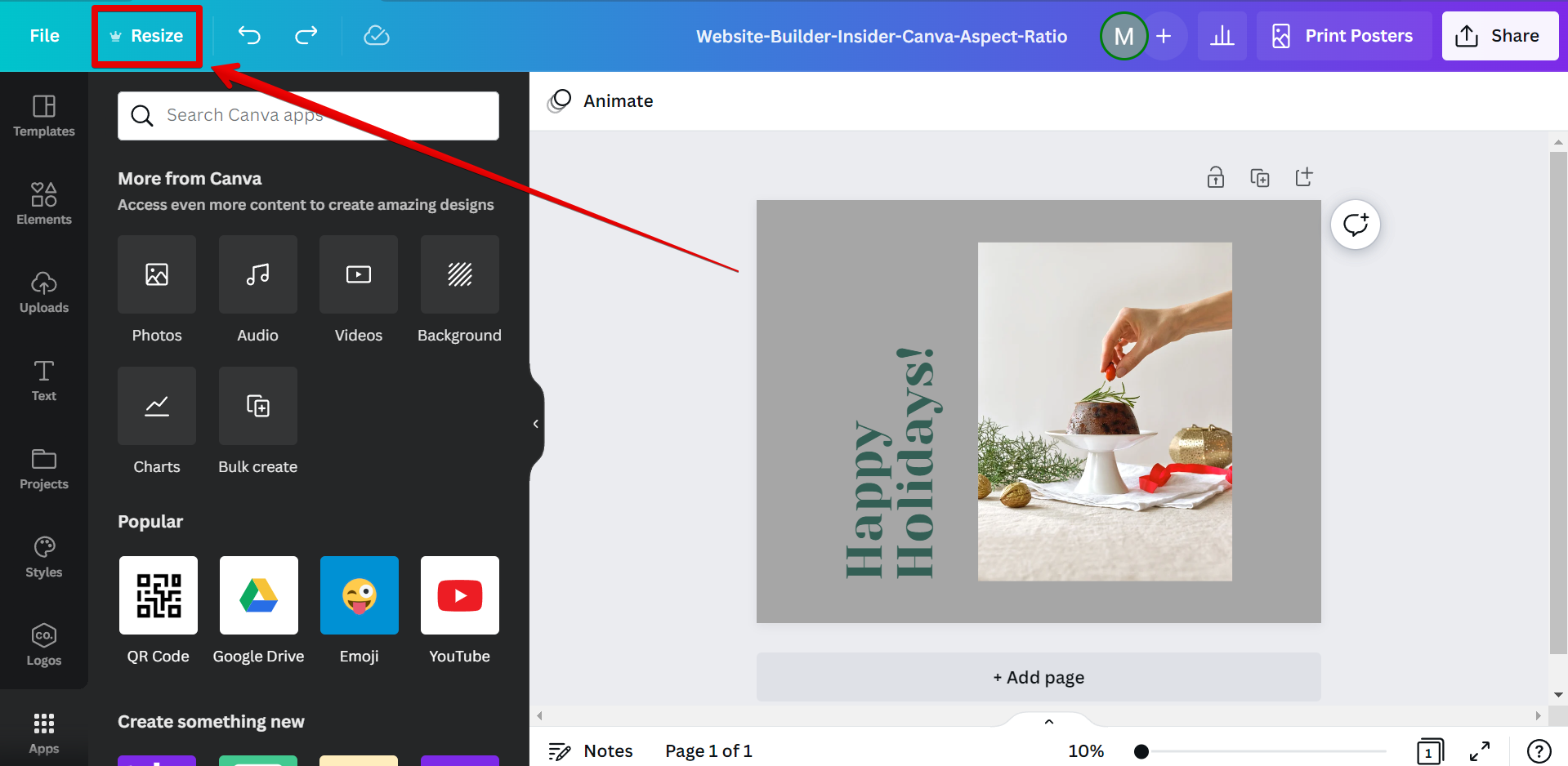
Canva Adjust Size How To Edit Audio In Canva Adjust Volume Trim Clip Audio Tracks And Canva Size How To Change Size In Canva Set Size In Canva Change How Do I Change The Aspect Ratio In Canva WebsiteBuilderInsider Adjust size MavroCreative How To Adjust Layers In Canva Blogging Guide Web May 14 2022 nbsp 0183 32 To find out what the size of your Canva design is click on the Resize link in the top menu A dialog window will open allowing you to view and or edit the size of your design The Resize dialog window in Canva You can view the size in pixels px inches in millimeters mm and centimeters cm
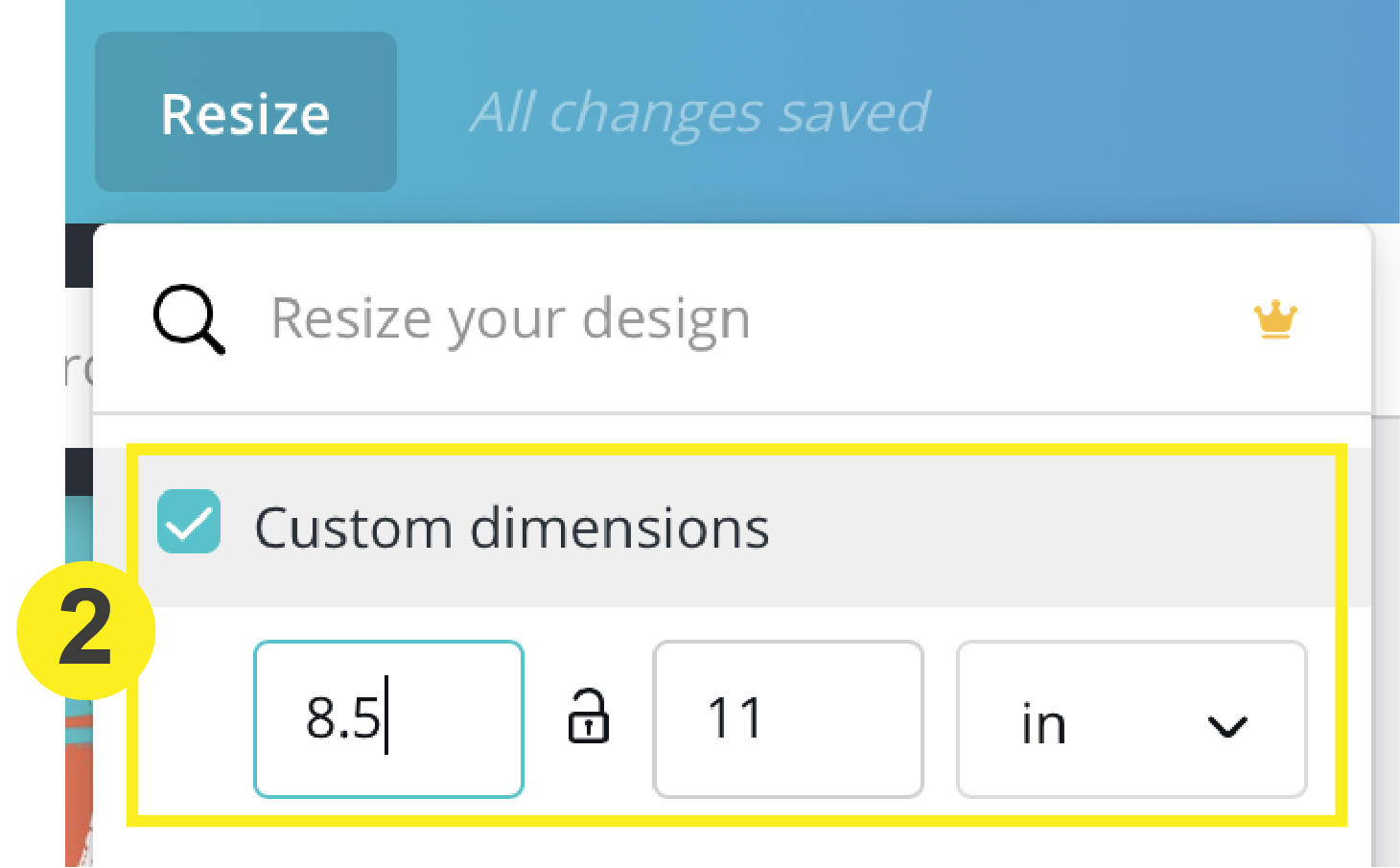
Web Feb 23 2023 nbsp 0183 32 Step 1 On Canva s home page head to the Create a Design button and click it You ll then see a dropdown menu with a search bar on top and design file options Head to the bottom part of the menu and select the Custom size button Step 2 In the Custom size panel that appears encode the width and height of the document Web Adjusting image and video settings Adjust the brightness contrast saturation and other properties of the photos and videos in your designs You can also isolate photo adjustments to the background or foreground and color edit an object in your image
How To Adjust Layers In Canva Blogging Guide How To Change To A4 Size In Canva Canva Templates How Do I Change The Width And Height Of An Image In Canva How Do I Change The Aspect Ratio In Canva WebsiteBuilderInsider Can You Resize Frames In Canva WebsiteBuilderInsider How To Adjust Canva Design Orientation Canva Templates Video Resizer One click Video Resize Online Canva How Do I Change Resolution In Canva WebsiteBuilderInsider Solved How To Resize An Image In Canva
Canva Adjust Size
 Canva Adjust Size
https://i.ytimg.com/vi/18O2Nn65aM4/maxresdefault.jpg
Web Oct 4 2023 nbsp 0183 32 Open your design in Canva Click on the quot Resize quot button located at the top right corner of the editor A dropdown menu will appear with various predefined sizes Select the desired size for your design from the list You can choose from options like A4 Facebook post Instagram story and many more
Pre-crafted templates provide a time-saving option for creating a varied variety of files and files. These pre-designed formats and layouts can be made use of for numerous personal and expert tasks, including resumes, invitations, flyers, newsletters, reports, presentations, and more, simplifying the material development procedure.
Canva Adjust Size
How To Change Size Of Canva Template

How To Change To A4 Size In Canva Canva Templates
How Do I Change The Width And Height Of An Image In Canva
How Do I Change The Aspect Ratio In Canva WebsiteBuilderInsider

How To Adjust Canva Design Orientation Canva Templates

Video Resizer One click Video Resize Online Canva

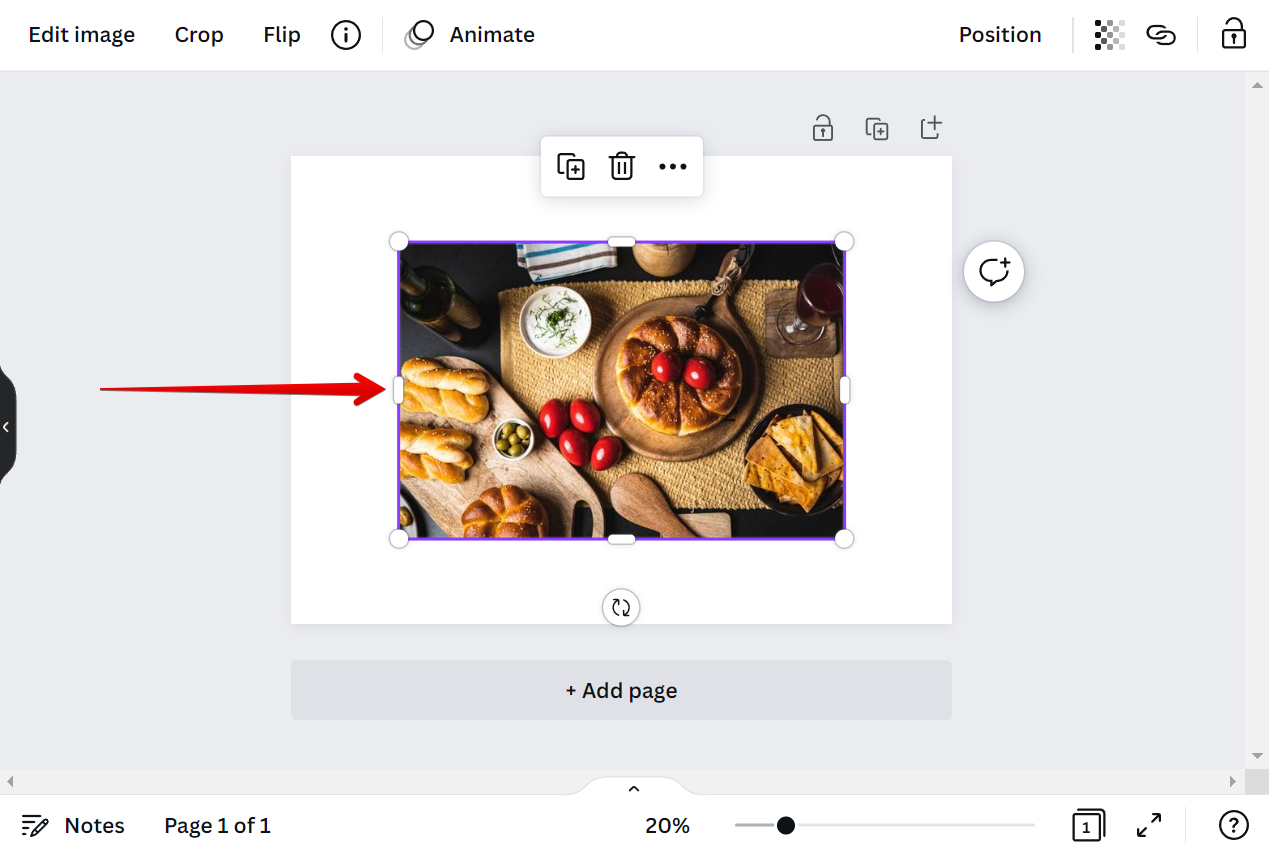
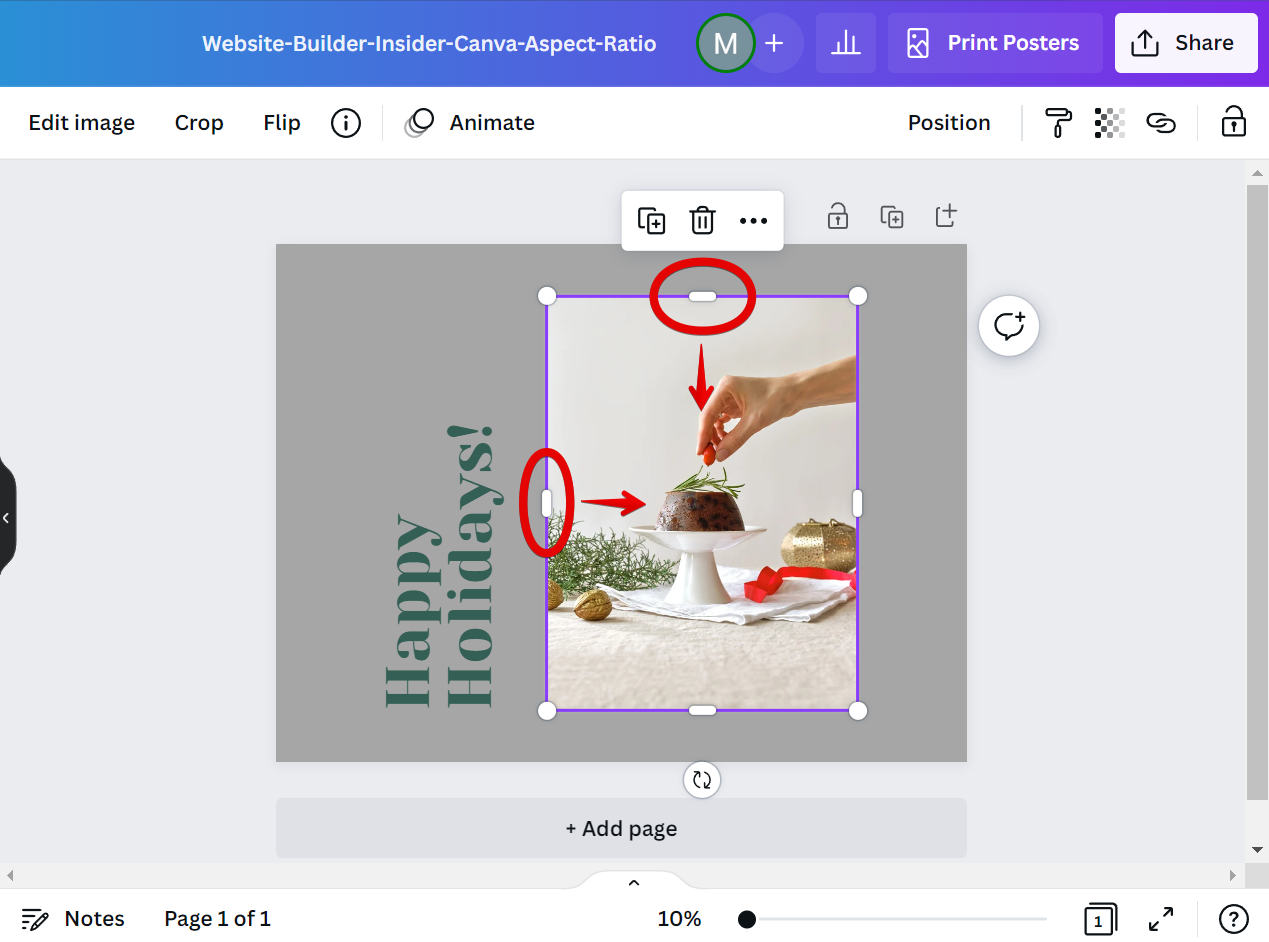
Web To resize to exact dimensions click Position on the toolbar above the editor Under Advanced enter the pixel values in the Width and Height fields You can also Lock Aspect Ratio to keep its proportion For better control at resizing text use

Web May 13 2021 nbsp 0183 32 To resize the dimensions of texts in Canva you actually need to change the size of the font This is how it s done on different devices Mac To resize text in Canva on your Mac do the following
Web Upload your video file and click the three dotted button on the toolbar to see the Resize option Choose preset video sizes to change the dimensions Then save it to your gallery or share it straight to social media With our handy app you can resize videos for TikTok or Instagram on the go

Web Oct 4 2023 nbsp 0183 32 What is Canva Size Canva size refers to the dimensions of your canvas or design space It determines the width and height of your design allowing you to create visuals for various purposes such as social media posts presentations posters and more Setting Canva Size Setting the size of your Canva canvas is a straightforward process
Web Mar 20 2023 nbsp 0183 32 In this video we ll show you how to resize a CANVA document Follow our step by step guide to learn how to adjust the dimensions of your designs to fit diff
[desc-11] [desc-12]
[desc-13]