Canon Support Code 5200 G6020 Canon Support Code 6A80 6A81 6000 1313 Knocking Sound Fix Waste Ink Canon Support Code 5100 How To Fix YouTube Canon Light Blinking G2000 G1000 Support Code 5200 Solution YouTube Canon G2000 3000 G4000 G5000 G2002 Empty Ink Pipe Support Code 5200 100 Fichier Canon 30D 2 jpg Wikip dia WEB May 20 2019 nbsp 0183 32 Description Error Codes Solution List of Support Code for Error Support code appears on the LCD and your computer screen when errors occur A
WEB Nov 29 2019 nbsp 0183 32 Solution Cause Printer error has occurred What to Do Check the remaining ink level and then refill the ink tank if necessary Turn off the printer and unplug it Wait about 10 minutes and then plug in the printer again and turn it back on WEB Perform all of the following steps in order Changing the order or omitting steps may cause other problems Check the remaining ink level and then refill the ink tanks if necessary Turn off printer and unplug it Plug in printer again and turn it back on Perform Replace Ink in Print Head Replace Ink in Print Head
Fichier Canon 30D 2 jpg Wikip dia Canon Support Code 1240 How To Fix YouTube How To Fix Canon Support Code 7700 G2020 3020 3060 2060 YouTube Canon Error 5200 Everything You Need To Know Causes And Solutions Canon Pixma G7020 MegaTank All in One Review 2024 ADCOM GFI 5200 USER MANUAL Service Manual Download Schematics Eeprom Canon Pixma G3420 Printer Paper Jammed Problem Solved Error 1300 Bedienung M glich Slipper Klimaberge Canon Laser Fax Schatz M ll Gro z gig Resolve Canon Printer Error Code 5200 Issue TheOmniBuzz
Canon Support Code 5200 G6020
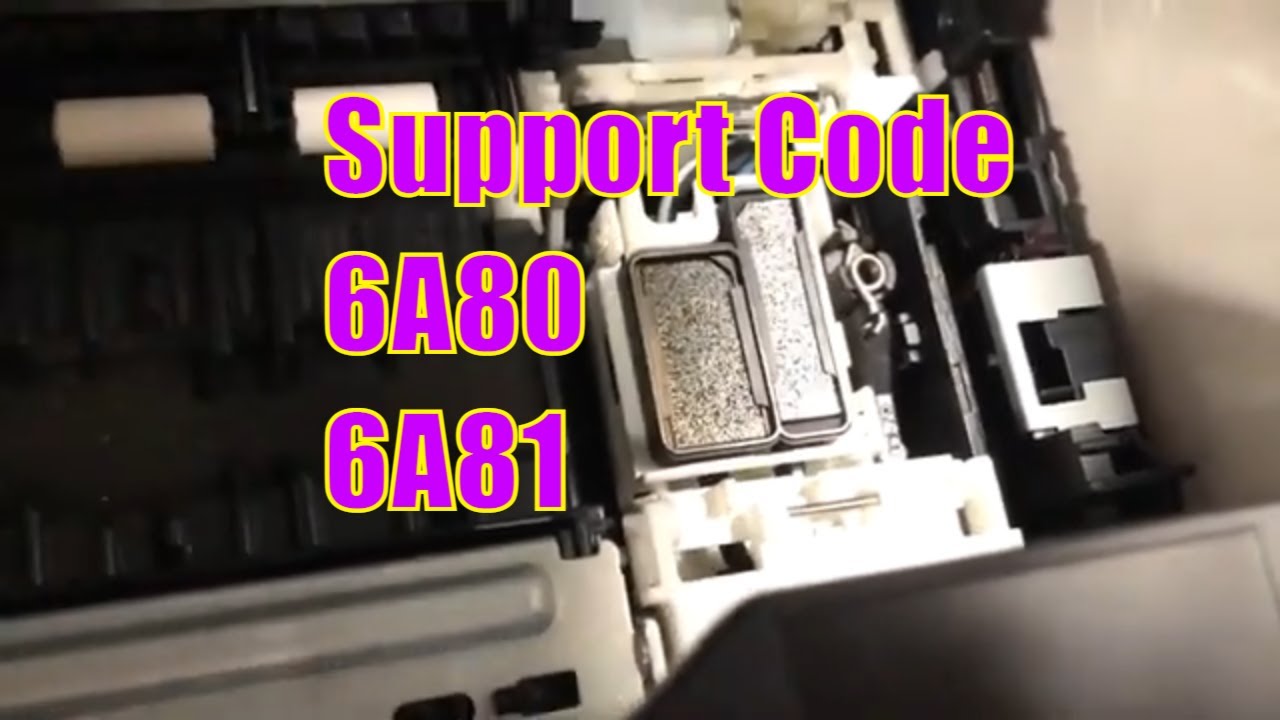 Canon Support Code 5200 G6020
https://i.ytimg.com/vi/aVwfItW3TYw/maxresdefault.jpg
WEB Apr 25 2023 nbsp 0183 32 When anything prevents the printhead from spraying the ink you encounter the 5200 error on your Canon printer You can run the automatic head cleaning process from the maintenance tool integrated into the Canon printer driver
Templates are pre-designed documents or files that can be utilized for different purposes. They can conserve effort and time by providing a ready-made format and design for creating various kinds of content. Templates can be used for personal or expert jobs, such as resumes, invites, leaflets, newsletters, reports, discussions, and more.
Canon Support Code 5200 G6020

Canon Pixma TR8620 Support Code 5100 Fixed YouTube

Canon Support Code 1240 How To Fix YouTube

How To Fix Canon Support Code 7700 G2020 3020 3060 2060 YouTube

Canon Error 5200 Everything You Need To Know Causes And Solutions

ADCOM GFI 5200 USER MANUAL Service Manual Download Schematics Eeprom
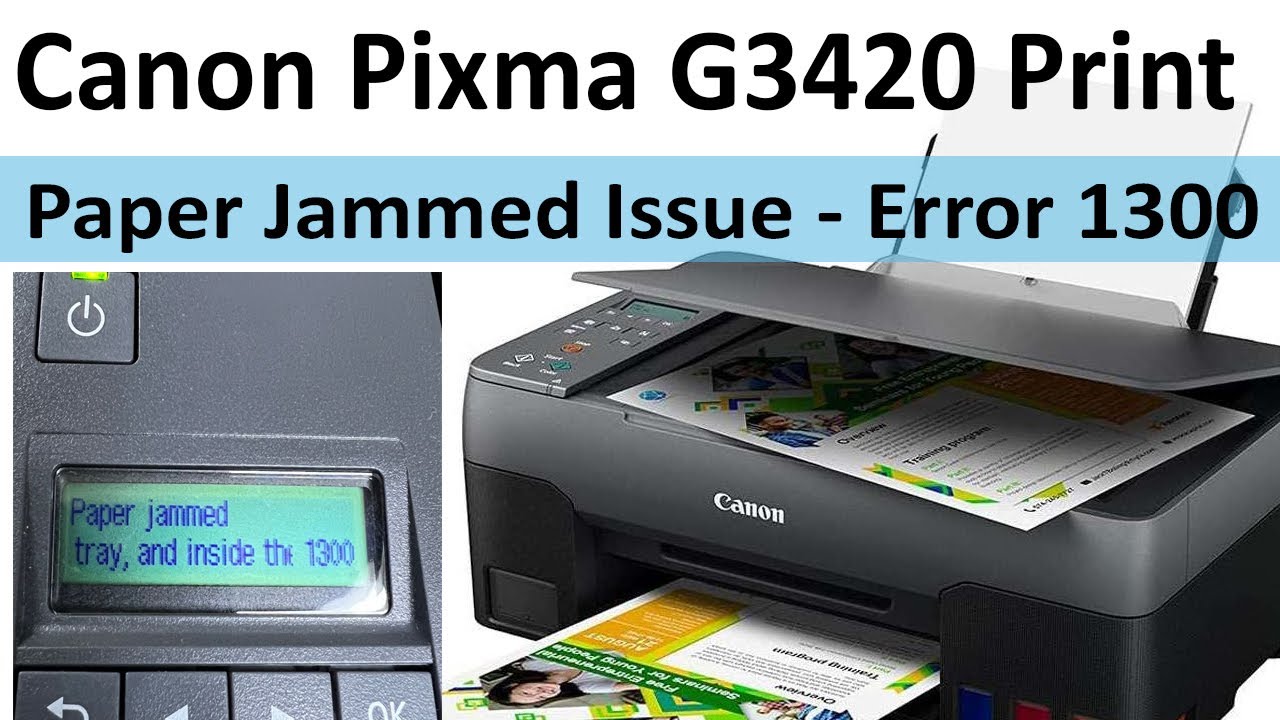
Canon Pixma G3420 Printer Paper Jammed Problem Solved Error 1300

WEB Mar 8 2024 nbsp 0183 32 Printer error 5200 has occurred on your Pixma G series printer Solution Check the remaining ink level and then refill the ink tank if necessary Turn off the printer and unplug it Plug in the printer again and turn it back on

WEB Turn off printer and unplug it Plug in printer again and turn it back on Perform print head Cleaning Perform Ink Flush No Deep Cleaning is required If the error recurs after taking the above actions you may be able to resolve it by replacing the print heads For details click here Important

WEB Apr 28 2021 nbsp 0183 32 Description Learn how to troubleshoot support code 5200 on the PIXMA G620 Solution 5200 Cause A printer error has occurred What to Do Check the remaining ink level and then refill the ink tank s if necessary Turn off the printer and unplug it Wait about 10 minutes and then plug in the printer again and turn it back on

WEB ITJungles 456K subscribers Subscribed 1 7K 740K views 10 years ago Learn how to fix Canon Printer error 5200 One of the common causes of the Canon 5200 error code is that after

WEB List of Support Code for Error Support code appears on the LCD and your computer screen when errors occur A quot support code quot is an error number and appears along with
WEB Jun 14 2021 nbsp 0183 32 Description Learn how to troubleshoot support code 5200 on the MAXIFY GX6020 Solution 5200 Cause Printer error has occurred What to Do Turn off the printer and unplug it Wait about 10 minutes and then plug in the printer again and turn it back on WEB What to Do Important Perform all of the following steps in order Changing the order or omitting steps may cause other problems Check the remaining ink level and then refill the ink tanks if necessary Turn off printer and unplug it Plug in printer again and turn it back on Perform print head Cleaning Perform Ink Flush
WEB Feb 26 2024 nbsp 0183 32 Description Printer error 5200 has occurred on your Pixma Maxify printer Solution Check the amount of remaining ink level If there is no ink left replace the empty ink tank to a new Canon Genuine ink tank If ink is left replace the print head If your printer uses cartridges and not ink tanks the print head is built into the cartridge