Cannot Open Pdf Files On Macbook Pro FIX CANNOT OPEN PDF FILES IN WINDOWS 7 8 1 10 Mac Book Pro MacBook Air Macbook Angle Electronics Text Png PNGWing How To Edit Files On Macbook Daxdashboard Apple Macbook Pro On Bed Free Mockup MacBook Pro 16 inch Skins And Wraps Custom Laptop Skins XtremeSkins WEB Learn how to open and read PDF files on your Mac without losing functionality PDFs provide a simple cleaned up layout for viewing and reading On a Mac computer the native Preview application opens a PDF when downloaded if a separate application is not otherwise indicated as the default viewer
WEB May 23 2023 nbsp 0183 32 This command clears your Mac s cache preferences and avoids the macOS to delete the newly added plist file when you launch Acrobat or Acrobat Reader Launch Acrobat or Acrobat Reader and perform your desired task Steps to solve the PDF cannot be viewed error or Acrobat crash issue in macOS WEB 3 days ago nbsp 0183 32 Can t open PDF on computer If your PDF file is corrupt or damaged and won t open you cannot directly repair it You can recreate it with the original source file using Adobe Acrobat or Photoshop Elements If you cannot open a PDF follow the troubleshooting steps below in the order they appear
MacBook Pro 16 inch Skins And Wraps Custom Laptop Skins XtremeSkins Kritika Ili Komentar Na Djelove Iz Biblije Za tititi Odlo iti Macbook MacBook Pro Asakusa sub jp How To Clear Cache On MacBook Pro TechnoWifi How To Reset Smc On Macbook Pro Crast How To Disable Touch Bar On Macbook Pro Life Of Phong Upgrade To Latest OS On Macbook Pro Mid 2009 MacRumors Forums How Do I Make Text Bigger On Macbook Pro Grandlasopa Amazon Deals Huge Discounts On MacBook Pro And MacBook Air Laptops
Cannot Open Pdf Files On Macbook Pro
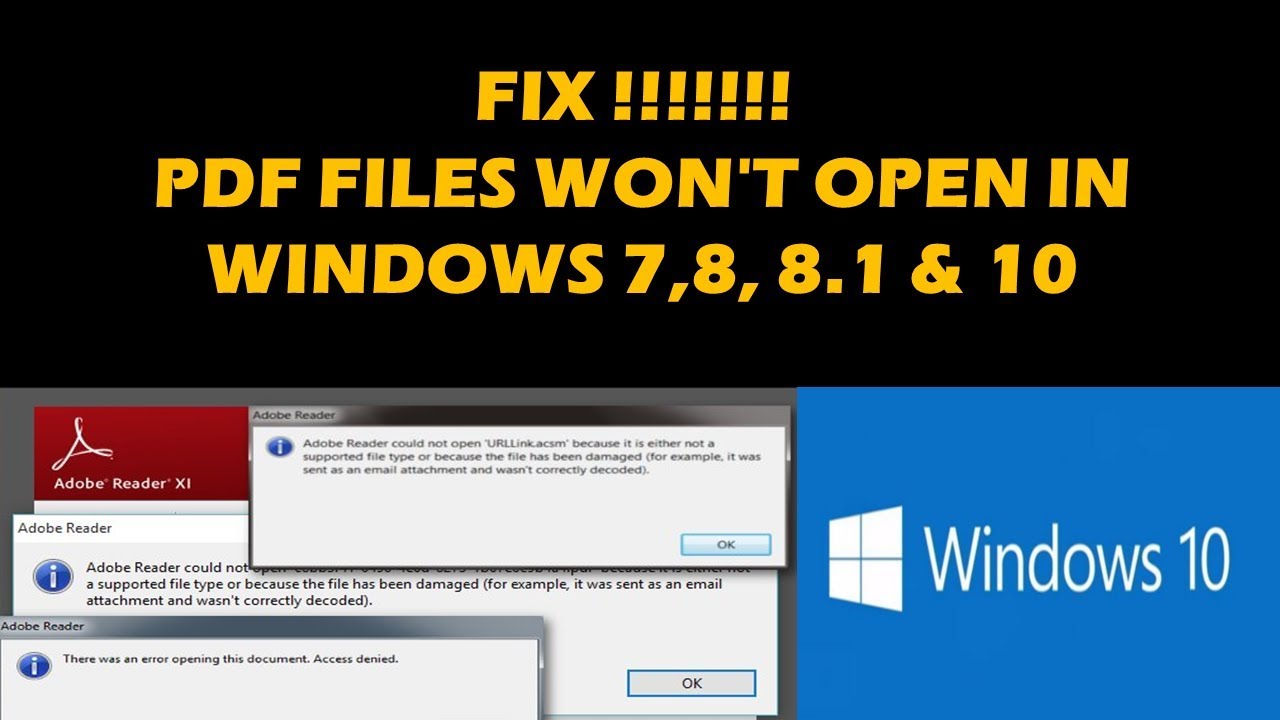 Cannot Open Pdf Files On Macbook Pro
https://benisnous.com/wp-content/uploads/2021/02/FIX-CANNOT-OPEN-PDF-FILES-IN-WINDOWS-7-8-1.jpg
WEB Nov 28 2013 nbsp 0183 32 Right click on a PDF lok under Open With and check what is the default Then select Preview instead of Adobe and verify that the file can open in Preview
Pre-crafted templates provide a time-saving solution for creating a varied variety of files and files. These pre-designed formats and layouts can be utilized for various individual and expert projects, including resumes, invitations, flyers, newsletters, reports, discussions, and more, streamlining the content production procedure.
Cannot Open Pdf Files On Macbook Pro
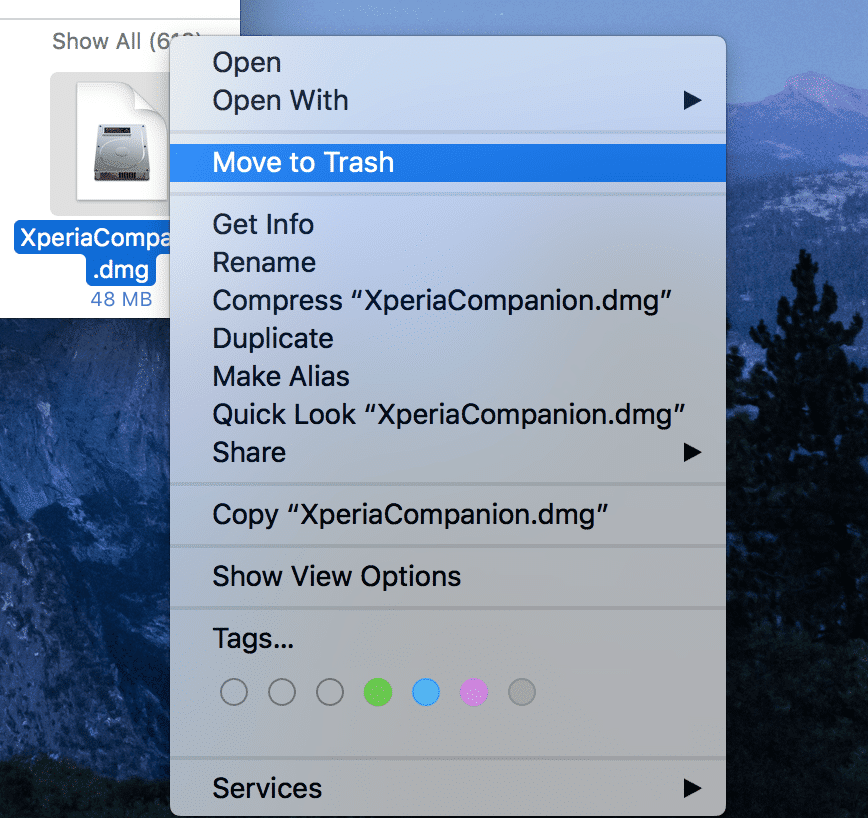
How To Delete Junk Files On Macbook Pro Tjpilot
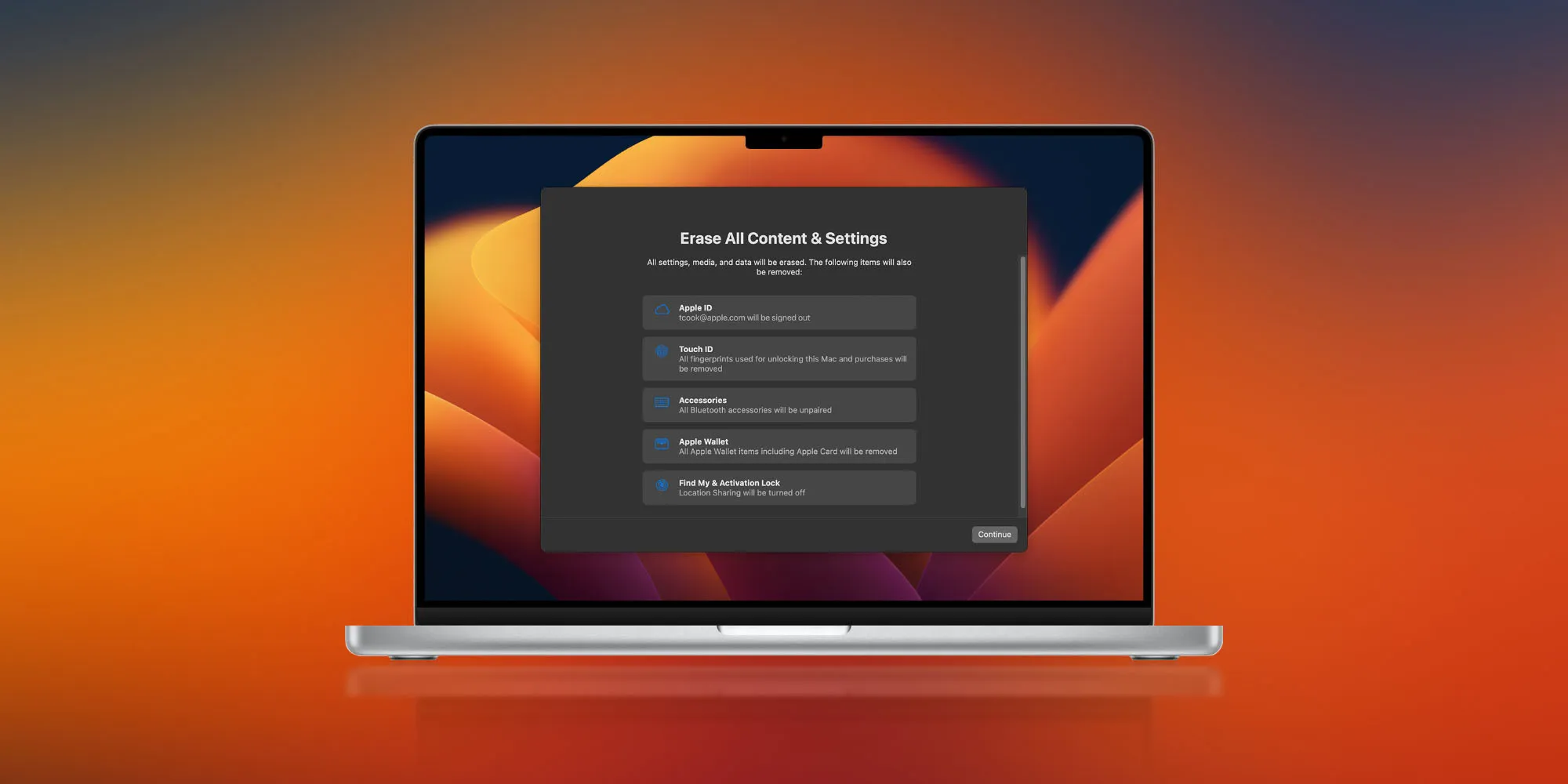
Kritika Ili Komentar Na Djelove Iz Biblije Za tititi Odlo iti Macbook
MacBook Pro Asakusa sub jp
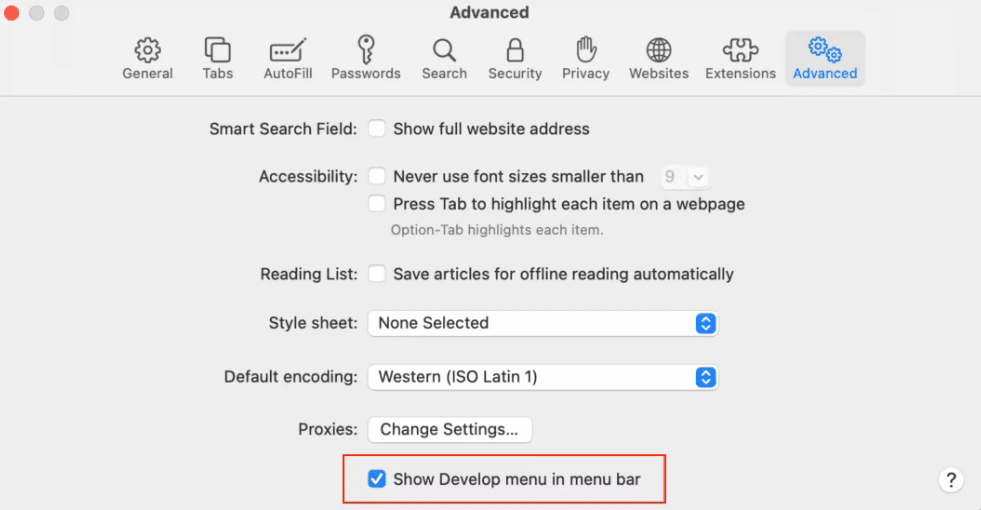
How To Clear Cache On MacBook Pro TechnoWifi

How To Disable Touch Bar On Macbook Pro Life Of Phong
Upgrade To Latest OS On Macbook Pro Mid 2009 MacRumors Forums
WEB Apr 14 2022 nbsp 0183 32 Specs Macbook Pro 13 in Apple M1 2020 8GB Memory Monterey ver 12 2 1 Ever since Adobe Acrobat updated itself on my laptop I can t open any pdf file on my computer The app bounces as if it s going to open but then it stops

WEB Dec 15 2022 nbsp 0183 32 The preview is not opening my pdf quot Change the Default App for all PDF Documents Right Click on the file Hover over quot Open With gt quot Select Other Select an app Check Always Open With Click Open button
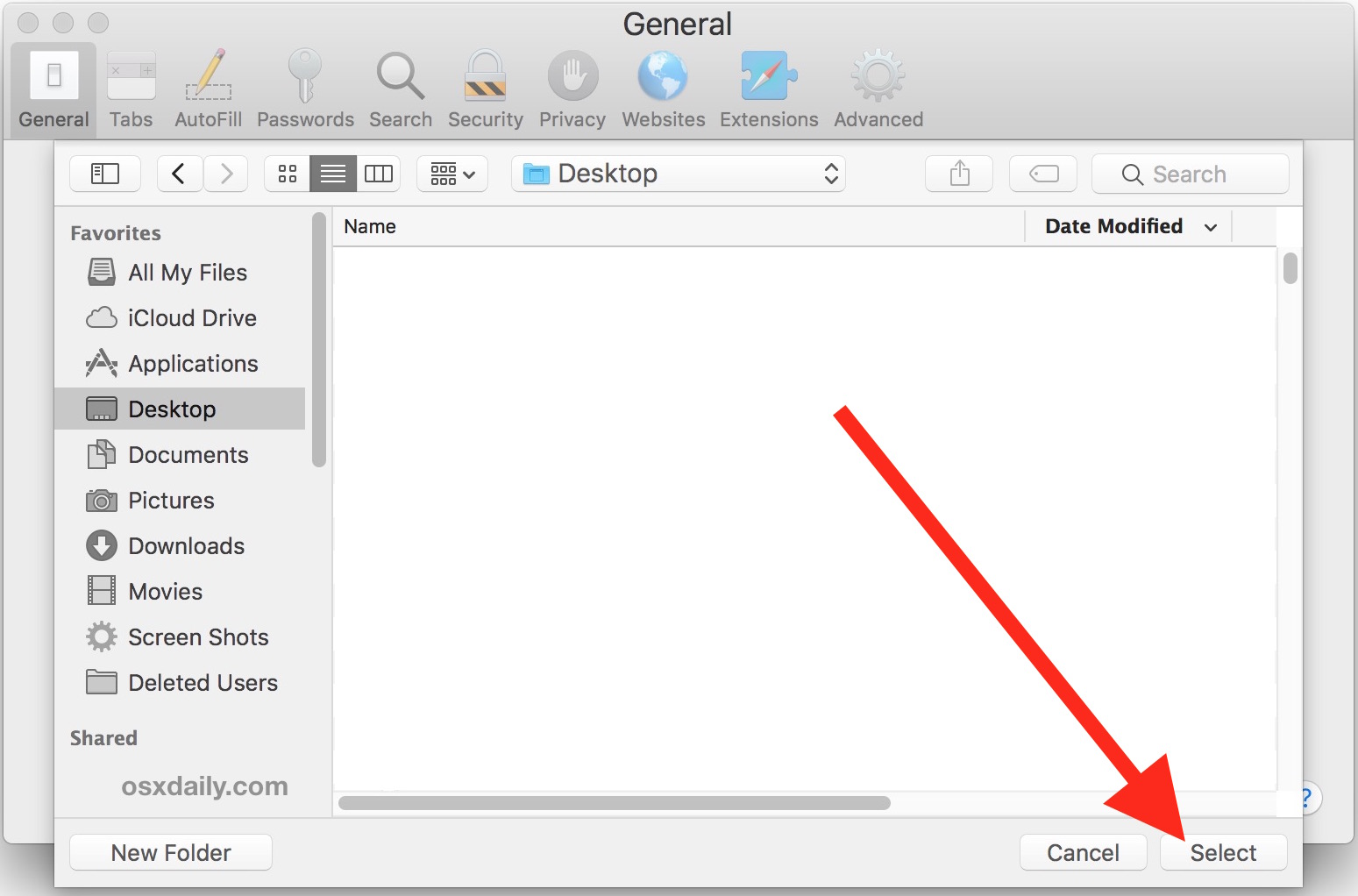
WEB Apr 25 2023 nbsp 0183 32 Can t open an image file or PDF document on your Mac Learn how to fix the frustrating issue of being unable to open images or PDFs in Preview or other Mac apps with these helpful tips and tricks

WEB Apr 18 2018 nbsp 0183 32 Can you not open the pdf in Mac Preview If the answer is yes try the Acrobat Cleaner tool they now have a Mac version at Download Adobe Reader and Acrobat Cleaner Tool Adobe Labs to completely remove Reader then try to reinstall

WEB Mar 12 2020 nbsp 0183 32 There are two ways of enabling access First you can launch privacy setting and allow One Drive files from location Desktop OneDrive Documents to be opened with Acrobat Reader Else you can add the OnceDrive account within Acrobat Reader DC to provide permission to access the files store on OneDrive
WEB Feb 26 2018 nbsp 0183 32 Acrobat Pro DC simply won t open any PDF documents Even by going to File gt Open and finding a PDF to open the application does nothing and no messages are displayed to the user Votes WEB How do I make a PDF file editable on a Mac If you open a PDF with Preview or Acrobat online tools you can add notes doodles and comments to a PDF By opening it with Acrobat you can edit the main text images and other elements
WEB May 21 2012 nbsp 0183 32 The Adobe Acrobat Reader plugin is currently causing problems for most Mac OS X users who have it installed In the majority of cases the plugin shows a blank page when a user clicks on a link to a PDF file There are also reports of crashes when using the plugin in 32 bit mode