Cannot Delete Empty Folder In Outlook Python How To Delete A Non Empty Folder Codingem How To Delete Empty Folder From Android Empty Folder Ko Kaise Delete Home Screen Icons Are Gray On Android Here s Why Mobile Internist Empty Folder Cleaner Delete Empty Folder For PC Free Download Find And Delete Empty Folder In Computer Sample Program In C To delete folders from the Outlook app on your desktop first launch the Outlook app From the sidebar on the left find the folder you d like to delete Right click that folder and choose Delete Folder Select Yes in the prompt that opens Your chosen folder is now removed from Outlook s main interface You re done
Follow these instructions if Delete button is greyed out in Outlook Repair PST file clear Deleted Items folder etc to fix this issue in Windows 11 10 Hit the Update Now button to check for updates Then go to Control Panel select Programs and click on Programs and features Select Office and click the Change button Run the Quick repair tool If the issue persists run the Online repair tool as well Restart Outlook and check if you can delete unnecessary messages
Find And Delete Empty Folder In Computer Sample Program In C Learn New Things How To Delete All Empty Folders From Android Phone How To Empty Trash On Samsung Galaxy Phone TechWiser VBA Delete Empty Folder Explained With Examples VBAF1 Top 8 Ways To Fix Can t Delete Photos From Android Gallery Unable To Delete Empty Folder On Sharepoint Microsoft Community Delete All Empty Folders On Android With Just One Touch Top 6 Ways To Empty Recycle Bin When You Can t Delete Files In Windo Cannot Delete Emails Or Folders In Outlook
Cannot Delete Empty Folder In Outlook
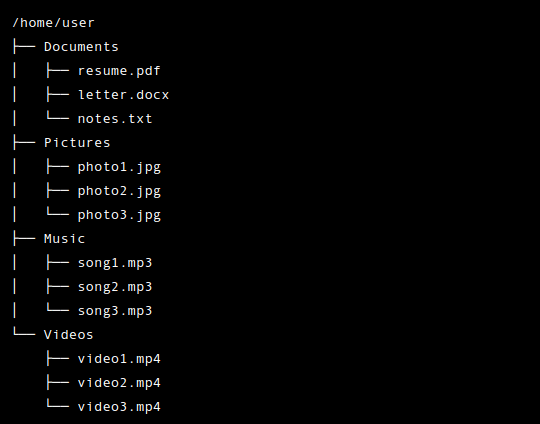 Cannot Delete Empty Folder In Outlook
https://www.codingem.com/wp-content/uploads/2022/12/folder.png
Cannot delete Emails or Folders in Outlook If you are unable to delete emails or folders in the Outlook application here are some fixes that can solve the issue Edit Save and Delete the
Templates are pre-designed files or files that can be utilized for numerous purposes. They can conserve time and effort by supplying a ready-made format and layout for developing various sort of content. Templates can be used for individual or expert tasks, such as resumes, invites, leaflets, newsletters, reports, discussions, and more.
Cannot Delete Empty Folder In Outlook

Cannot Delete Empty Space Okler Themes
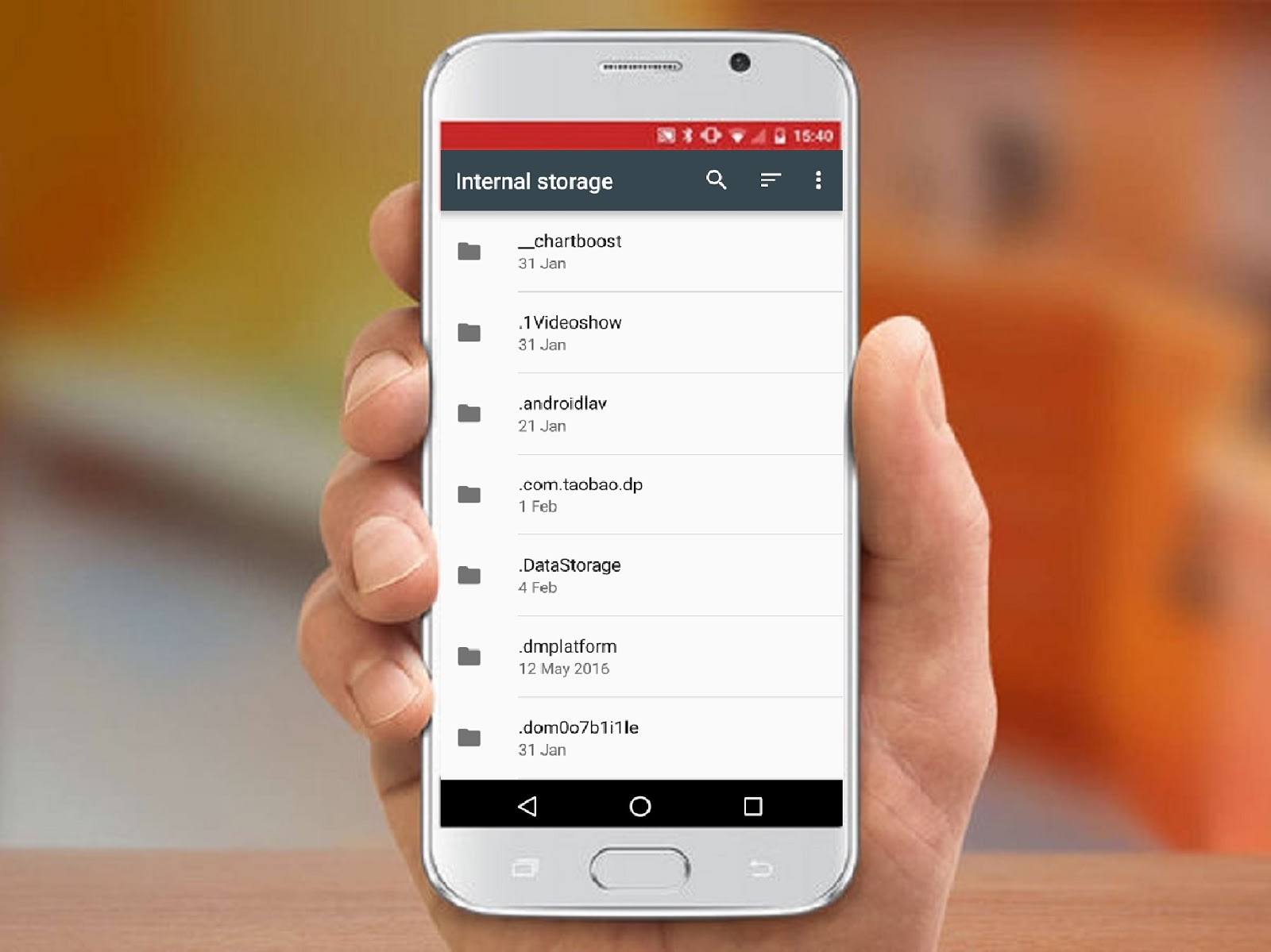
Learn New Things How To Delete All Empty Folders From Android Phone
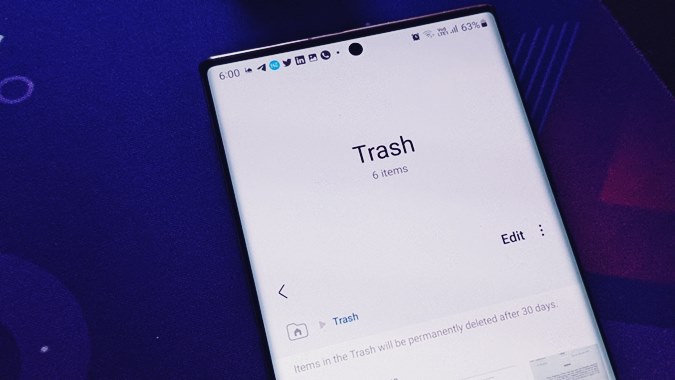
How To Empty Trash On Samsung Galaxy Phone TechWiser

VBA Delete Empty Folder Explained With Examples VBAF1
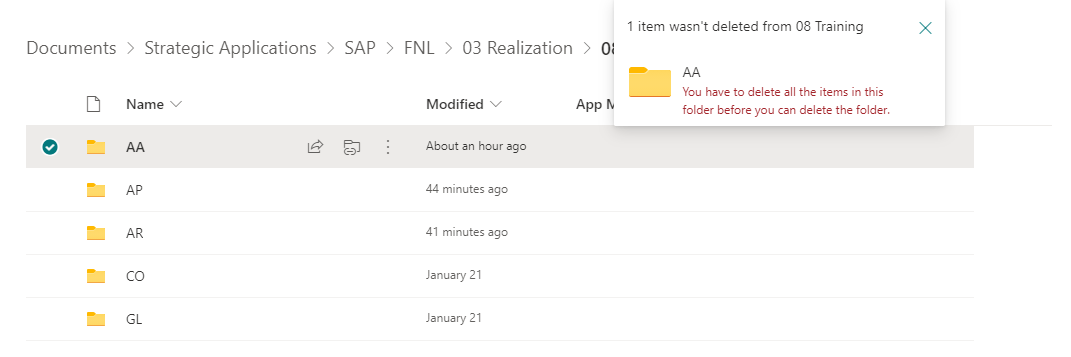
Unable To Delete Empty Folder On Sharepoint Microsoft Community
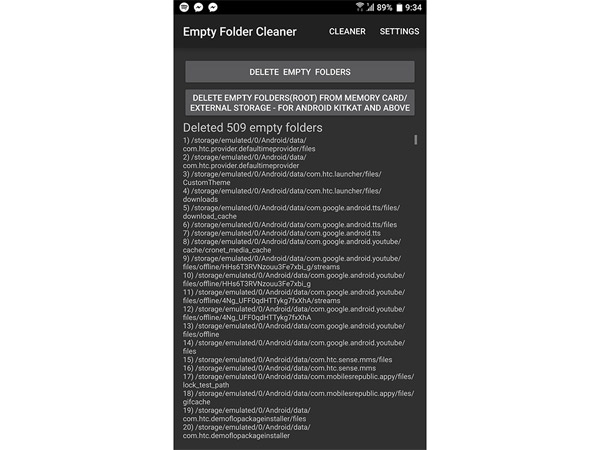
Delete All Empty Folders On Android With Just One Touch

Need some help Have a user that is not able to empty deleted items folder in Outlook 365 Web When you right click and select empty all content it shows 3675 items and ask if you are sure to empty select yes It looks to be deleted but after a short time they are all still present

Open your Deleted Items folder and select Empty folder Select Recover items deleted from this folder at the top of the page and select Empty folder again Tips If you ve deleted a lot of email it may take some time for those items to move to or be deleted from the Deleted Items folder

Automatically empty the Deleted Items folder Select the File Options Select Advanced then under Outlook Start and Exit select the Empty the Deleted Items folder upon exiting check box

Unable to delete empty contact folder in Outlook People app In the Outlook People application I am unable to delete an empty contact folder The operation fails with the message There was a problem deleting the folder Is there anything I can do to resolve this This thread is locked

Use New MailboxRepairRequest cmdlet to repair this mailbox 2 Move this mailbox to another database 3 Export this mailbox to a pst file and delete it then create a new one and import the pst file 4 Check the storage of the mailbox if it reaches the limit delete items in Recovery Items folder and re try
If you browse to the Deleted Items folder and then select the Empty Folder command only the email messages that are displayed in the folder are permanently deleted The same is true if you enable the Empty Deleted Items folders when exiting Outlook option When you exit Outlook items more than 12 months old are not permanently deleted First press on the Windows key R to open the Run dialog box Then type Outlook exe safe and press Enter
How To Delete Folders In Outlook Megan Glosson Dec 5 2023 There are many times when knowing how to delete a folder in Outlook can be beneficial This step by step guide will give you all the tools you need to do this and provide added inbox management suggestions with the Clean Email app Clean Email Clean and organize your Outlook Inbox