Cannot Change Apple Id Password On Mac Change Your Apple ID Password Apple Support ZA Full Guide What Are Apple ID Password Requirements Recovering Apple Id Password Discount Buying Save 51 Jlcatj gob mx How To Change Apple ID Password On IPhone YouTube How To Change Apple ID Password YouTube Go to appleid apple and click Forgotten your Apple ID or password Enter the email address you use with your Apple ID and click continue if you can t remember which email address
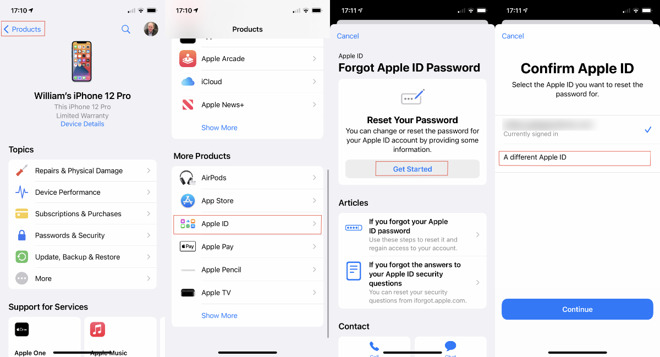
Mac Choose Apple menu System Settings Click Sign in with your Apple ID then click Forgot Apple ID or password and follow the onscreen instructions Reset your Apple ID password with the Apple Support app on a borrowed device Go to appleid apple and sign in Then follow the onscreen instructions to change the email address associated with your Apple ID You might need to enter a verification code sent to your new Apple ID email address Learn what to do if you didn t get the email If you can t change your Apple ID
How To Change Apple ID Password YouTube How To Change Mac Password With Apple Id Nexuslasopa Icloud Apple Community New Guide How To Find Apple ID Password On IPhone Full Guide What Are Apple ID Password Requirements How To Change Apple Id Password New Iphone Apple Passwords How To Reset Apple ID Password On Mac The Easy Way Full Guide What Are Apple ID Password Requirements How To Reset Apple ID Password On Mac The Easy Way
Cannot Change Apple Id Password On Mac
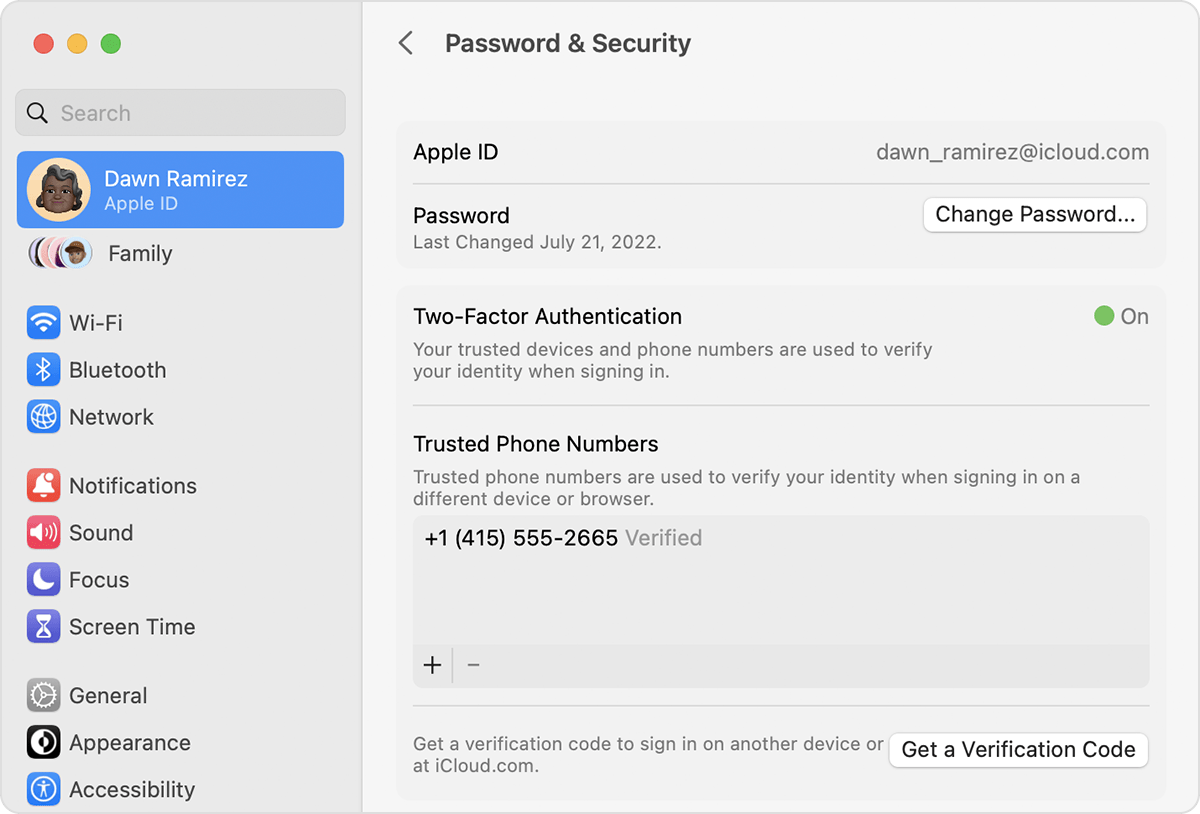 Cannot Change Apple Id Password On Mac
https://support.apple.com/library/content/dam/edam/applecare/images/en_US/appleid/macos-ventura-system-settings-apple-id-password-security.png
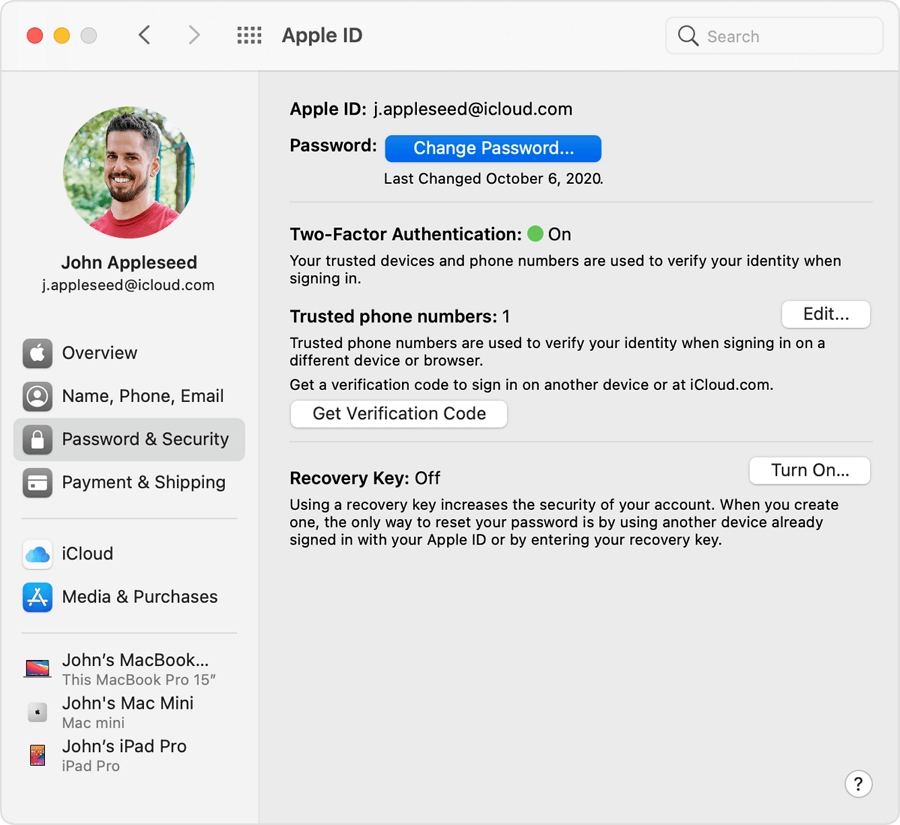
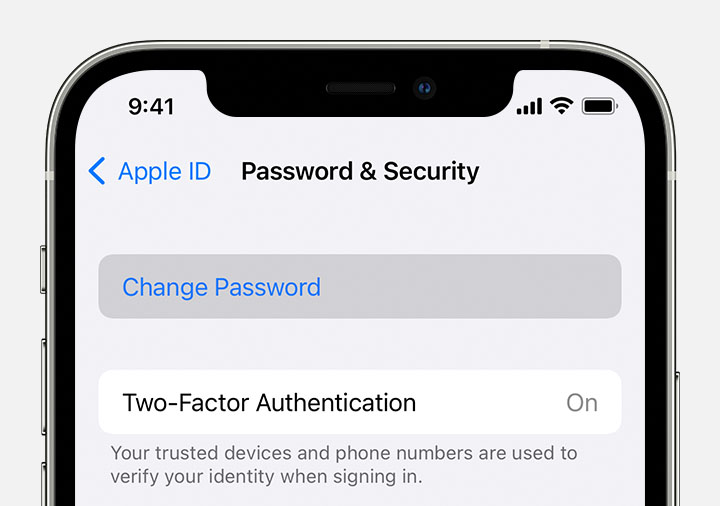
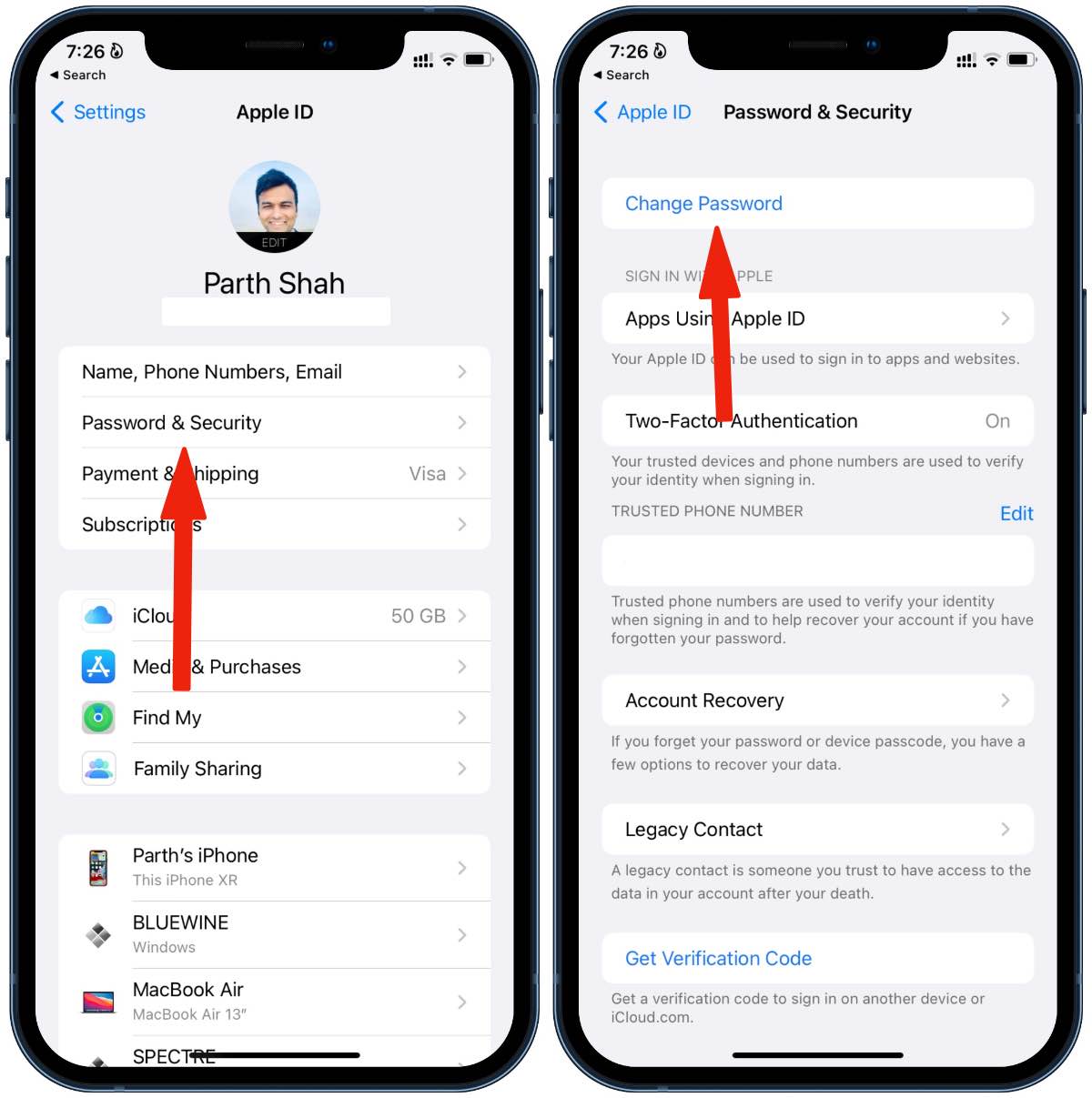
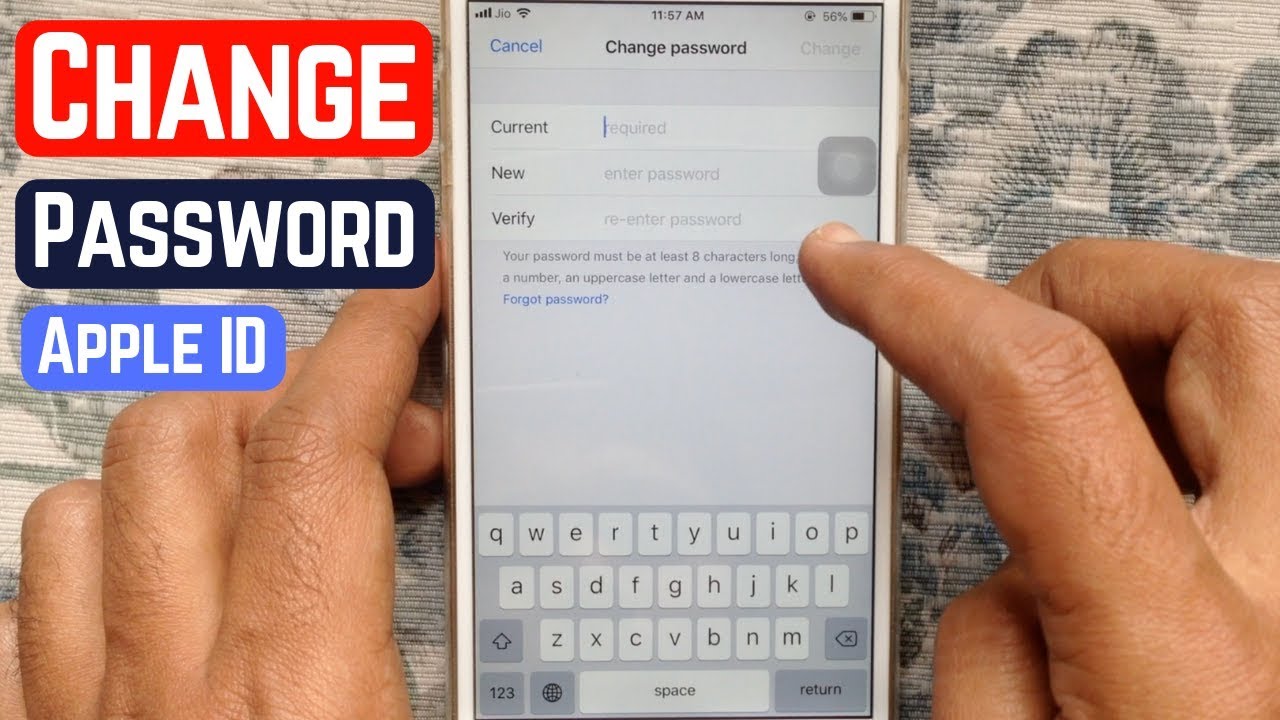
Tap Change or Change password Navigate to your Mac s Apple menu Select the system preferences Click your Apple ID Click Password Security Select Change password
Pre-crafted templates offer a time-saving option for creating a varied variety of files and files. These pre-designed formats and layouts can be utilized for numerous personal and expert jobs, consisting of resumes, invites, flyers, newsletters, reports, presentations, and more, streamlining the content creation process.
Cannot Change Apple Id Password On Mac
How To Unlock Apple Account Without Trusted Phone Number UnBrick ID
How To Change Mac Password With Apple Id Nexuslasopa
Icloud Apple Community
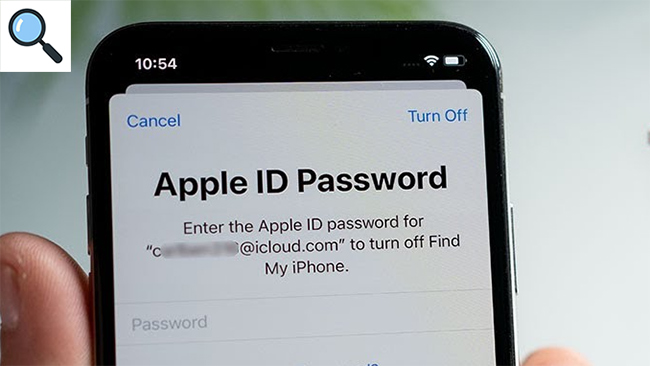
New Guide How To Find Apple ID Password On IPhone

How To Change Apple Id Password New Iphone Apple Passwords
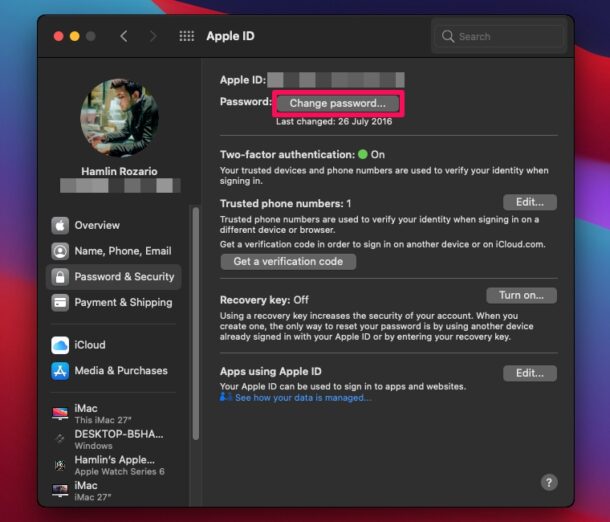
How To Reset Apple ID Password On Mac The Easy Way
12 points After changing apple id password cannot login w apple id on macbook After being unable to login to icloud imessage and app store on my macbook I changed my apple id password went through the sequence several times

Go to Change Apple ID and update your email address If you re using a third party email address go to your inbox and copy the verification code Enter the code and check if the Apple ID password issue persists Reset Admin Password and Create a New Keychain Resetting your administrator password and creating a new Keychain may take a few minutes
On your Mac choose Apple menu System Settings then click your name at the top of the sidebar If you don t see your name click Sign in with your Apple ID enter your Apple ID or another email address or phone number on file then enter your password If you don t have an Apple ID you can create one
If you forgot the password to log in to your Mac user account or the password isn t accepted choose a reset option from the login window These steps are for macOS Catalina or later The steps for macOS Mojave or earlier are different If you re not sure which macOS you re using try these steps first Make sure that you re at the login window
Choose Apple menu System Settings then select your name Select Sign In Security Select Change Password Before you can reset your Apple ID password you ll be required to enter the password used to unlock your Mac Change your Apple ID password on the web Sign in to appleid apple In the Sign In and Security section select Password
1 Log into the admin user account 2 Open System Preferences from the Apple menu or on your menu bar it s a gray gear 3 Click Users Groups 4 Click the lock symbol and enter the admin 1 Click the Apple logo in the top left corner of your screen and click System Preferences 2 Click Apple ID 3 Click Password and Security 4 Click Change Password Follow the onscreen
To solve this problem you must ask the IT department re enter the computer to your corporate domain the message that you send when you change the password The server is not avaible change your password when the server becomes available is because it does not find the corporate domain and you will never find it until you reconfigure the Mac