Cannot Adjust Table Width In Word Adjust Row Height And Column Width In Word Tables Layout Design How To Adjust Table Cell Width And Height In Microsoft Word YouTube How Do You Autofit A Table In Powerpoint Brokeasshome How To Adjust Table Columns In Word AutoFit Cedarville University 5 Useful Tips To Adjust Column Width In Your Word Table Data Recovery Sometimes it s not possible to reduce the height of a row or rows because of the font size set within the rows Setting the font size to a really low value will often resolve this even if there is no text in the row or cells affected
Fixing the size of a table in Word is a breeze once you know where to look In just a few clicks you can set your table to the exact dimensions you need Here s a quick rundown select your table right click and choose Table Properties Adjust the row height and column width to your desired measurements and voil To adjust row height and column width in Word tables by using the mouse place the mouse pointer over the border of the column or row to adjust until the mouse pointer turns into a double line with an intersecting arrow Then click and drag to adjust the column width or row height
5 Useful Tips To Adjust Column Width In Your Word Table Data Recovery C How To Control Table Column Width In Word Documents Using DocX How To Adjust Column Width In Word Table Without Affecting Other Cells Solved Adjusting Column Width Tabularx Table Margin 9to5Science How To Adjust Table Cell Width And Height In Microsoft Word Otosection Adjust Row Height And Column Width In Word Tables How To Adjust Table Changing Column Width And Row Height In Word Resize And Adjust Table Adjust Row Height Word Psadoshare How To Adjust Table Row Height In Word 2010 Roadgarry
Cannot Adjust Table Width In Word
 Cannot Adjust Table Width In Word
https://i.pinimg.com/736x/7e/bd/96/7ebd9695874c78fcbdfb1f29b3d72b85--microsoft-word-columns.jpg
Try it Adjust row and column size in tables when you need to fit text make all rows or columns a uniform size or simply make the table look how you want Change column and row width To change the width do one of the following Select the boundary of the column or row you want to move and drag it to the width or height you want
Templates are pre-designed files or files that can be utilized for different purposes. They can save time and effort by supplying a ready-made format and layout for producing various kinds of content. Templates can be utilized for individual or professional tasks, such as resumes, invites, flyers, newsletters, reports, presentations, and more.
Cannot Adjust Table Width In Word

Adjust Row Height And Column Width Of Tables In Word WPS Office Academy

C How To Control Table Column Width In Word Documents Using DocX
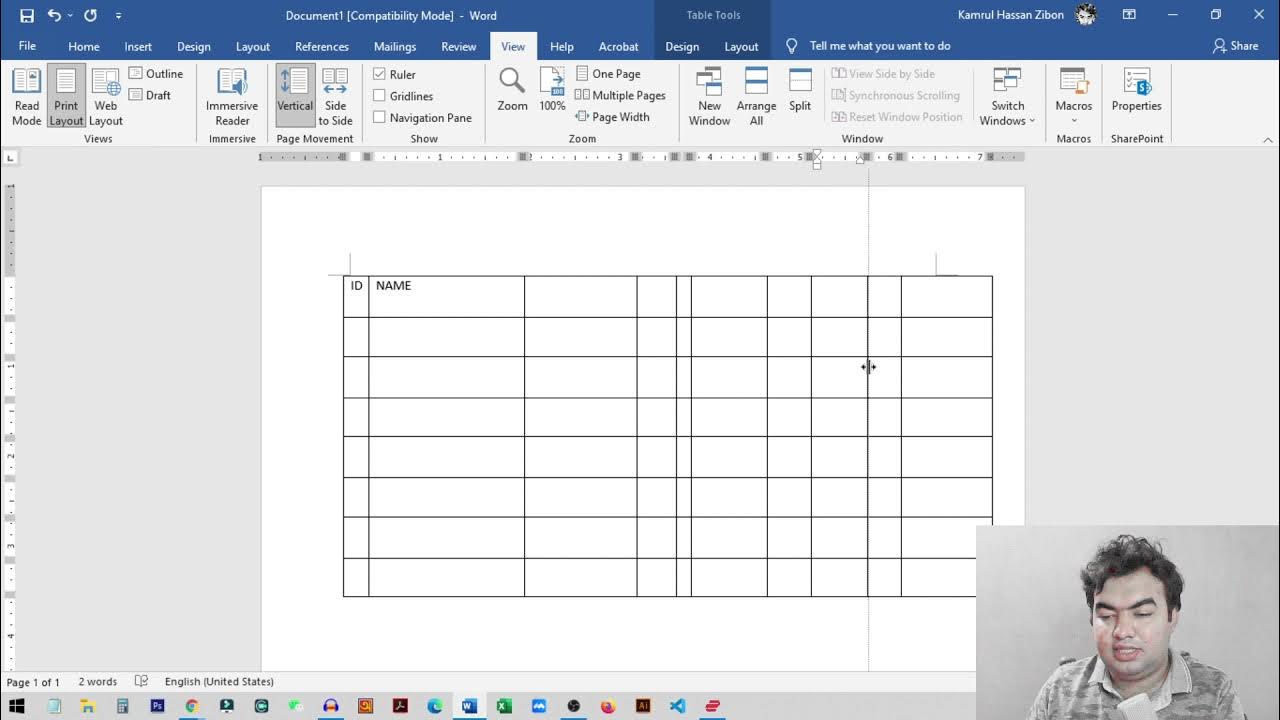
How To Adjust Column Width In Word Table Without Affecting Other Cells
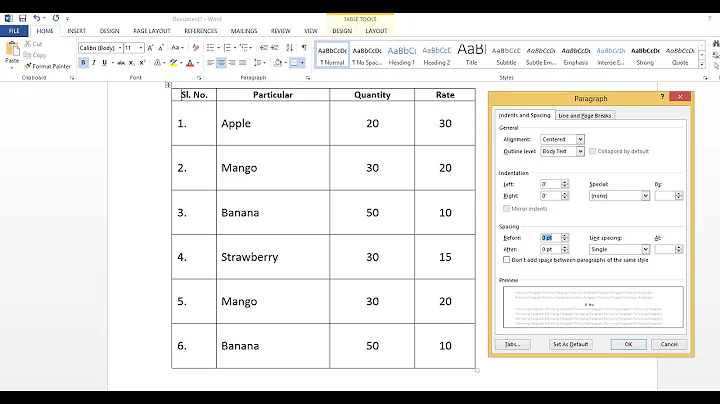
Solved Adjusting Column Width Tabularx Table Margin 9to5Science

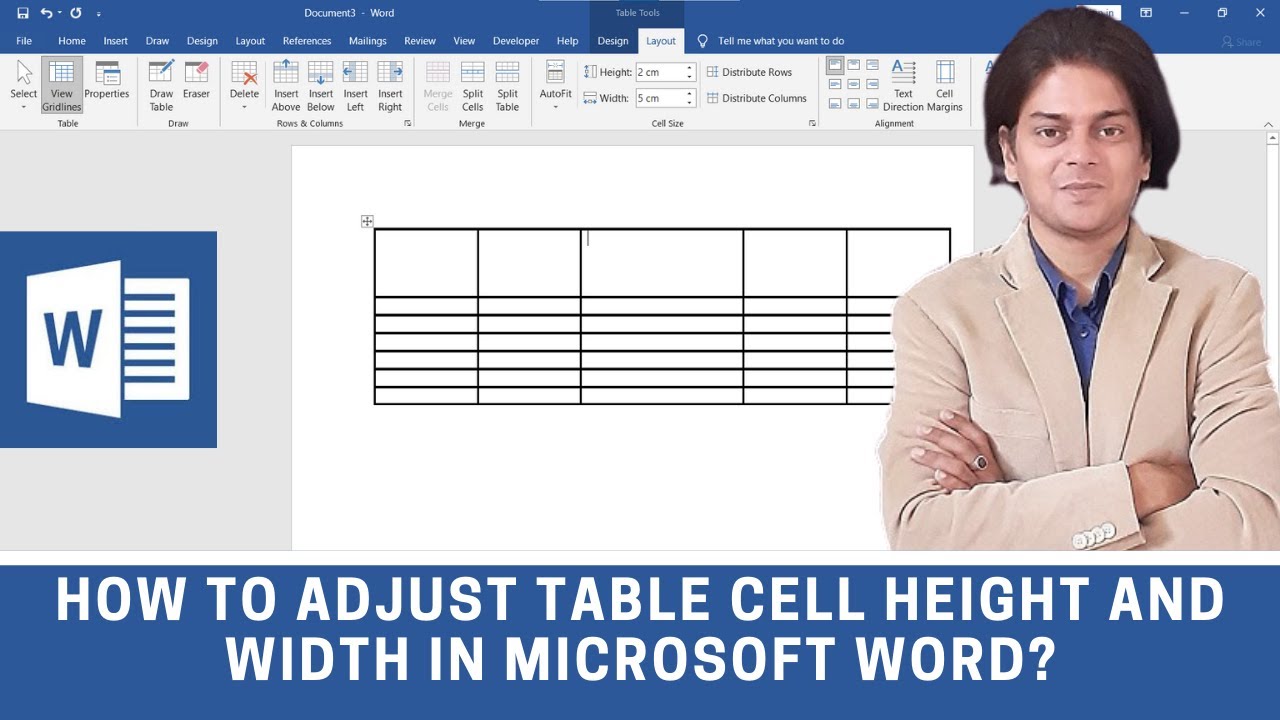
Adjust Row Height And Column Width In Word Tables How To Adjust Table
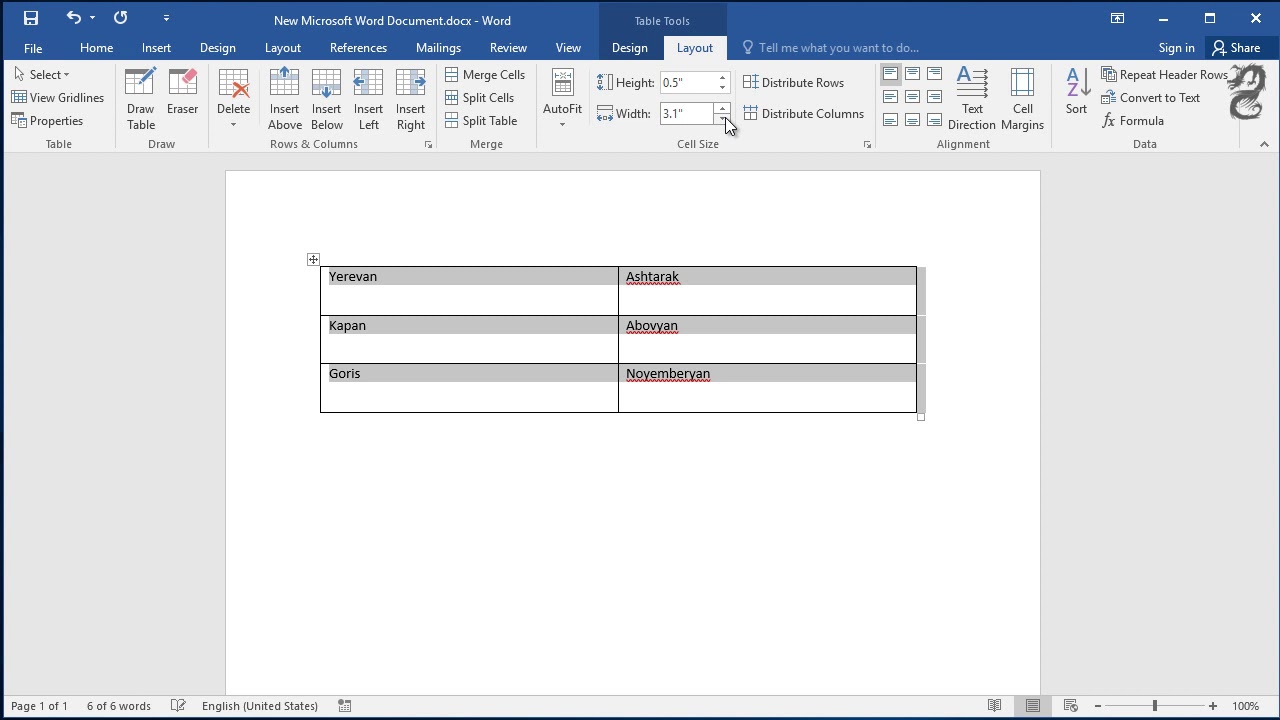
Changing Column Width And Row Height In Word Resize And Adjust Table

For the tables that you cannot resize you will need to put the selection in the first row of the second page of the table and then click on Split Table in the Merge section of the table Layout tab of the ribbon
In Microsoft Word you can adjust a table s size and column and row dimensions either manually or automatically You can also change the size of multiple columns or rows and modify the space between cells To learn how to add a table to your document see Insert a table

Here I can change column widths even in Web Layout view so I guess something is still broken in your document after all If you copy a much smaller portion such as just the affected table into a new blank document are you then able to resize columns as expected
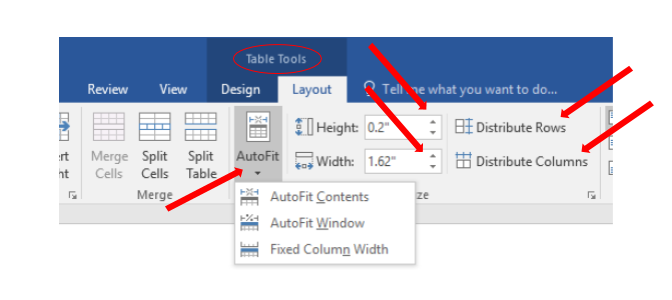
Generally I find that setting a fixed table width is helpful before dragging the column boundaries Click in the table On the Table Layout tab click AutoFit and then click Fixed Column Width

When you automatically resize a table in Word you can still make manual adjustments to the size if you like You can also do things like align the table horizontally or add rows and columns as needed Eliminate the manual task of resizing your table and have Word do it for you
Process of Sizing Table in Word Resizing Rows Resizing Columns How to EXACTLY Change the Table Size in Word row height column width Quickly Conclusion Issues With Resizing Table in Word With any version of Word you may modify the size and appearance of your table to your liking You can precisely adjust column width by following these steps Select the column whose width you want to change Word displays two additional tabs on the ribbon Table Design and Layout Display the Layout tab of the ribbon Click the Properties option in the Table group Word displays the Table Properties dialog box
Created on December 27 2016 Word table column width cannot be changed when using non Normal template I am creating a template for my client and can t get the column widths of any Word table created in this template to change They re fixed and won t change width under any circumstances