Can Not Delete Rows In Excel Shortcut To Delete Row In Excel How To Delete Row How To Insert Or Delete Rows And Columns From Excel Table ExcelDemy How To Delete Empty Rows In Excel 9 Steps WikiHow How To Delete Rows In Excel Is There Anyway To Delete Certain Rows In Excel Muslielder Web Dec 21 2023 nbsp 0183 32 Given this Steps First move to the File tab After that click on Options Immediately the Excel Options dialog box appears before us Now go to Formulas and under Calculation options select Manual and
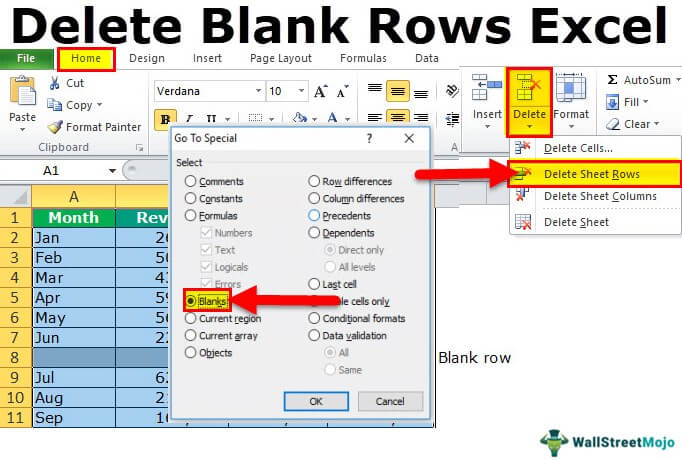
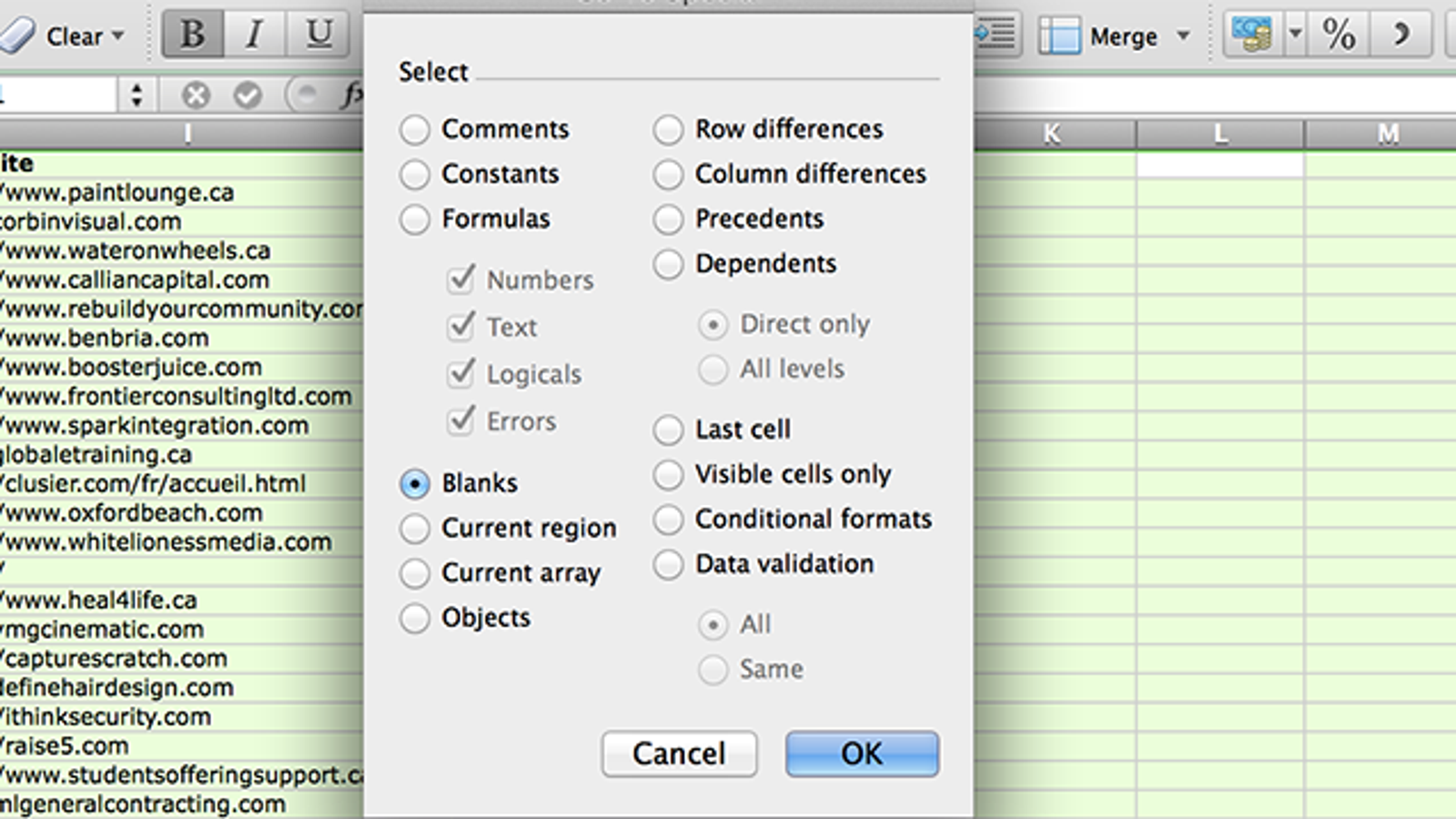
Web May 10 2024 nbsp 0183 32 Go to your Excel worksheet and highlight a cell you want to remove Remember that the whole row will be deleted even if you select one cell or the whole row Web Feb 12 2024 nbsp 0183 32 Step 1 In the Home tab click the Find amp Select button on the right side of the Ribbon Step 2 Click Go To Special Step 3 Select Blanks and click OK This selects
Is There Anyway To Delete Certain Rows In Excel Muslielder Cannot Delete Rows In Excel Dinolasopa Quick Tip How To Delete Rows In Excel Based On Condition 2023 Cara Menghapus Row Kosong Di Excel Secara Otomatis How To Freeze Rows And Columns In Excel BRAD EDGAR Excel Fill Blank Rows Or Blank Cells In Inactive Pivot Table How To Easily Remove Blank Rows In Excel example IONOS How To Easily Remove Blank Rows In Excel example IONOS How To Delete Identical Rows In A Ms Excel 2007 Worksheet Free
Can Not Delete Rows In Excel
 Can Not Delete Rows In Excel
https://cdn.educba.com/academy/wp-content/uploads/2019/02/Shortcut-to-Delete-Row-in-Excel.png
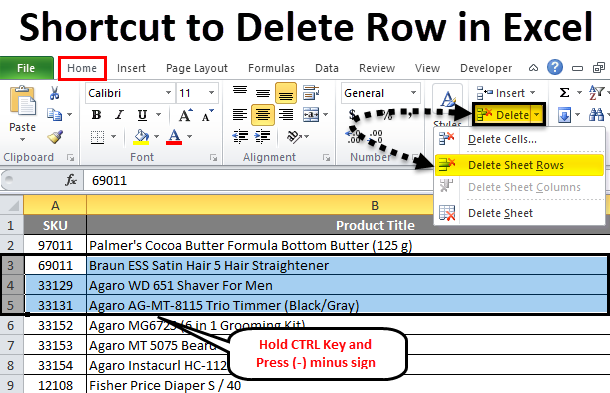
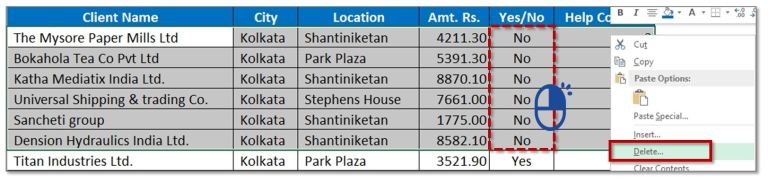
Web Select any cell in the row you want to delete In case you want to delete multiple rows select any cell in each of those rows Right click on the selected cell Hover the cursor over the
Templates are pre-designed documents or files that can be utilized for various functions. They can save effort and time by offering a ready-made format and layout for producing different sort of material. Templates can be utilized for personal or expert projects, such as resumes, invitations, leaflets, newsletters, reports, presentations, and more.
Can Not Delete Rows In Excel
Remove Delete Blank Rows In Excel Step By Step
Cannot Delete Rows In Excel Dinolasopa
Quick Tip How To Delete Rows In Excel Based On Condition 2023

Cara Menghapus Row Kosong Di Excel Secara Otomatis

Excel Fill Blank Rows Or Blank Cells In Inactive Pivot Table
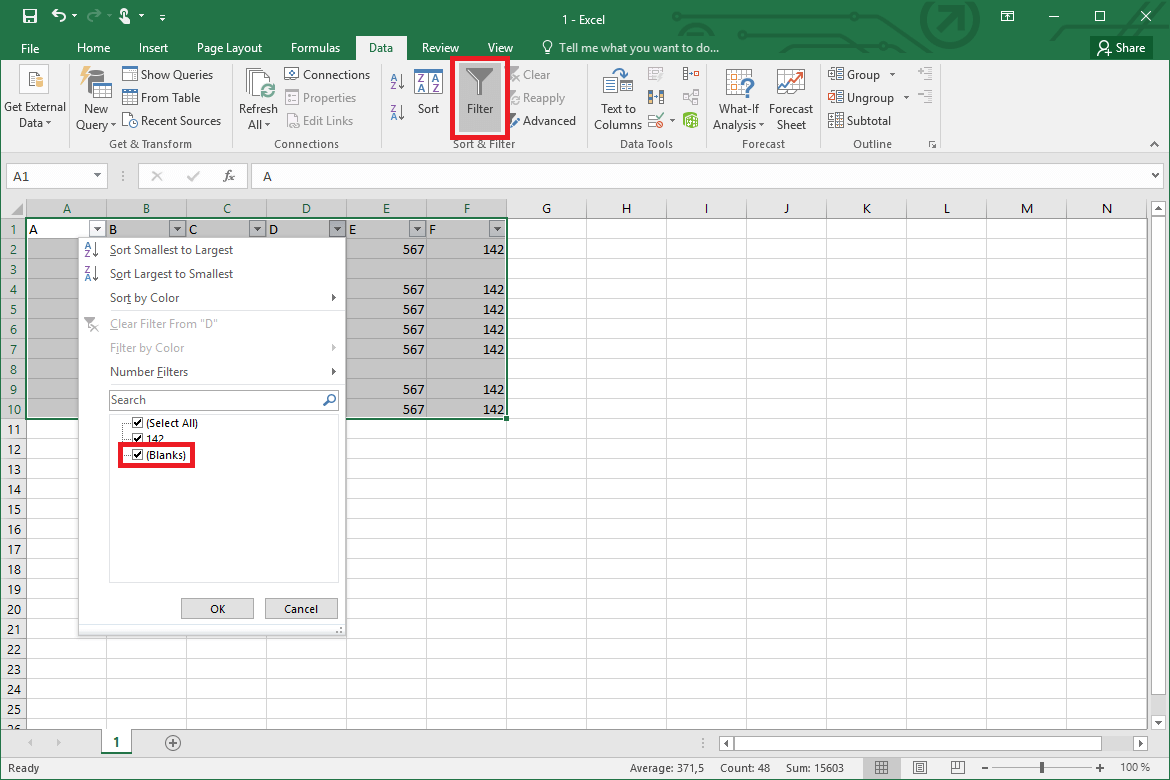
How To Easily Remove Blank Rows In Excel example IONOS
Web Dec 20 2022 nbsp 0183 32 When I right click on a cell of the table the only options I am presented is to delete the column which I don t want or the entire sheet row which I don t want either

Web Jan 5 2016 nbsp 0183 32 4 So I am trying to delete a row in excel but no matter what I do Excel will not let me get rid of that row I tried highlighting the entire row and hitting Delete on my

Web Aug 8 2017 nbsp 0183 32 Hello One of my sheets contain over 700 000 rows that can not be deleted This makes it impossible to navigate the 2500 rows with text I have tried CRTL Shift
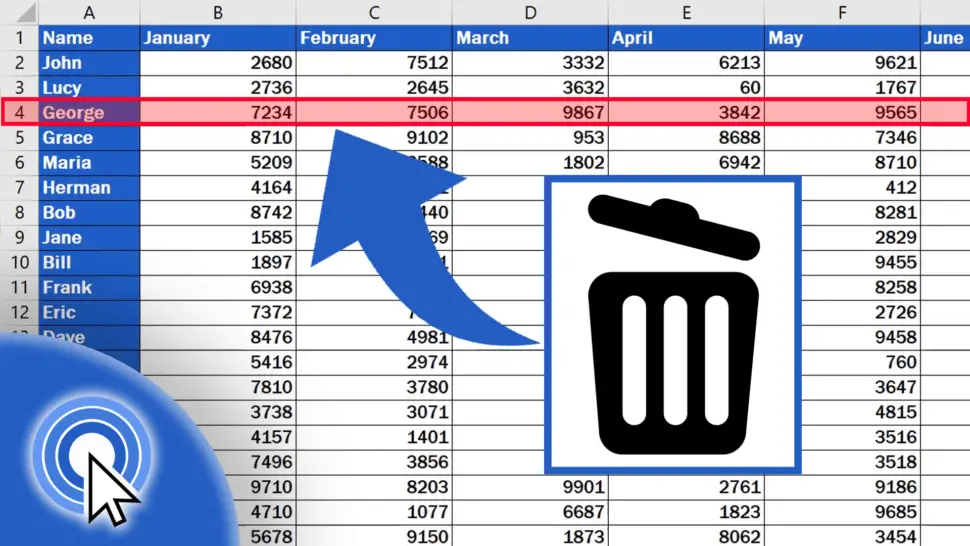
Web Aug 24 2023 nbsp 0183 32 All over the Internet you can see the following tip to remove blank lines Highlight your data from the 1st to the last cell Press F5 to bring the quot Go to quot dialog In the dialog box click the Special button In the quot

Web Select the rows or columns you want to delete by clicking on the row or column headers Right click on the selected rows or columns to open the context menu From the context
Web May 7 2019 nbsp 0183 32 Now open Excel and see if the problem disappears or not Note If the above path is not applicable for your installation you need to find XLSTART path Excel folder Web Follow these six steps to achieve the Best Way to free up space and streamline your data Step 1 Highlight all the rows you want to delete Step 2 Right click on one of the
Web Jan 1 2019 nbsp 0183 32 First delete blank rows Press the key Shift Space on your keyboard Press Ctrl Shift Down Arrow key Rows will get selected till the last row Press Ctrl 177 on the