Can Mac Read Pdf Aloud Apple Tease Pro Users With IMac Pro All About Apple How To Read PDF Aloud On Mac YouTube Make Your IPhone Read Text Out Loud Cult Of Mac How Do I Get Mac To Read PDF Fabalabse How To Turn Off IMessage On Mac WEB 1 Open Adobe Reader and then select the PDF you want read by Text to Speech 2 Once in the document go to View in the top left toolbar menu then click Read Out Loud 3 Select Activate Read Out Loud from the popup menu you can choose to have a single page read or the entire document 4
WEB Jan 12 2020 nbsp 0183 32 Have entire PDFs read to you To start making use of this accessibility feature follow these steps Choose Edit gt Speech gt Start Speaking Your Mac should begin reading the PDF aloud To pause choose Edit gt Speech gt Stop Speaking WEB Have a book read to you In the Books app on your Mac click Books or another collection in the sidebar then double click a book to open it Do one of the following For books that include the Read Aloud feature Click the Play button in the toolbar at the top of the book or use the Touch Bar
How To Turn Off IMessage On Mac How To Have Your Mac Read Text To You YouTube DjVu Viewer Read DjVu Files On The Mac App Store Can Mac Photos App Find The Best Photo Can Mac Read FAT32 Full Answer In 2024 Activate Text To Speech On Mac To Get Siri Read To You Google Chrome FREE Text To Speech Have The Anything On The Internet How To Change Default App For File Types On Mac IGeeksBlog Stopfer Blog
Can Mac Read Pdf Aloud
 Can Mac Read Pdf Aloud
https://all-about-apple.com/wp-content/uploads/2017/06/new_2017_imac_pro_dark_grey_front.jpg
WEB How to have a PDF read aloud Follow these simple steps to transform your PDF into a spoken document Open Adobe Acrobat Reader and head to the page in your PDF that you want to be read out loud Click View in the top left menu then select Read Out Loud
Pre-crafted templates provide a time-saving solution for producing a varied series of documents and files. These pre-designed formats and designs can be used for various personal and expert projects, including resumes, invites, flyers, newsletters, reports, presentations, and more, streamlining the content production process.
Can Mac Read Pdf Aloud

How To Have Your Mac Read Text To You YouTube

How To Have Your Mac Read Text To You YouTube

DjVu Viewer Read DjVu Files On The Mac App Store

Can Mac Photos App Find The Best Photo
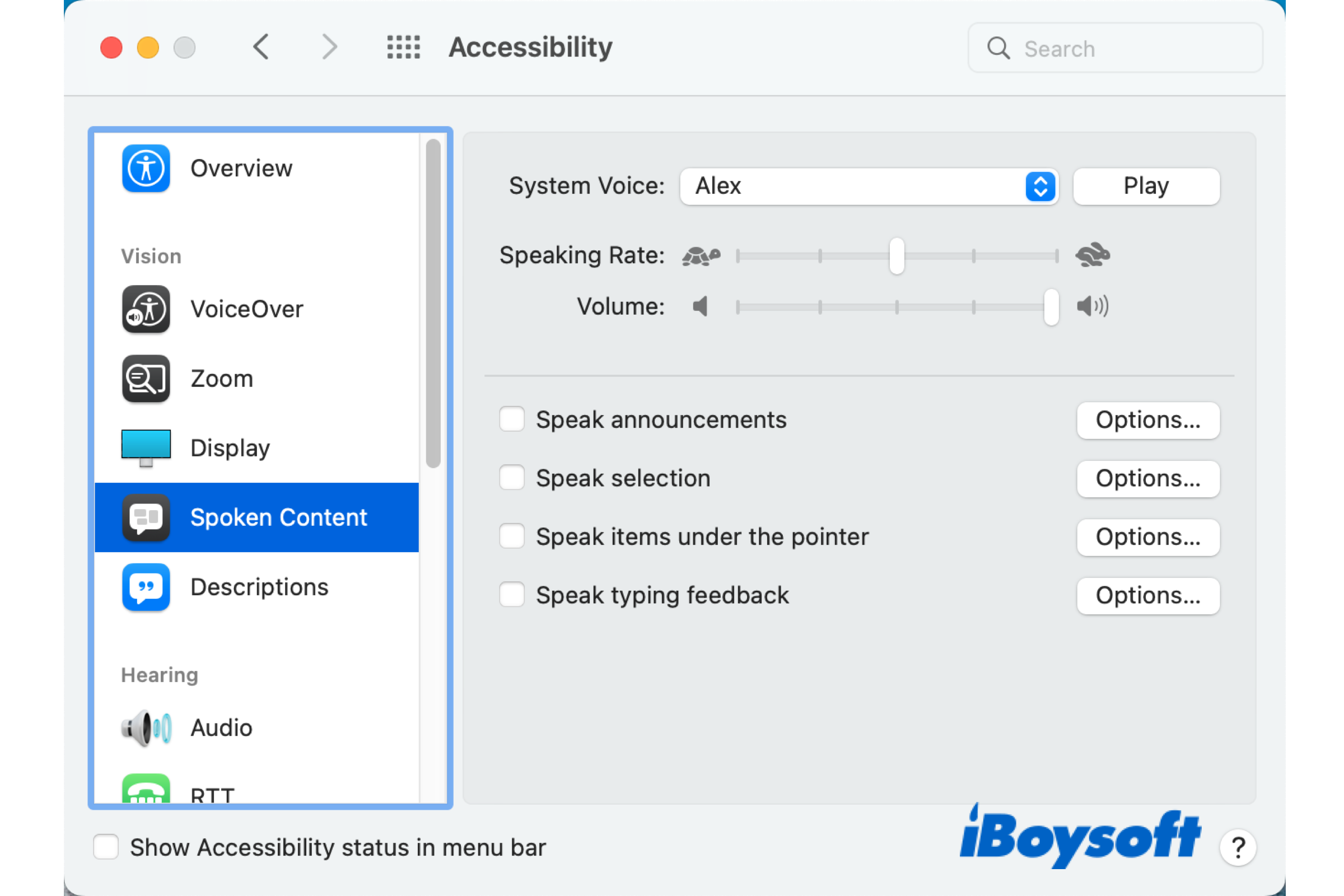
Activate Text To Speech On Mac To Get Siri Read To You

Google Chrome FREE Text To Speech Have The Anything On The Internet
WEB Having a PDF read aloud can increase accessibility if you are visually impaired or have difficulty reading the text Listening to a PDF can also help you multitask Use Adobe s free Acrobat Reader app to have the text in your PDF read aloud to you

WEB The simple answer to this question is yes users can use the built in Mac read aloud feature to read their PDFs with automated voices innovatively This way they can easily organize their documents and improve their productivity
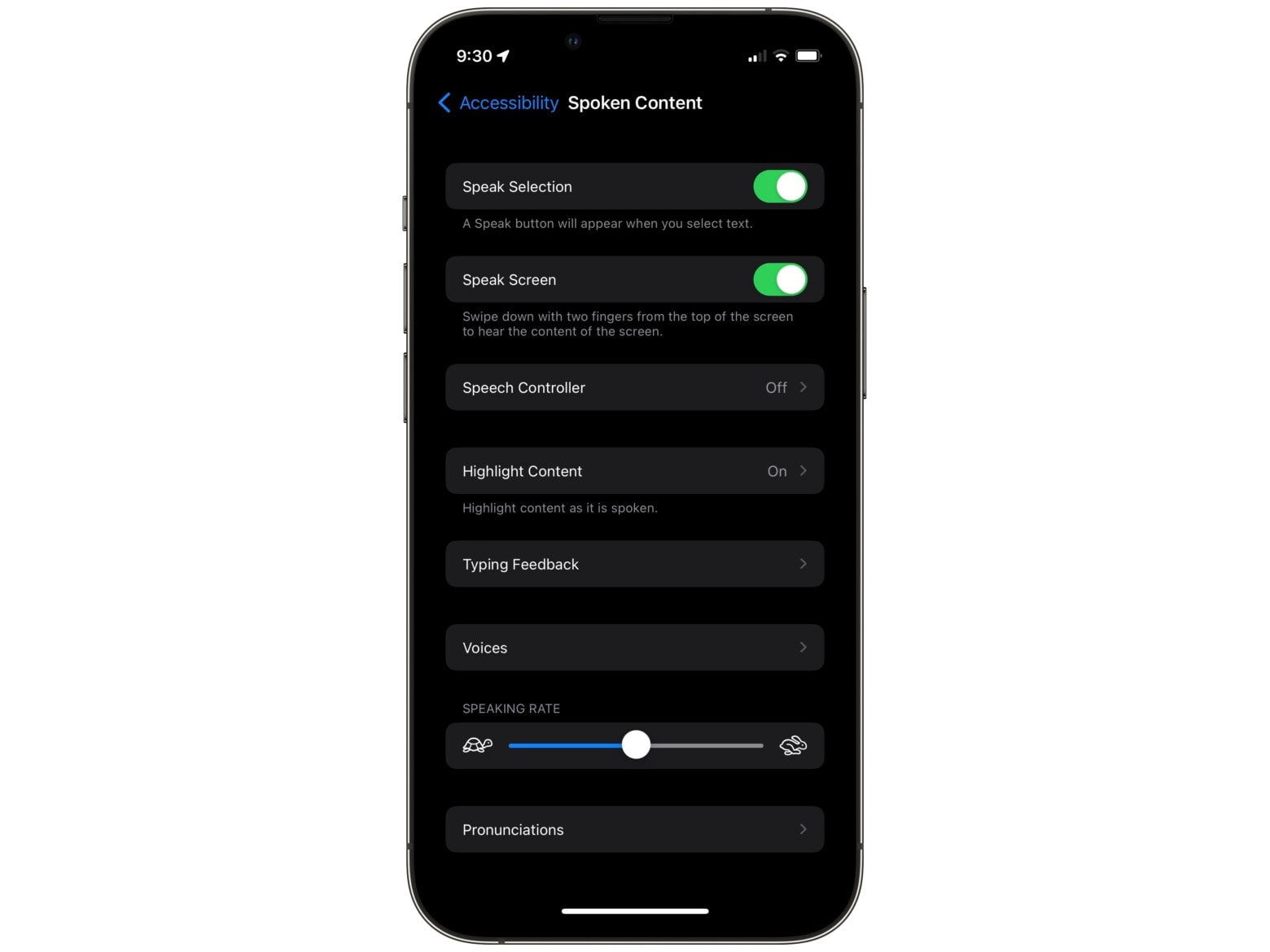
WEB May 11 2015 nbsp 0183 32 VoiceOver can only read PDFs that are actually text encoded If they are simply image files it has nothing to quot read quot You can use Acrobat Pro or another PDF application like Abbyy FineReader or ReadIRIS with OCR Optical Character Recognition to quot read quot the graphics and convert them to text
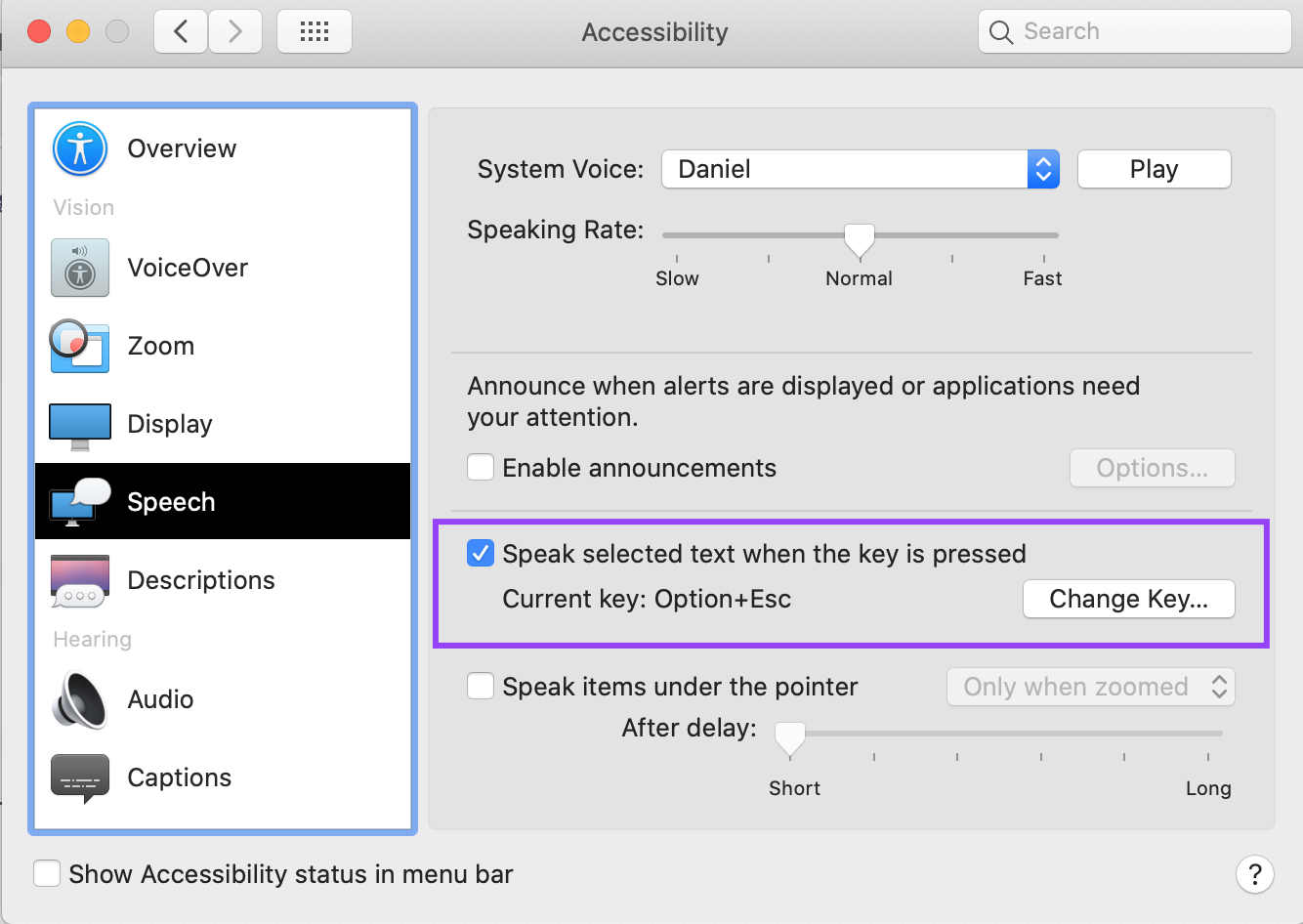
WEB Feb 16 2023 nbsp 0183 32 Reading a PDF file on your Mac is easy simply open the document in the preview function select the View option then Read Aloud Once this is done the automated voice will begin to read out loud You can also adjust the speed of the system voice and the volume level to your preference

WEB Discover ReadLoudly the free PDF reader that offers text to speech technology easy navigation and the freedom to listen to PDF documents aloud
WEB May 26 2020 nbsp 0183 32 Read aloud is currently available in Immersive Reader and for webpages today we are excited to announce that we are extending support to PDF files Read aloud for PDFs is now available for everyone on the latest Canary and Dev builds and will be coming to Beta in early June Try it out WEB Aug 1 2022 nbsp 0183 32 Mac users can rely on Preview or download Adobe Acrobat Reader for more features For iOS devices like the iPhone or iPad the built in PDF viewer in the Apple Books app works seamlessly Android users can open PDFs directly through Google Drive or download a free PDF reader from the Play Store PDF Readers and Viewers
WEB Jan 11 2022 nbsp 0183 32 Open the PDF document Select Edit at the top of the page Click Speech then Start Speaking To hear a selected piece of the document Open the PDF document and highlight the