Bullet Point Using Html Is There A Keyboard Shortcut For Bullet Points Baregross Numbered And Bullet Point Lists In HTML HTML5 Tutorial Html Ol Style Sk3 harada jp Breathtaking Bullet Point Method Muji Double Ring Notebook Creative Journal Bullet Point Types And Creation In HTML And Word POFTUT To create a bulleted list use the unordered list tags ul ul and list item li li tags as shown in the example below Example code ul li Example 1 li li Example 2 li li Example 3 li ul The example above creates a bulleted list with three bullet points as shown below Example result Example Example2 Example3 Tip
HTML Description Lists HTML also supports description lists A description list is a list of terms with a description of each term The dl tag defines the description list the dt tag defines the term name and the dd tag describes each term TL DR Bullet Point Lists Use bulleted lists where appropriate on your HTML Pages This has been a brief introduction to their use in web design but gives you something to start off with If you have any questions please feel free to use the comments Spread the Word
Bullet Point Types And Creation In HTML And Word POFTUT Best Software To Hide Ip Address 2013 Calendar Therapyrevizion Solved Python Given A Code In Class I Just Need Help With Chegg How To Insert Symbols In Word 2010 Hellserre How To Type The Bullet Point Symbol On Your Computer Or Mobile How To Use Print Screen On A Laptop Why Should You Buy A Macbook Finding Bullet Points For Word Brothersherof How To Insert Bullet Points In Excel Tutorial
Bullet Point Using Html
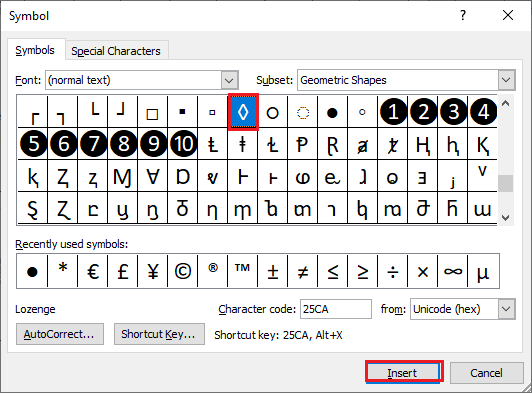 Bullet Point Using Html
https://baregross.weebly.com/uploads/1/4/0/7/140726083/821069543_orig.png
HTML bullet points are essential elements used to display a list of items in a structured manner on web pages They help in organizing content and making it more readable for users Types of Lists There are primarily two types of lists in HTML unordered and ordered lists The former uses bullets while the latter uses numbers or letters
Pre-crafted templates provide a time-saving solution for creating a diverse range of files and files. These pre-designed formats and designs can be used for various individual and expert projects, including resumes, invitations, leaflets, newsletters, reports, discussions, and more, enhancing the content creation process.
Bullet Point Using Html
Solved How Can I Use centerdot While Defining Type Of 9to5Science

Best Software To Hide Ip Address 2013 Calendar Therapyrevizion
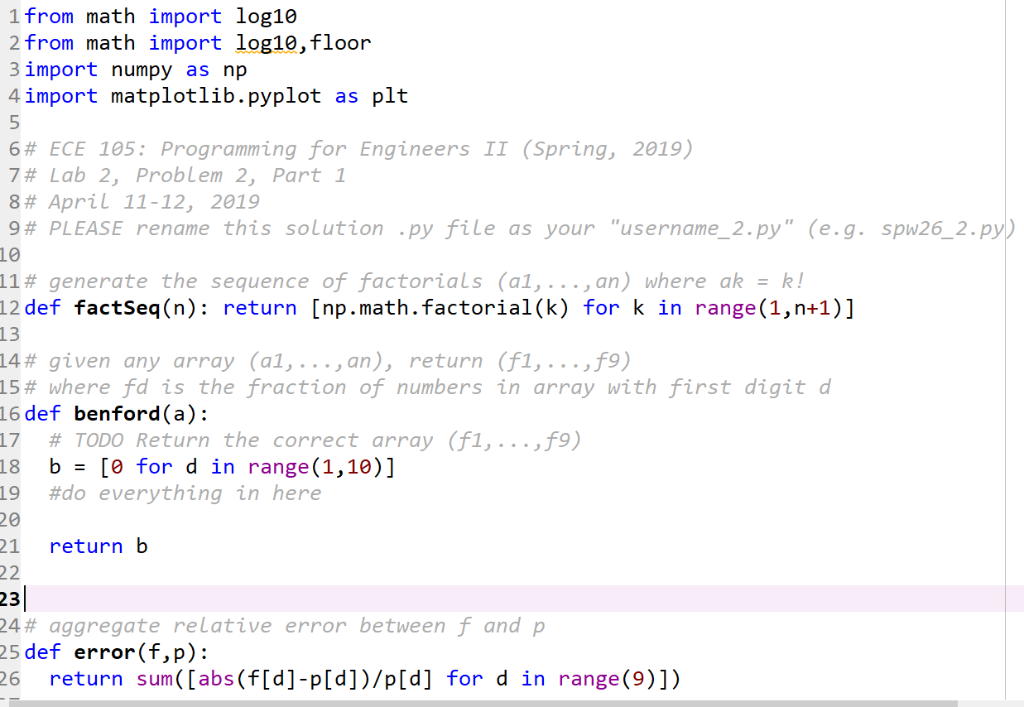
Solved Python Given A Code In Class I Just Need Help With Chegg
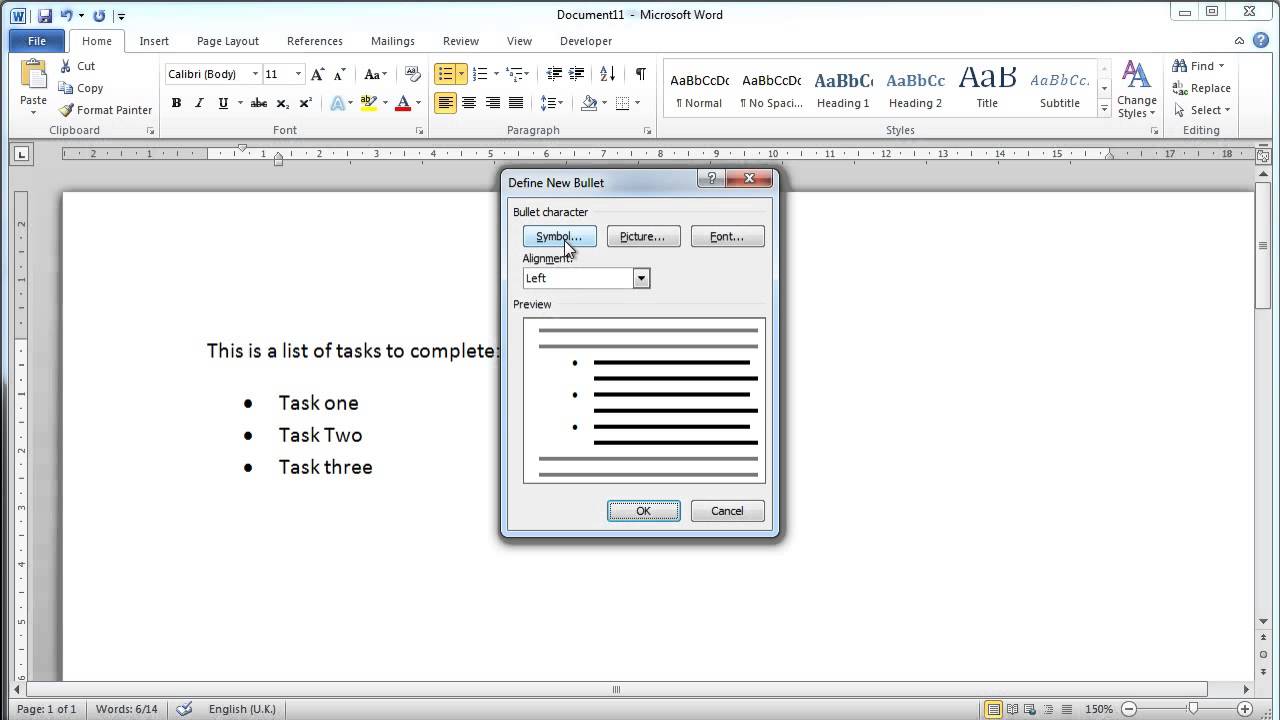
How To Insert Symbols In Word 2010 Hellserre

How To Use Print Screen On A Laptop

Why Should You Buy A Macbook

HTML Unordered Lists Previous Next The HTML ul tag defines an unordered bulleted list Unordered HTML List An unordered list starts with the ul tag Each list item starts with the li tag The list items will be marked with bullets small black circles by default Example ul li Coffee li li Tea li li Milk li ul

The Unicode and HTML Entities for Bullet Points The Unicode character for showing the dot symbol or bullet point is U 2022 But to use this Unicode correctly remove the U and replace it with ampersand pound sign and x Then type the 2022 number in and then add a semi colon So it becomes It ll look like this

Unordered lists in HTML are collections of items that don t need to be in any specific order We often use simple bullet points to list out these items You create an unordered list using the ul tag Then you use the li tag to list each and every one of the items you want your list to include

A bullet point you may think would have some kind of name that involved a bullet or BL or something like that But in HTML it s actually called an unordered list So even when you think of a bullet point list in HTML it is called an unordered list and the tag to use it is ul ul

The bullet style is not defined in the HTML description of the page but in its associated CSS using the list style type property The ul and ol elements may be nested as deeply as desired Moreover the nested lists may alternate between ol and ul without restriction The ol and ul elements both represent a list of items
SQUARE WITH UPPER LEFT DIAGONAL HALF BLACK Try it 9706 25EA SQUARE WITH LOWER RIGHT DIAGONAL HALF BLACK Try it 9707 25EB WHITE SQUARE WITH VERTICAL BISECTING LINE Try it HTML offers two main types of bullet points ordered lists ol and unordered lists ul Ordered lists are typically used when the order of items matters like in recipe steps or ranking Unordered lists are generally used when the list order isn t as important say listing out features or benefits
How To Make A Bullet Point In HTML Here s a quick HTML coding tip that I thought you may be interested in By the way you can find more information on basic HTML codes at www WebsiteSpot Inserting Bullet Points Bullet points are great for separating a list in an easy to read format The bullet point tag is as follows ul li Item 1 li