Build Solution In Visual Studio Code C Build Solution In Visual Studio Stack Overflow D couvrir L Explorateur De Solutions Visual Studio Windows Visual Studio Code Introduction overview Youtube Seamless Teaching And 7 Visual Studio Code Alternatives For Better Coding Programming Cube How To Set Java Home Environment Variable In Microsoft Visual Studio Web Sep 29 2021 nbsp 0183 32 1 Install NET 5 0 2 Create a new C project in VSCode 3 Run Your C Code in VSCode 4 Debug Your C Code in VSCode 5 Compile Your C Code in
Web 19 Aug Written by Ian Russell In this post we are going to create a new Solution containing an F console project and a test project using the dotnet CLI in Visual Studio Code Open VS Code in a new folder Open a new Web Jul 21 2020 nbsp 0183 32 Running the solution from Visual Studio Code To run this application from Visual Studio Code we need to complete the below steps Create a vscode folder at
How To Set Java Home Environment Variable In Microsoft Visual Studio Top Visual Studio Code Extensions For Svelte Developers Visual Studio Code Yaml File Formatting In Vscode Stack Overflow Manage Getting Started With Visual Studio Code For Mac Tikloquestions Create Extensions For Visual Studio Code Vscode By Islem Maboud Vrogue Visual Studio Code Auto Format When Save Raswaves Top Visual Studio Code Extensions For React Developers Visual Studio Code Javascript Environment Pertravels Visual Studio How To Create Blank Or Empty Solution
Build Solution In Visual Studio Code
 Build Solution In Visual Studio Code
https://i.stack.imgur.com/cDCij.png
Web Visual Studio uses MSBuild to build each project in a solution and each project contains an MSBuild project file The file extension reflects the type of project for example a C
Templates are pre-designed files or files that can be used for various functions. They can save time and effort by providing a ready-made format and design for producing various kinds of material. Templates can be utilized for individual or professional tasks, such as resumes, invites, leaflets, newsletters, reports, presentations, and more.
Build Solution In Visual Studio Code
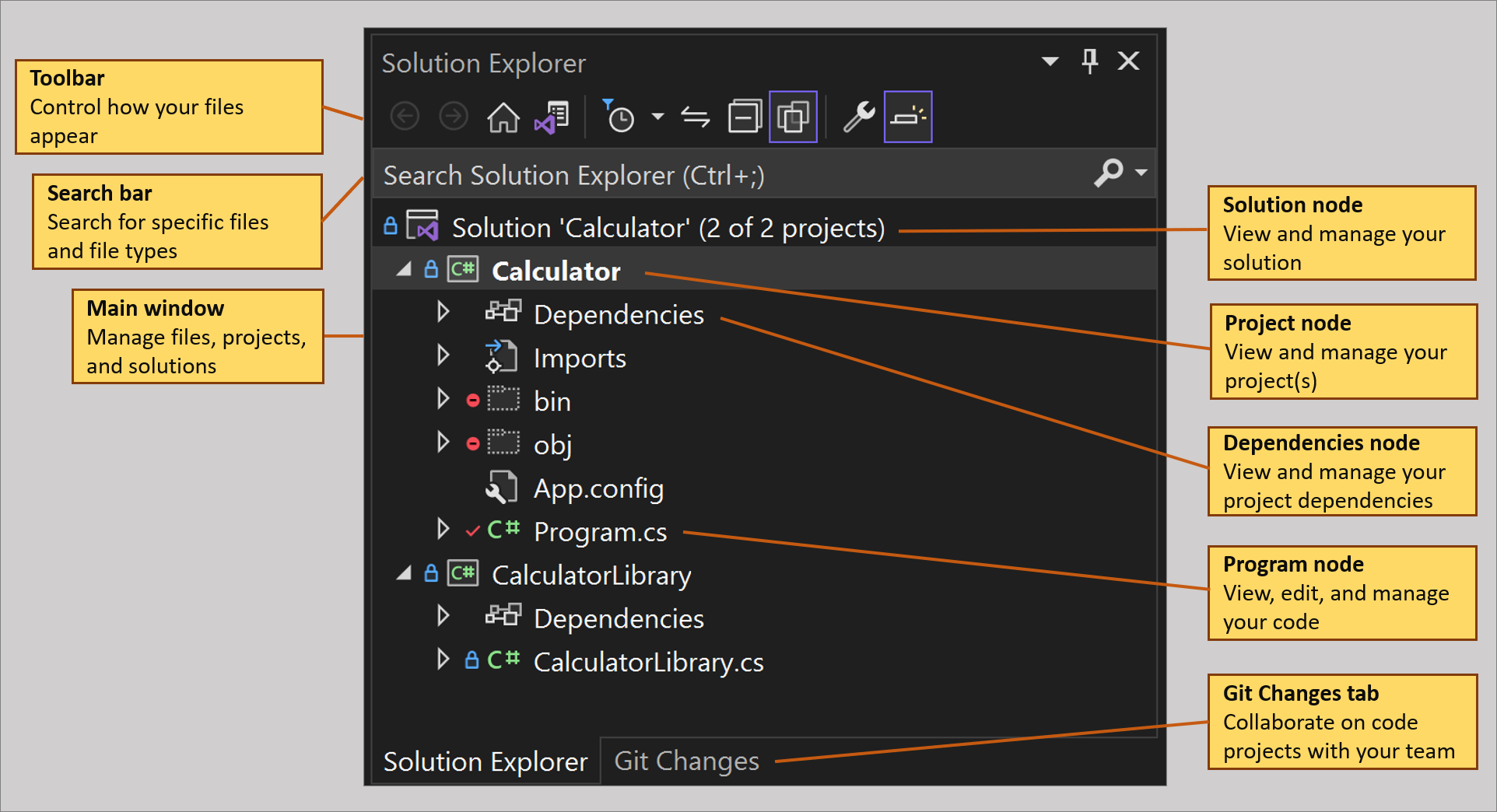
Conhe a O Gerenciador De Solu es Visual Studio Windows Microsoft

Top Visual Studio Code Extensions For Svelte Developers

Visual Studio Code Yaml File Formatting In Vscode Stack Overflow Manage
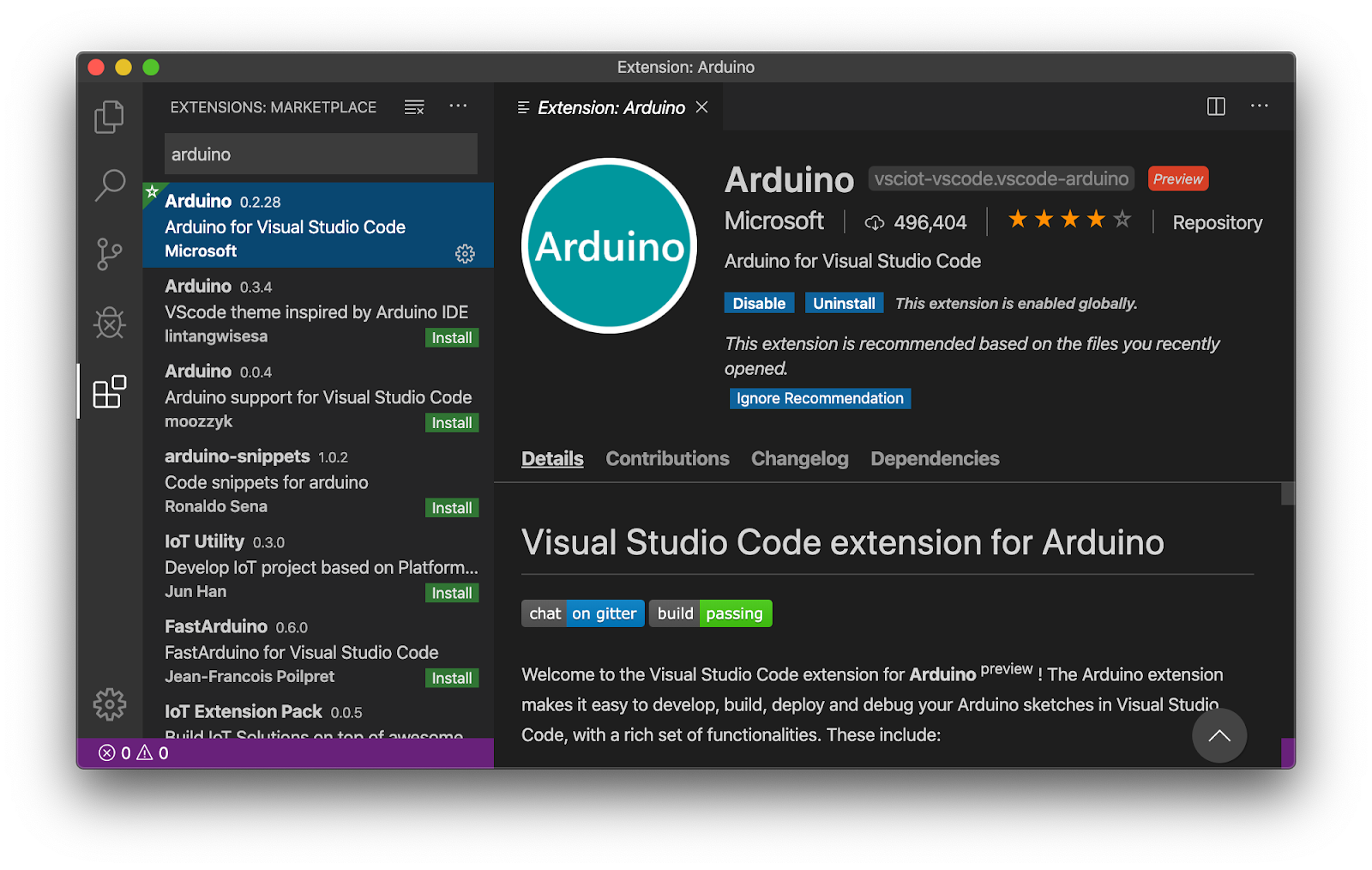
Getting Started With Visual Studio Code For Mac Tikloquestions
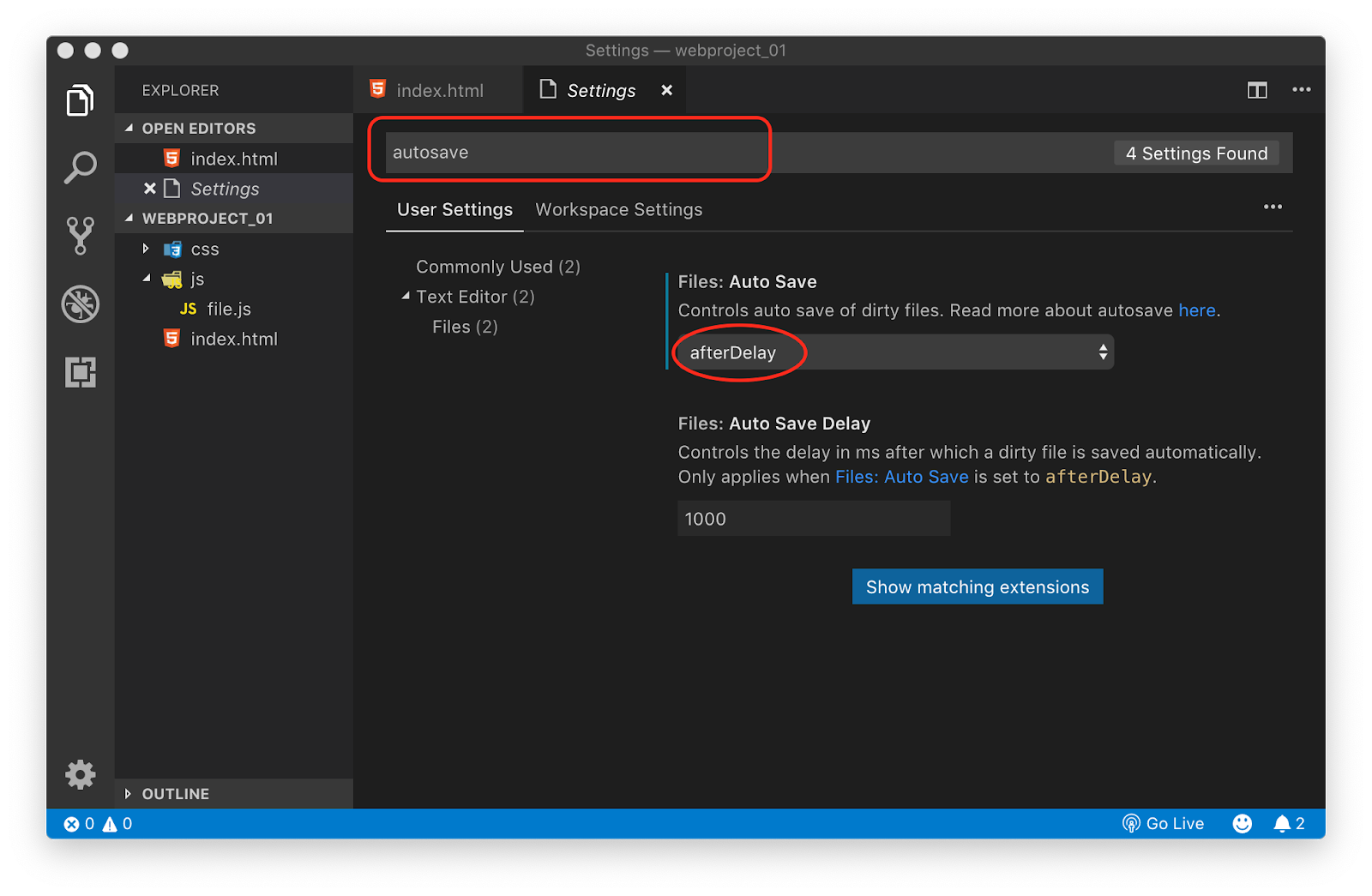
Visual Studio Code Auto Format When Save Raswaves

Top Visual Studio Code Extensions For React Developers

Web Sep 21 2021 nbsp 0183 32 In one of the sections I provide information on how to build solution files in Visual Studio Code in Windows I believe it is similar for other systems
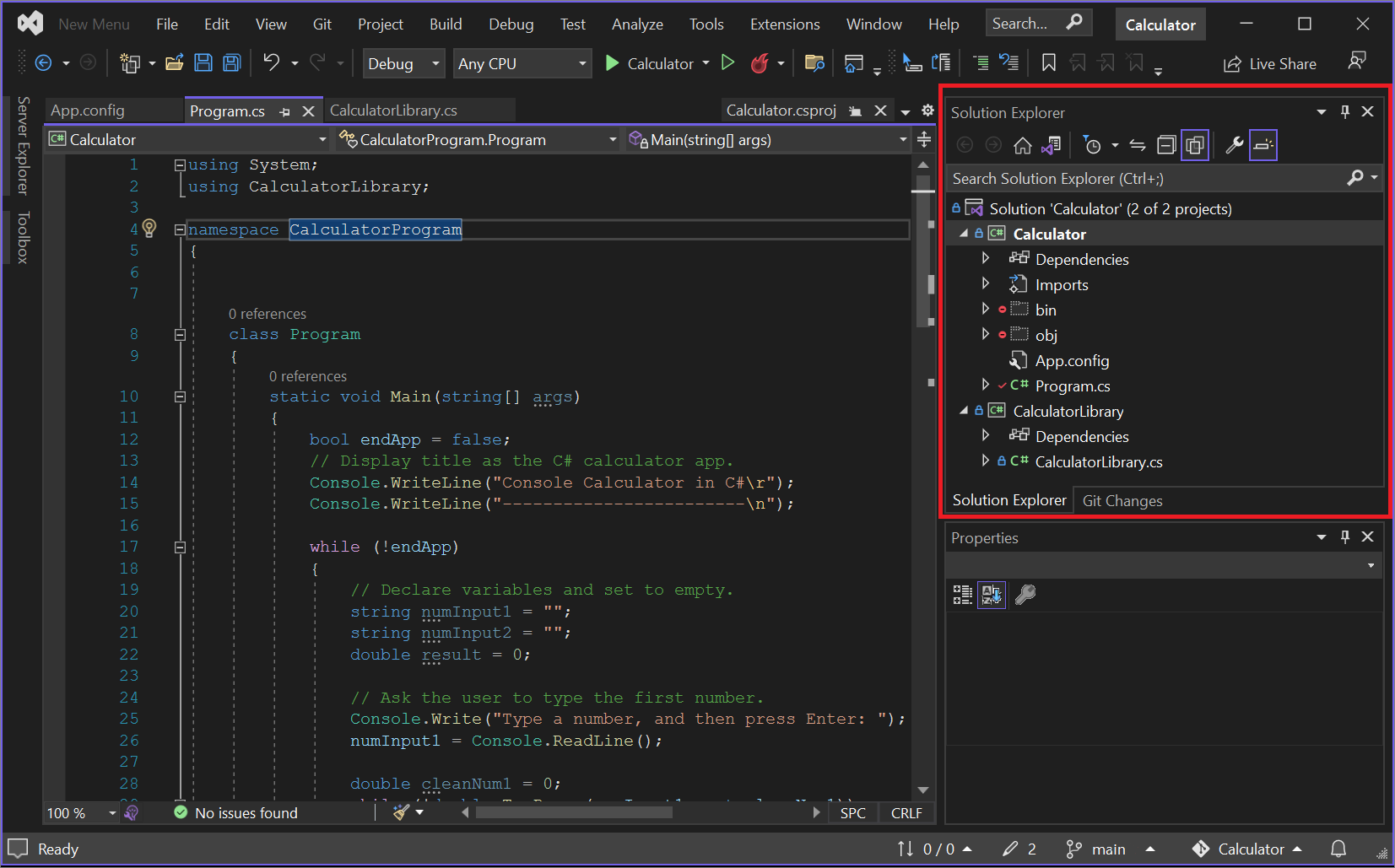
Web When you create a C application in Visual Studio Code you start with a project A project contains all files such as source code images etc
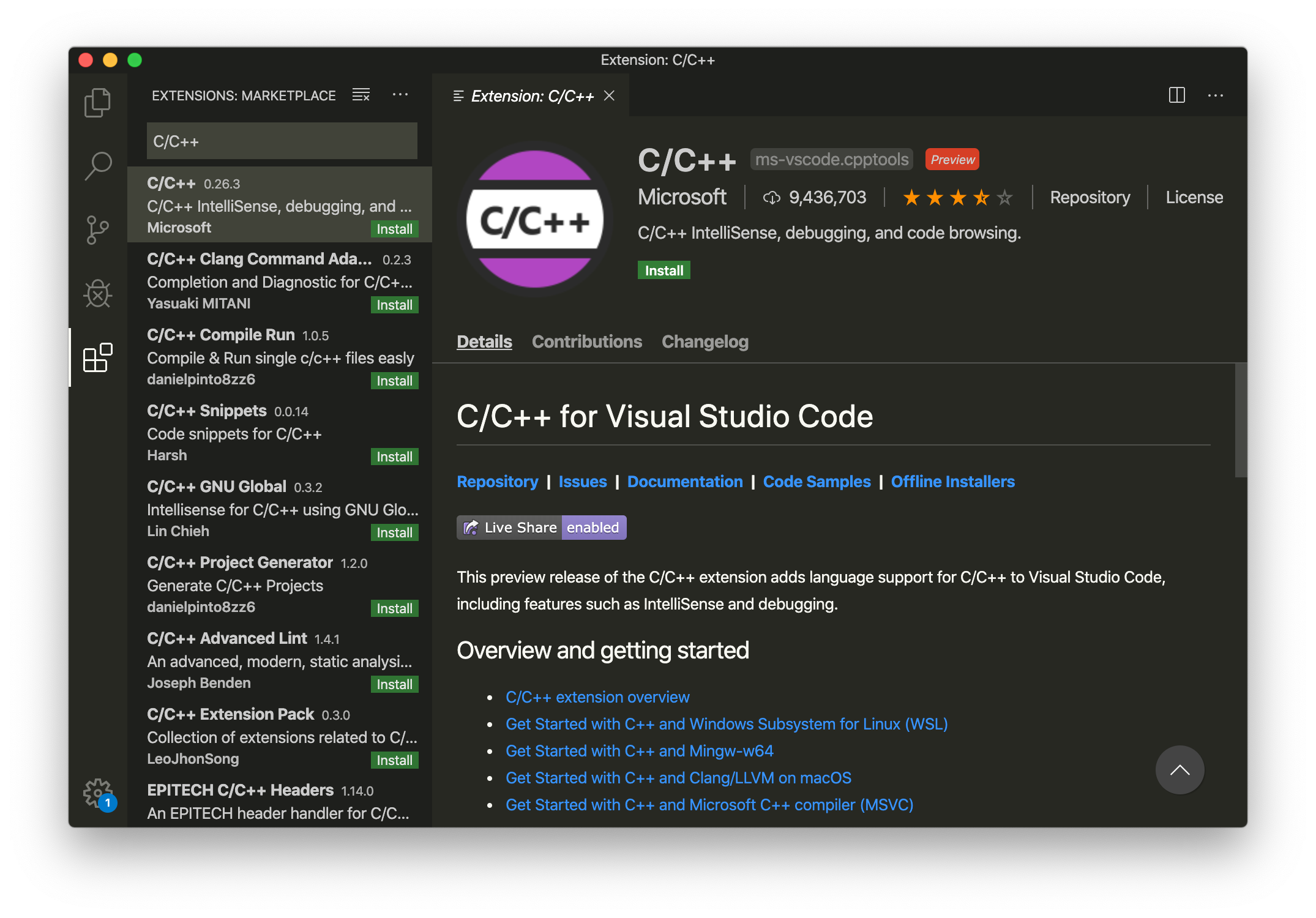
Web Building Projects with VS Code Codecademy Codecademy Team Use Visual Studio Code in your local environment and create an HTML website Practice using Visual
Web MSBuild projects C scripts CSX Supported NET project types include ASP NET Core App ASP NET Core Web API ASP NET Core MVC Web App Blazor Web App Blazor Server App Blazor WebAssembly App

Web Oct 24 2016 nbsp 0183 32 There are two recommended approaches for building a C application in VS Code Build with VS Code tasks Build with the CMake Tools extension If your
Web Open VSCode settings and search for quot terminal integrated shell quot If you are using PowerShell as your integrated terminal then use the following build task in your task json file Web NET Docs Visit the NET docs for more information on this powerful cross platform development solution Deploying Applications to Azure Deploy your app to Azure Get
Web 5 days ago nbsp 0183 32 1 Code Runner Code Runner is an essential Visual Studio Code extension that automatically compiles and runs your code with the click of a button Instead of