Brightness Cd M2 Meaning Walton W65S3BG Beda Lumen Vs Candela Vs Lux Light Words Light Experiments Stage Monitor Brightness Everything You Need To Know PCSynced 55 C745 QLED TV Lumen Measurement Nov 27 2022 nbsp 0183 32 I have Dell XPS 17 laptop with Windows 10 Home 21H2 My screen brightness on minimum setting is still too bright How can I reduce brightness below the minimum Thanks
Jun 2 2019 nbsp 0183 32 On screen Brightness control stuck on screen New installation of Windows 10 1809 Home edition Every time I boot the computer the brightness control slider is stuck on the Jan 1 2020 nbsp 0183 32 Down below you can find example of how screenshot looks when I make it with the snipping tool Here is how it s shown when I screenshot the snipping tool P S The color of the
Lumen Measurement IPASON E2729S Z 27 165Hz 2K 1440P FreeSync HDR400 Gaming Monitor 2560 Oled24 IPASON E2729S Z 27 165Hz 2K 1440P FreeSync HDR400 Gaming Monitor 2560 Fig 5 Maps Of Europe s Artificial Sky Brightness In Twofold TCL 65P755 Western Appliances COOCAA 42S3G 42 Inch Android TV LED TV Youtube Built In FHD Comparing The Peak Brightness Of OLED And QD Displays Physics Symbols And Units
Brightness Cd M2 Meaning
 Brightness Cd M2 Meaning
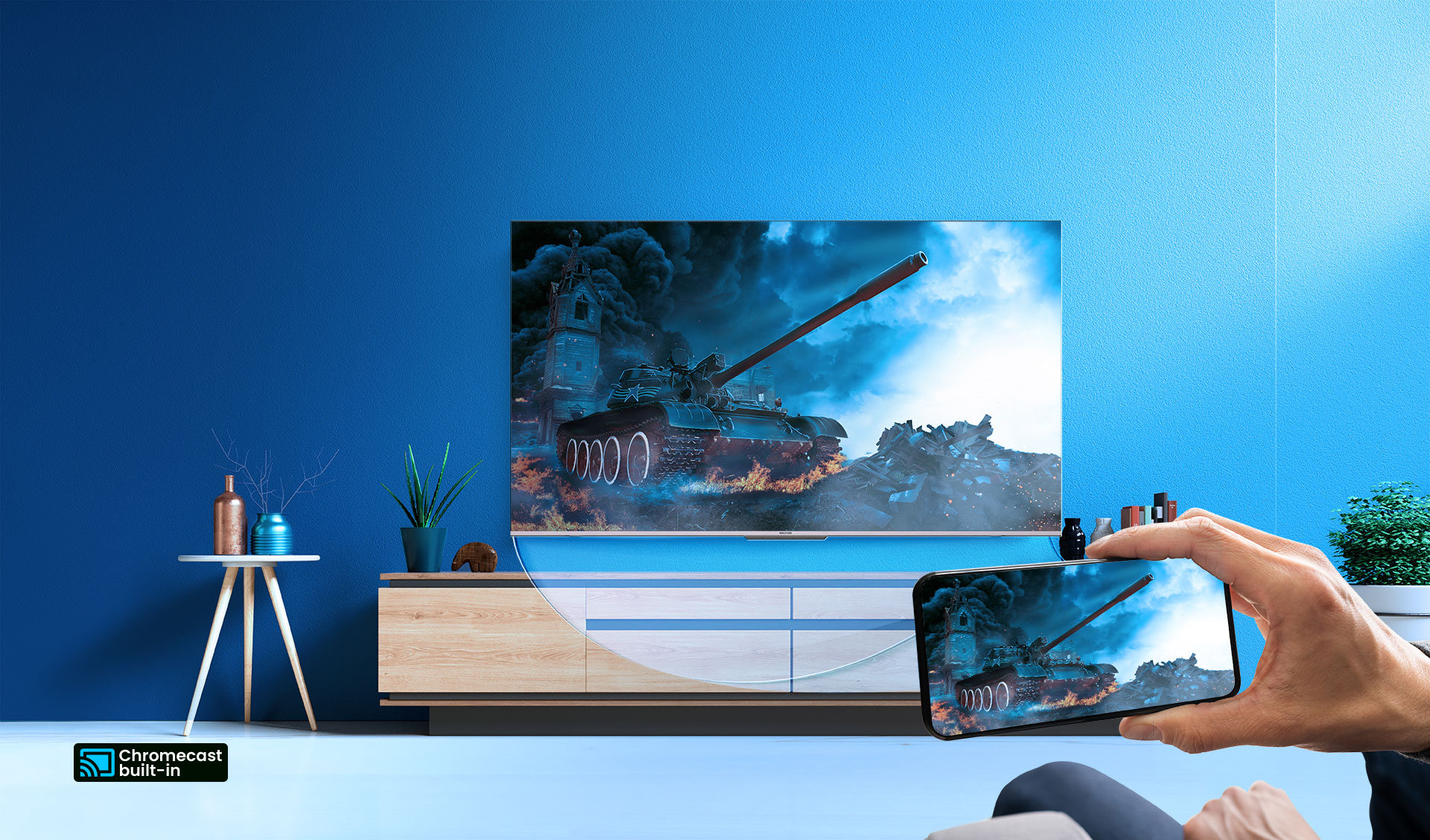
https://waltonbd.com/image/catalog/tv/4k-tv/w65s3bg/desktop-view/wtv-w65s3bg-feature-chromecast-built-in.jpg
Jul 29 2019 nbsp 0183 32 The Display brightness setting in Power Options let s users specify the default display brightness level This setting applies only to portable computers that support Windows
Pre-crafted templates offer a time-saving solution for producing a varied variety of files and files. These pre-designed formats and layouts can be used for different individual and professional jobs, including resumes, invitations, flyers, newsletters, reports, presentations, and more, streamlining the content development process.
Brightness Cd M2 Meaning
Display 24 Touch Screen QB24C T 16 7
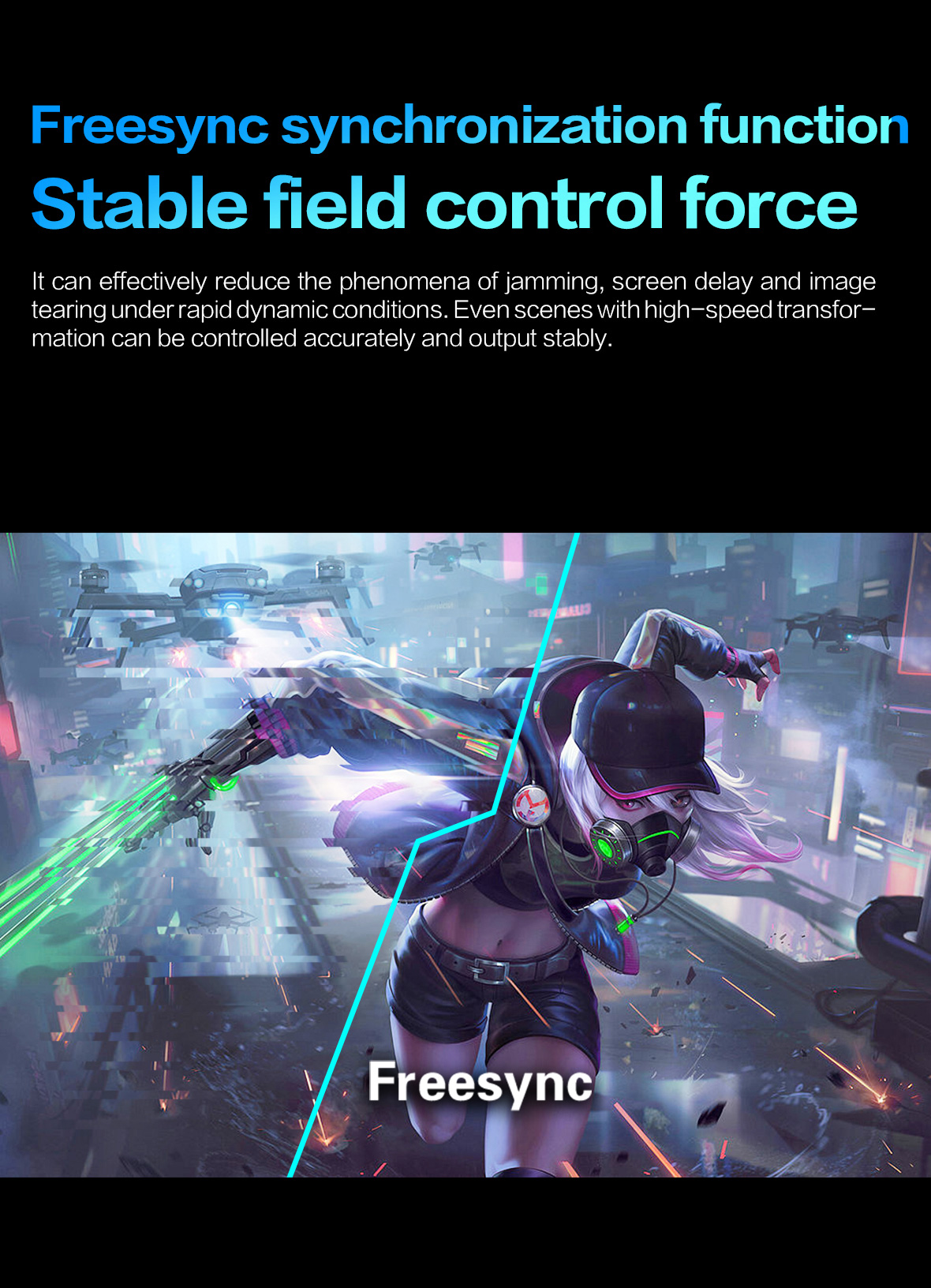
IPASON E2729S Z 27 165Hz 2K 1440P FreeSync HDR400 Gaming Monitor 2560
Oled24

IPASON E2729S Z 27 165Hz 2K 1440P FreeSync HDR400 Gaming Monitor 2560
TCL 65P755 Western Appliances
COOCAA 42S3G 42 Inch Android TV LED TV Youtube Built In FHD
Nov 8 2021 nbsp 0183 32 How to Enable or Disable Adaptive Brightness in Windows 10 Displays especially on laptops and tablets may utilize ambient light sensors to detect surrounding levels of light

Dec 23 2019 nbsp 0183 32 How to Add or Remove Brightness Slider on Action Center in Windows 10 If you have a Windows 10 device ex laptop or tablet with a built in display you can change its

Brightness Lightness Luminance Lab 20

Jan 5 2024 nbsp 0183 32 In short if lightness is perceived reflectance brightness is perceived luminance The reflectance of an object is a relatively permanent property whereas its luminance is transient

Oct 24 2024 nbsp 0183 32 Hello After updating to Windows 11 my laptop screen has been kind of problematic Moving my mouse often causes the screen brightness to double even at the
[desc-11] [desc-12]
[desc-13]