Bootstrap 5 Body Full Height Bootstrap Survey Design Design Talk Bootstrap 5 Cards Same Equal Height Tutorial Demo CodeHim Ge it K s tlamalar Tercih Edilir Card Bootstrap Bbvillacampanabelluno Bootstrap Treetable Examples Tutorial Bootstrap Meningkatkan Responsivitas Dan Estetika Dalam Pengembangan Jul 23 2016 nbsp 0183 32 If you are using bootstrap v5 x and opening and closing the modal programmatically and it s still not working it means there could be one or more reasons
Jun 12 2014 nbsp 0183 32 The Bootstrap grid system has four classes xs for phones sm for tablets md for desktops lg for larger desktops The classes above can be combined to create more dynamic Aug 10 2009 nbsp 0183 32 I keep seeing quot bootstrapping quot mentioned in discussions of application development It seems both widespread and important but I ve yet to come across even a poor
Bootstrap Meningkatkan Responsivitas Dan Estetika Dalam Pengembangan Bootstrap Row Height Condurre Sicurezza Studente Universitario How To Center A Div Toro Top 154 Bootstrap Animated Cards Lestwinsonline Css Bootstrap 4 50 height Rows cols Stack Overflow Why Does Bootstrap Set The Line height Property To 1 428571429 CSS How To Control Height And Width Of Bootstrap Form YouTube Bootstrap Panel Body 100 Height Of Parent Div CSS Tricks CSS Tricks Images Bootstrap V4 5
Bootstrap 5 Body Full Height
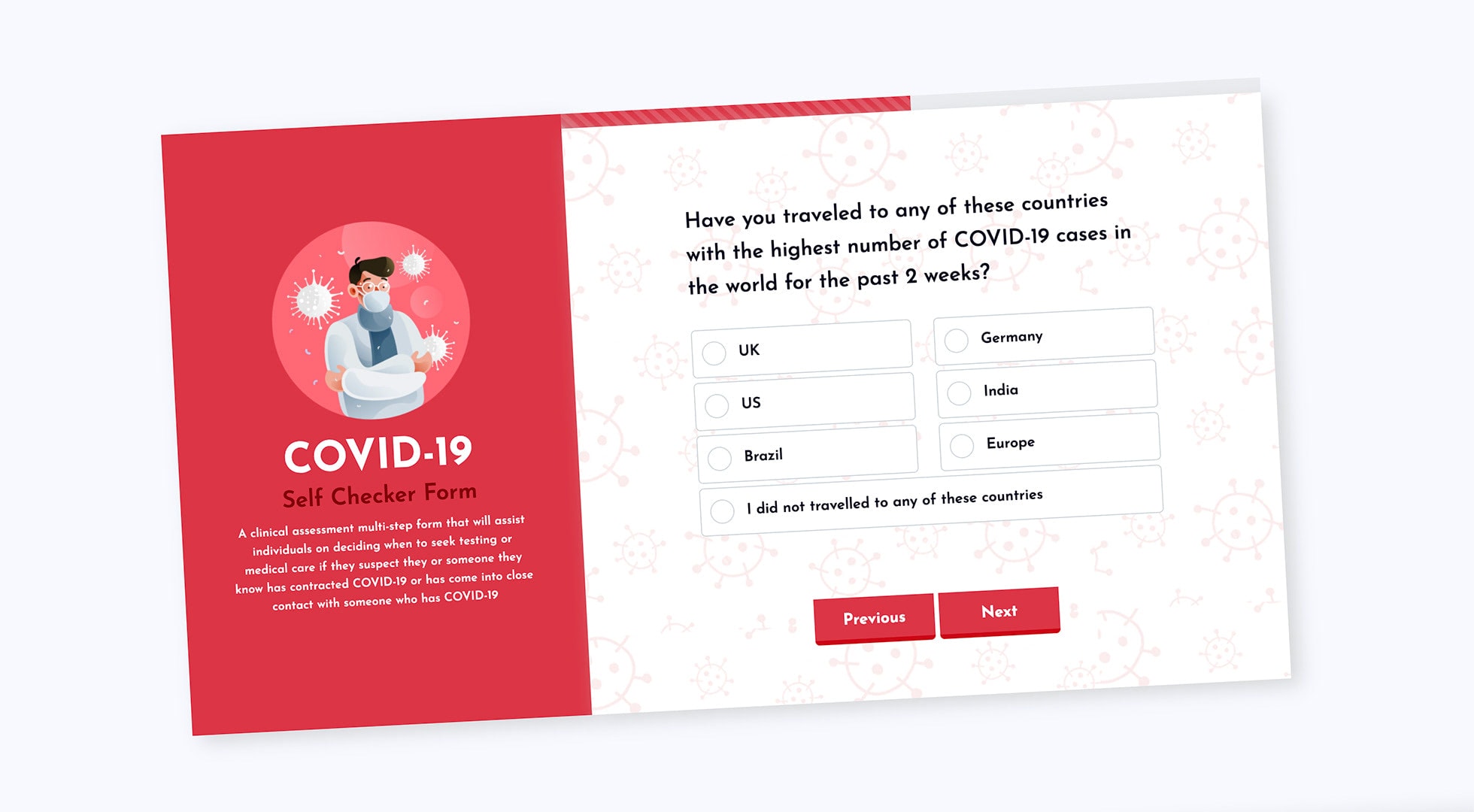 Bootstrap 5 Body Full Height
https://designmodo.com/wp-content/uploads/2021/04/bootstrap-5-form.jpg
Feb 3 2021 nbsp 0183 32 If you are using Bootstrap 5 use ms auto class name to shift the nav links to right ms auto stands for margin left auto s gt start Where as the meaning of me auto is margin right
Templates are pre-designed documents or files that can be utilized for numerous functions. They can conserve effort and time by offering a ready-made format and layout for producing various sort of material. Templates can be used for individual or professional tasks, such as resumes, invitations, leaflets, newsletters, reports, presentations, and more.
Bootstrap 5 Body Full Height

Responsive Image Slider With HTML CSS Bootstrap Bootstrap 5 Tutorial

Bootstrap Row Height
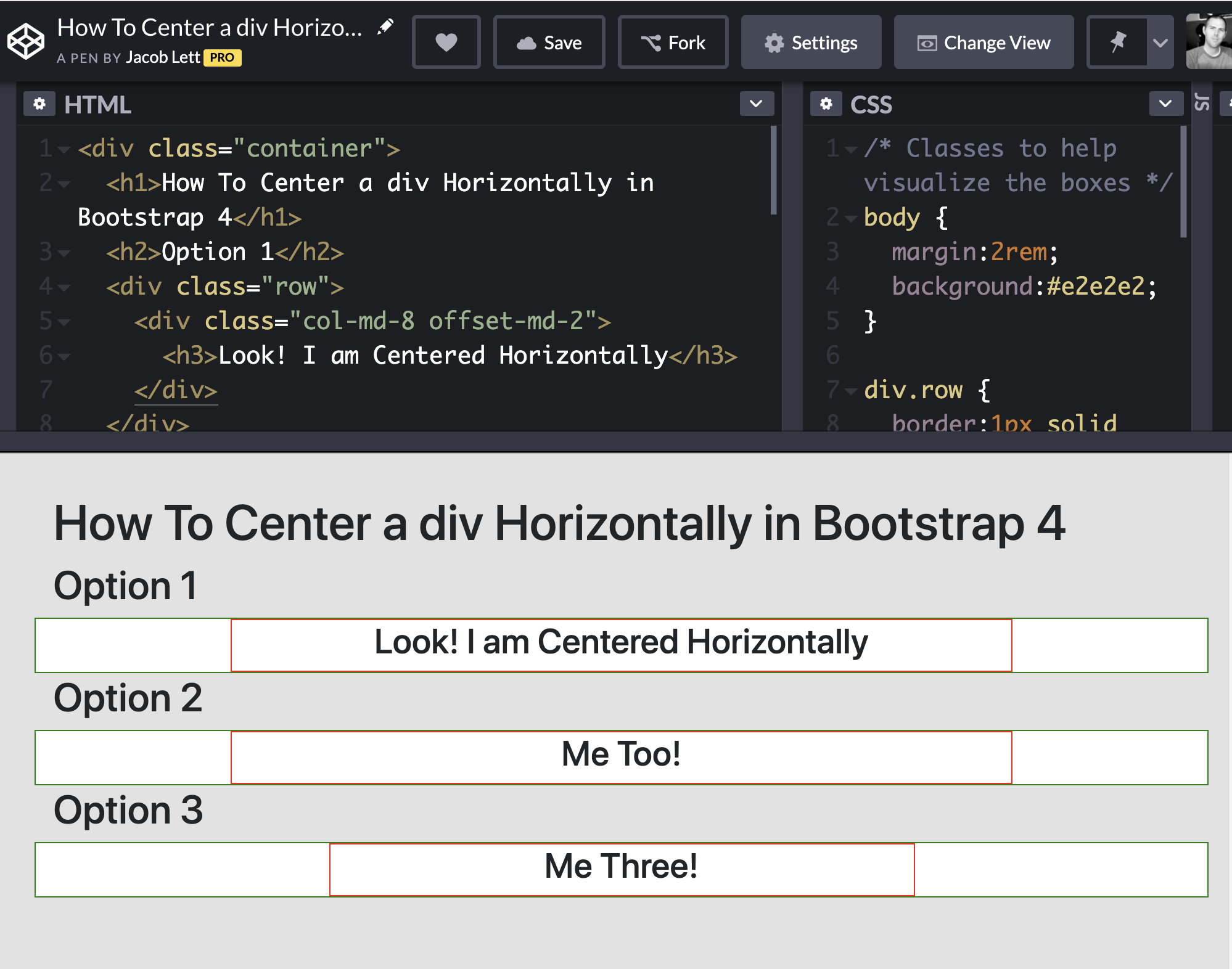
Condurre Sicurezza Studente Universitario How To Center A Div Toro

Top 154 Bootstrap Animated Cards Lestwinsonline

Why Does Bootstrap Set The Line height Property To 1 428571429 CSS

How To Control Height And Width Of Bootstrap Form YouTube
Nov 22 2013 nbsp 0183 32 I need to create a responsive page using bootstrap by position a div at the centre of a page as like in the below mentioned layout

Jun 6 2014 nbsp 0183 32 The bootstrap live customizer is a good resource for customising your own bootstrap theme and seeing the results live as you customise Using this website its very easy
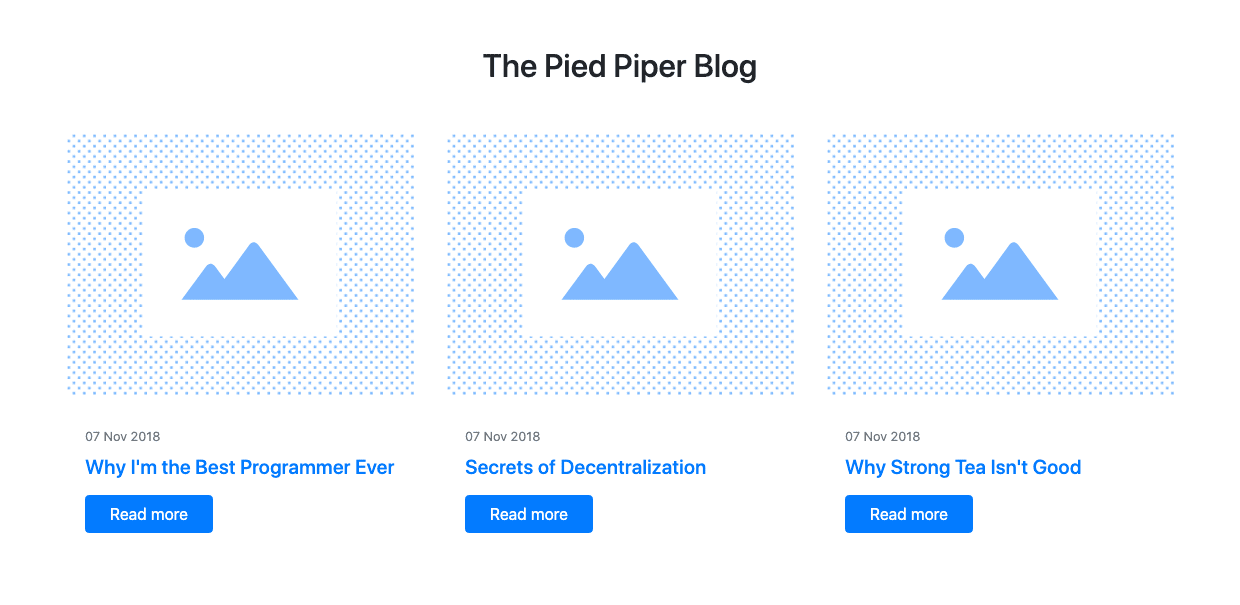
Answers and discussions on using Fieldset and Legend with Bootstrap in HTML providing solutions and examples for web development

Bootstrap 4 original answer Bootstrap has many different ways to align navbar items float right won t work because the navbar is now flexbox You can use mr auto for auto right margin on

Does anyone know the how to change Bootstrap s input focus The blue glow that shows up when you click on an input field
[desc-11] [desc-12]
[desc-13]