Bootable Usb For Windows 10 On Mac How To Create Bootable USB From Windows 10 8 7 DroidTechKnow How To Make A Windows 10 Bootable USB Flash Drive 2020 YouTube How To Create A Windows 10 Bootable USB Pendrive Drive Genuine Version Create Bootable USB Drives From Windows With Rufus Version 3 0 HOW TO MAKE BOOTABLE USB FOR WINDOWS 10 USING CMD YouTube Web Sep 21 2023 nbsp 0183 32 Step 1 Install and run EaseUS Data Recovery Wizard for Mac on another Mac computer and select quot Unbootable Mac gt Start quot Step 2 Then choose a prepared USB drive to create the bootable disc Select quot Next quot to start creating the bootable disk Warning
Web Sep 7 2023 nbsp 0183 32 Fortunately there s a great tool that you can use for free to create bootable macOS media on a USB drive in a Windows 10 environment This article shows you how to download a macOS DMG file format a USB drive using a GUID Partition Table burn the DMG to the drive and boot your Mac from the USB Web Sep 29 2023 nbsp 0183 32 What you need to make a bootable USB for Mac There are two main things you ll need to make your bootable install drive a USB stick or a Thunderbolt drive and the installation files
HOW TO MAKE BOOTABLE USB FOR WINDOWS 10 USING CMD YouTube Mac Bootable Usb Dmg File Download Windows Renewsolutions How To Create UEFI Bootable USB For Windows 10 Windows 10 UEFI Bootable USB Installer Drive For Apple Mac OS System Recovery Kit Make Bootable Mac Usb Using Cmd Brainlasopa Windows 11 Bootable Usb Bootable USB For Windows 8 Karan PC How To Create Bootable Usb For Windows 10 64 32 Bit YouTube How To Create Windows 10 Bootable USB With Command Prompt
Bootable Usb For Windows 10 On Mac
 Bootable Usb For Windows 10 On Mac
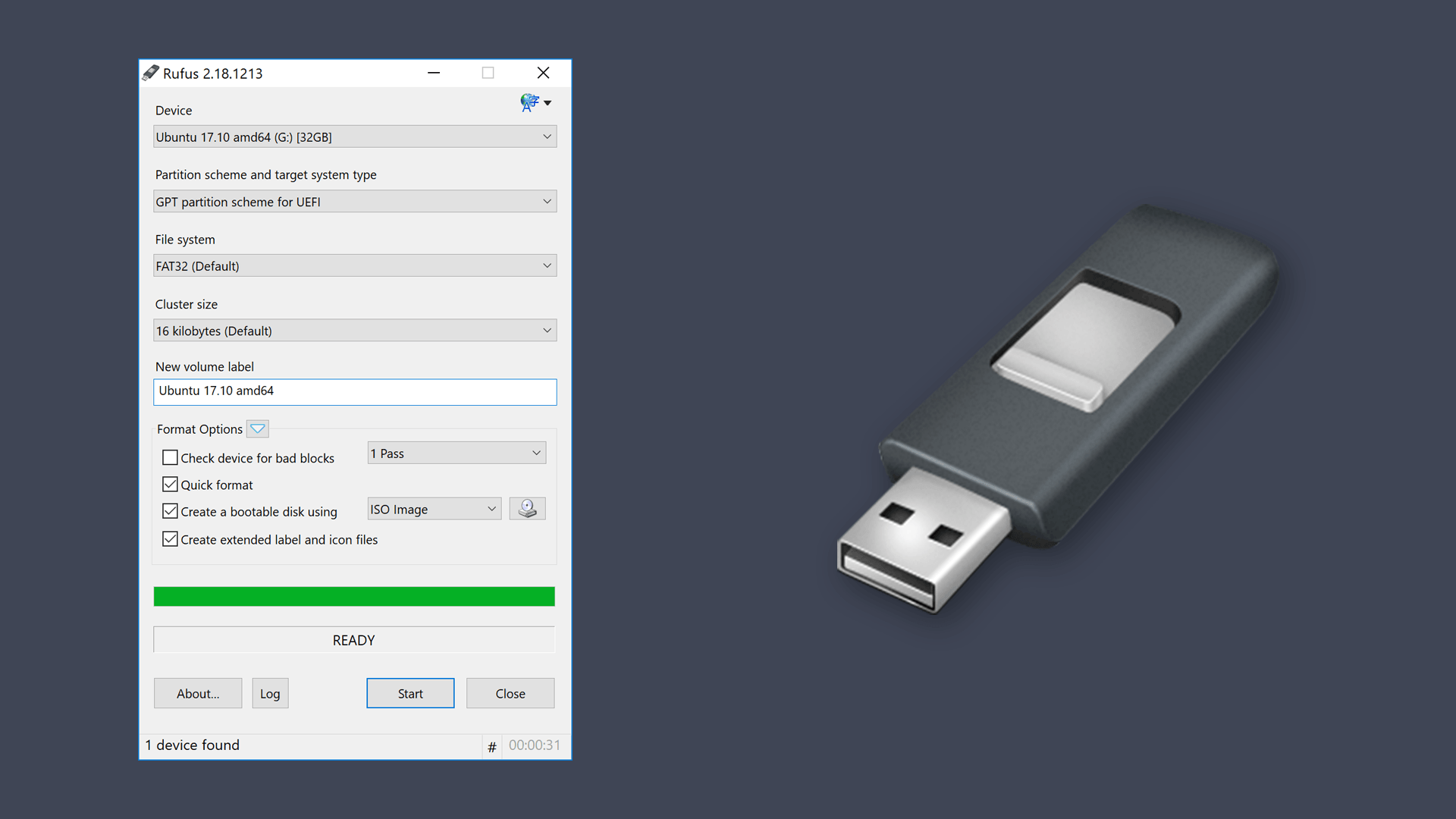
https://droidtechknow.com/how-to/how-to-create-bootable-usb-from-windows/images/create-a-bootable-usb.jpg
Web Feb 6 2022 nbsp 0183 32 I booted into recovery using my Monterey USB this one is for Mac Pro 5 1 to get to Terminal and tried copying the two EFI folders EFI and System from the USB to the EFI on the main
Pre-crafted templates offer a time-saving option for developing a varied variety of documents and files. These pre-designed formats and layouts can be used for various personal and expert tasks, consisting of resumes, invites, flyers, newsletters, reports, discussions, and more, improving the content creation procedure.
Bootable Usb For Windows 10 On Mac
How To Make A Bootable USB Of Windows 11 Rufus Bootable USB Of Windows
Mac Bootable Usb Dmg File Download Windows Renewsolutions

How To Create UEFI Bootable USB For Windows 10 Windows 10 UEFI
Bootable USB Installer Drive For Apple Mac OS System Recovery Kit
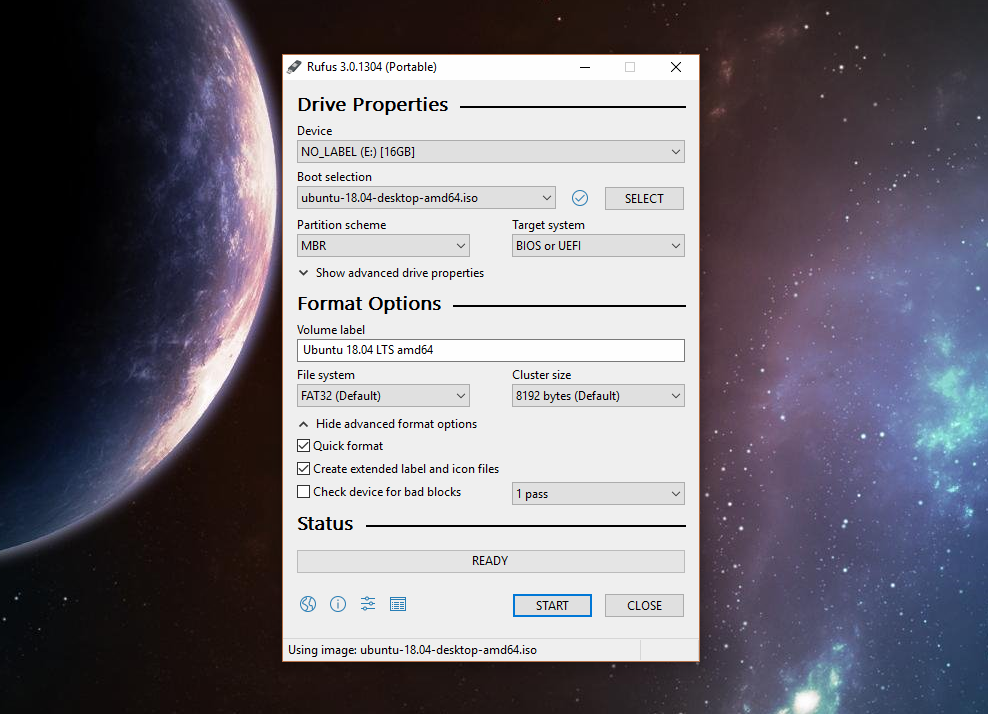
Windows 11 Bootable Usb

Bootable USB For Windows 8 Karan PC
Web Sep 25 2019 nbsp 0183 32 How to Make a Windows 10 USB Using Your Mac Build a Bootable ISO From Your Mac s Terminal Step 1 Download the Windows 10 ISO file You can download the ISO file straight from Microsoft That s right Step 2 Insert your USB storage drive into your Mac The ISO file is only about 5 gigabytes

Web Sep 26 2023 nbsp 0183 32 What you need to create a bootable installer A USB flash drive or other secondary volume with at least 14GB of available storage formatted as Mac OS Extended A full macOS installer To get a full installer download from a Mac that is using macOS High Sierra or later the latest version of macOS Sierra or the latest version of OS X El Capitan

Web Aug 29 2023 nbsp 0183 32 To create a bootable USB drive with macOS use these steps Download and install TransMac on Windows 10 Quick note This is a paid piece of software but it gives you a 15 day Connect the USB flash drive Important If you have any data on the flash drive remember to back it up since this
Web Mar 31 2022 nbsp 0183 32 Step 1 Connect a USB drive with at least 16 GB of storage space to your Windows PC and move all data from USB drive to a safe place as the drive will be erased while preparing macOS bootable USB Step 2 Visit this page of TransMac and download the latest version of TransMac software on your PC

Web May 31 2023 nbsp 0183 32 English Can I create a Windows 10 installation USB on a Mac How to make a Windows 10 bootable USB on Mac To figure out answers to these two questions you can go on to read this post It is not easy as the creation on a Windows PC and MiniTool shows you a detailed guide with multiple ways to create Windows 10 bootable
Web Feb 14 2022 nbsp 0183 32 One of the most effective methods for creating a Windows Ten bootable standard USB on Mac would be to manually configure format another flash drive as well as put the necessary data onto it by using it into Mac s Port Because there is a storage element at work the overall process may get rather complex Web Sep 6 2021 nbsp 0183 32 Click the quot Choose quot button and locate the ISO file Make sure the destination disk is the USB thumb drive you ve inserted Click Continue It can take about 20 minutes to format and set up the
Web Mar 9 2022 nbsp 0183 32 Setting up GPT partition Use these steps to set up a USB drive with a GPT partition Open Start on Windows 10 Search for Command Prompt right click the top result and select the Run as Administrator option Type the following command to open Diskpart and press Enter diskpart