Bios Secure Boot Enable HP PCs Secure Boot Windows 10 HP Customer Support Venue 11 Pro How To Enable Secure Boot Dell Suriname Disabling Secure Boot Disable Secure Boot Asus Uefi Bios Utility Astucesinformatique Disabiling ASUS Bios Secure Boot Doovi Web Starten Sie den Computer Dr 252 cken Sie die Taste F2 w 228 hrend das Dell Logo auf dem Bildschirm angezeigt wird um das BIOS aufzurufen Die folgenden Schritte k 246 nnen je nach Computermodell variieren Alienware Inspiron und Vostro Navigieren Sie zu Boot gt 196 ndern der Listenoption f 252 r sicheren Start in UEFI
Web May 16 2023 nbsp 0183 32 Rufen Sie zun 228 chst das BIOS Dienstprogramm des Computers auf Dr 252 cken und halten Sie bei ausgeschaltetem Computer die Taste F2 der Tastatur und dr 252 cken Sie dann die Power Taste um das BIOS Dienstprogramm aufzurufen Hier k 246 nnen Sie mehr erfahren 252 ber Wie man das BIOS aufruft Web M 246 glicherweise bewirken die BIOS Einstellungen dass der Computer scheinbar nicht 252 ber die Funktion quot Secure Boot quot Sicherer Start verf 252 gt Um das Upgrade auf Windows 11 durchzuf 252 hren m 252 ssen Sie Legacy Boot Legacy Start
Disabiling ASUS Bios Secure Boot Doovi How To Enable Secure Boot On Gigabyte Motherboards AMD And Intel Windows 11 BIOS Settings Enable TPM 2 0 Secure Boot UEFI How To Enable Secure Boot On Gigabyte Motherboard Techozu Enable BIOS Secure Boot With OpenCore Profzei Matebook X Pro 2018 How To Enable TPM 2 0 And Secure Boot To Upgrade To Windows 11 How To Enable TPM 2 0 And Secure Boot To Upgrade To Windows 11 Venue 11 Pro How To Enable Secure Boot Dell Palau How To Disable Secure Boot In BIOS CCBoot V3 0 Diskless Boot System
Bios Secure Boot Enable
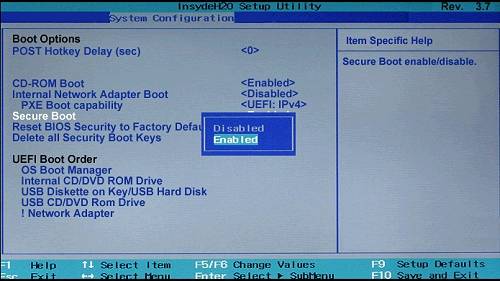 Bios Secure Boot Enable
https://support.hp.com/doc-images/803/c03980379.jpg
Web Microsoft security Accessibility center Learn how to change settings to enable Secure Boot if you are not able to upgrade to Windows 11 because your PC is not currently Secure Boot capable
Pre-crafted templates use a time-saving solution for developing a diverse variety of files and files. These pre-designed formats and designs can be made use of for numerous personal and professional tasks, including resumes, invitations, flyers, newsletters, reports, discussions, and more, streamlining the material development process.
Bios Secure Boot Enable
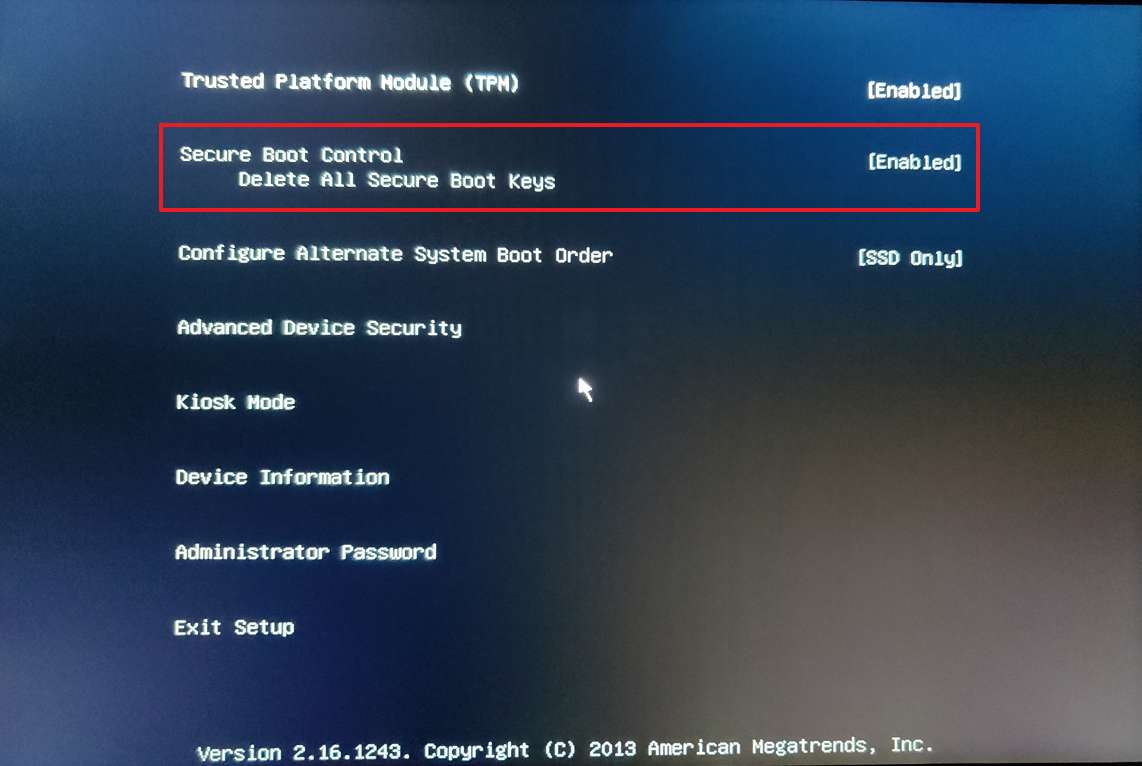
How To Enable Secure Boot On Pc To Install Windows 11 Windows Central

How To Enable Secure Boot On Gigabyte Motherboards AMD And Intel
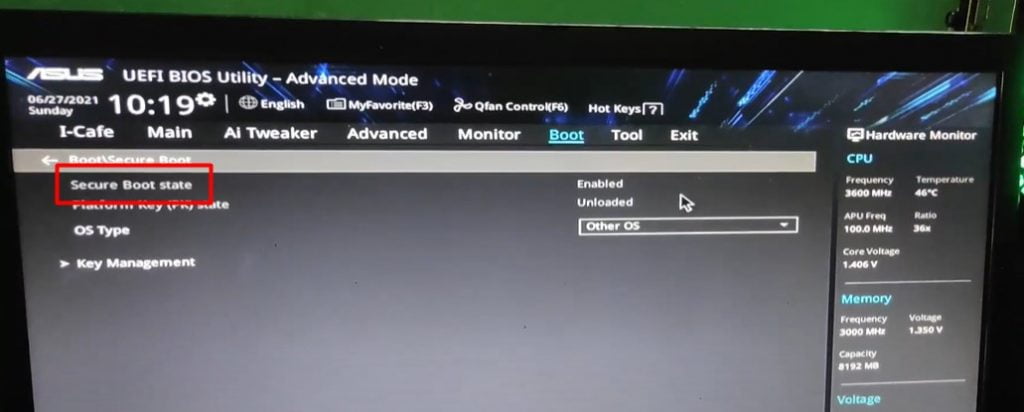
Windows 11 BIOS Settings Enable TPM 2 0 Secure Boot UEFI
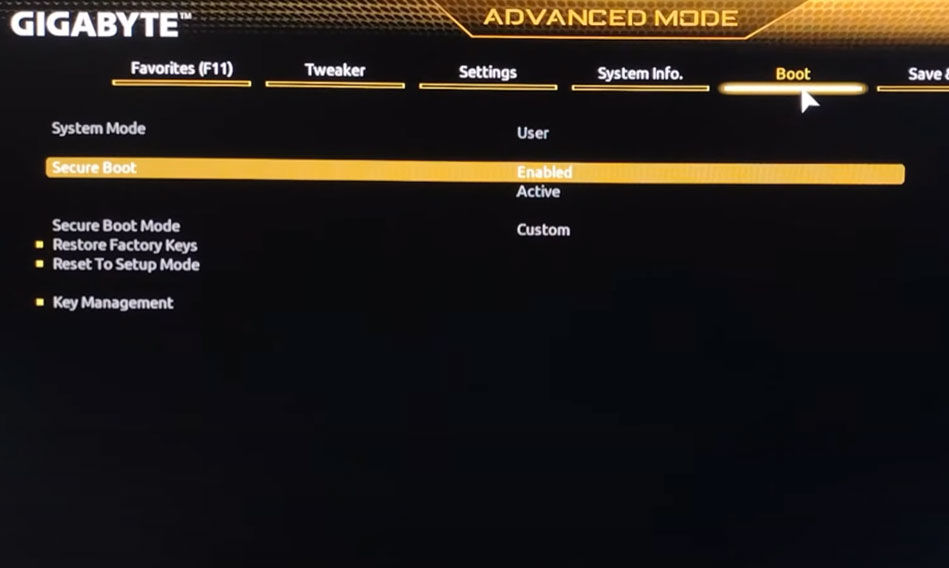
How To Enable Secure Boot On Gigabyte Motherboard Techozu

How To Enable TPM 2 0 And Secure Boot To Upgrade To Windows 11

How To Enable TPM 2 0 And Secure Boot To Upgrade To Windows 11

Web Jul 24 2023 nbsp 0183 32 To enable secure boot on your PC you can either Contact your support person for help Enable Secure Boot from the PC BIOS menu For step by step instructions see Re enable Secure Boot

Web Oct 4 2021 nbsp 0183 32 Starten Sie Ihren PC und dr 252 cken Sie w 228 hrend des Starts die entsprechende Taste um ins BIOS zu gelangen Im Regelfall handelt es sich um F1 F2 F12 Esc oder Entf Wenn Sie sich im
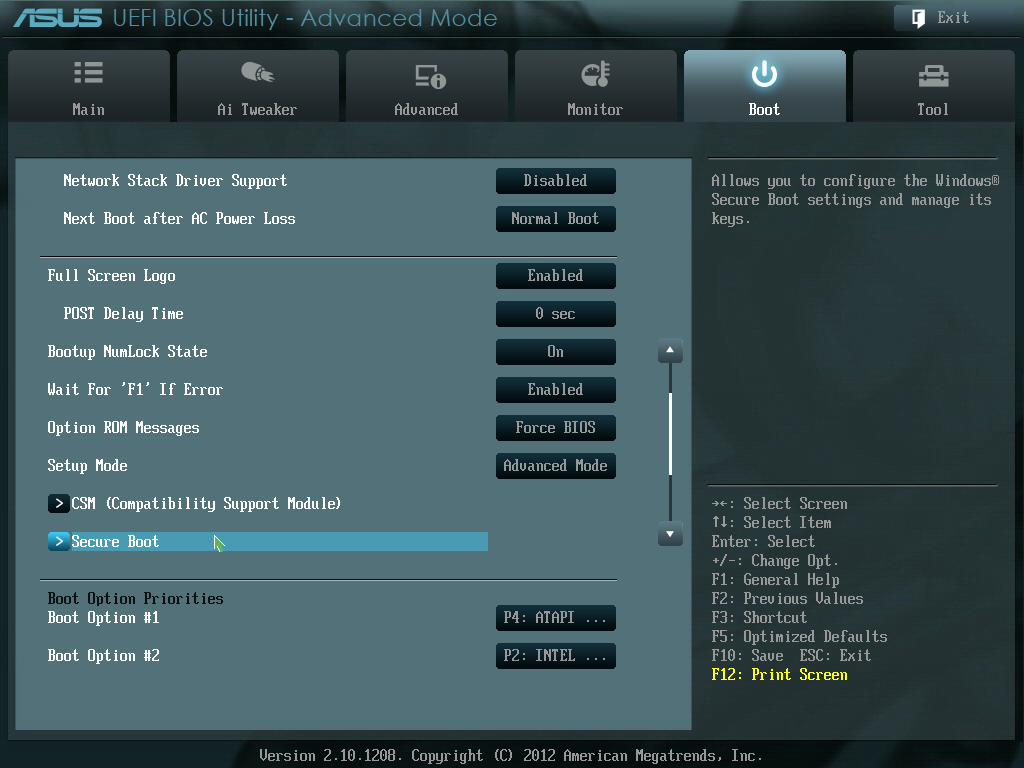
Web Secure Boot Status einstellen 1 Schalten Sie das System ein und dr 252 cken Sie die Taste Entf um das BIOS Erweiterter Modus aufzurufen siehe Abbildung unten 2 Klicken Sie auf Boot siehe Abbildung unten 3 Klicken Sie auf die Option Secure Boot siehe Abbildung unten 4 OS Typ Standard ist Anderes OS

Web Zum 196 ndern dieser Einstellungen m 252 ssen Sie den PC Startmodus von einem als quot Legacy quot BIOS auch als quot CSM Modus quot bezeichnet auf UEFI BIOS Unified Extensible Firmware Interface umschalten In einigen F 228 llen gibt es Optionen sowohl UEFI als auch Legacy CSM zu aktivieren

Web Sobald Sie in Ihrem UEFI BIOS sind k 246 nnen Sie unter der Kategorie quot Sicherheit quot die Konfiguration f 252 r den sicheren Start 228 ndern Aktivieren Sie die Option und speichern Sie die Einstellungen Anschlie 223 end k 246 nnen Sie Ihr Ger 228 t neu starten und Secure Boot ist aktiviert
[desc-11] [desc-12]
[desc-13]