Bios Reset Button Cara Reset Bios Gigabyte How To Reset Remove Bypass A BIOS Or CMOS Password A Complete Guide Lenovo Laptop Lenovo Ideapad Hp Laptop Laptop Repair Computer EASY METHOD BIOS Reset Windows 10 How To Reset Bios On Intense PC Troubleshooting Fit PC Wiki Web Dec 6 2021 nbsp 0183 32 625 3 Easy Ways to Clear CMOS Reset BIOS Clearing CMOS will reset the BIOS settings to their defaults By Tim Fisher Updated on December 6 2021 Reviewed by Lisa Mildon
Web Apr 26 2023 nbsp 0183 32 BIOS Keys by Manufacturer Here s a list of common BIOS keys by brand Depending on the age of your model the key may be different ASRock F2 or DEL ASUS F2 for all PCs F2 or DEL for Web Jan 12 2022 nbsp 0183 32 To reset the BIOS you ll need to launch the BIOS Turn on your computer and press and hold the Setup key at startup Depending on your PC this may be the F2 or the F10 key
Intense PC Troubleshooting Fit PC Wiki How To Remove Reset Change ROM BIOS Password Of A HP NC6400 YouTube Electronica Y Software2020 Borrado Cmos Por Jumper Tecnico PC GRATIS Bios Digital Storm How To 6 Clearing The CMOS Via Switch Battery Or 30 Ide Cara Reset Bios Laptop Dell Android Pintar How To Reset Bios CMOS Reset Bios Trang Th ng Tin V Gi o D c C p Gigabyte GA Z97X SLI Specificaties Tweakers BIOS Hardware RESET How To Reset The CMOS BIOS Settings HD YouTube CMOS Reset So Klappt s Schnell Und Sicher Bei Jedem PC
Bios Reset Button

https://h30434.www3.hp.com/t5/image/serverpage/image-id/181553i4AF3BFC66369F5EC?v=1.0
Web Aug 27 2023 nbsp 0183 32 Via UEFI BIOS Utility The first thing you should try is accessing the UEFI Legacy BIOS Utility Just hit Del F2 or an appropriate key when your PC reaches the splash screen In most systems the dedicated one should be displayed right below the manufacturer logo
Templates are pre-designed files or files that can be used for various purposes. They can save effort and time by offering a ready-made format and layout for producing different type of content. Templates can be utilized for individual or expert jobs, such as resumes, invitations, leaflets, newsletters, reports, presentations, and more.
Bios Reset Button
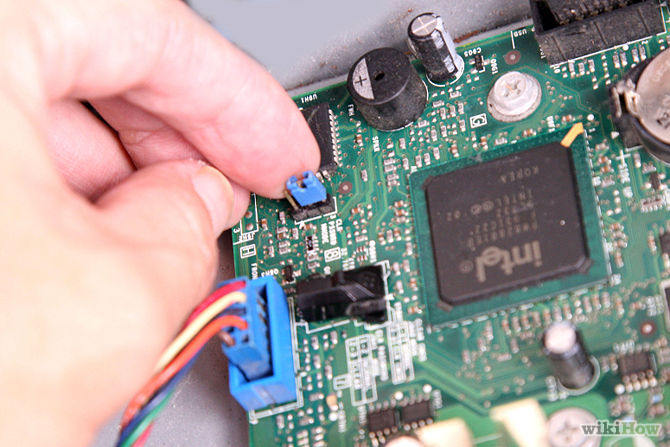
How To Reset The BIOS Password On HP Computer
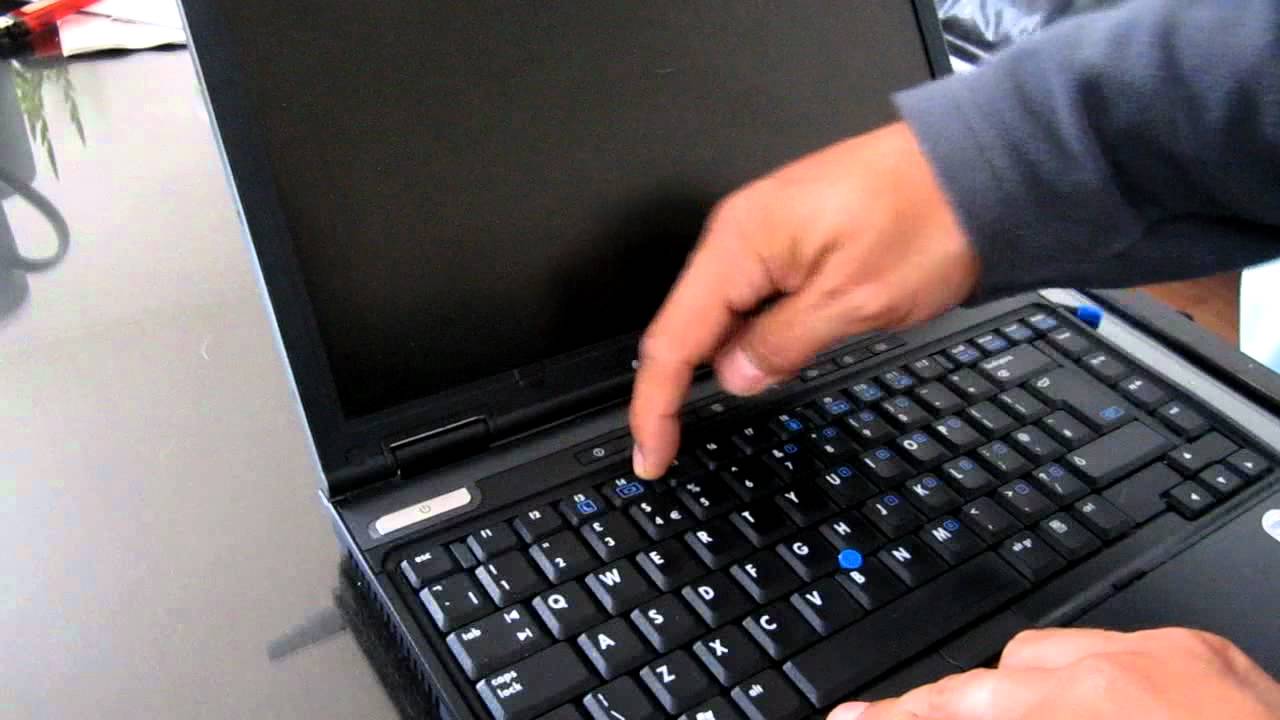
How To Remove Reset Change ROM BIOS Password Of A HP NC6400 YouTube

Electronica Y Software2020 Borrado Cmos Por Jumper Tecnico PC GRATIS Bios
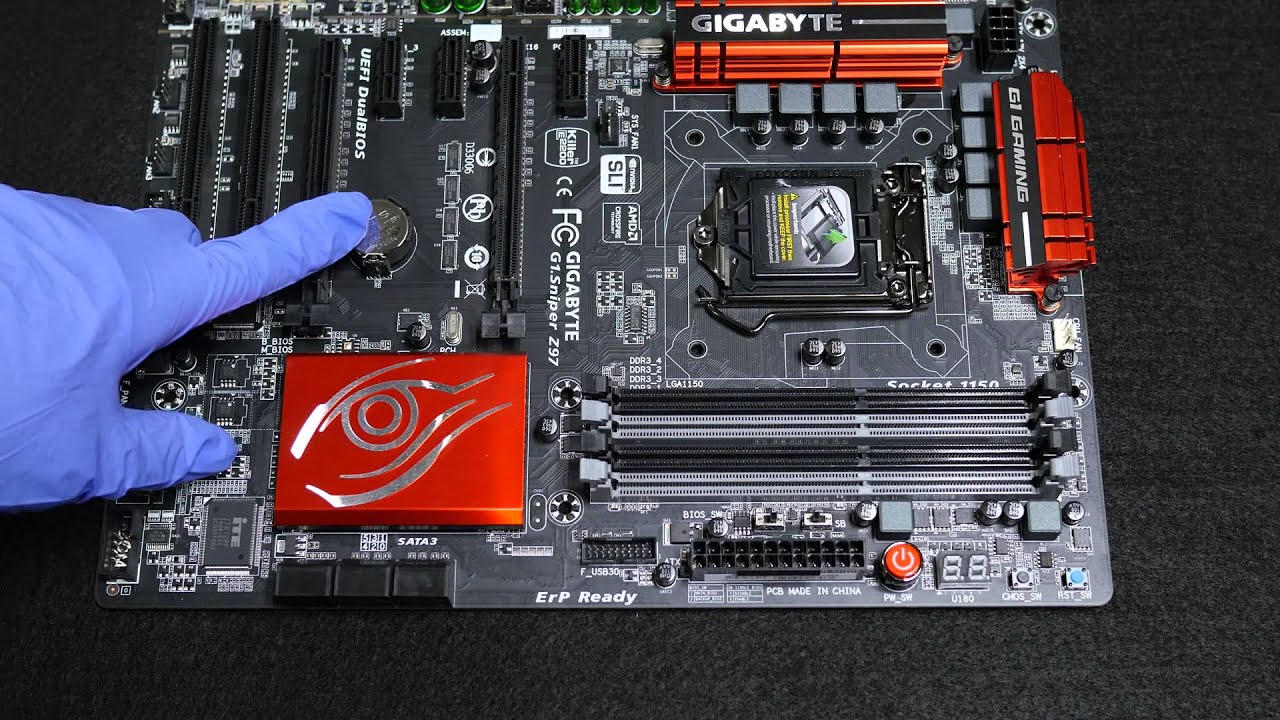
Digital Storm How To 6 Clearing The CMOS Via Switch Battery Or

How To Reset Bios CMOS Reset Bios Trang Th ng Tin V Gi o D c C p

Gigabyte GA Z97X SLI Specificaties Tweakers

Web Jul 7 2023 nbsp 0183 32 Reset the BIOS to factory defaults The method to reset the BIOS varies between different computers Click the Load defaults button Or press the F9 key to load default settings Or press the Alt F key to load default settings Press the Esc key and select Save and exit or Exit Press the Enter key to save all changes and exit the BIOS

Web May 12 2022 nbsp 0183 32 To clear your CMOS first boot into the BIOS or UEFI Select the quot Reset to Default quot quot Load Setup Defaults quot or something similar If you can t access the BIOS press the CMOS clear button instead The CMOS clear button may be located on the back of a computer s case near its ports or on the PC s motherboard itself

Web Sep 8 2023 nbsp 0183 32 You can reset the BIOS to its default settings from within the BIOS from the pins on the motherboard or by removing and reseating the CMOS battery If resetting BIOS from the pins on the motherboard use the manual from
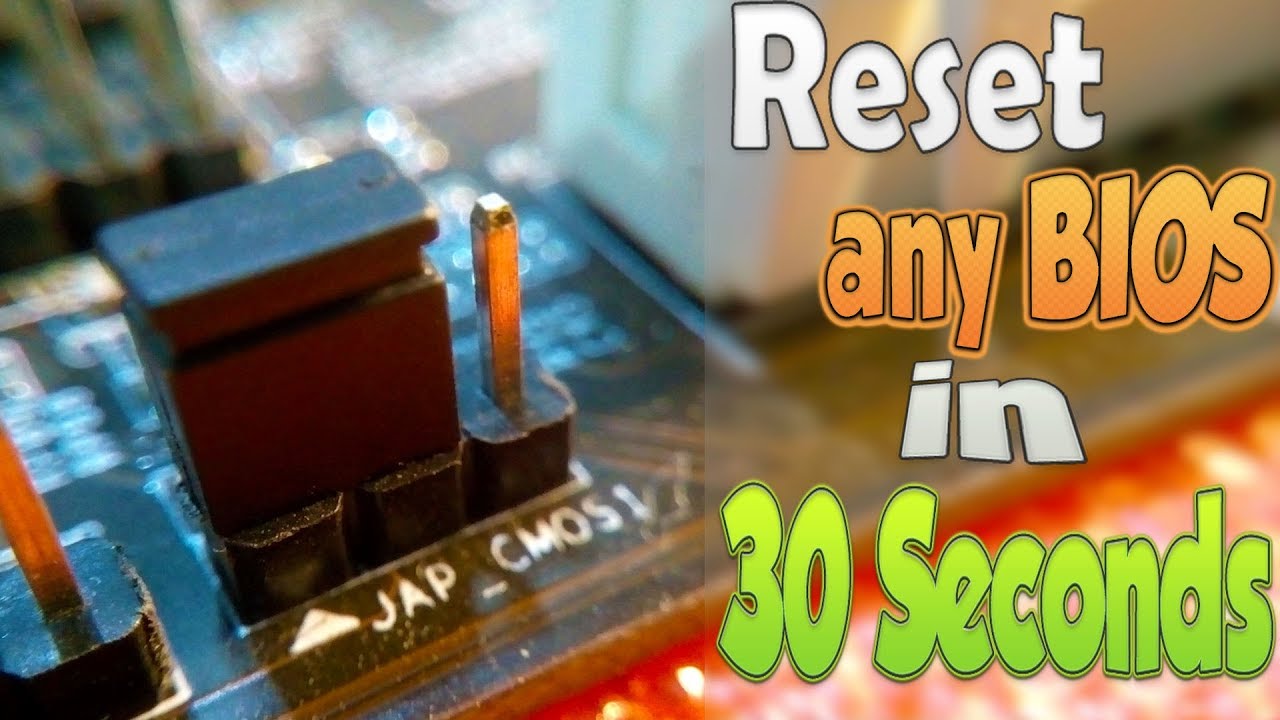
Web Oct 10 2019 nbsp 0183 32 Reset internally from your device s BIOS or UEFI menu Reset by removing or replacing the CMOS battery Clear and reset BIOS settings by clearing your motherboard jumper Our discussion will focus on how to access and reset your BIOS in Windows 10 but the procedure is relatively similar for older devices

Web Sep 22 2023 nbsp 0183 32 Step 1 Open BIOS Menu To reset BIOS to default settings you need to access BIOS menu and find the Default Settings option first Windows 10 users can access advanced startup options Windows 10 and get into BIOS menu
Web Mar 12 2021 nbsp 0183 32 Support us on Patreon https www patreon eTeknixSometimes you may find you ll need to reset bios CMOS so this video will show you the different ways Web Feb 12 2024 nbsp 0183 32 Steps to clear CMOS using the battery method This article applies to 48 products Defines CMOS technology and how to clear CMOS using the jumper or battery methods
Web May 18 2023 nbsp 0183 32 Some like the ASUS motherboard pictured above have two buttons one to clear the CMOS and the other to reset BIOS Press the Clear CMOS button for around ten seconds to reset the system